- Dropped your phone in water? Here are 8 quick and easy steps to help get the water out of your phone - no rice necessary.
Oh no! Your smartphone is soaking wet! Don't panicif you've dropped your smartphone into the sink, toilet, or any other body of water, you may be able to save it. The most important thing you can do is act fast. Unplug it (if it's plugged in), remove it from the water, and power it down as quickly as possible. Try to remove as much water from it a... See full list on wikihow.com Wipe away water with a lint-free rag or towel. If you have a microfiber cloth, that will work best. In a pinch, a clean towel (even paper towels) will do. Use the cloth to remove as much moisture from your phone as possible, taking special care not to push any water into the charging port, headphone jack, or card slots. Do not use a blow-dryer or try placing the phone into an oven, microwave, clothes dryer, or any other devicethe heat will damage your phone! Avoid shaking or moving the phone excessively, so as to avoid moving water through it. Suck water out with a vacuum cleaner. If you have a wet/dry vacuum, that's great! If not, a standard vacuum with a hose attachment will probably be fine as long as you don't suck up too much water. Fit the hose attachment onto your vacuum cleaner, set the vacuum to its highest setting, and then vacuum near all your phones openings. See full list on wikihow.com Use silica gel packets to dry out your phone. Yes, you've probably heard of using instant rice, but rice is actually the most effective way to dry out your phone! According to a test performed by refurbished phone dealer Gazelle, silica gel is more effective than instant rice, and virtually every other drying method. This will only work if you already have a stash of silica gel packetsyou know, the little bags that come inside pill bottles shoe boxes, and electronics packaging that say "do not eat." If you've been stocking up, place your phone (and battery, if you removed it) into a large bowl, and then cover it with several silica gel packets. Let the phone sit for 48-72 hours to give the gel time to absorb any moisture remaining in your phone. You can buy silica gel online or at a store, but remember: Speed is the most important element in saving your wet phone. If you don't have silica gel, move to the next step. See full list on wikihow.com Turn your phone off immediately, even if it seems to be working. Leaving it on can cause it to short-circuit. If its been in water, assume it is waterlogged whether it is still working or not. If the phone is plugged in while submerged, unplug the cable at the outlet! If you don't unplug it first, you could get a shock when removing it. If your phone is modern and/or a flagship model, there's a good chance it's water resistant. Water-resistant phones have ratings that begin with "IP6," followed by the number 7 or 8 (e.g., IP67, IP68). The phone's IP rating represents how much water it can handle. IP67-rated phones can generally be submerged in up to one meter of water for 30 minutes without water making its way inside. Some phones that are rated IP67 are Google Pixel 2, iPhone X, iPhone 8, iPhone SE (2020), iPhone 8, iPhone 7, iPhone X, and iPhone XR. See full list on wikihow.com Most current smartphones can withstand a splash, a spilled drink, or even a dunk in a pool if you follow these steps from Consumer Reports. Dropped your phone in water? Here are 8 quick and easy steps to help get the water out of your phone - no rice necessary. If you do happen to drop your phone and notice a decrease in signal strength or quality, there are a few things you can do to try and fix the problem. First, check for any visible damage to the device itself if there are any cracks or chips in the hardware, this could be causing the issue. Whether it slipped into a sink, toilet, pool, or puddle, acting quickly can save your device from permanent damage. In this guide, well walk you through exactly what to do (and what not to do) if your phone takes a dive. Learn what to do if you drop your phone in water, with simple steps to dry it safely, prevent further damage, and avoid common mistakes.
Most current smartphones can withstand a splash, a spilled drink, or even a dunk in a pool if you follow these steps from Consumer Reports.
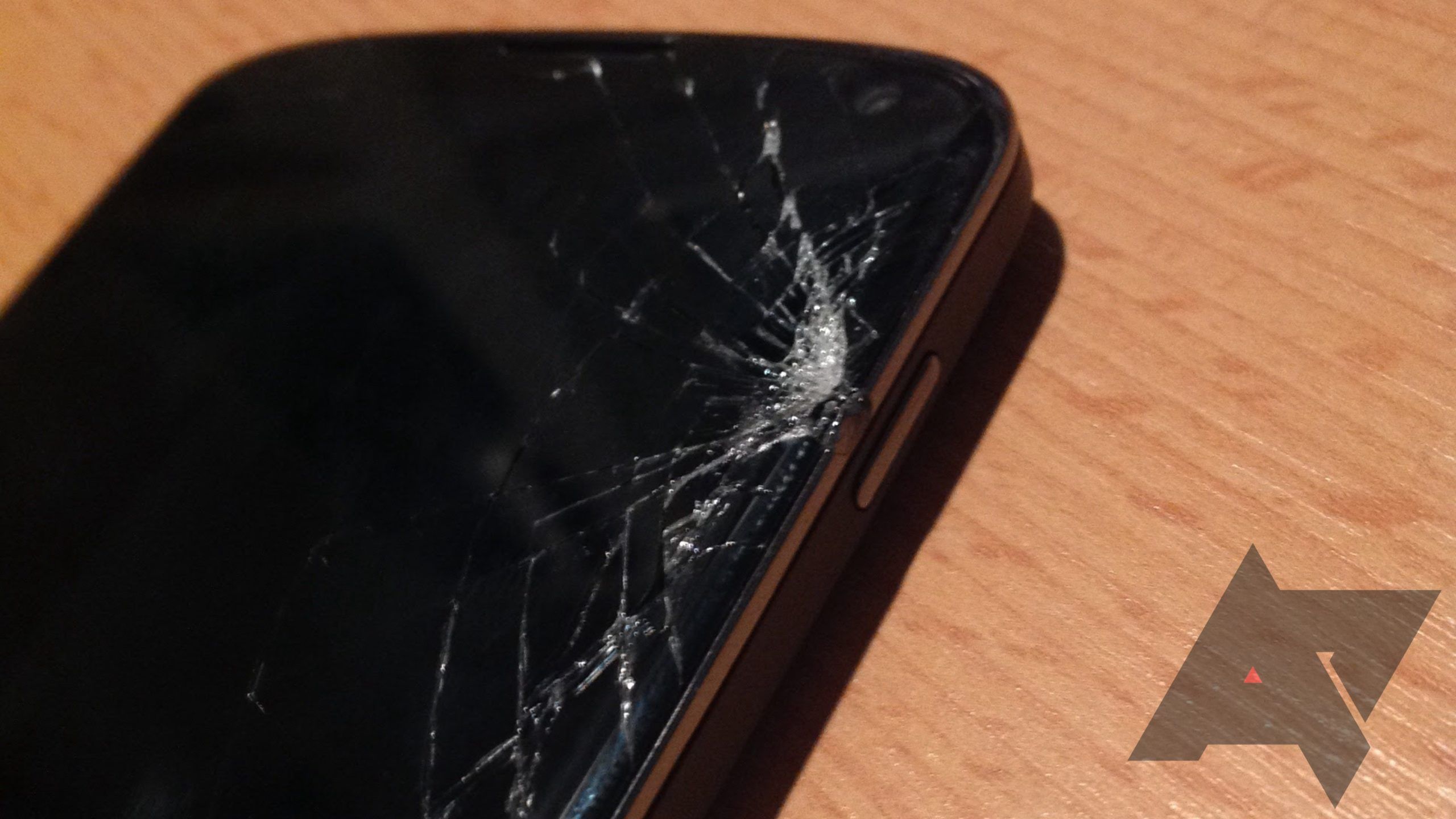
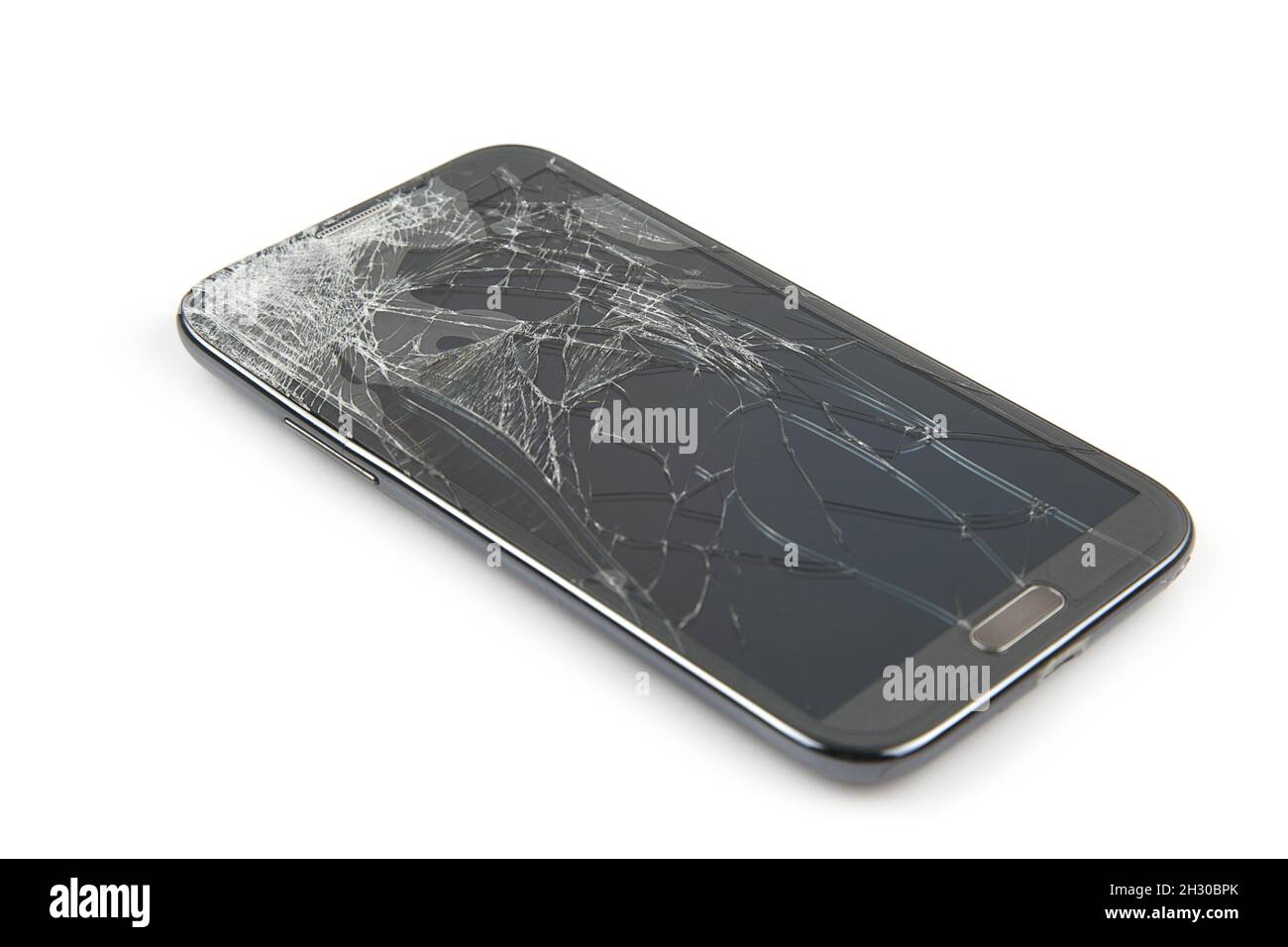
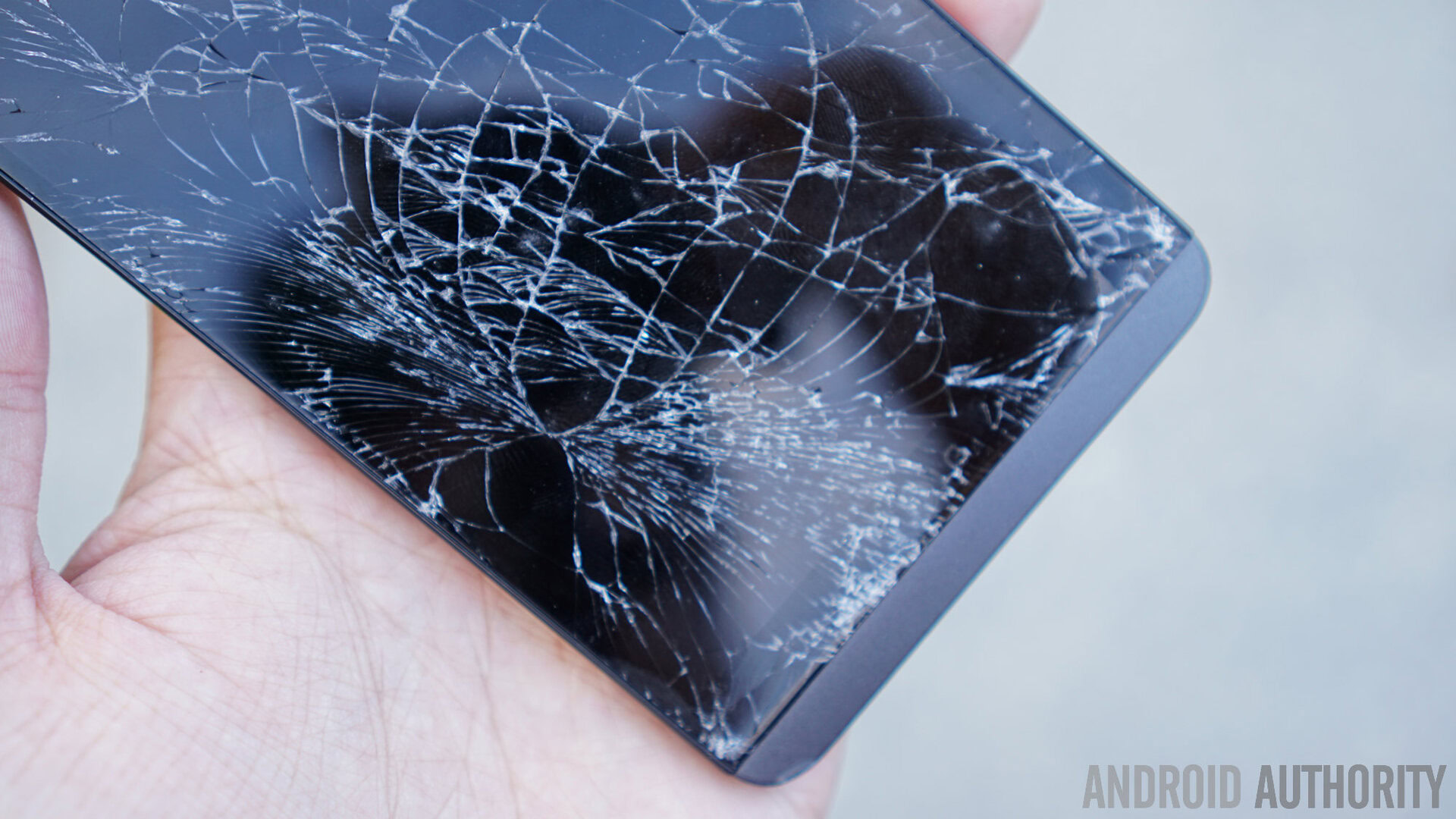
As we can see from the illustration, Android Phone Drop Damage Fix has many fascinating aspects to explore.
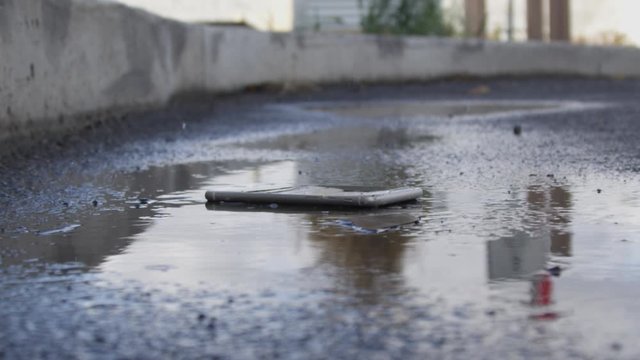
Whether it slipped into a sink, toilet, pool, or puddle, acting quickly can save your device from permanent damage. In this guide, well walk you through exactly what to do (and what not to do) if your phone takes a dive.
Learn what to do if you drop your phone in water, with simple steps to dry it safely, prevent further damage, and avoid common mistakes.

- Samsung Members (Android/Samsung) : On some Samsung models, dial #0# to open hardware test menus for the display, camera, and sensors. Sometimes internal damage from a phone drop doesnt show symptoms right away.