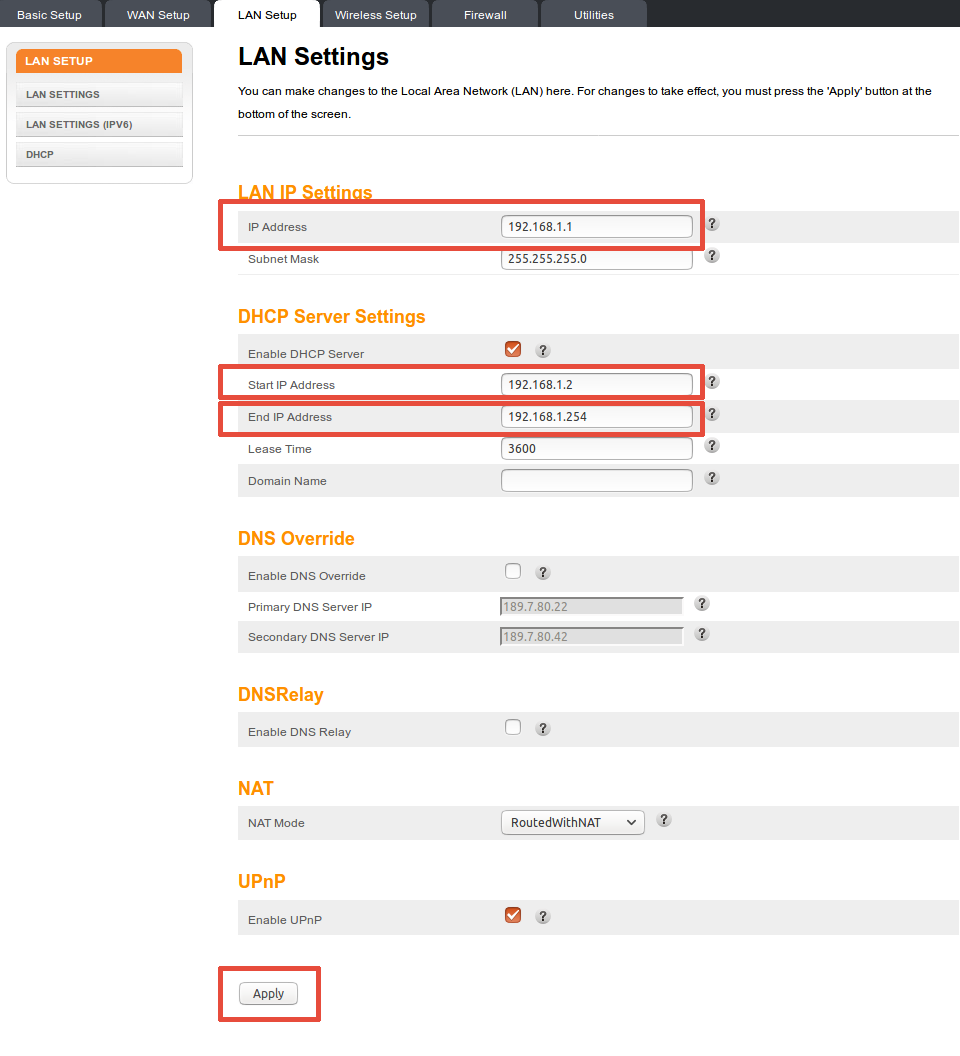
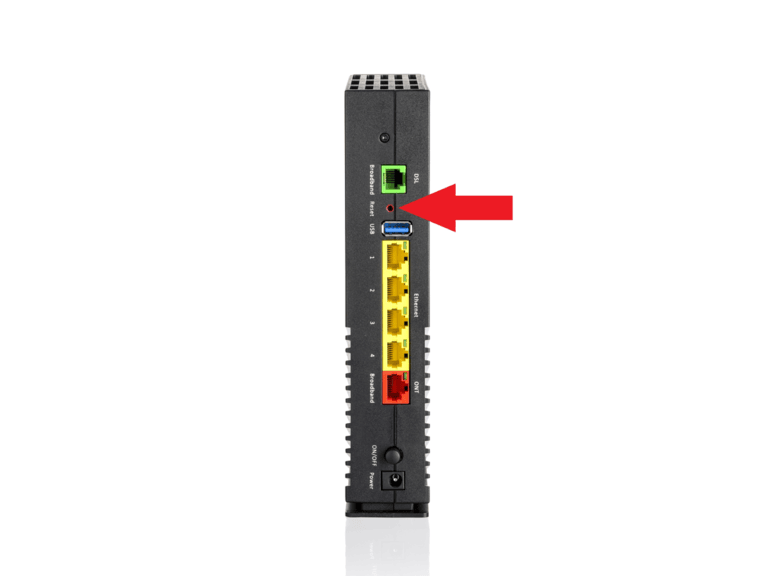
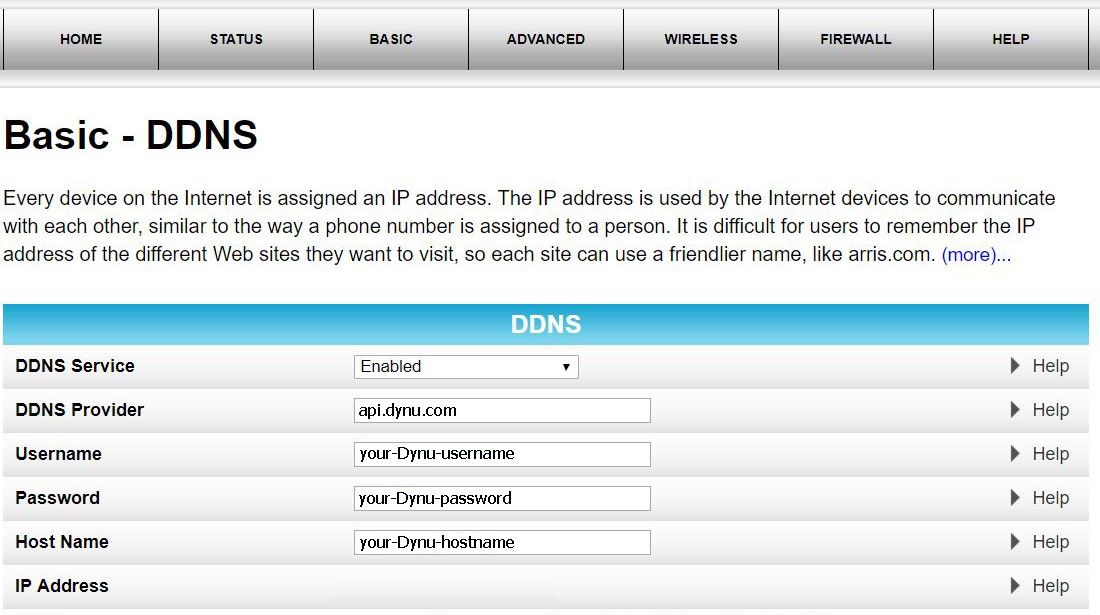
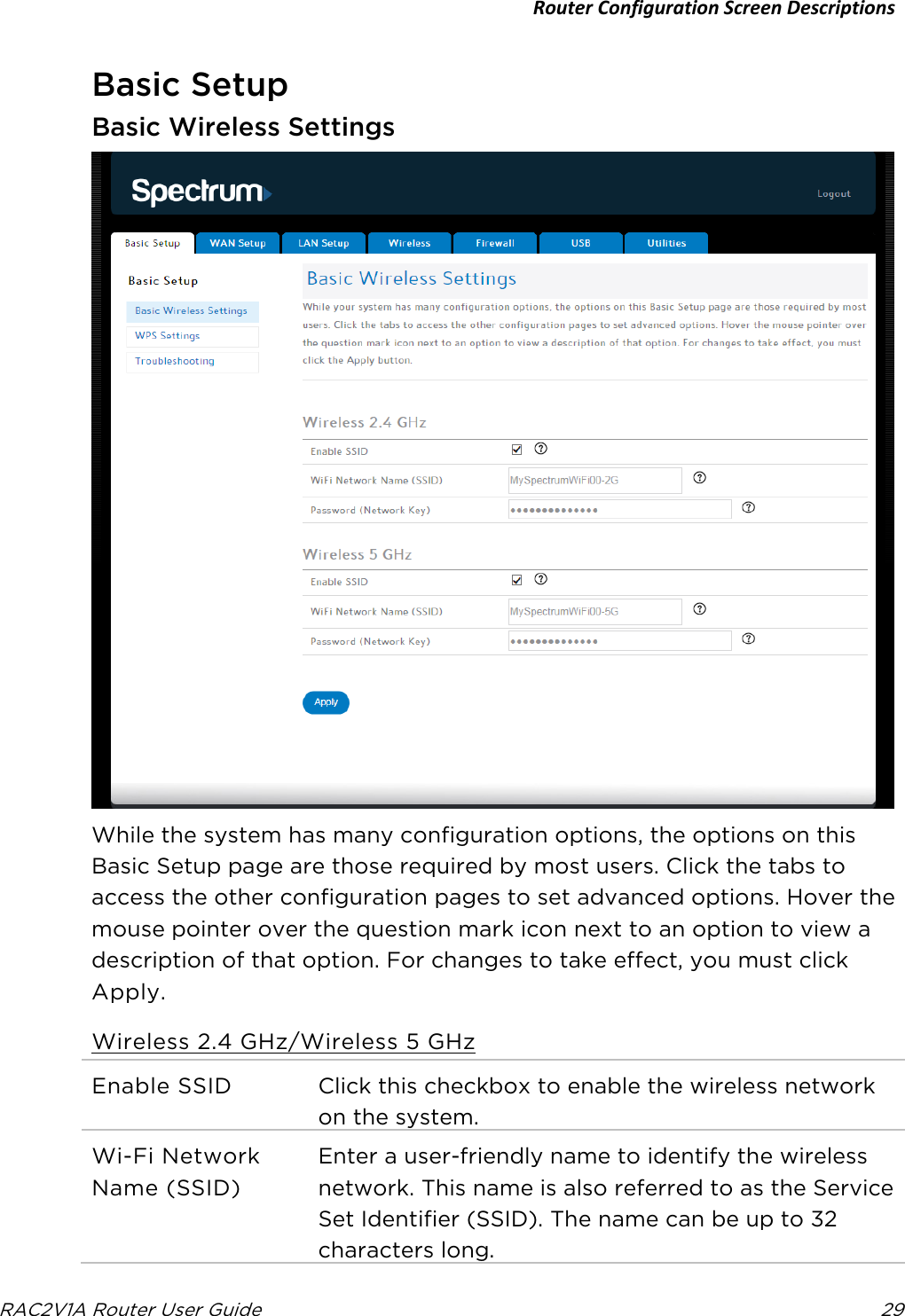
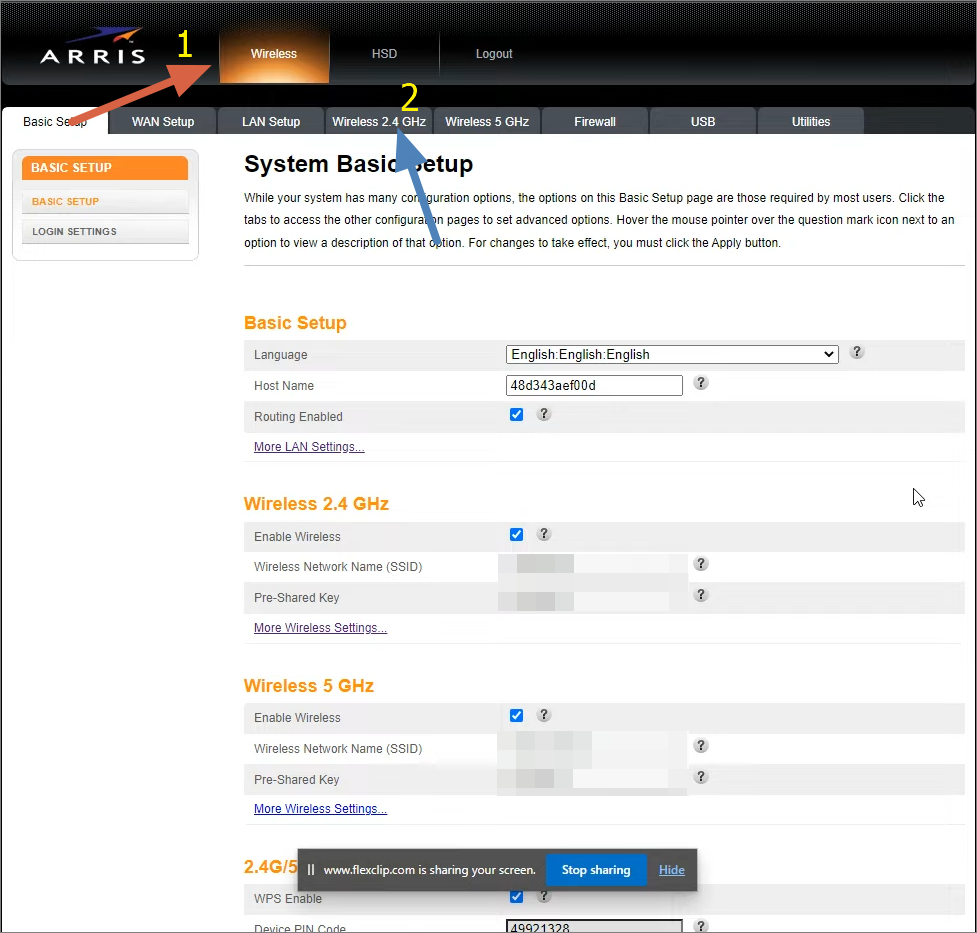
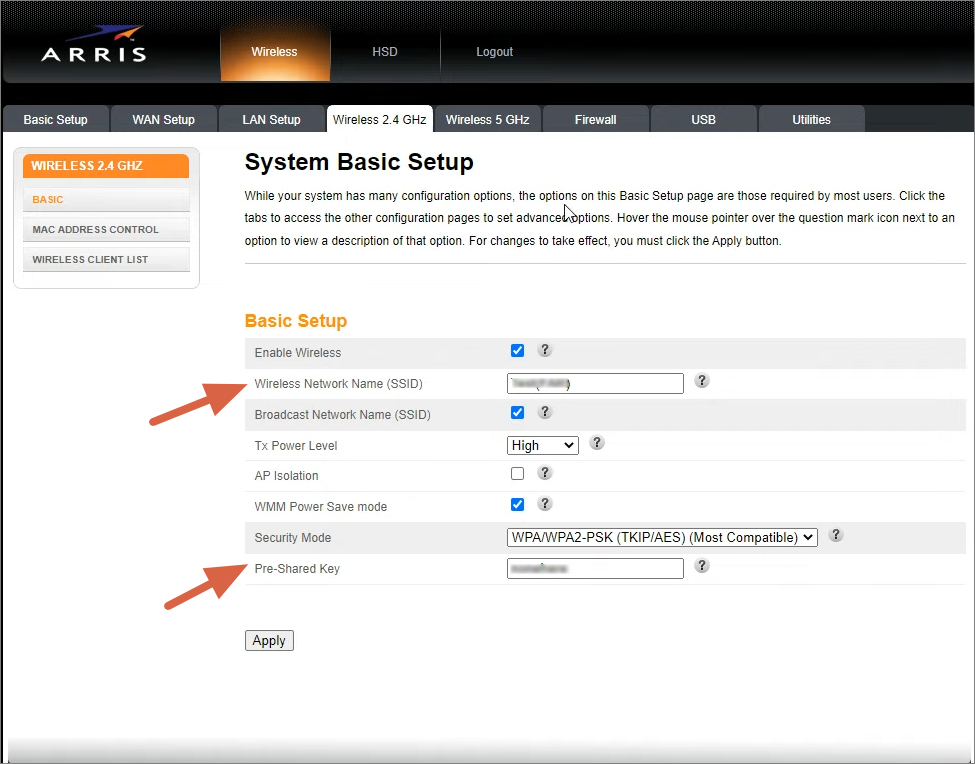
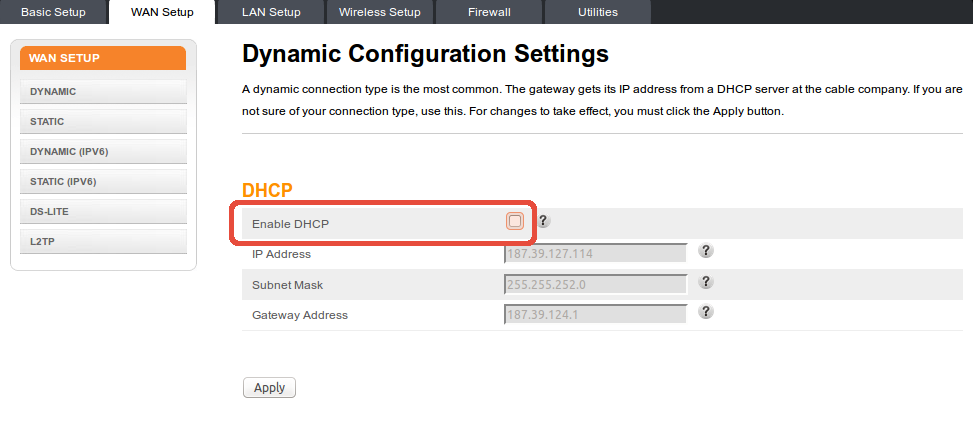
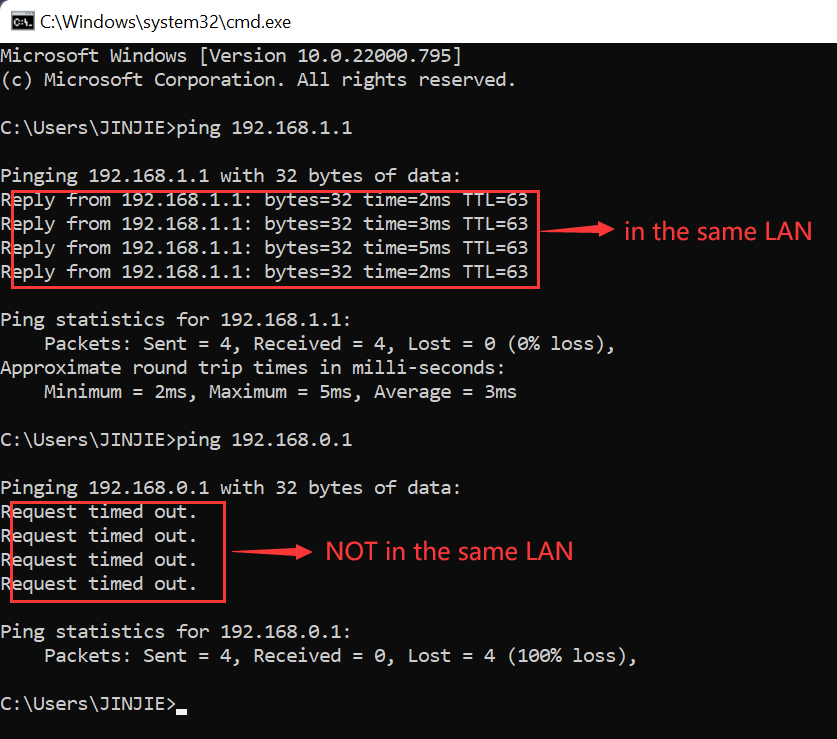
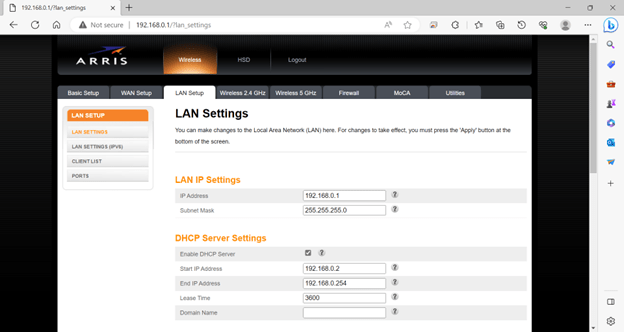
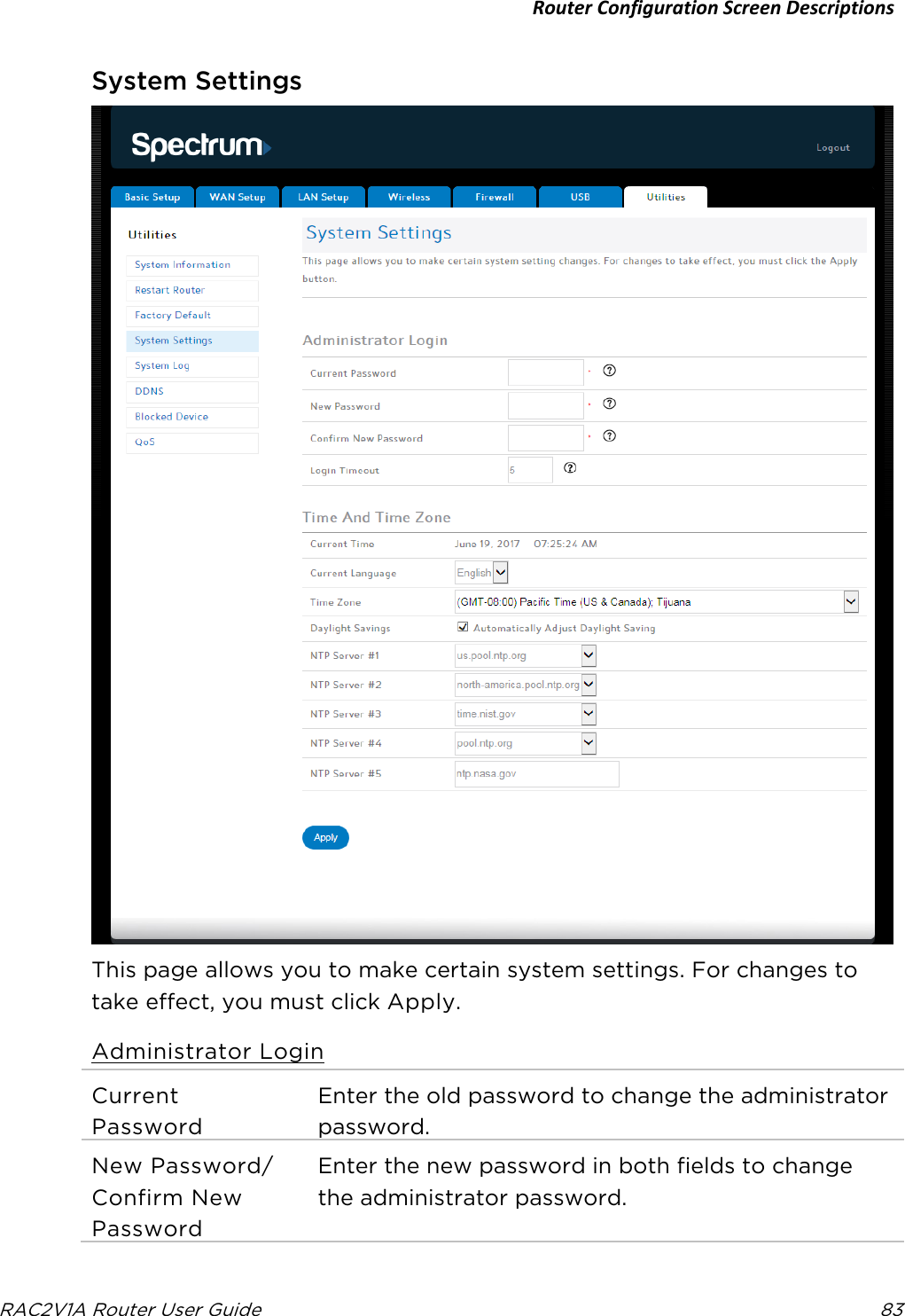
Here you will find the combinations of IP address, username and password that are used most commonly as the default for ARRIS routers to access the user interface. Moreover, you can see the standard settings of all available router models from the manufacturer on this site.
Learn how to access your arris router using the default IP address 192.168.0.1 and admin credentials. This stepbystep guide explains how to make sure your com
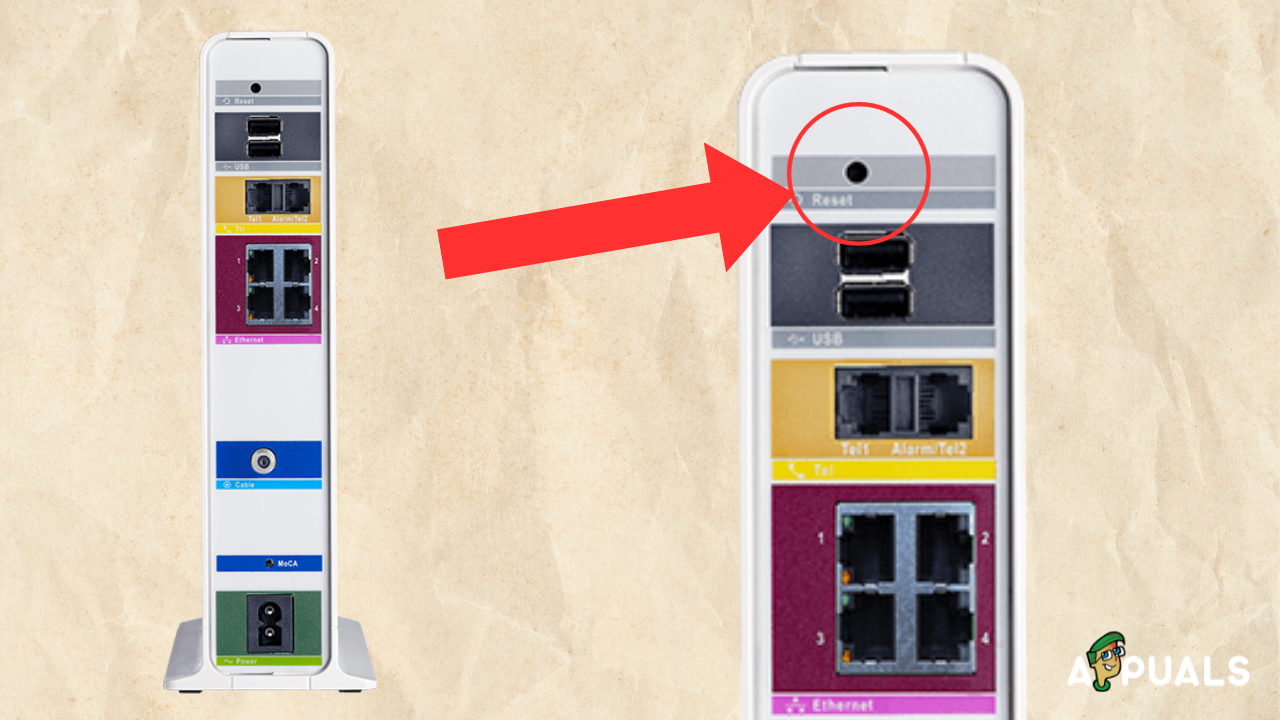
Such details provide a deeper understanding and appreciation for Arris G1200B Router Default Settings.
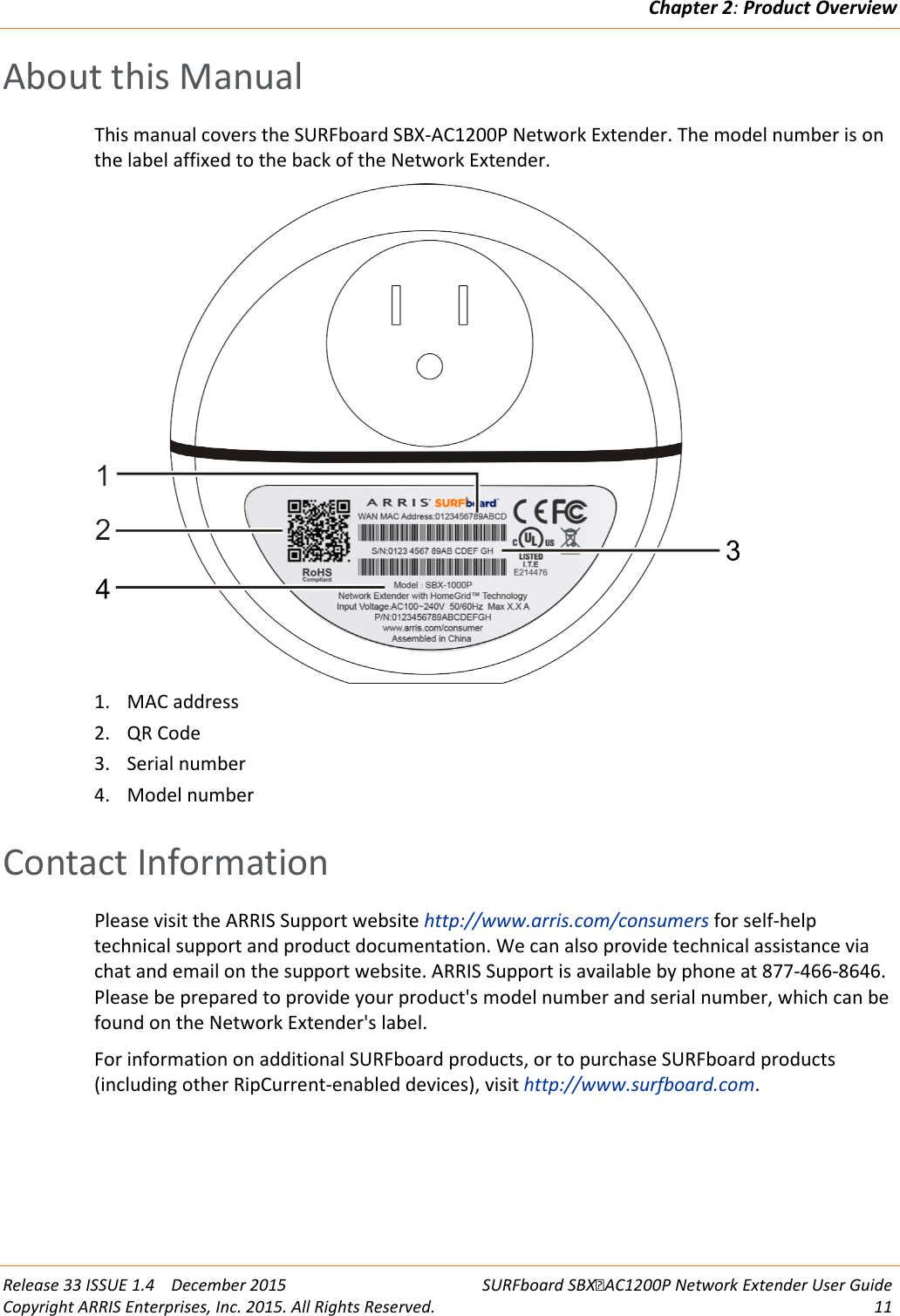
In the username and password fields, enter the printed values on the sticker at the side or bottom of your router. If you cannot locate the sticker dont give up hope yet. You can find the list of the Arris default password and username for different router models below.

Find the default login, username, password, and ip address for your Arris router. You will need to know then when you get a new router, or when you reset your router.

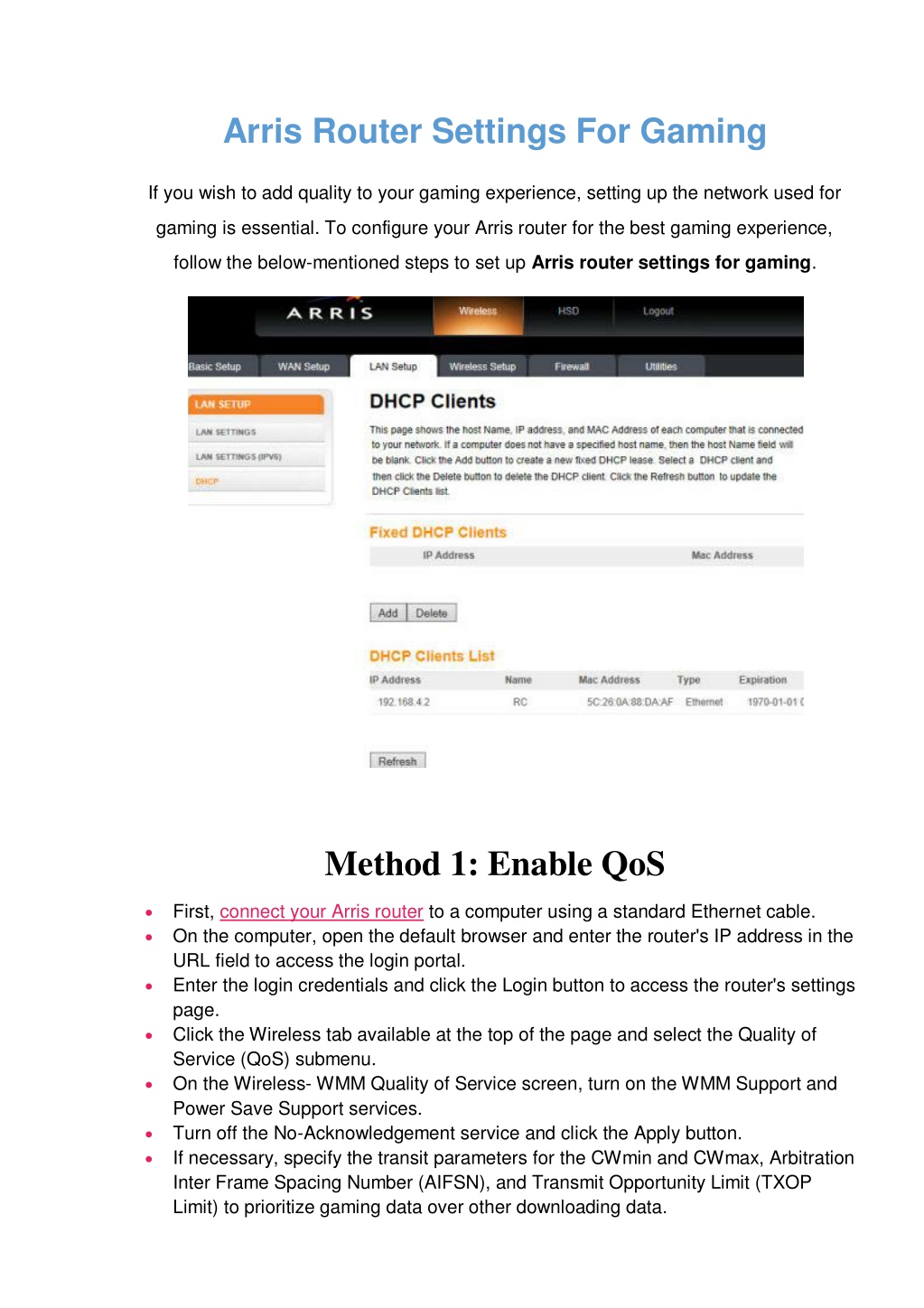
- Accessing your Arris router settings is a straightforward process that can help you optimize your internet connection, improve your networks security, and troubleshoot any issues that may arise. By following the steps outlined in this article, you can unlock your routers full potential and enjoy a faster, more reliable internet connection.