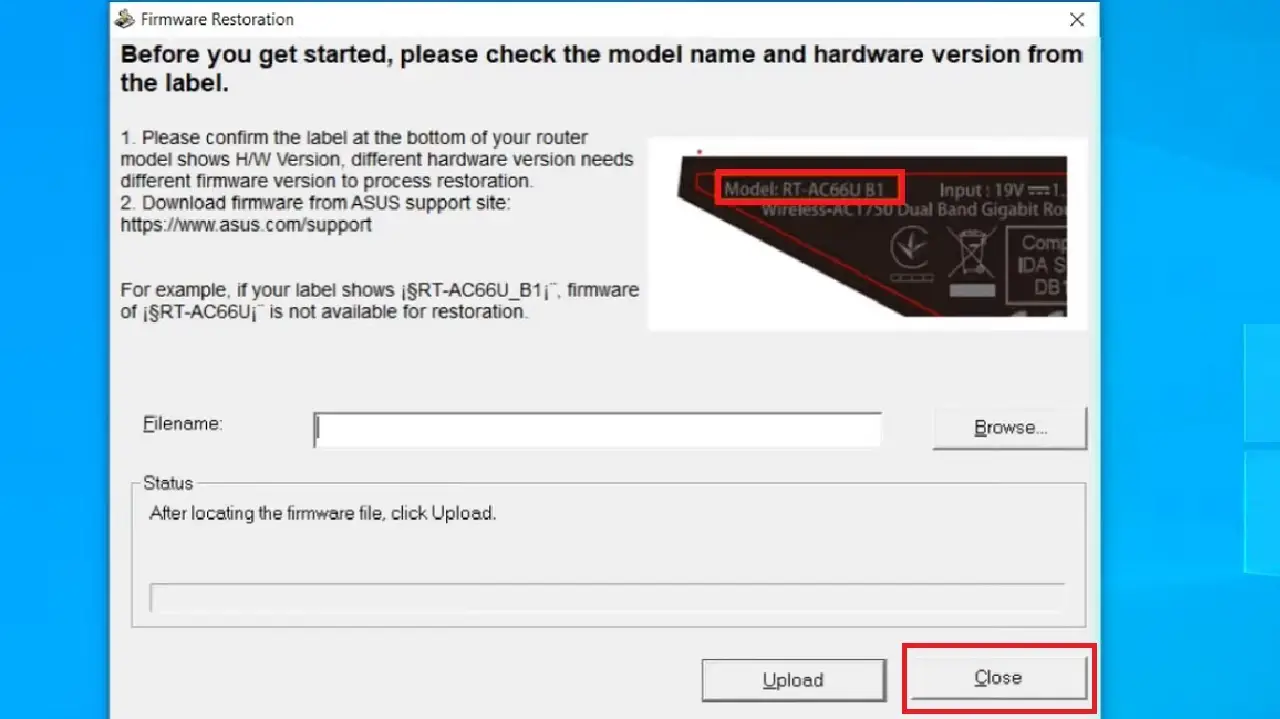
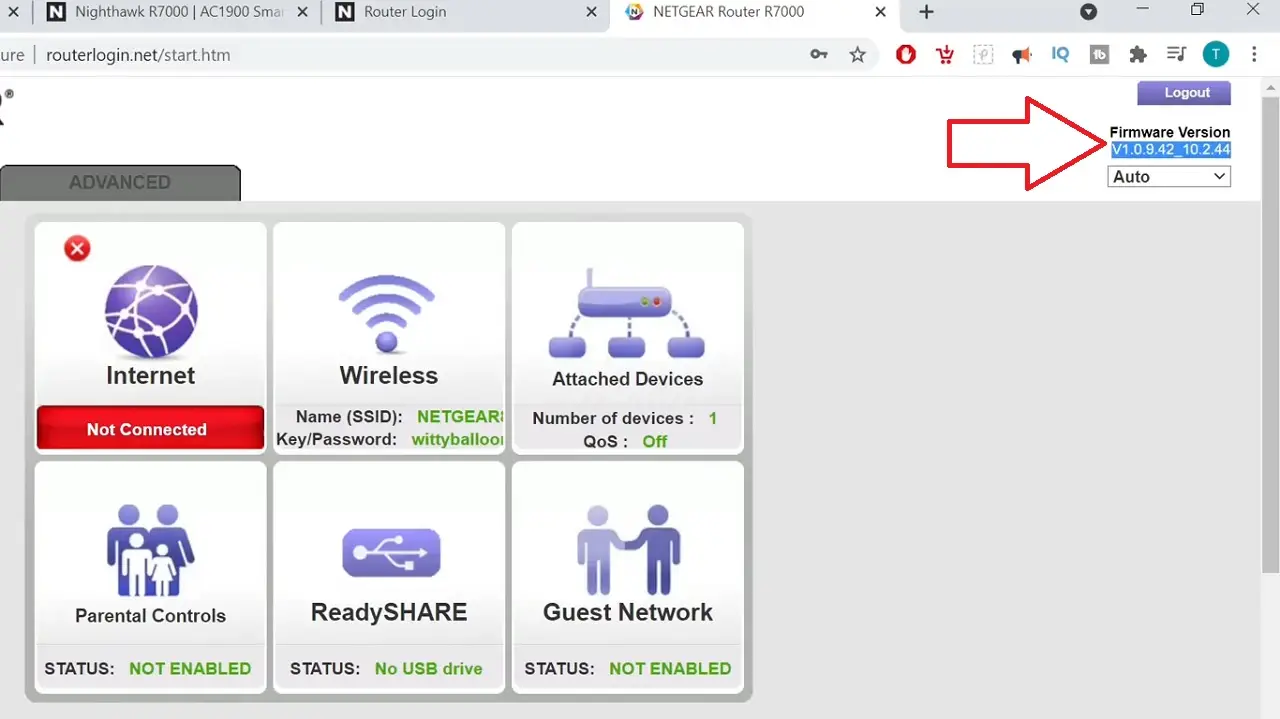
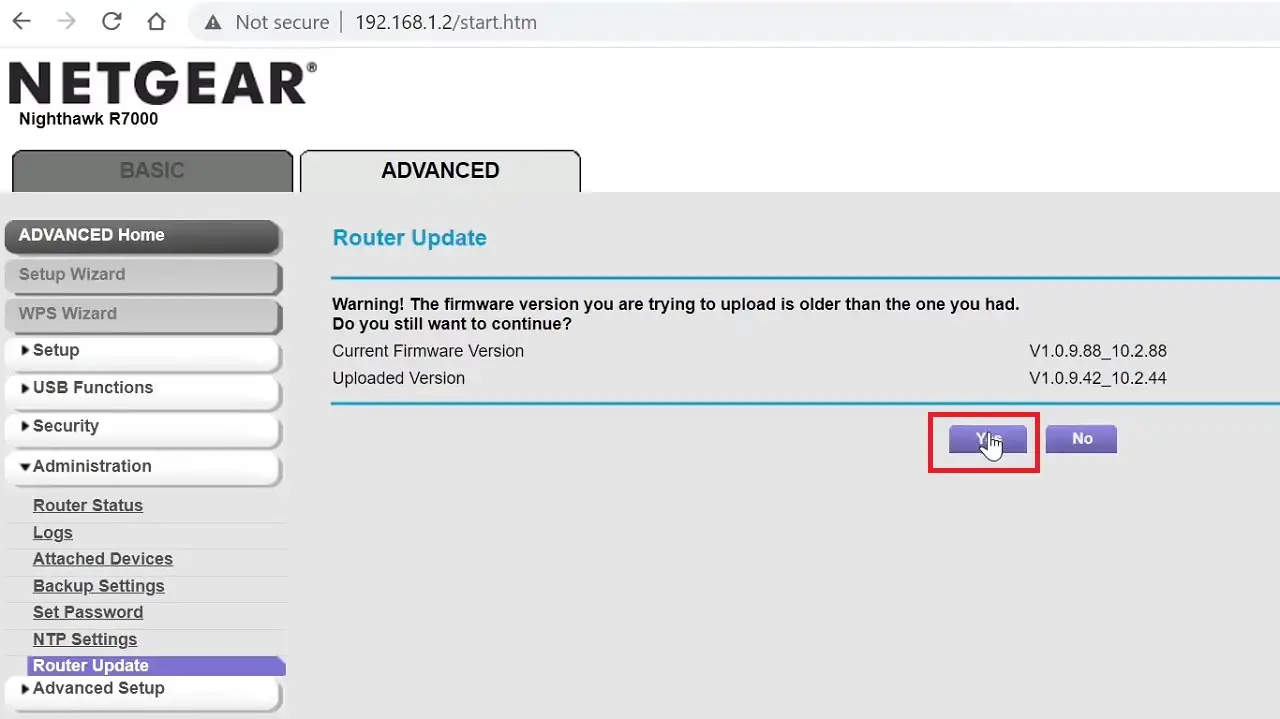
Firmware updates improve router performance. They fix bugs and enhance security. Check the router settings to see the current firmware version. Visit the AT&T website for updates. Follow instructions to install the new firmware.
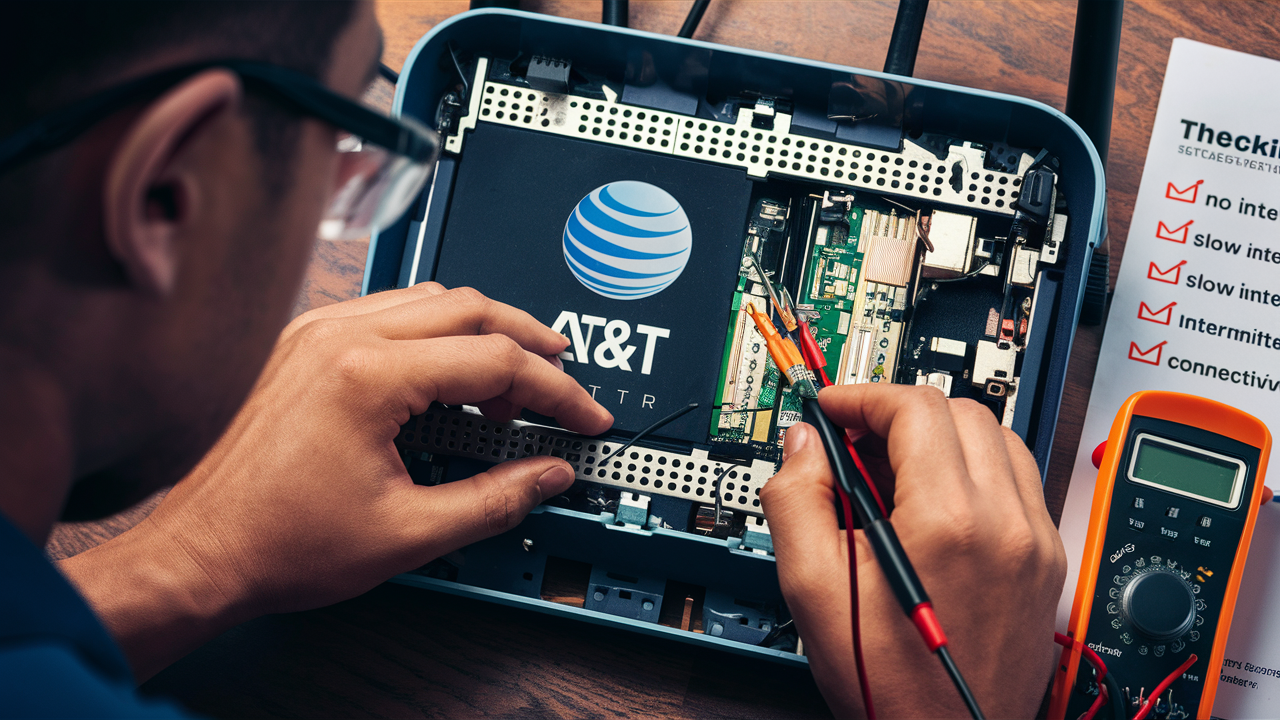
Why is my AT&T router flashing red? How to fix the AT&T router blinking red light issue. Check for network outage from AT&T. Look for damaged or loose cables.
And my AT&T router on the guest SSID only allows "Internet Only" for network access. The main SSID allows for connections between devices within the same network.
Moving forward, it's essential to keep these visual contexts in mind when discussing Att Router Update Freezes With Invalid Input.
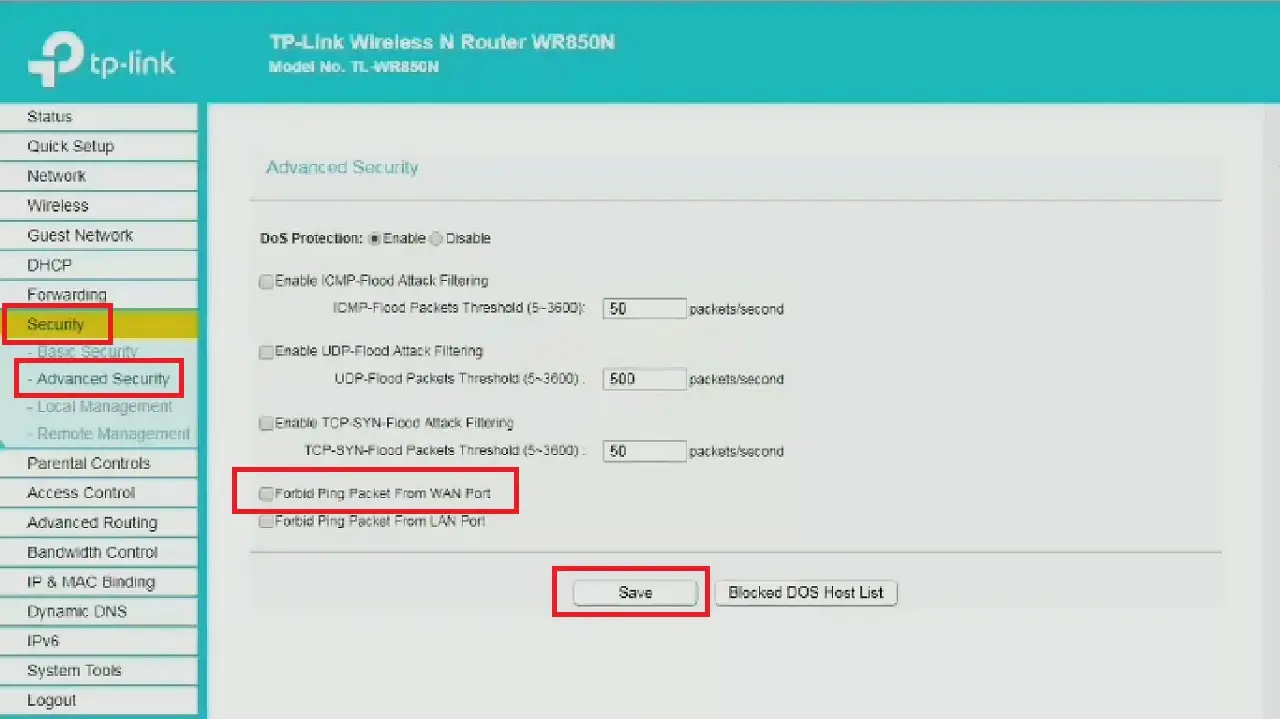
Update router firmware: Log in to your TP-Link router admin panel. Go to System Tools > Firmware Upgrade.
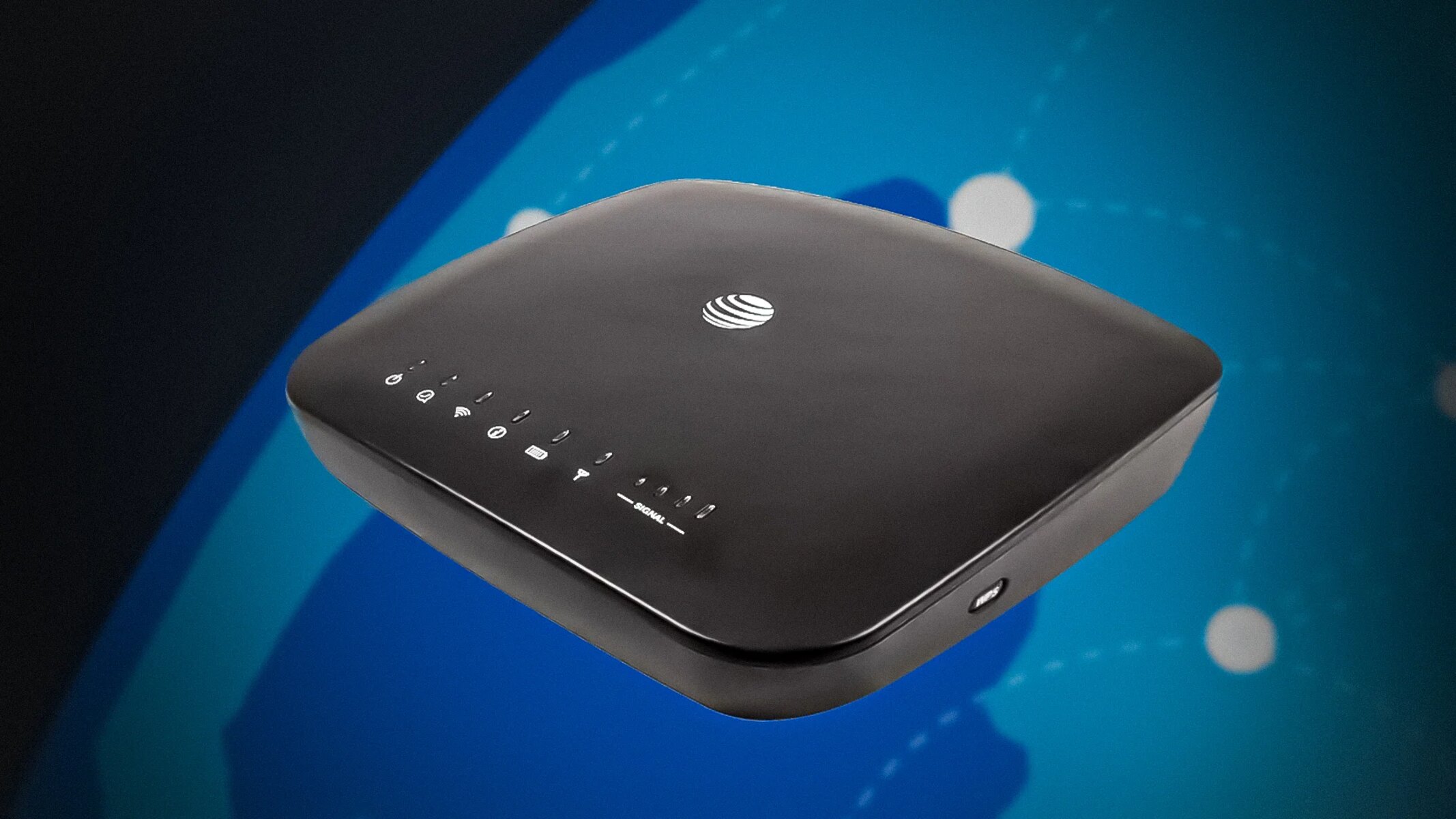
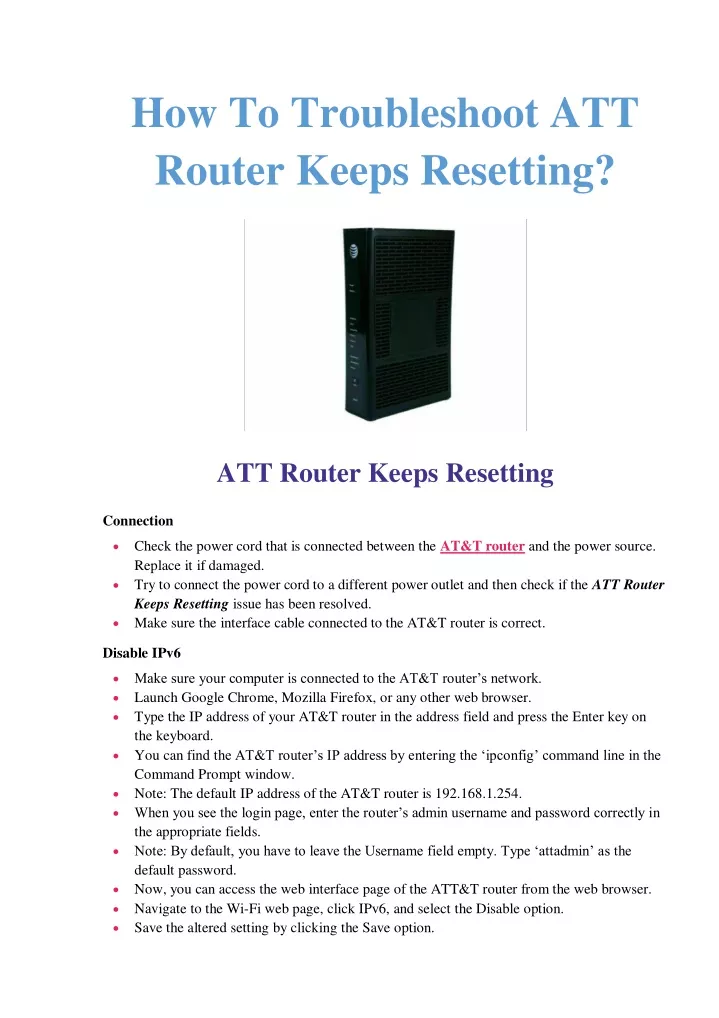
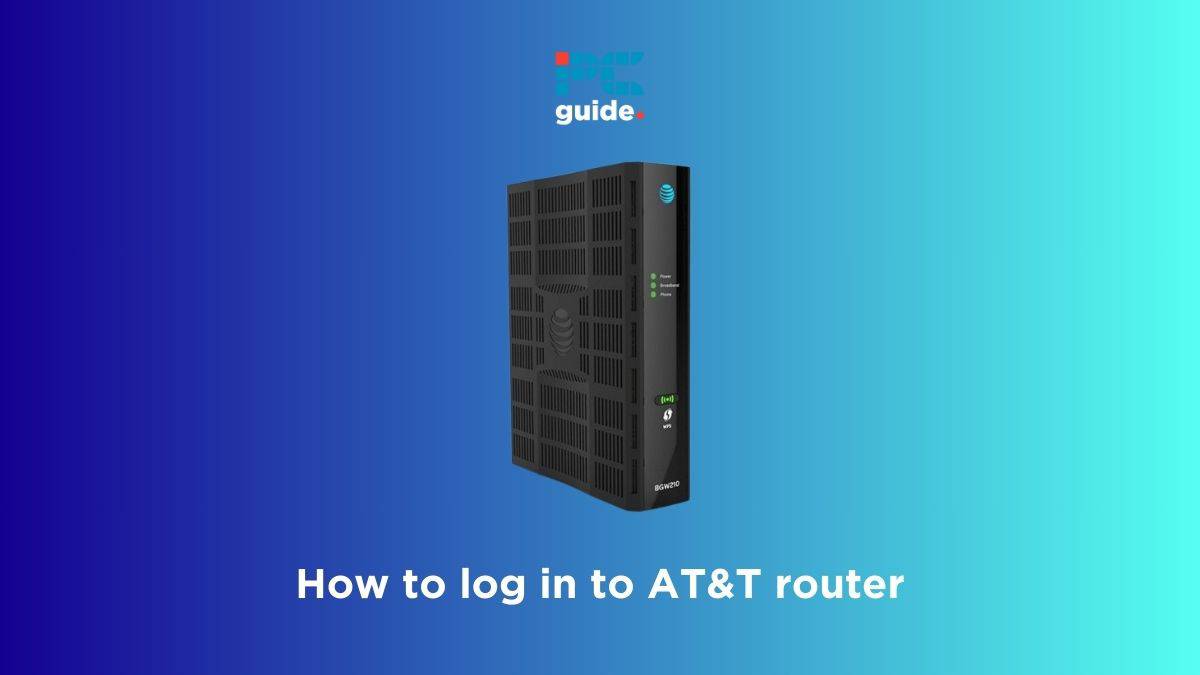
Also known as your AT&T Wireless Gateway, you can log in to your AT&T router simply by visiting this page, while connected to your AT&T network. That will allow you to log in to your AT&T router and make any changes you need.
We recommend the TP-Link Archer BE900 as the best router. It's a Wi-Fi 7 router with truly top-of-the-line specs, including four bands, eight networking ports, and two USB ports.
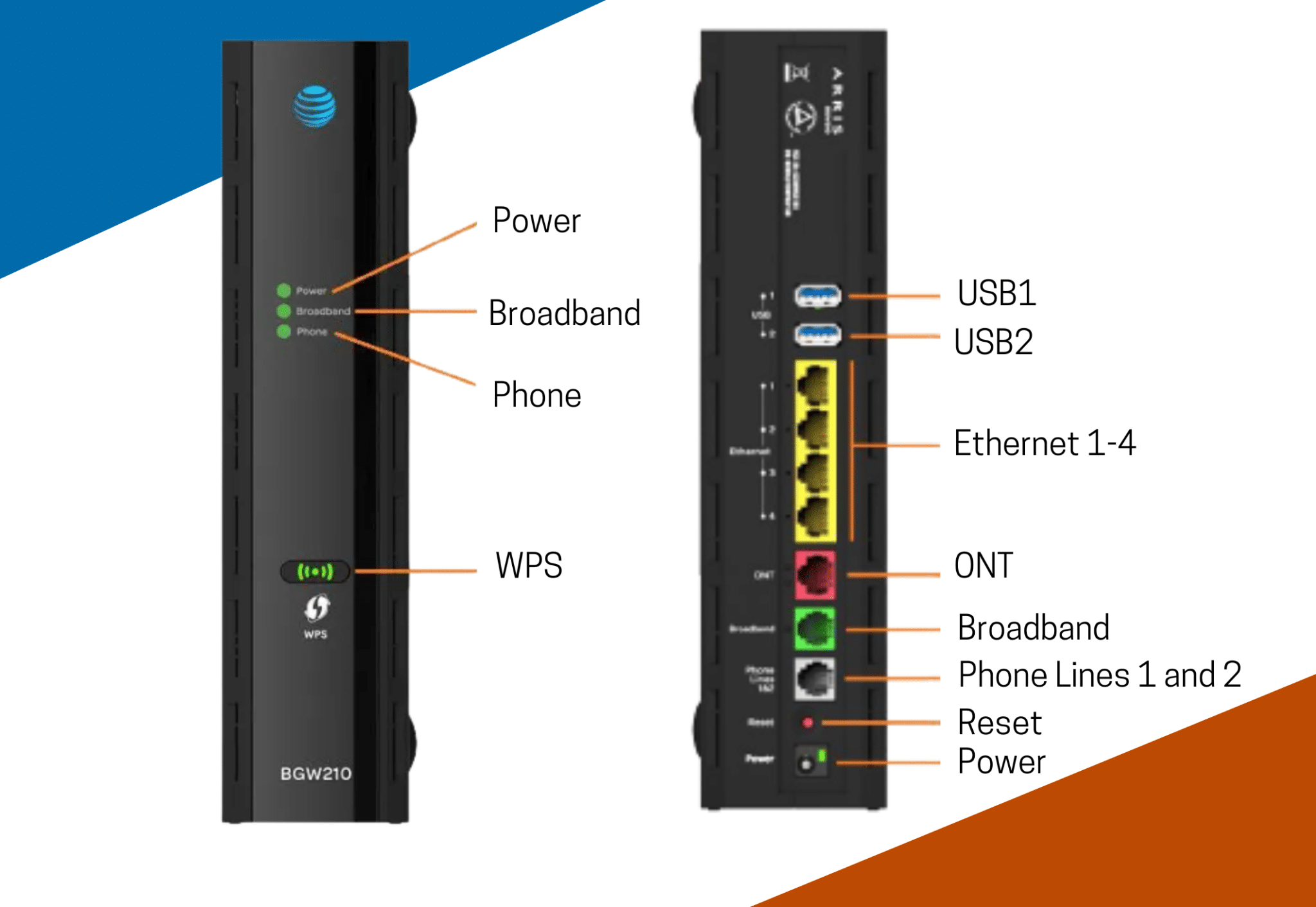
On my home network I am using a proxy to pass-through authentication data from my AT-T provided router (BGW210) to my own (GL-MT6000, currently using OpenWrt 24.10.6, not the firmware it comes with). I use the program li