Most people never adjust these settings and just accept poor battery life as normal. But changing these seven specific settings can give your iPhone battery life a significant boost.
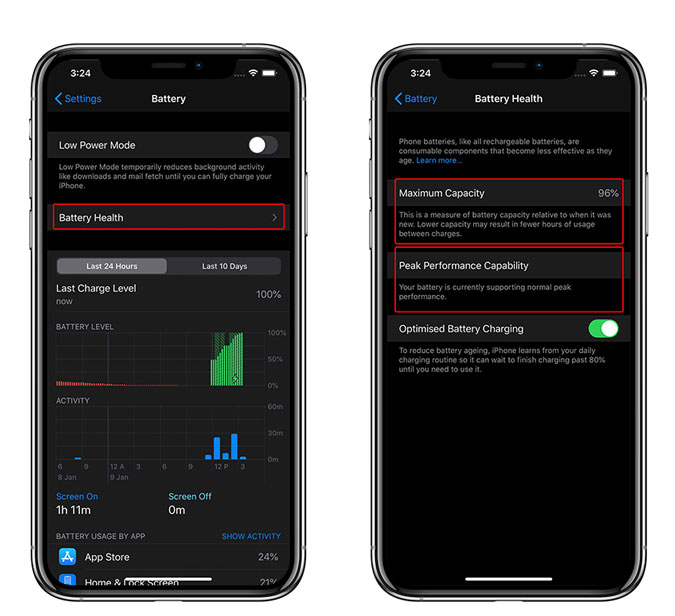
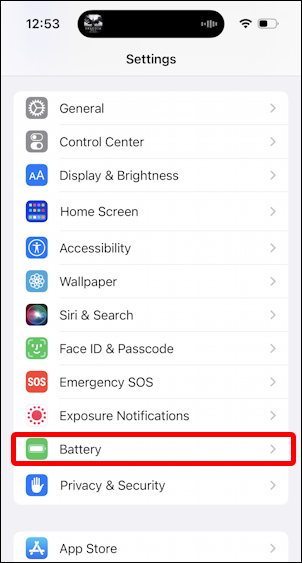
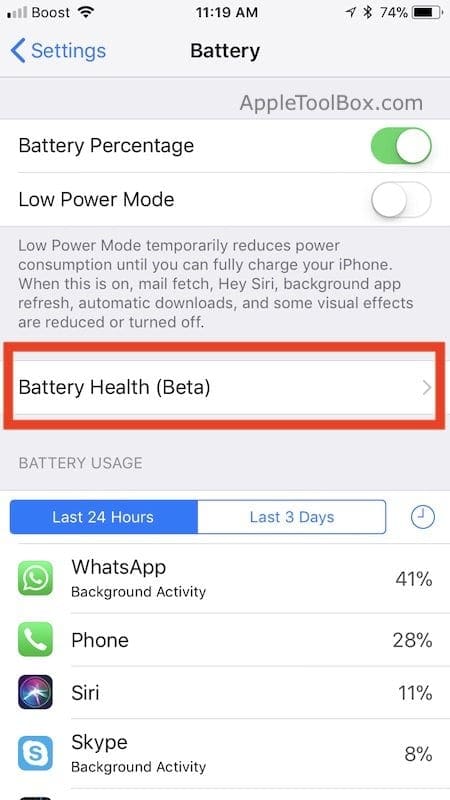
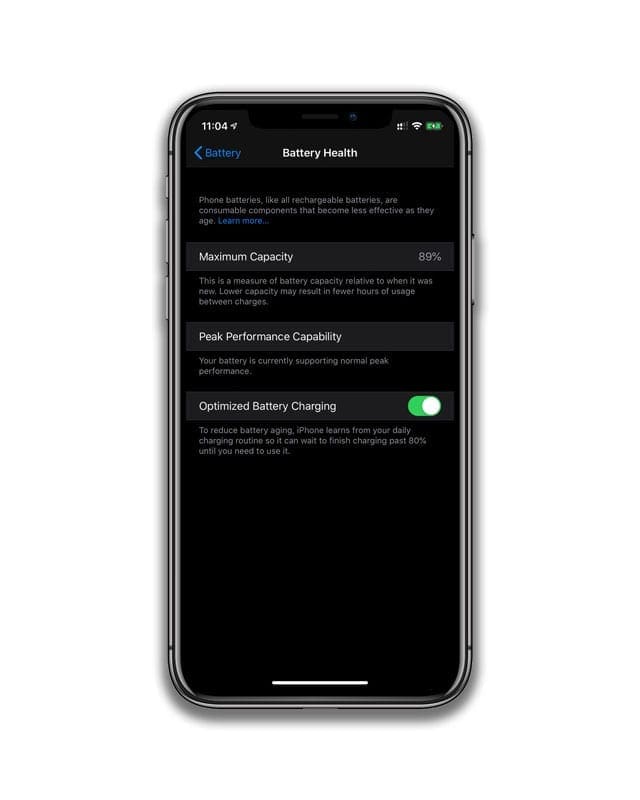
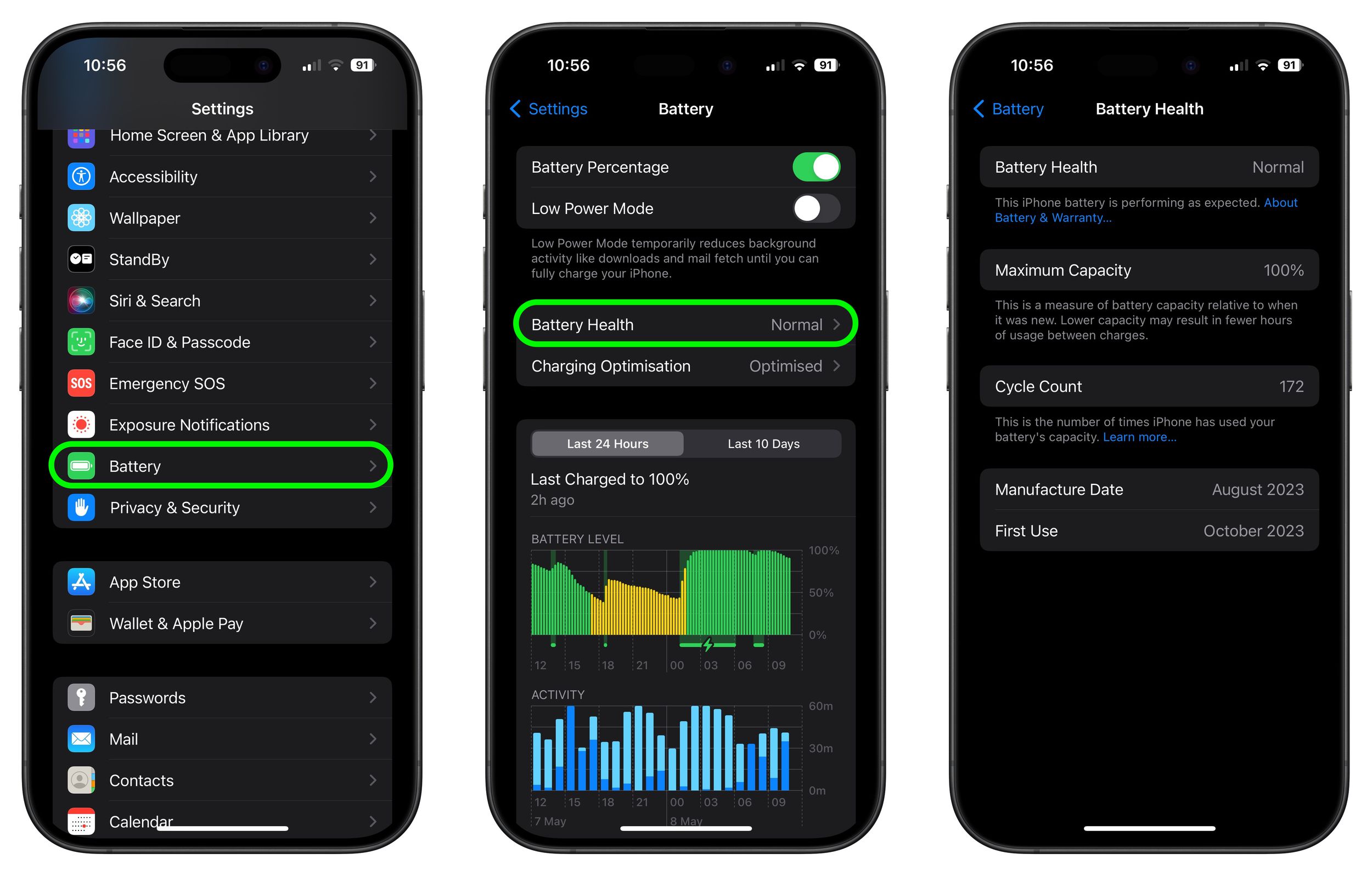
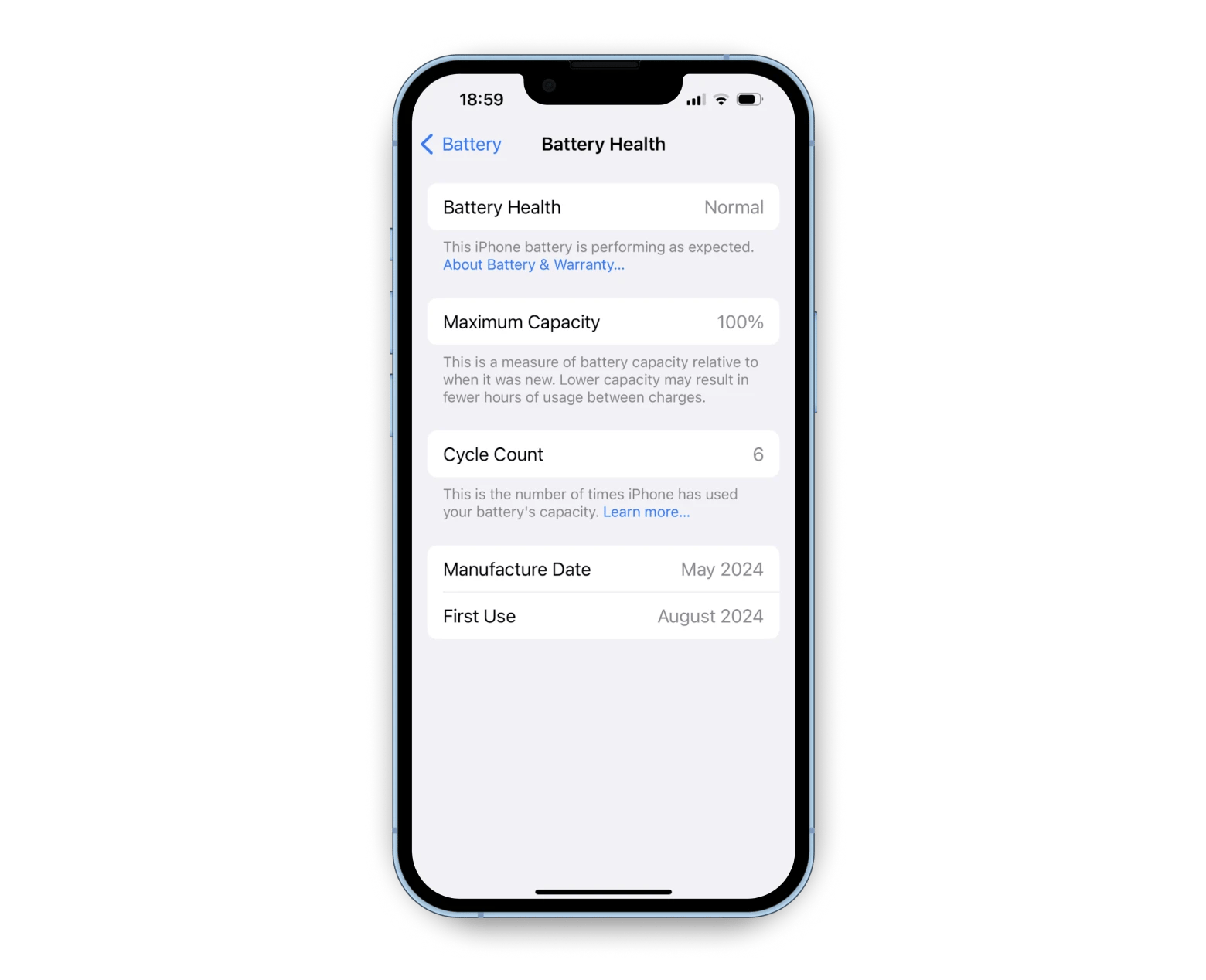
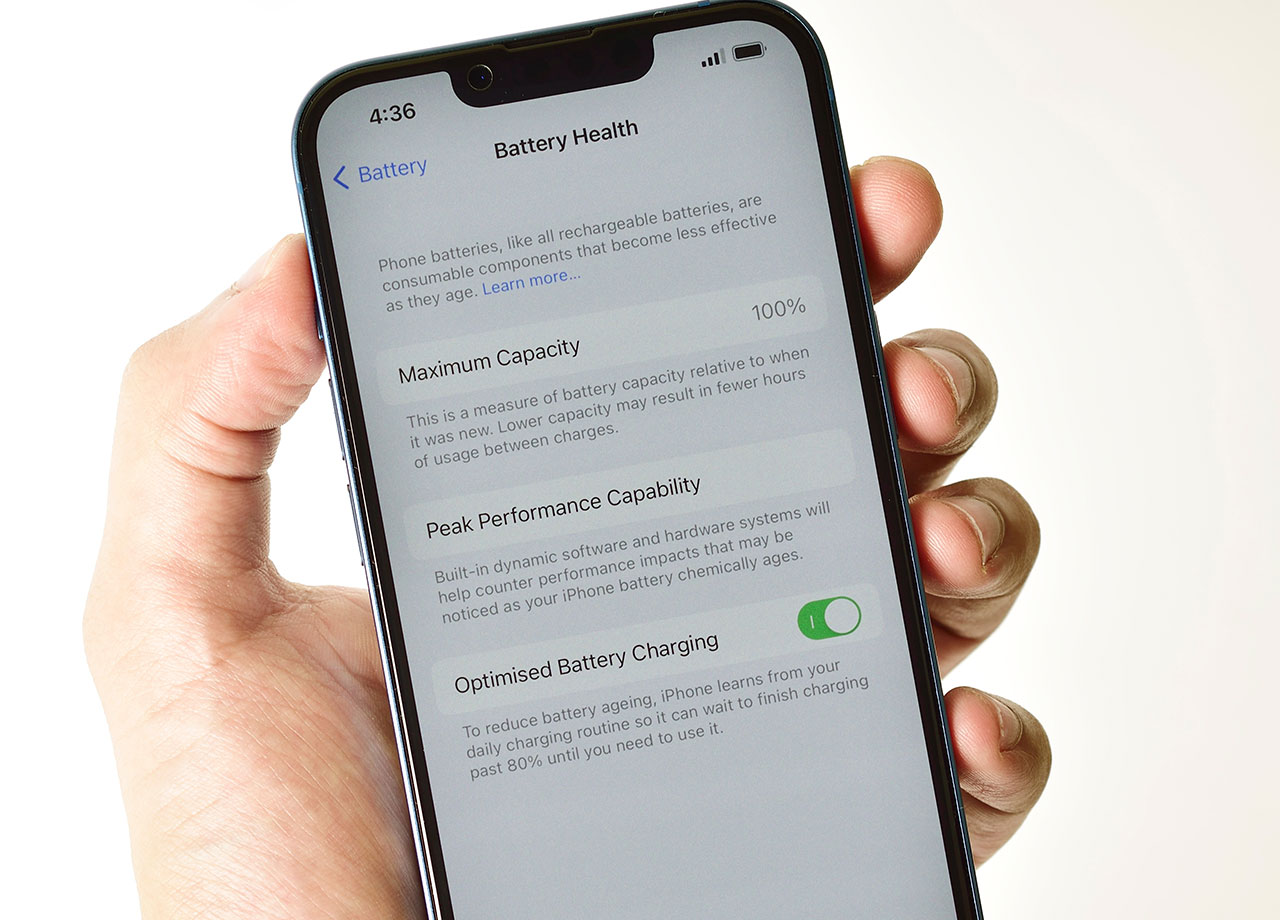
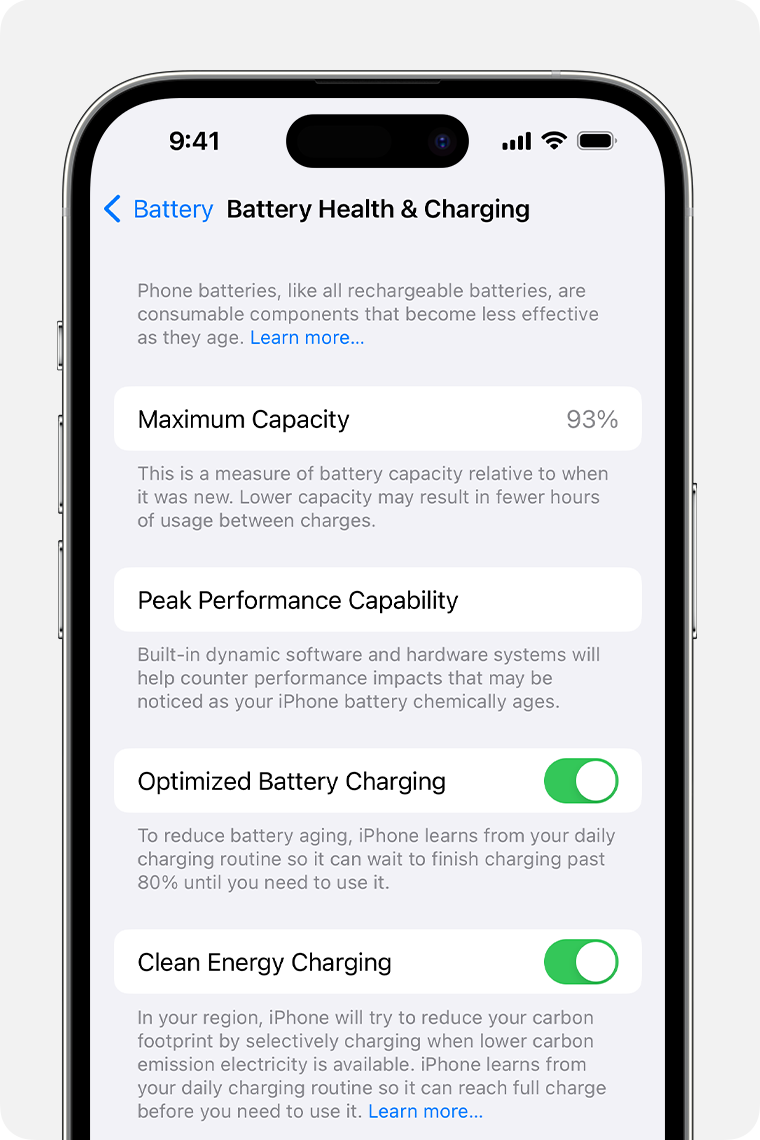
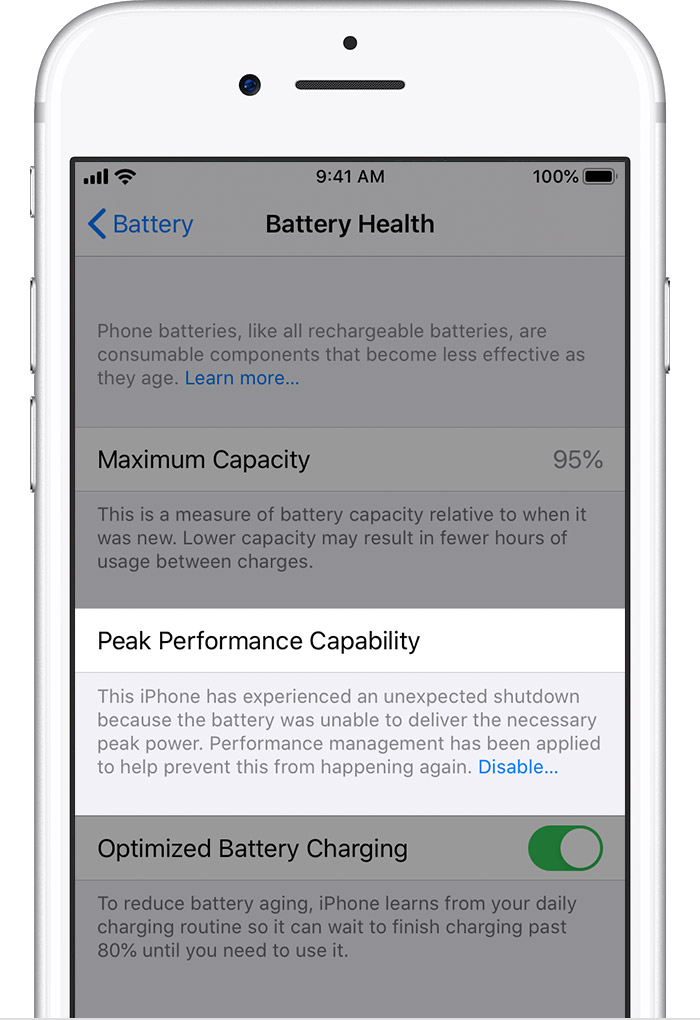
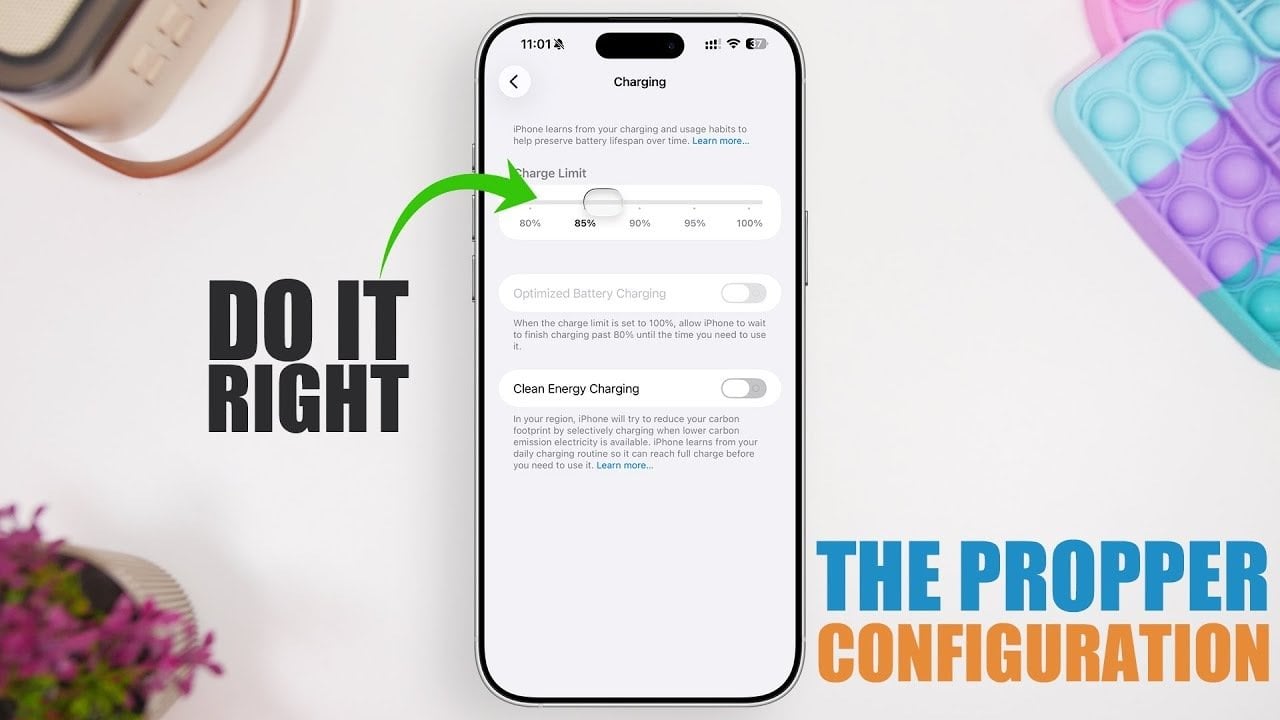
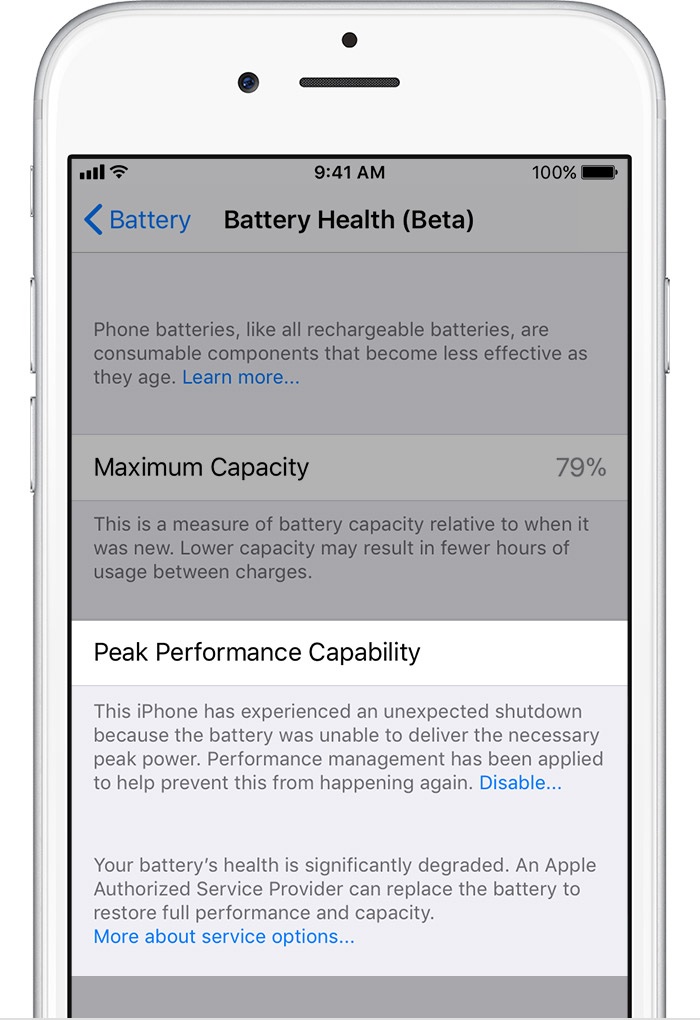
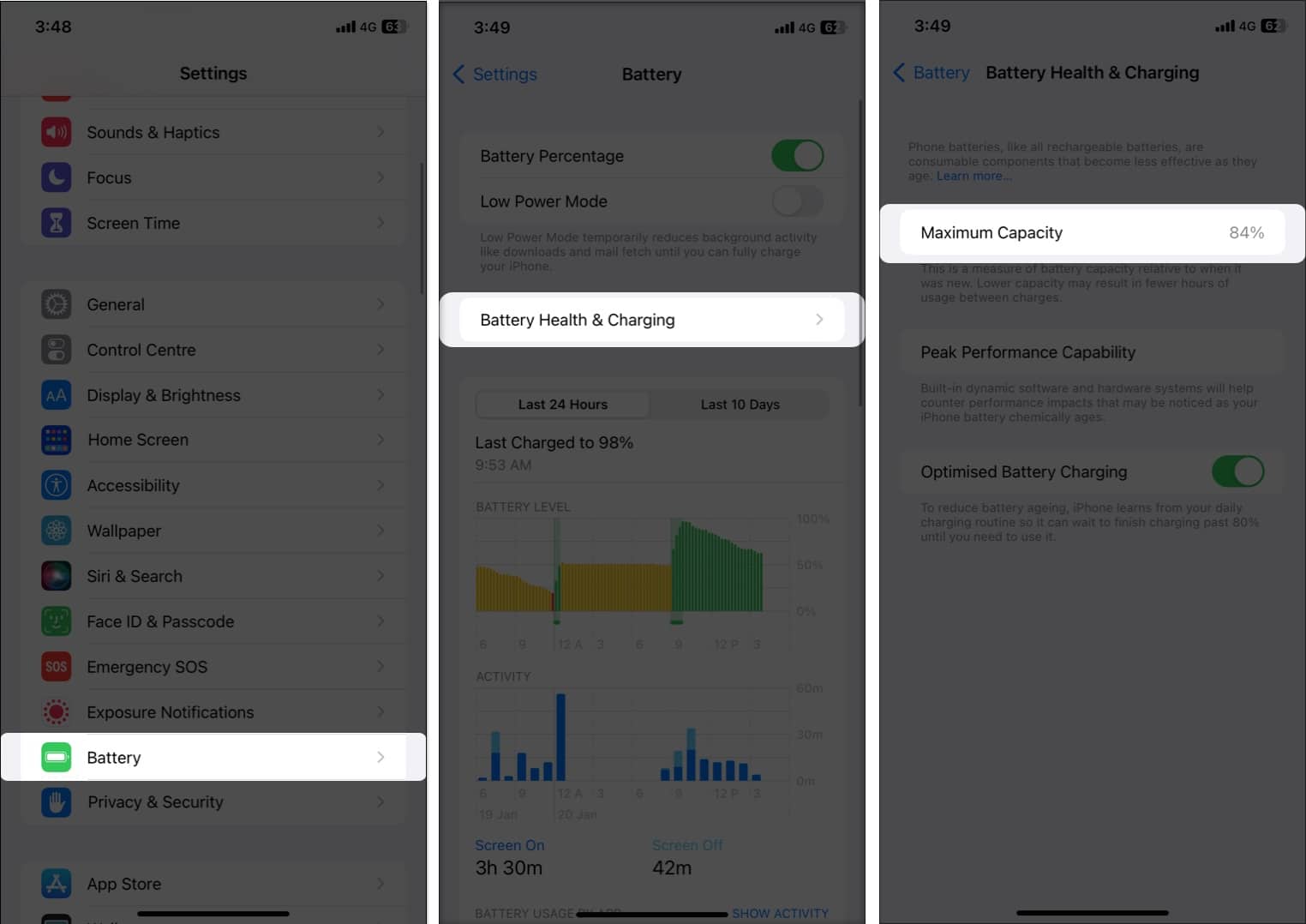
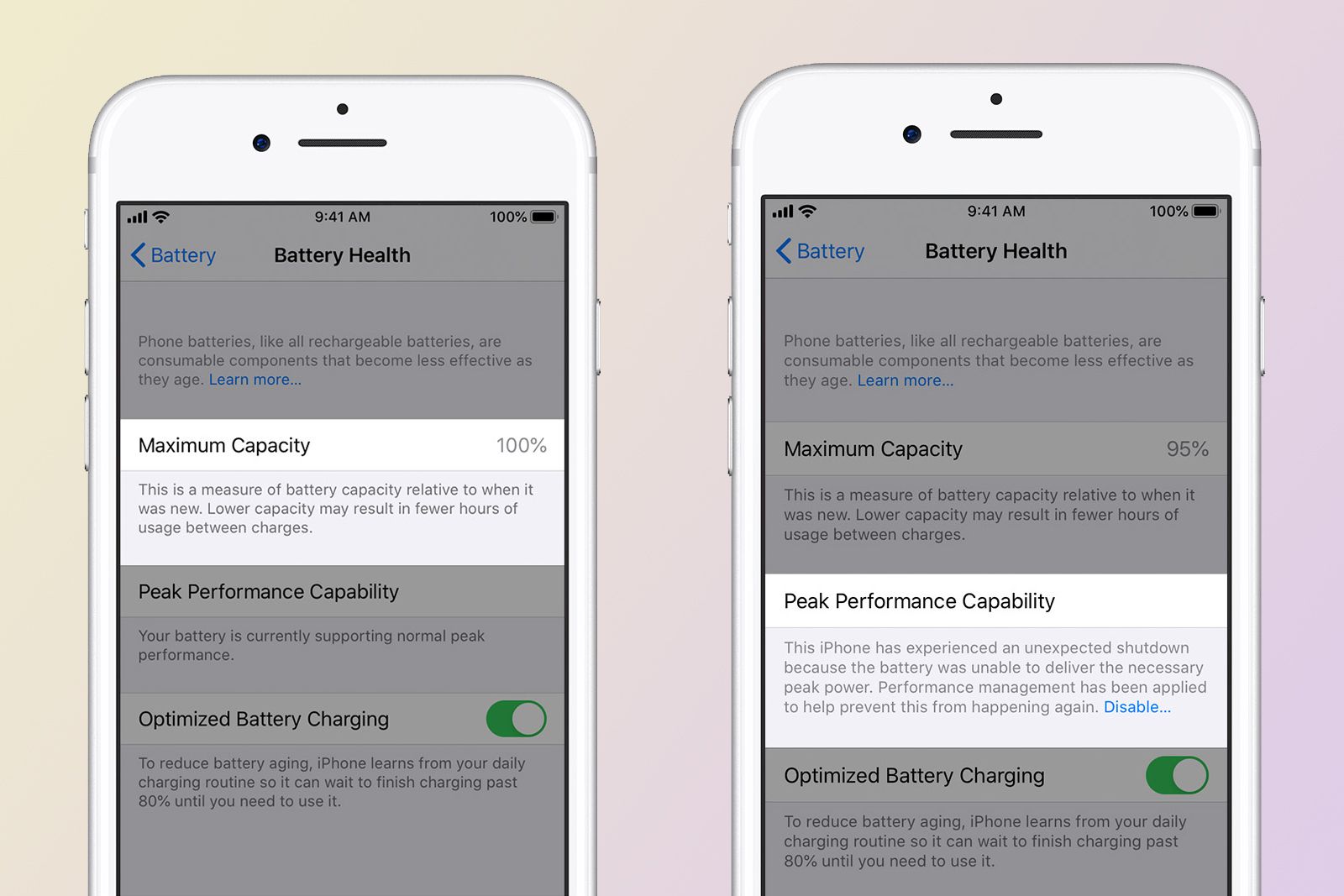
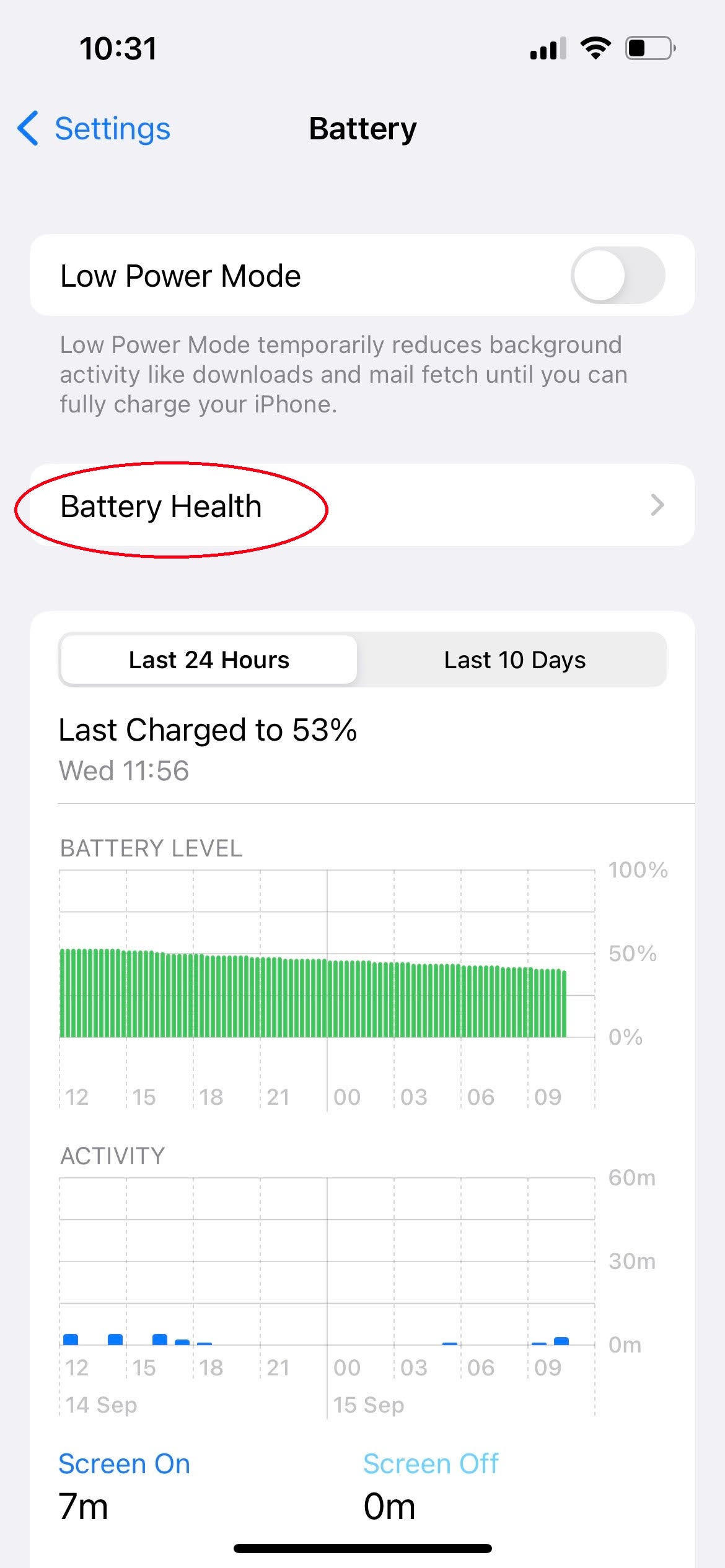
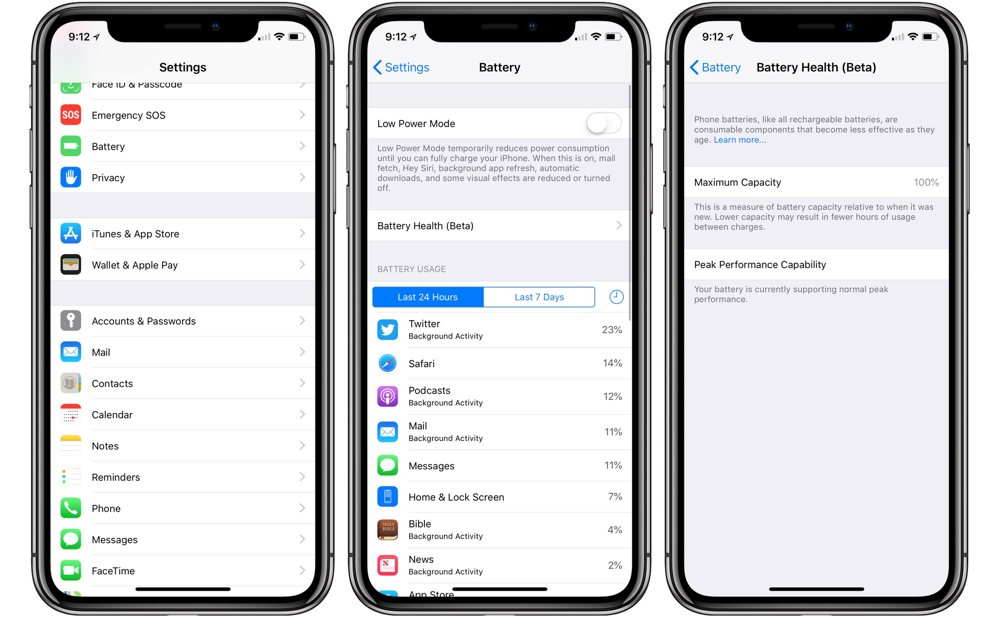
On iPhone 15 and later and certain iPad models: Open Settings, tap Battery, and then tap Battery Health. On iPhone 14 and earlier: Open Settings, tap Battery, and then tap Battery Health & Charging.
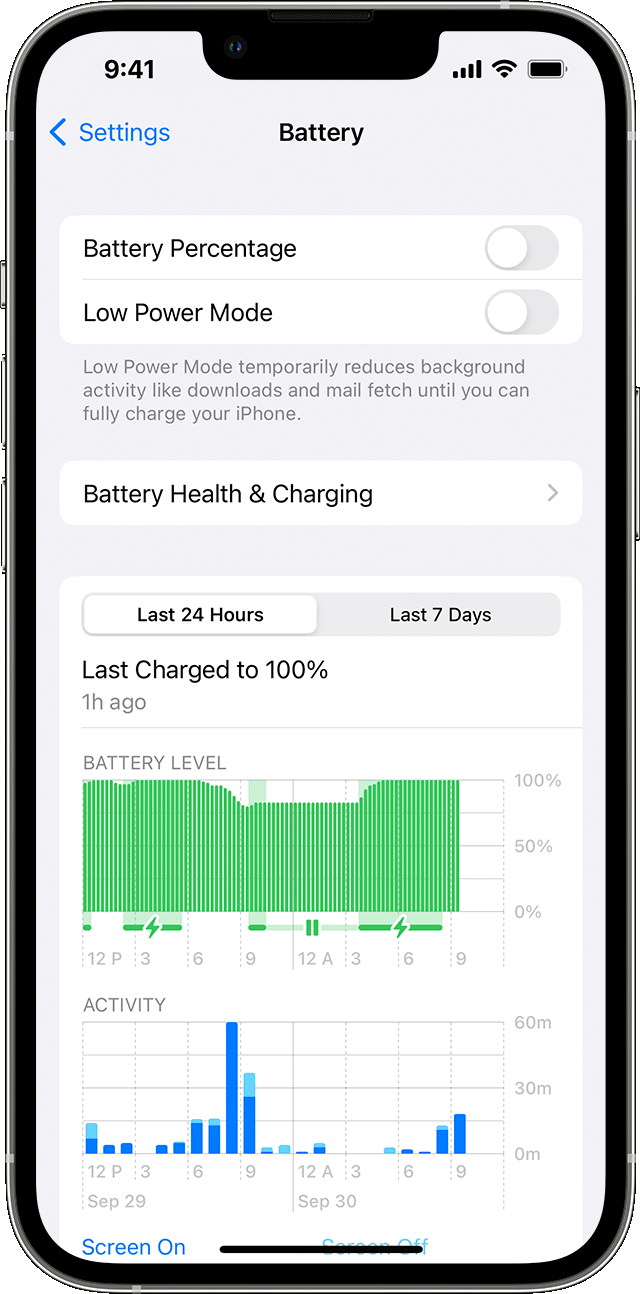
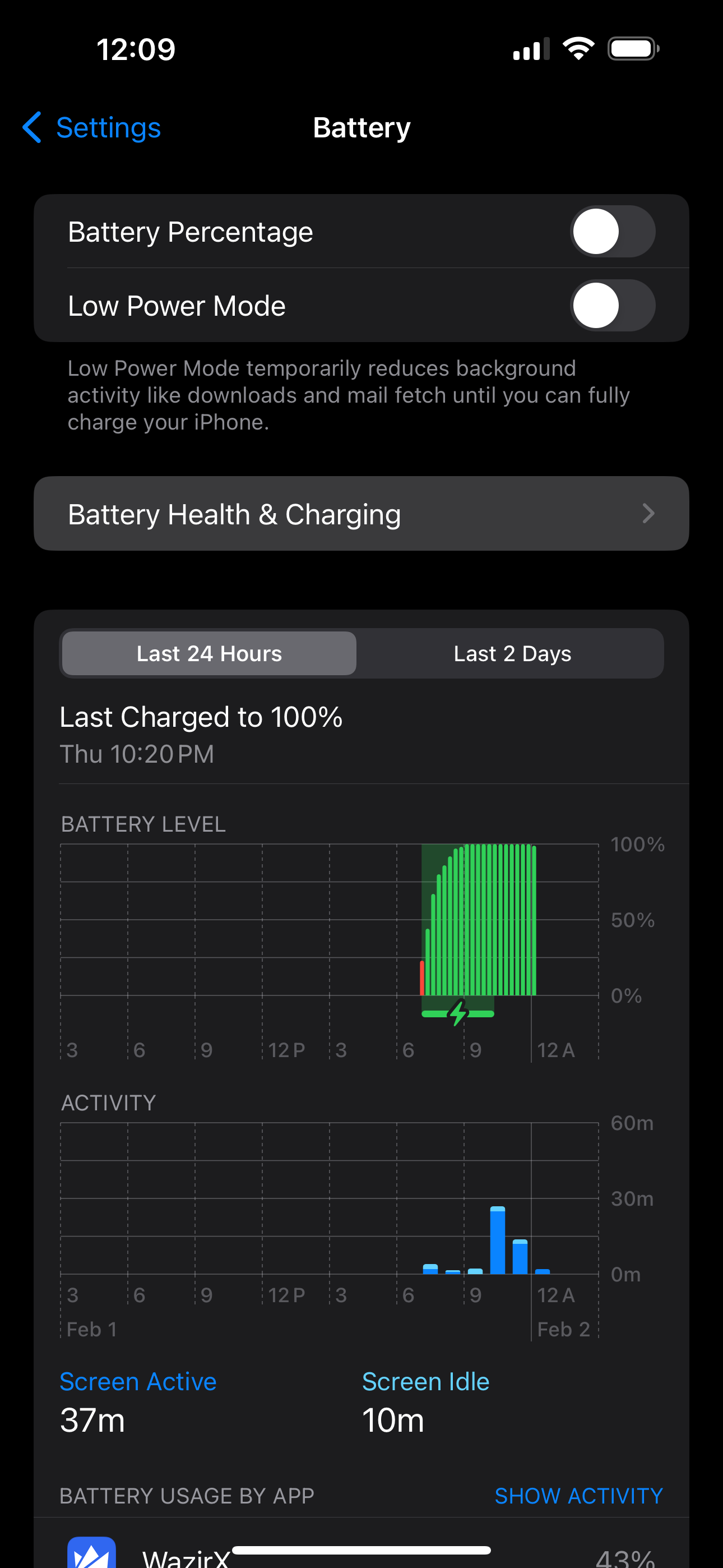
To see what might be draining your iPhone's battery, go to Settings > Battery. There, you'll see usage by app and how much time each spent on screen or in background.

13 Smart Ways to Squeeze More Life Out of Your iPhone Battery From adaptive power mode to controlling background app refreshes, these tricks should help get your phone through a long day ...
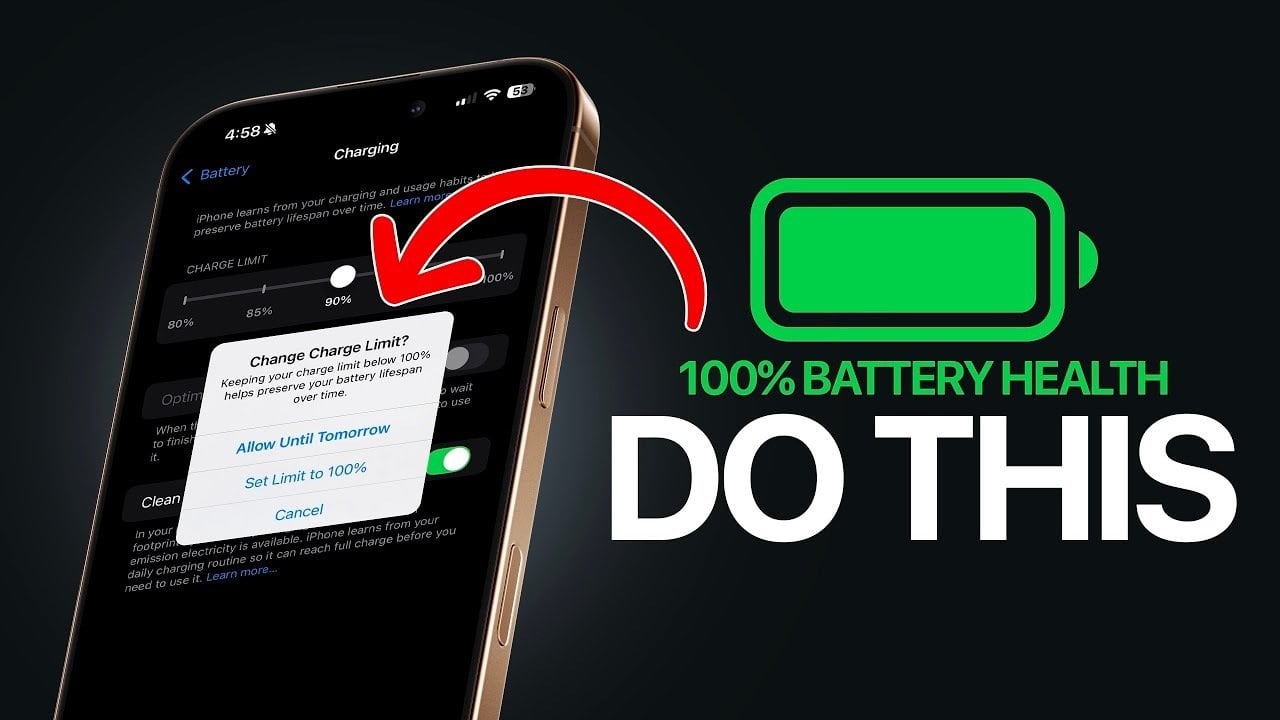
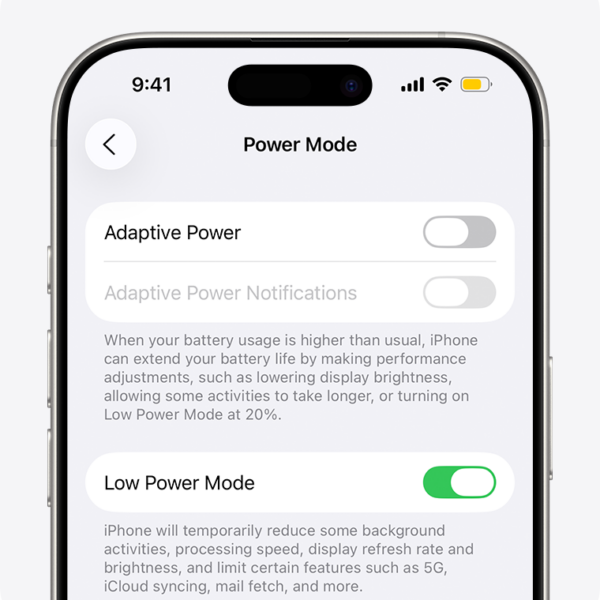
The following are seven iPhone settings you can adjust to cut excessive power drain and help your battery last longer.

Such details provide a deeper understanding and appreciation for Battery Health Settings Iphone.
iPhone battery health tips that slow degradation, extend daily battery life, and protect lithium-ion cells through smarter charging, settings, and habits.