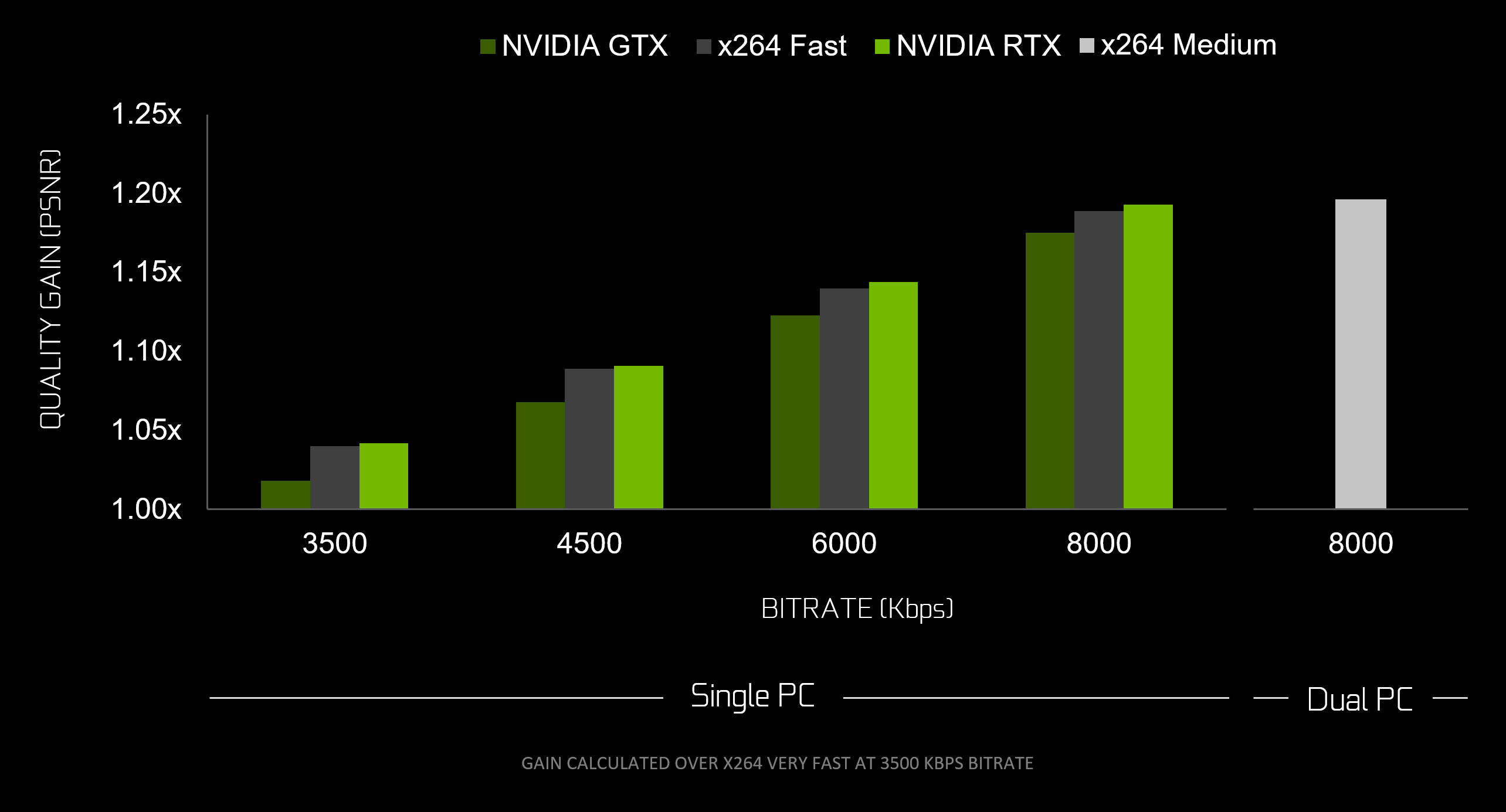
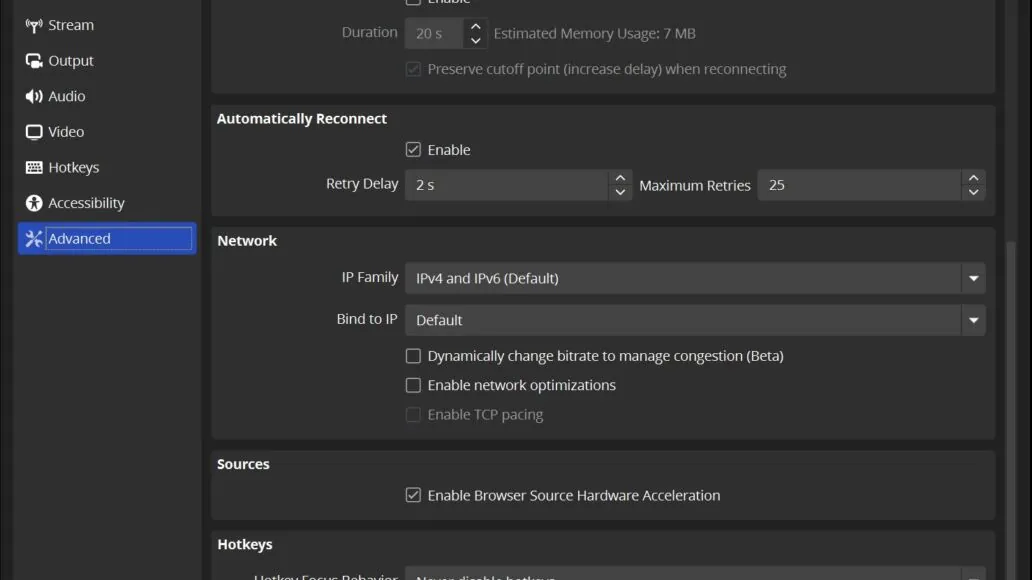
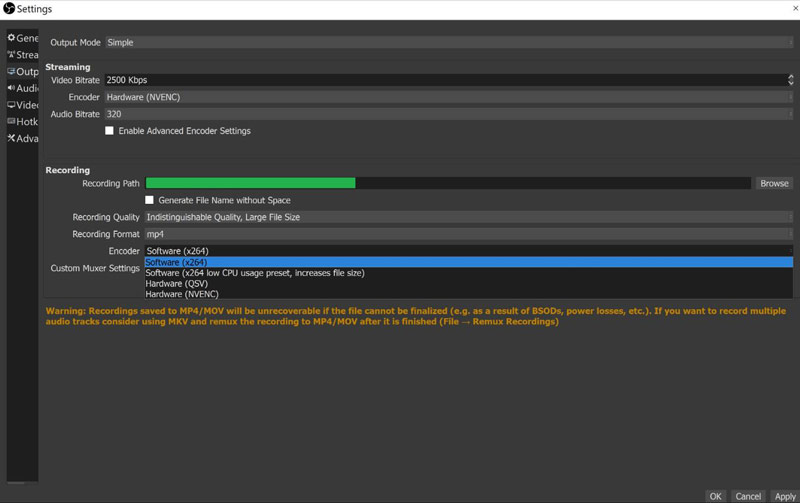
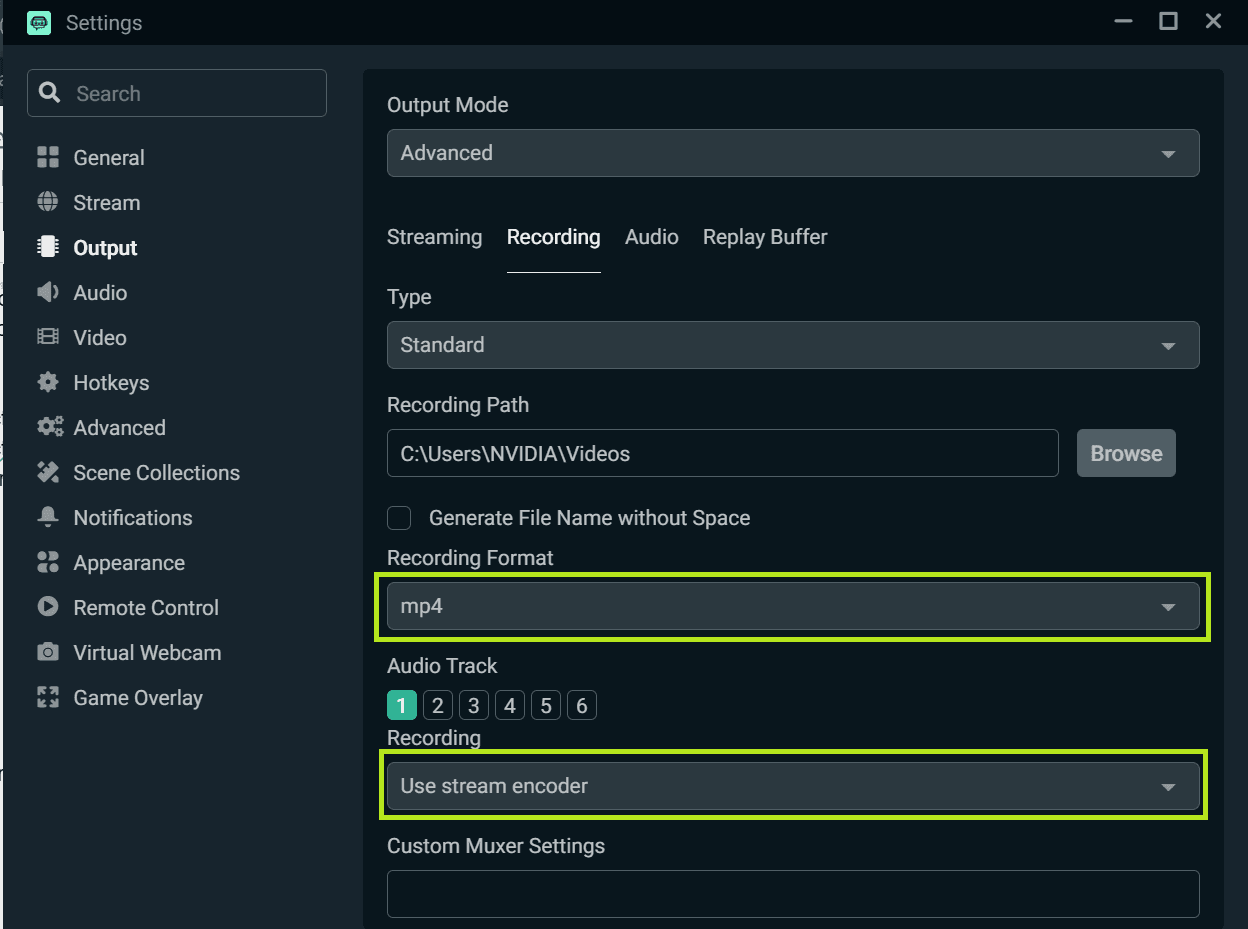
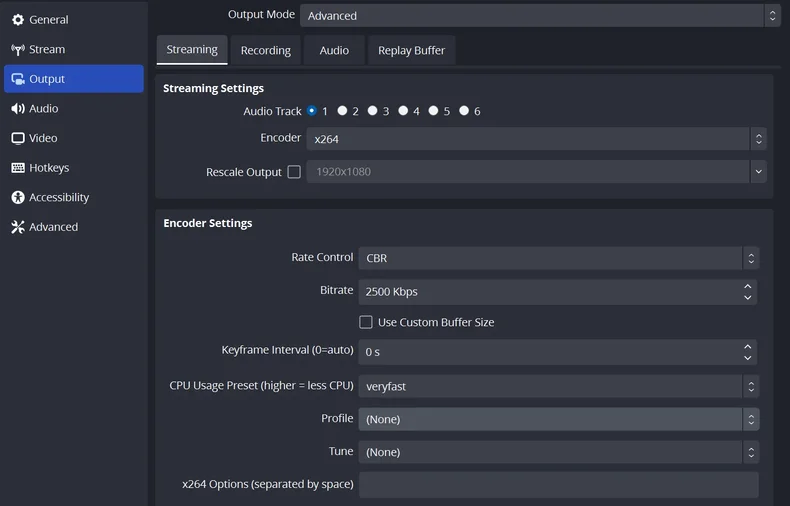
Download or update to the latest OBS. ... If you want to customize all settings, here are our in-depth recommendations. ... Output Mode: Advanced. This gives you access to all the settings. Lets start! ... For Twitch, select Hardware (NVENC, H.264). For YouTube, select Hardware (NVENC, AV1) if you have an RTX 40 Series GPU, or Hardware (NVENC, HEVC) otherwise. Enforce Streaming Service Encoder Settings: Leave this checked, this will ensure that if you enter a wrong value by mistake it gets corrected.
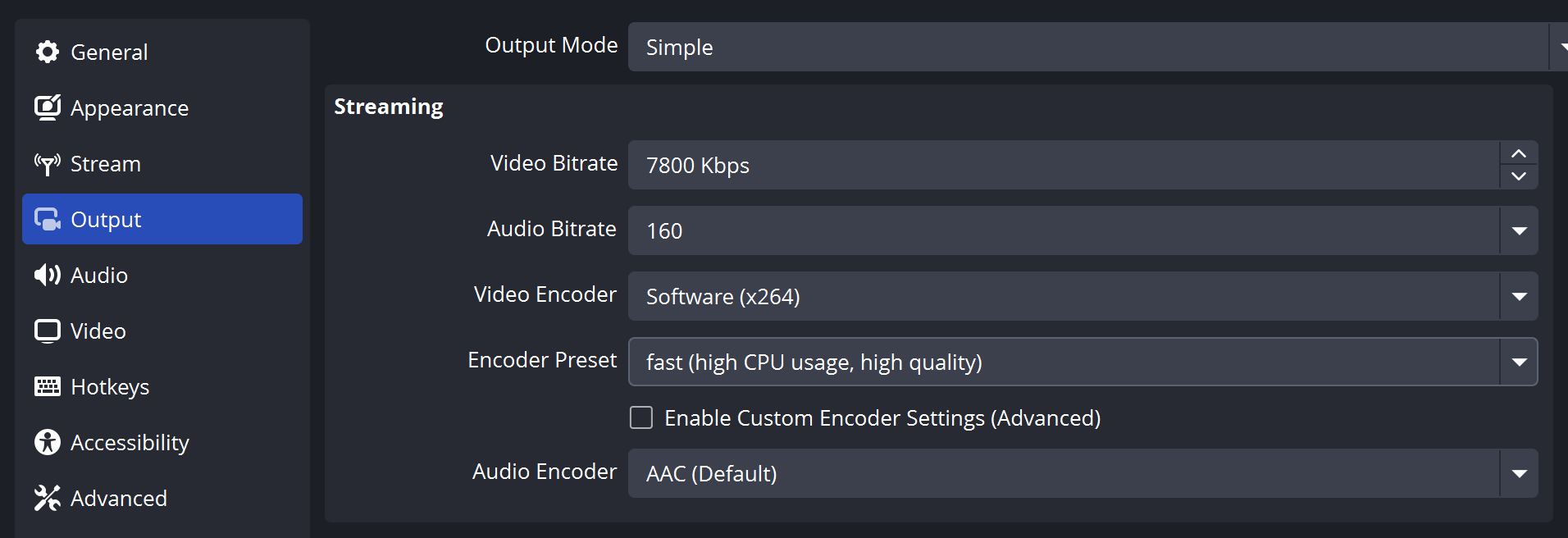
In your Video Settings in OBS, Set your Base (Canvas) Resolution and Output Resolution to 1280720 and set the Common FPS Values to 60. In your Output Settings, leave Output Mode on Simple. Published

Moving forward, it's essential to keep these visual contexts in mind when discussing Best Obs Settings For Gpu Accelerated Streaming.
- From best to worst: 1) ... 6800XT and yes, looks like NVENC/x264 really has better encoding, whatever you do. Only if twitch allows 10000 or higher bitrate, that picture will be better. Until that, use x264 or buy green gpu....
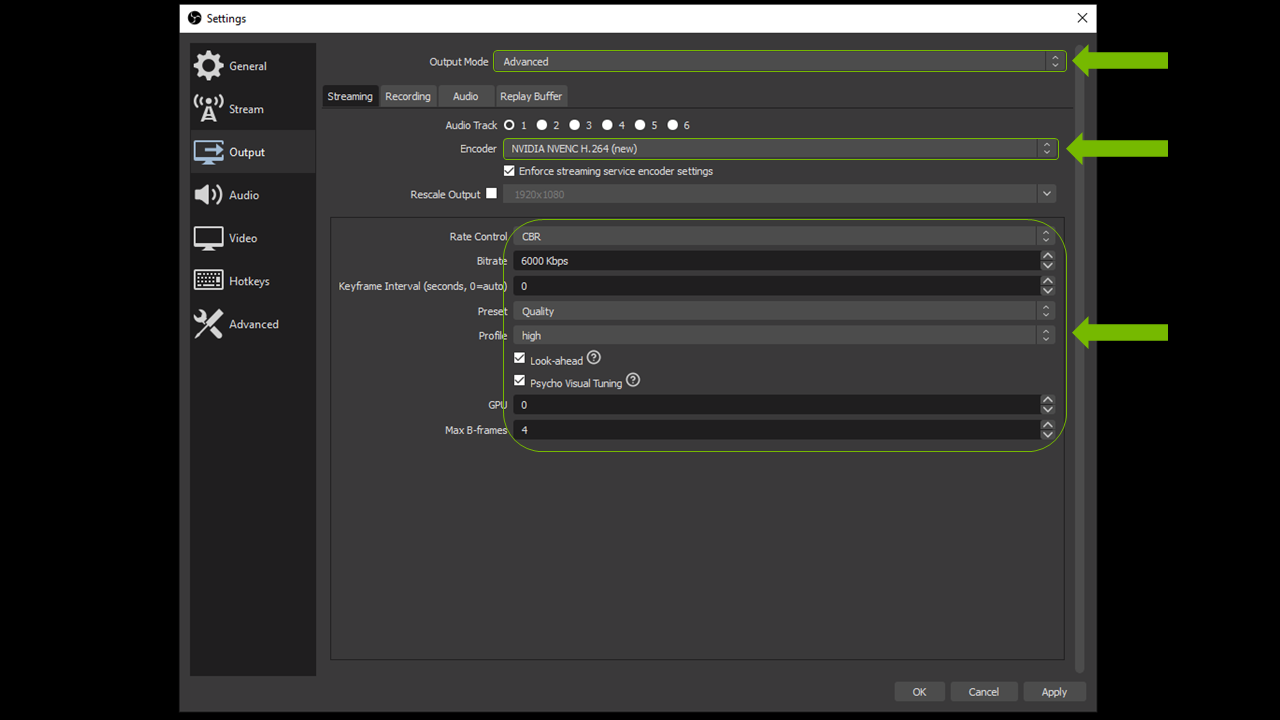
- ... Hey greetings, I hope you are doing well. Happy New Year. For the best settings I can recommend you an high bitrate. If you have an APU (Graphics integrated CPU) instead of an CPU then you may try x264 (Chip encoding). It depends on the platform where you want to stream.