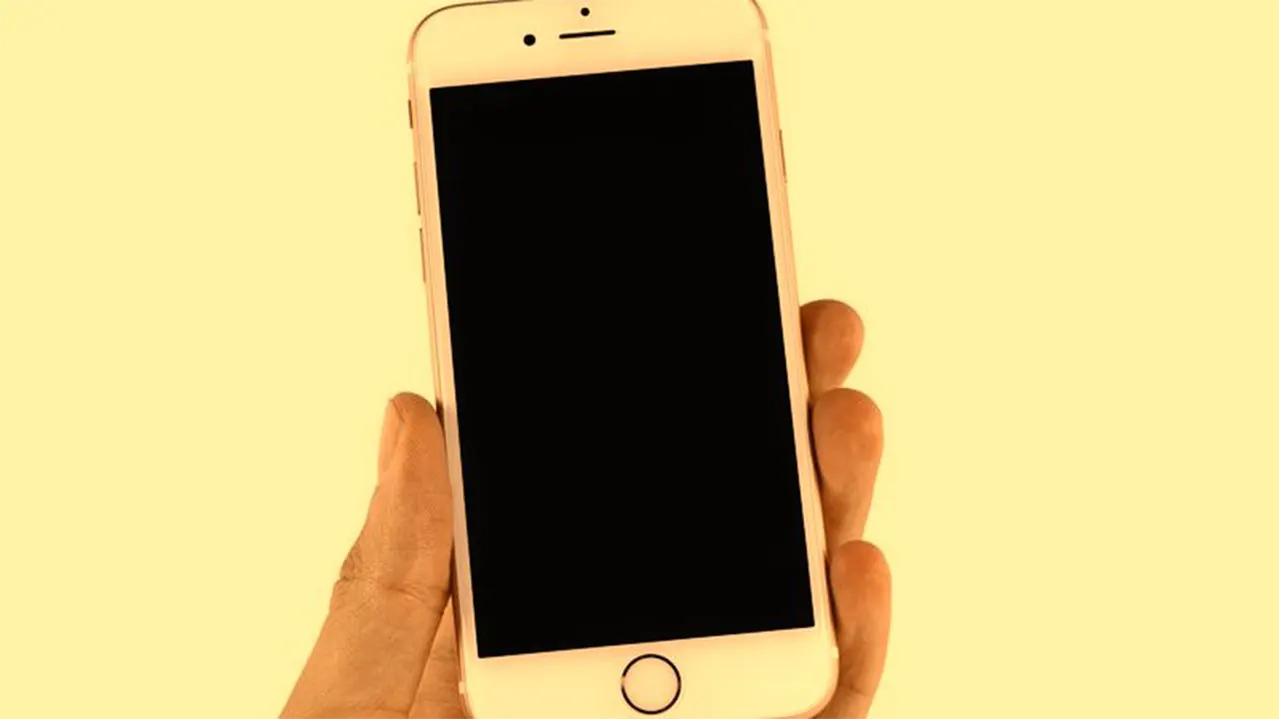
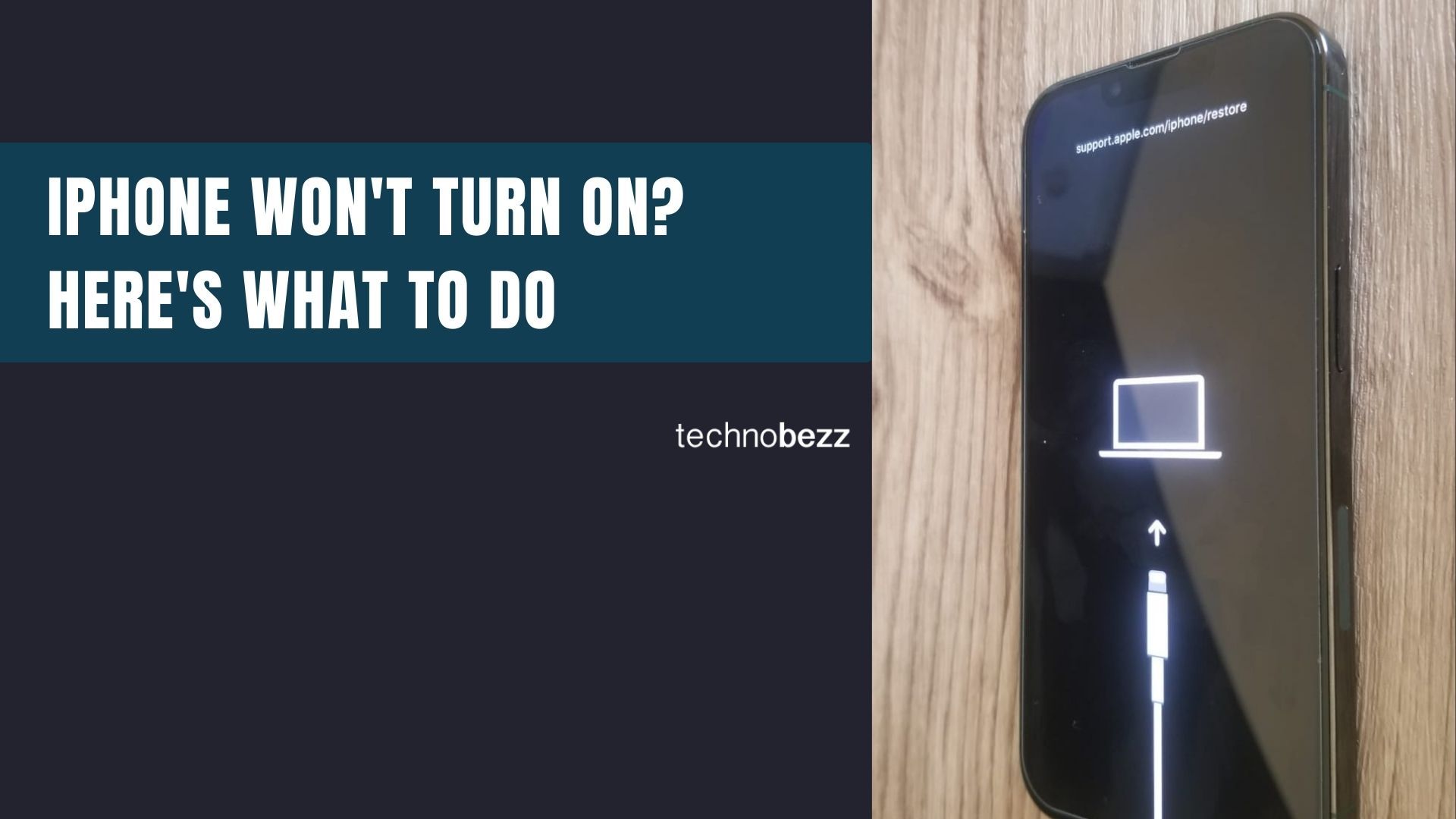
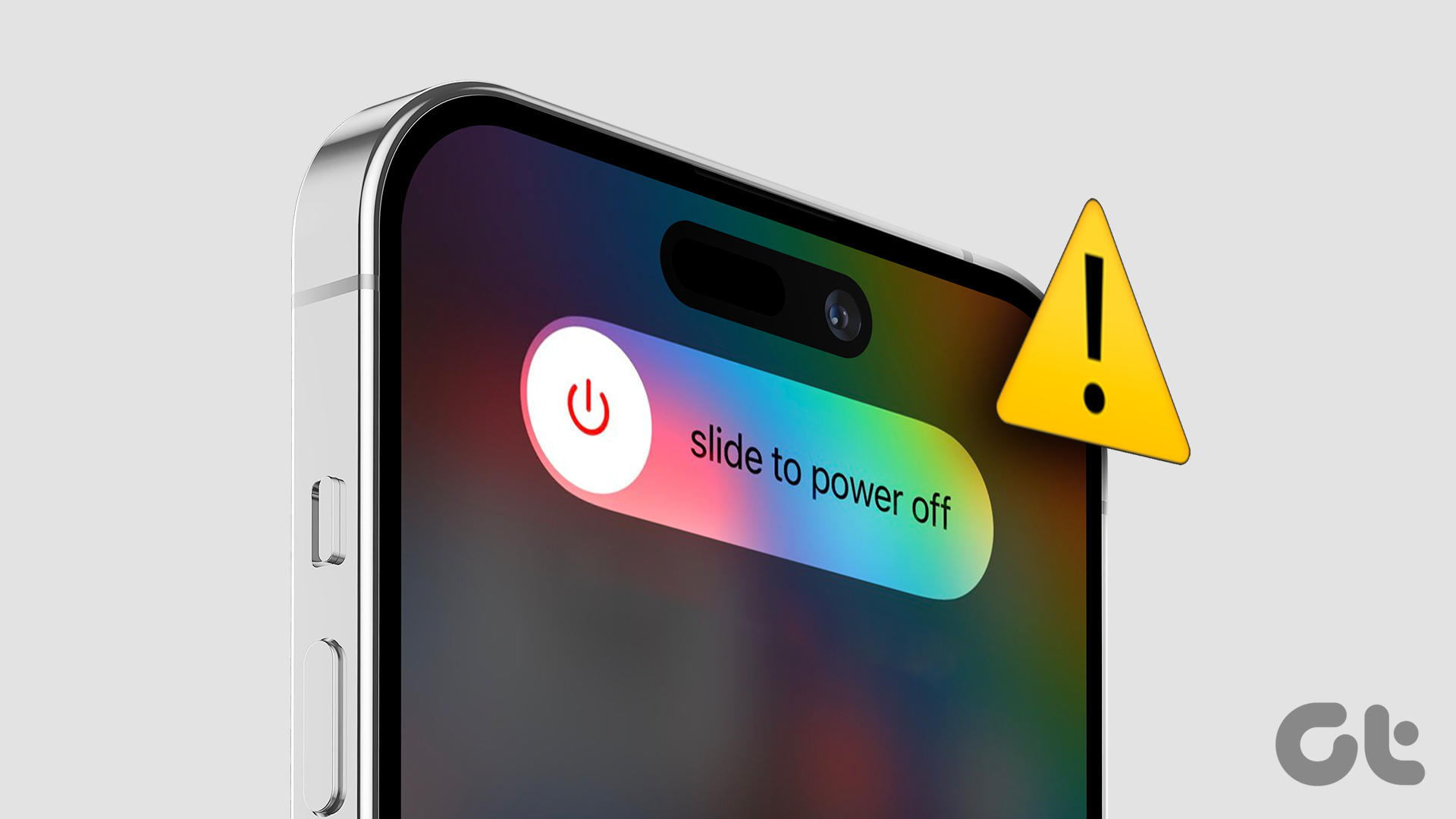
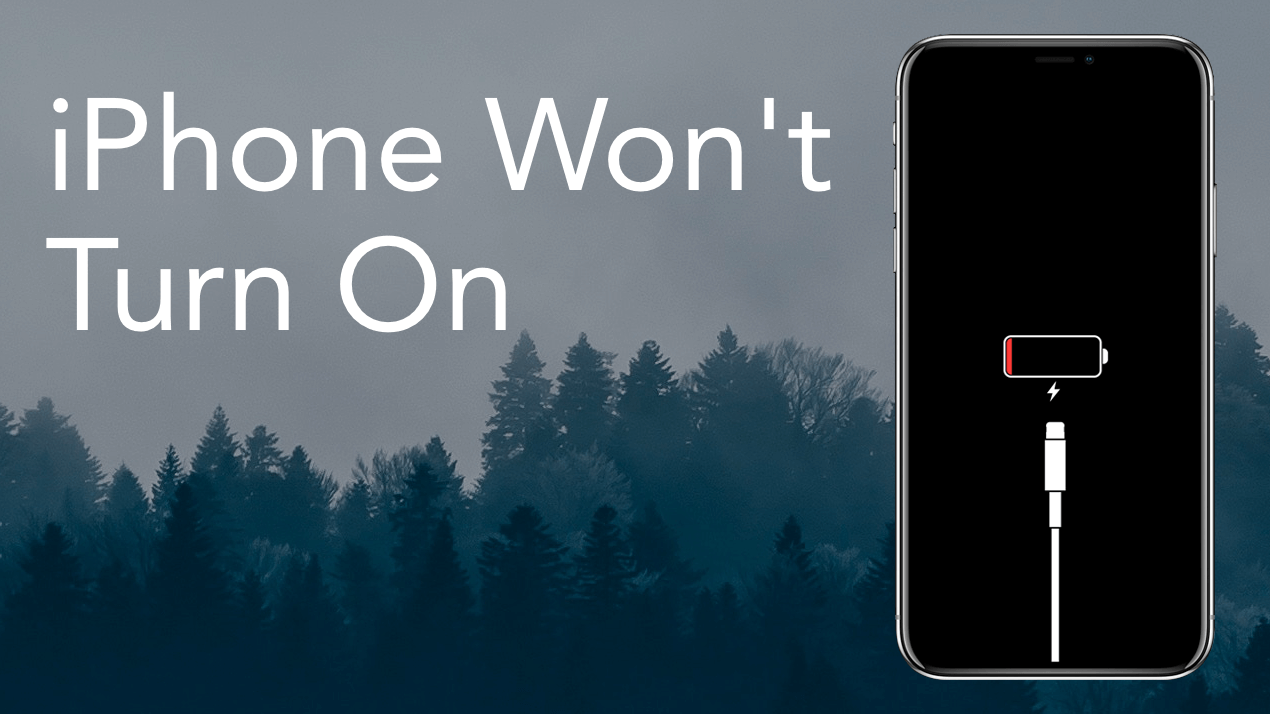
If your iPhone wont turn on or has a black screen, learn what to do with this troubleshooting article. You might need to force your iPhone to restart or charge it. Next steps include hardware checks and repair options through Apple Support.
iPhone not turning on and won't respond? Here are 7 proven fixes for a dead iPhone screen, covering charging, force restart, recovery mode and more.
iPhone won't turn on? Try these 8 proven fixes that actually work. Step-by-step troubleshooting guide to get your iPhone working again.
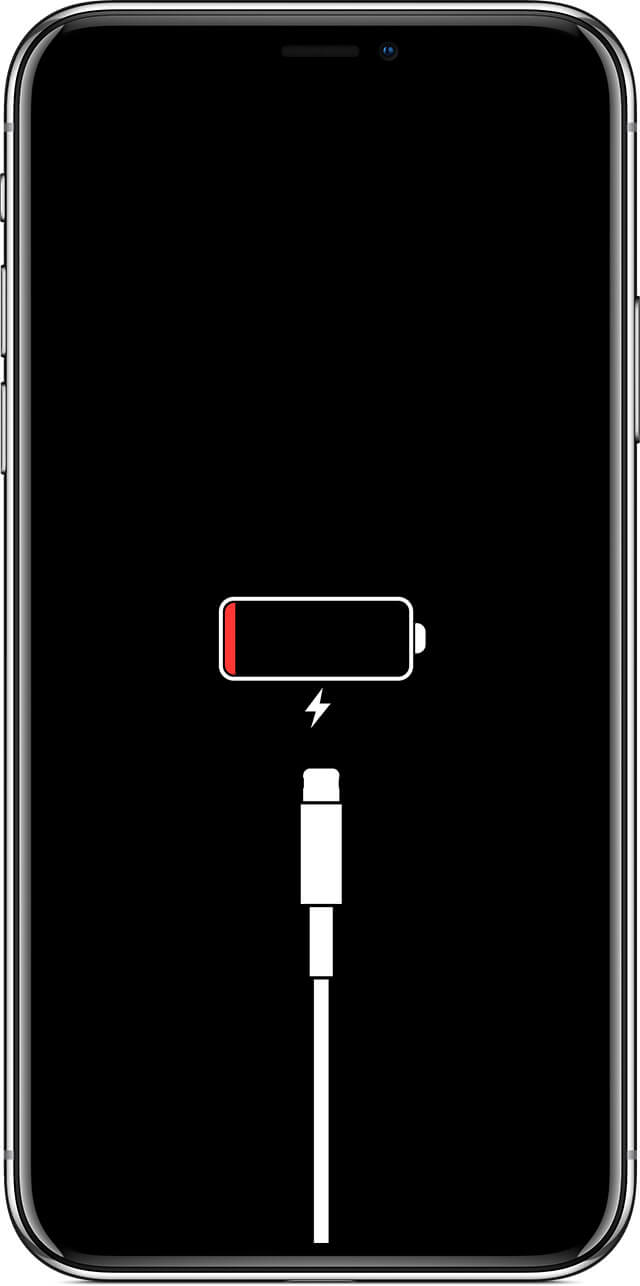
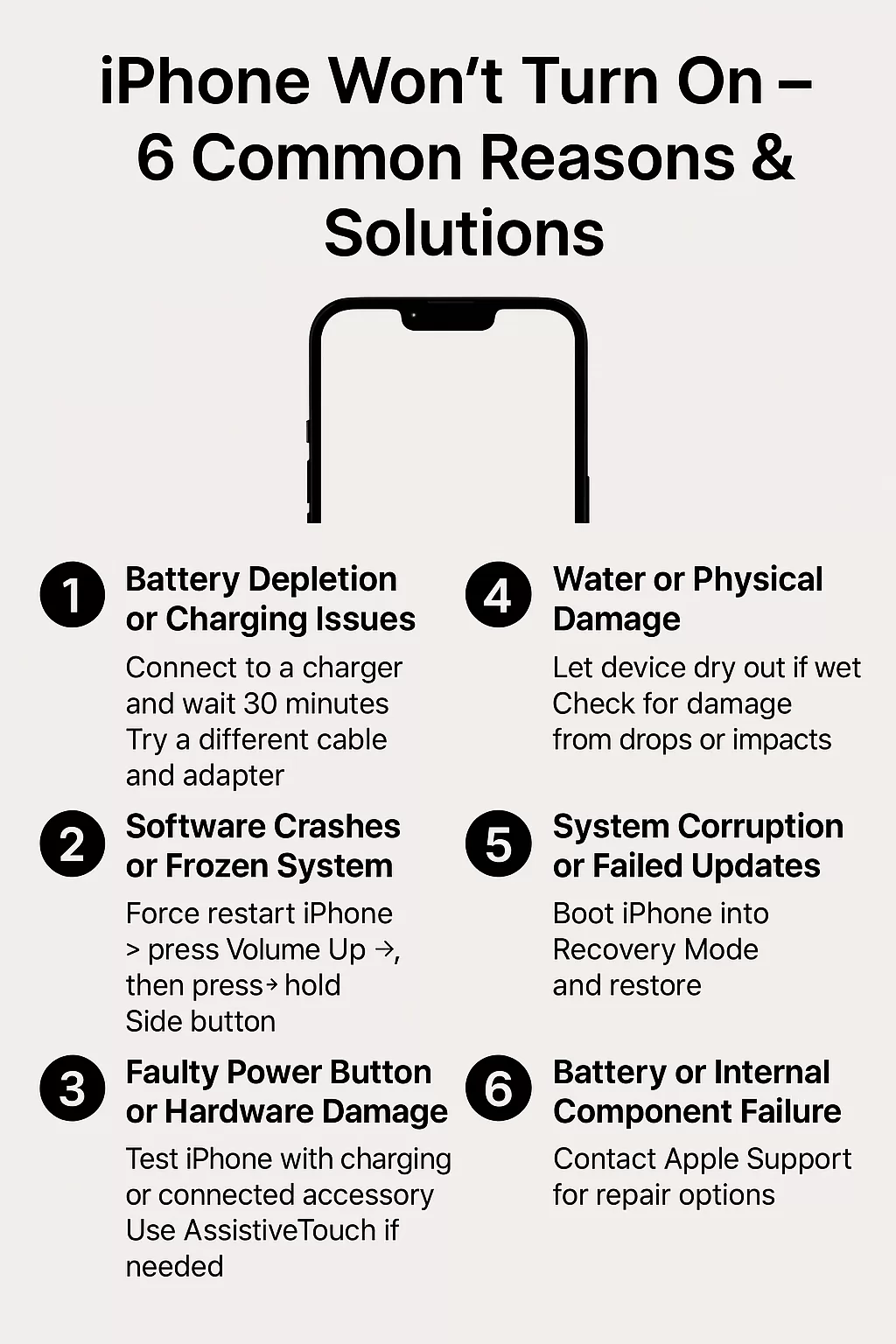
If your iPhone won't turn on, you may think that you're going to need to buy a new one. That could be true if the problem is bad enough, but there are lots of 6 ways to try to fix your iPhone before deciding it's dead. These steps are relevant for all iPhone models.
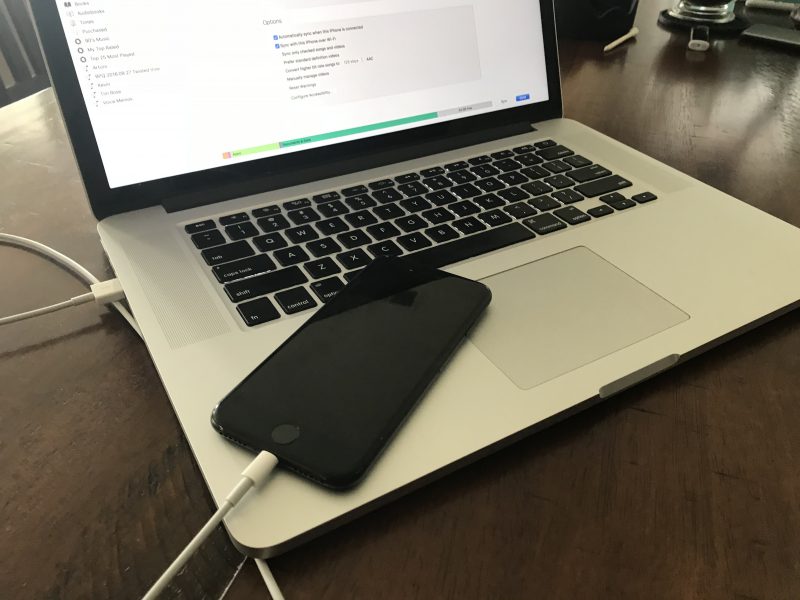
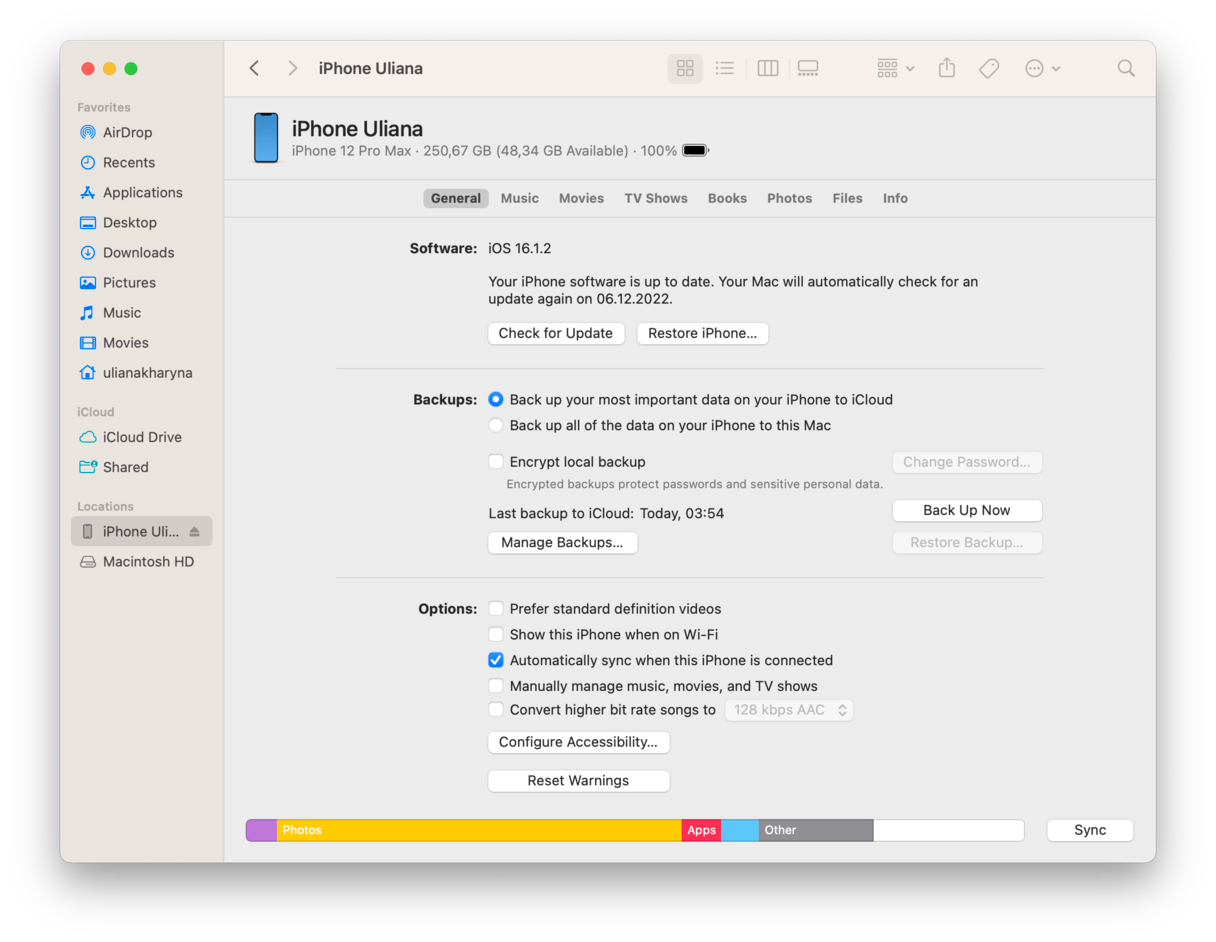
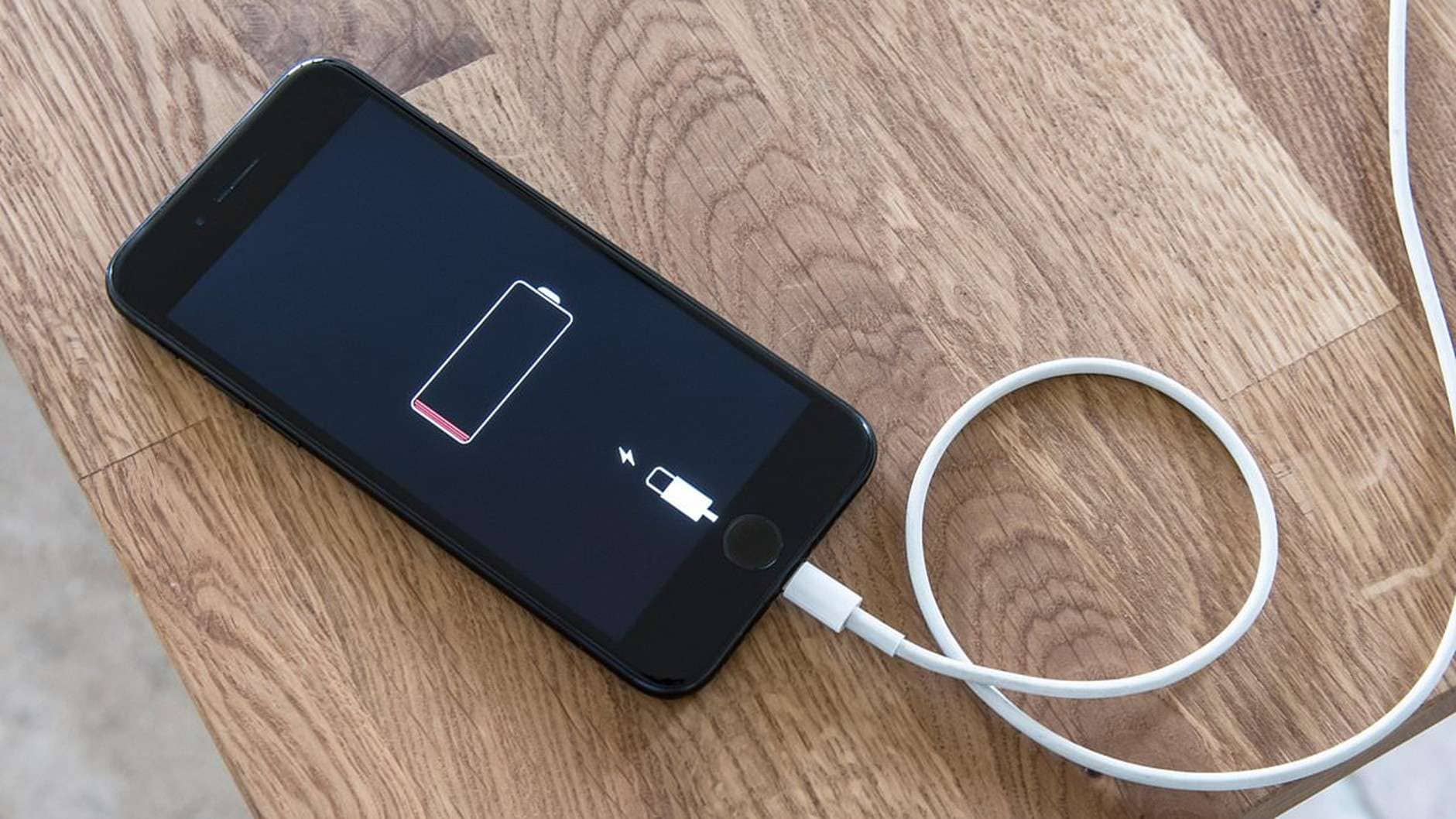
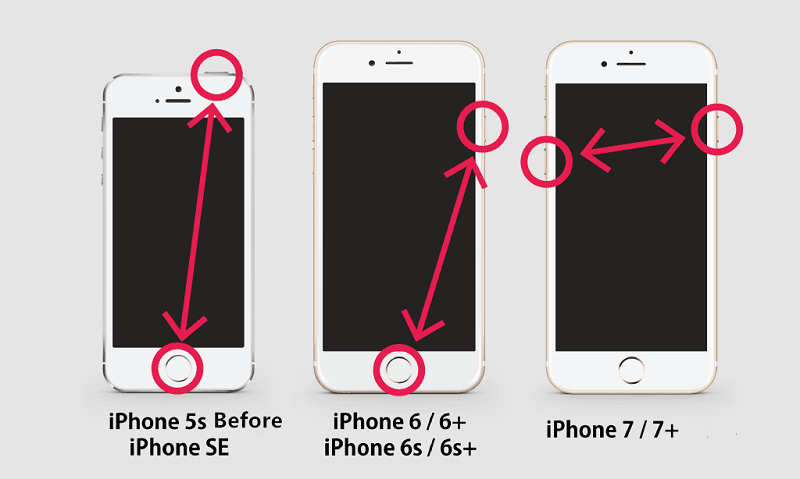
You can fix an iPhone that wont turn on by forcing it to restart or checking for charging or hardware issues. If all else fails, plug your iPhone into a computer to see if you can back it up before sending it for repairs.
Find free step-by-step repair instructions, manuals, schematics, community support, and other DIY resources. You can do it! We show you how.