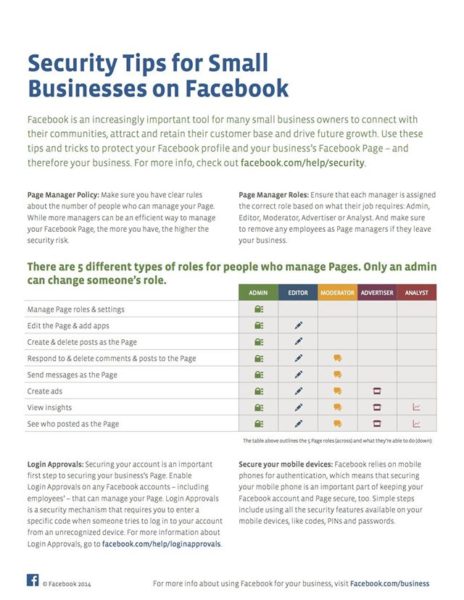
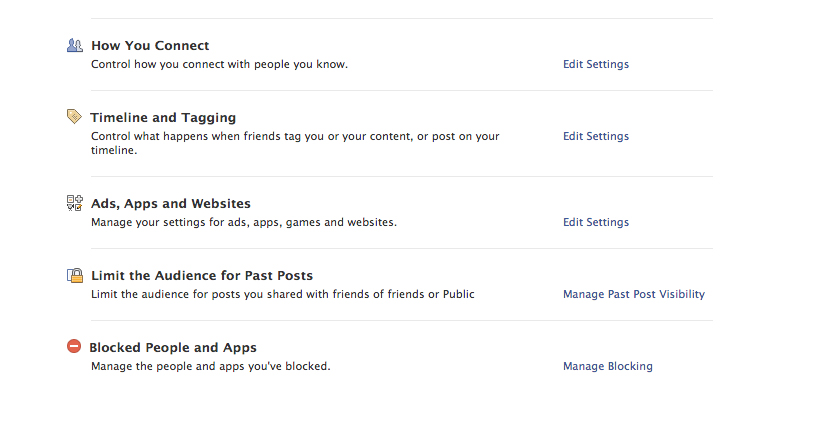
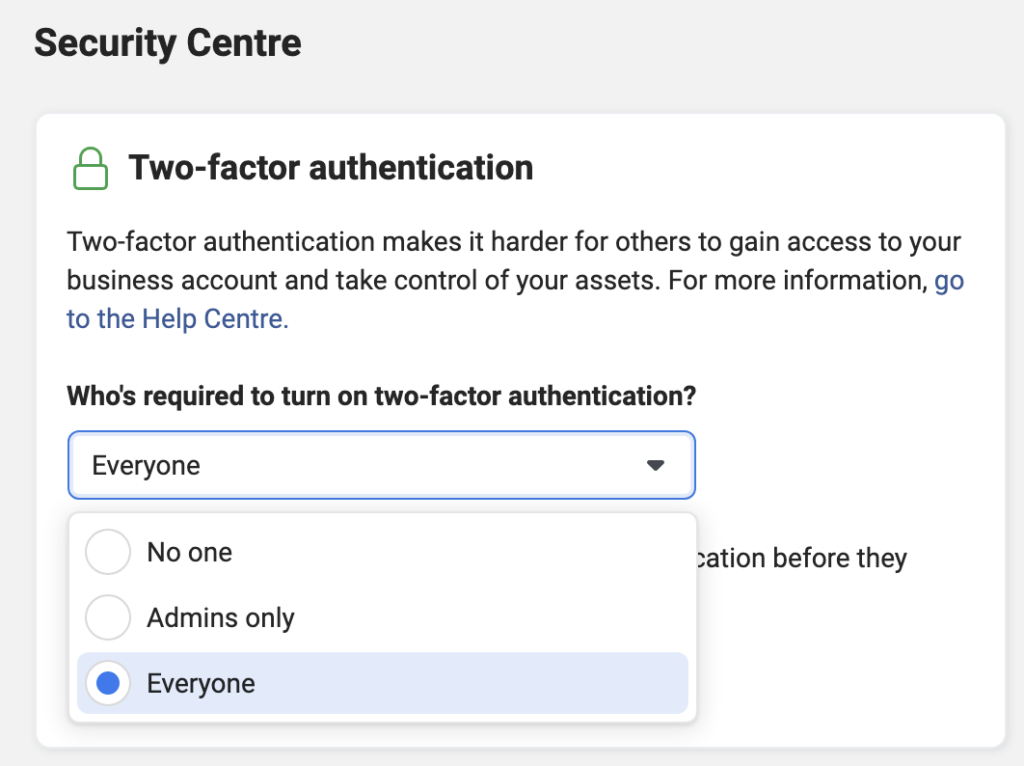
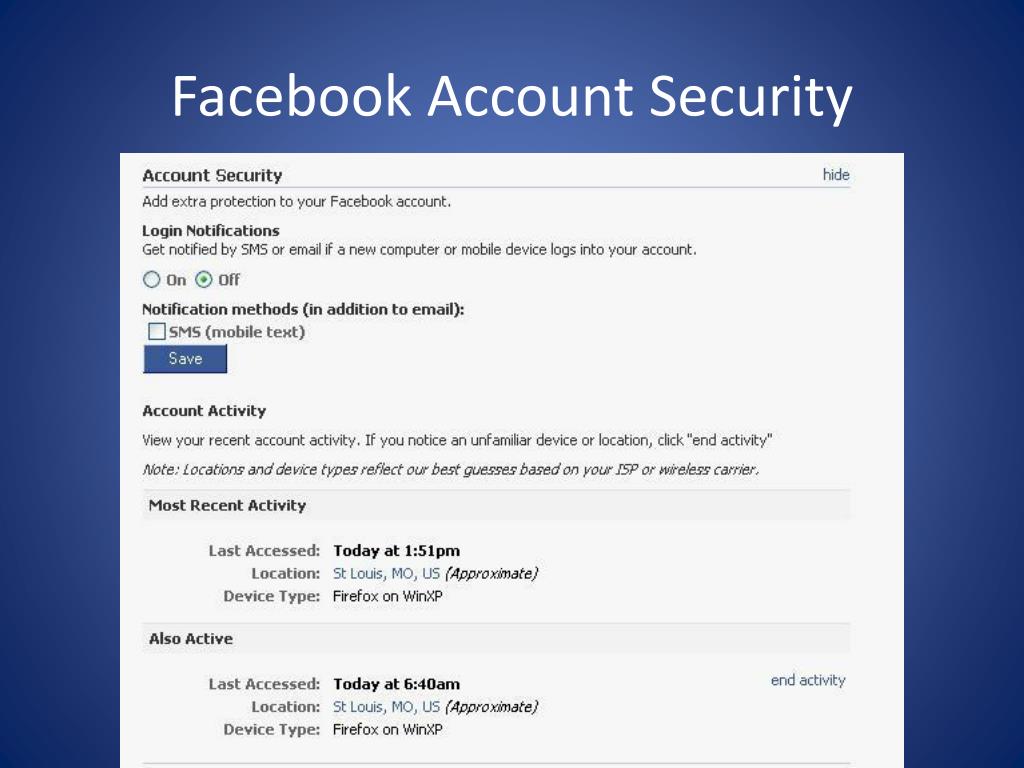
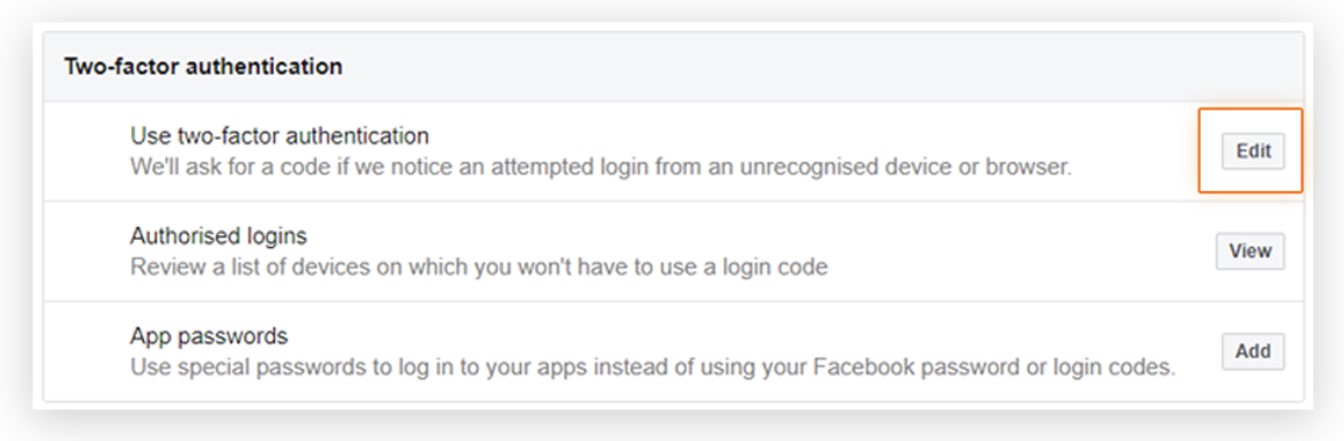
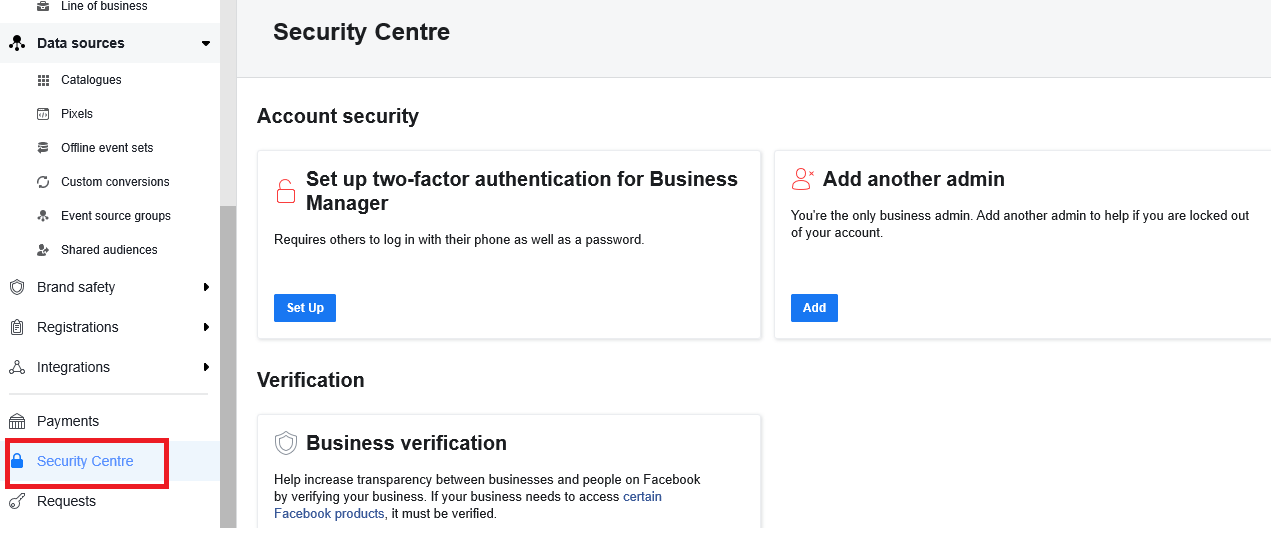
First up on our list of secure Facebook management tips youll want to use Facebook Business Tools. Its important to create as much separation as possible between personal and business use on Facebook. The easiest way to do that is to use Facebook Business Manager to create an account dedicated to your business on Facebook. You can create a Busi... See full list on webfx.com Whether you use Facebook Business Manager or not, youll need to use a Facebook account to access your Facebook Page on the platform. The Facebook account you use to manage the Page for your business should be a profile that authentically represents you. Do not use a profile with a fake name or profile photo. Facebook will likely find fake profiles... See full list on webfx.com Whether youre using Facebook Business Manager or adding admins directly to your Facebook Page, you should always have at least two admins on your account. Adding two admins is important because if one team member leaves the company or experiences issues with access to their personal Facebook account, another admin is there to maintain access to po... See full list on webfx.com Its important to keep a pulse on who has access to your Facebook Page and Business Manager account. Get into a habit of reviewing your Page admins a few times a year and removing anyone who no longer needs access to manage your Page, such as past employees or agencies you no longer work with. To find existing admins for your Business Page, you can... See full list on webfx.com The number one thing you can do to keep your personal Facebook account secure is to set up two-factor authentication for Facebook. Two-factor authenticationsettings can be found under Settings & Privacy from your personal account. Under Security and Login, youll see the option to turn on two-factor authentication. This feature will require a secon... See full list on webfx.com If youre still using the same Facebook password you created when you made your profile, its time for a refresh. Update your password to something that is unique from the other passwords you use for online accounts. See full list on webfx.com Under the settings where you turn on two-factor authentication, you can also see where youre currently logged into Facebook. Youll likely see logins from your laptop, phone, and possibly work computer. If any logins appear suspicious, you can log out of those devices and update your password immediately. See full list on webfx.com Under the Security and Login settings on Facebook, you also set up Trusted Contacts. Trusted contacts are friends on Facebook that can help you if you get locked out of your personal Facebook account. You can choose three to five friends or family members under these settings, and theyll be able to share a code and URL from Facebook to help you ge... See full list on webfx.com Beware of spam emails that appear to be from Facebook about your profile. These emails may even appear to be a notification about your account security. Always check the senders of emails that appear to be from Facebook before clicking any links in the emails. See full list on webfx.com Protecting your Facebook Business Page is vital to keeping your business secure and its reputation intact. To do this, regularly update security settings, such as enabling two-factor authentication and implementing strong, unique passwords for admins. Learn how you can effectively secure your Facebook Business Page against hackers and safeguard your your business reputation on social media. Cybersecurity breaches can harm your reputation, damage your business, put sensitive information at risk and cost you time and money. Therefore, it's essential to take steps to protect your Facebook page from being hacked. How do I protect my company's Facebook page? Securing your companys Facebook Page starts with making sure your personal profile on Facebook is set up using all of Facebooks account security tools. Read on, and follow the steps below to protect your personal account and Business Facebook Page. Using Facebook for personal use is tied to using Facebook for business. How important is Facebook security? Its more important than ever to manage your Facebook security and make sure only the right people have access to your account. Securing your companys Facebook Page starts with making sure your personal profile on Facebook is set up using all of Facebooks account security tools. Can I use a fake Facebook profile for my business? Do not use a profile with a fake name or profile photo. Facebook will likely find fake profiles, and if they get shut down, youll need to reclaim your Page through Facebook support, which can take weeks to months. Everyone managing the Facebook Page for your Business should use their personal accounts directly or through the Business Manager Tool. How do I keep my Facebook account secure? Use two-factor authentication The number one thing you can do to keep your personal Facebook account secure is to set up two-factor authentication for Facebook. Two-factor authentication settings can be found under Settings & Privacy from your personal account. Under Security and Login, youll see the option to turn on two-factor authentication. By taking a vigilant, proactive approach to Facebook privacy as a business owner, you significantly reduce the risk of irreparable damage through security breaches. Feel free to reach out if you need any personalized consulting on securing your companys online presence across social media.

Moving forward, it's essential to keep these visual contexts in mind when discussing Facebook Profile Security For Small Business.

Moving forward, it's essential to keep these visual contexts in mind when discussing Facebook Profile Security For Small Business.