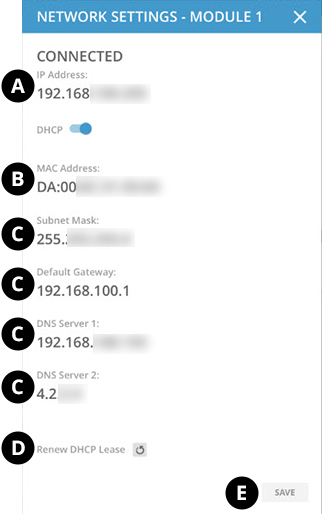
If you found this video useful please like and subscribe to our channel.Description: In this video we take a look at the DHCP settings in Google WiFi, and tr...
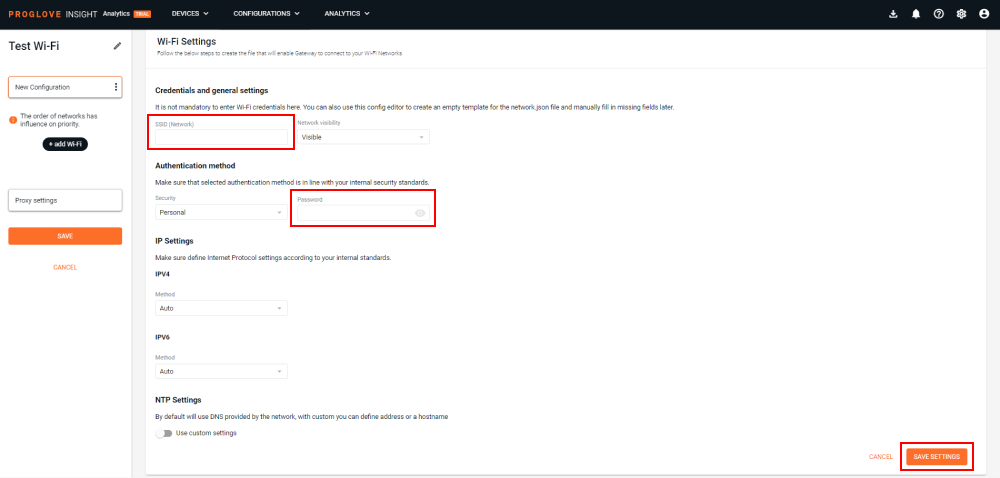
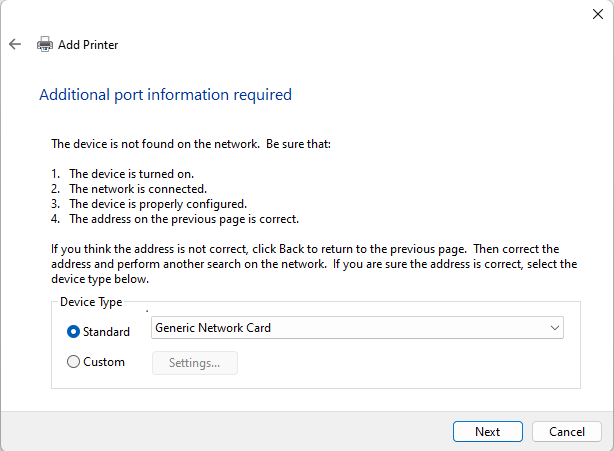
Printers. Printing Errors or Lights & Stuck Print Jobs. Printer cant connect to 5 GHz network.These settings are for setting up your wireless or wired printers to: * Stay connected to your router * Fix printer offline status * Wake from sleep mode * Speed up wireless printing.
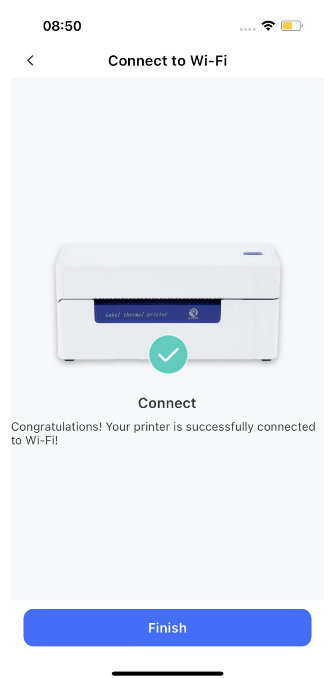
Samsung Printer Diagnostics. Setting up wireless printing.Wireless network setting completed. This screen displays the Wi-Fi settings information (if the Wi-Fi setup was successful). Connection error screen.

Moving forward, it's essential to keep these visual contexts in mind when discussing G Network Wireless Printer Commented Settings.
Printer connects to old Wi-Fi network that no longer existsPrint jobs fail with Printer not available on networkClears all corrupted network settings from printer memory. HP: Touch Setup or Wireless icon.
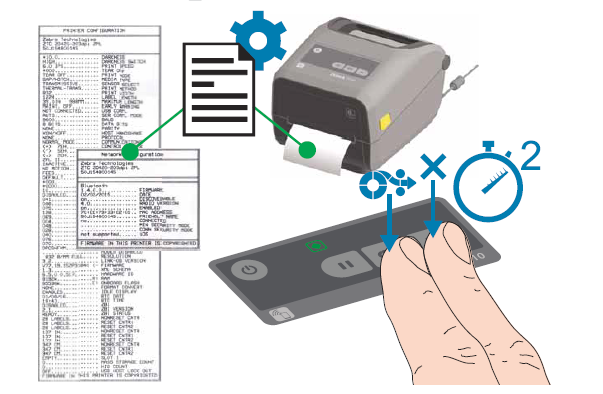
Open the Setup, Network, or Wireless settings menu on your printer. The name of this menu varies depending on your printer type. Use this method if the printer has a touchscreen.

Tags: Wi-Fi Connect To Printer Wireless network Jon Martindale.
This video shows how to do the wireless wifi setup of your HP LaserJet M236sdw Printer. This shows how to connect it to the wireless network router for print and scan.
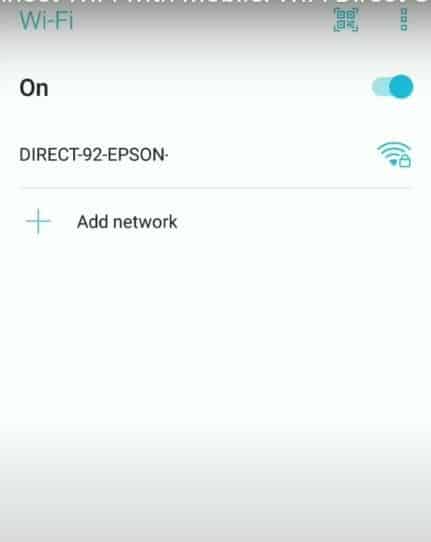
HP LaserJet MFP 135w network wireless setup print with smart phone-Wi-Fi Direct. Rutube.