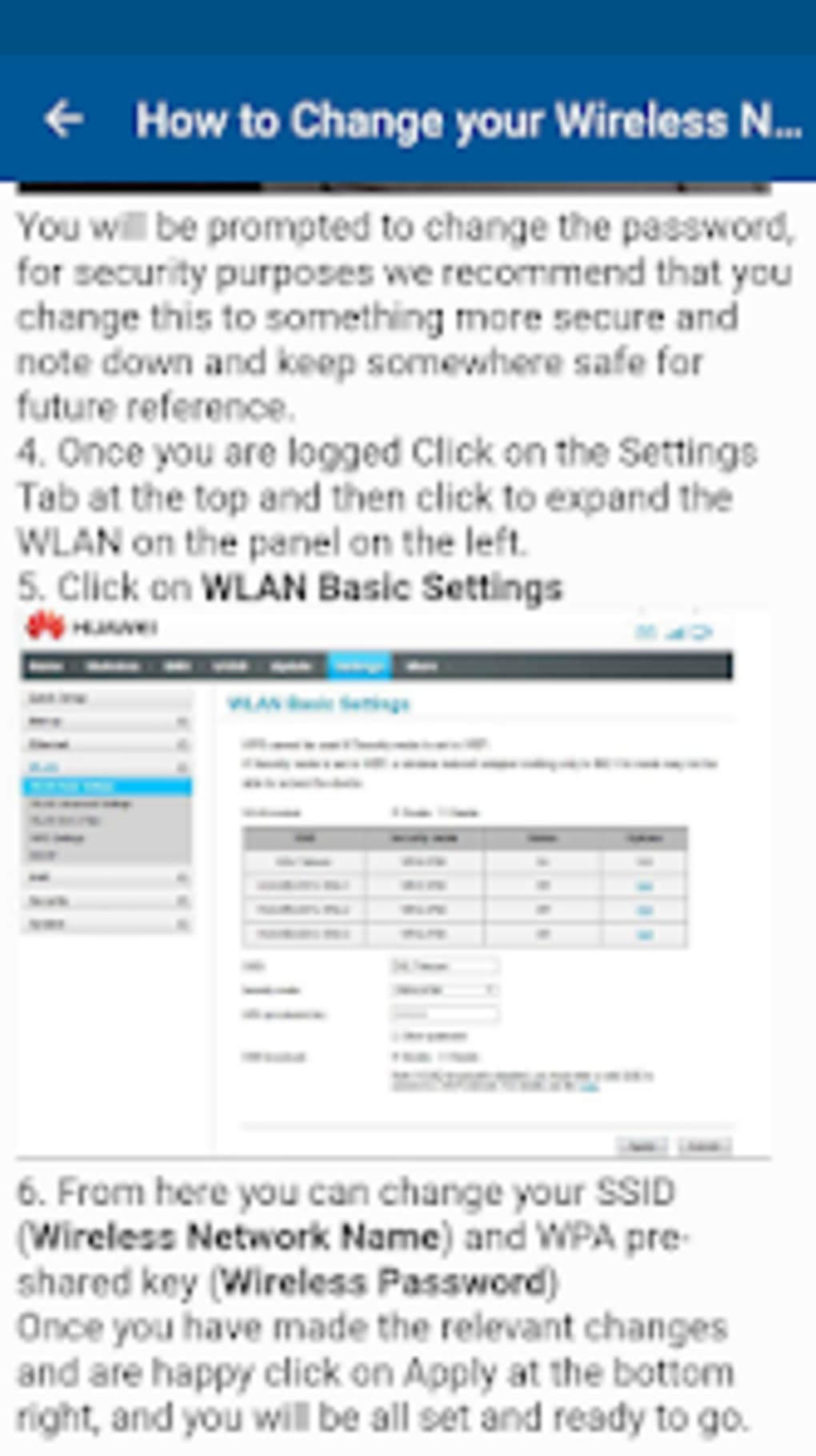
Hey Guys Sourav Dutta Here And Today i am Going To Show you How To Setup & Configure Airtel 4G Wi-Fi Hotspot Router | Change Wi-Fi Name & Password * How to ...
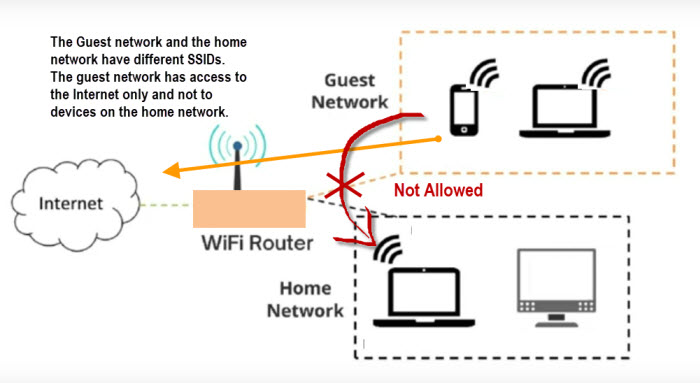
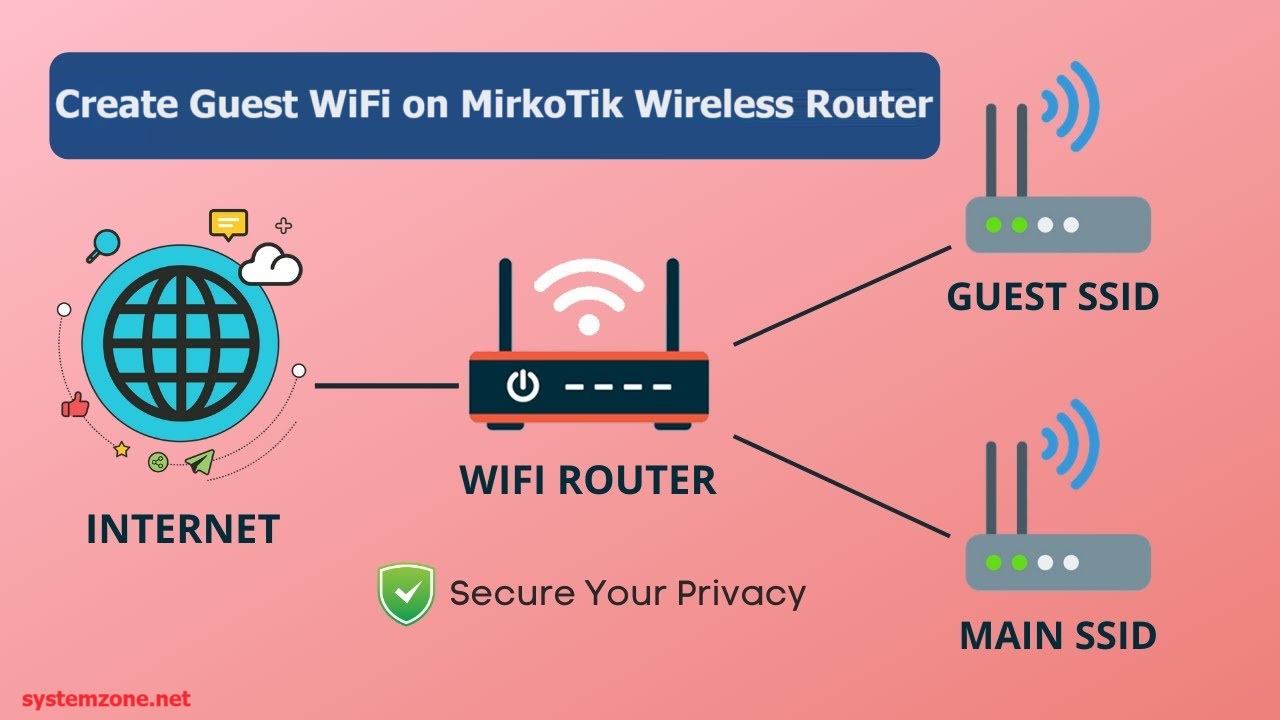
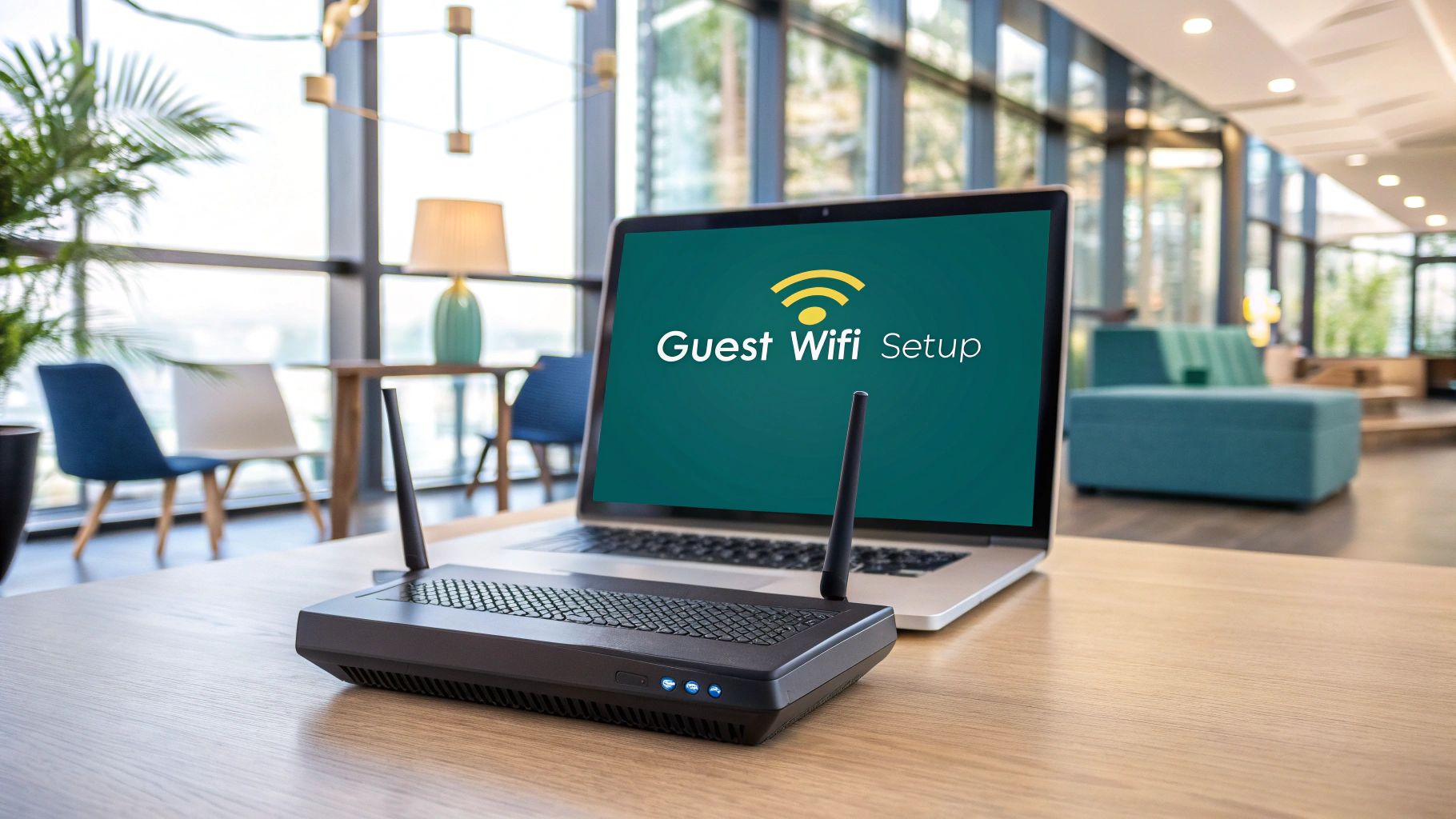
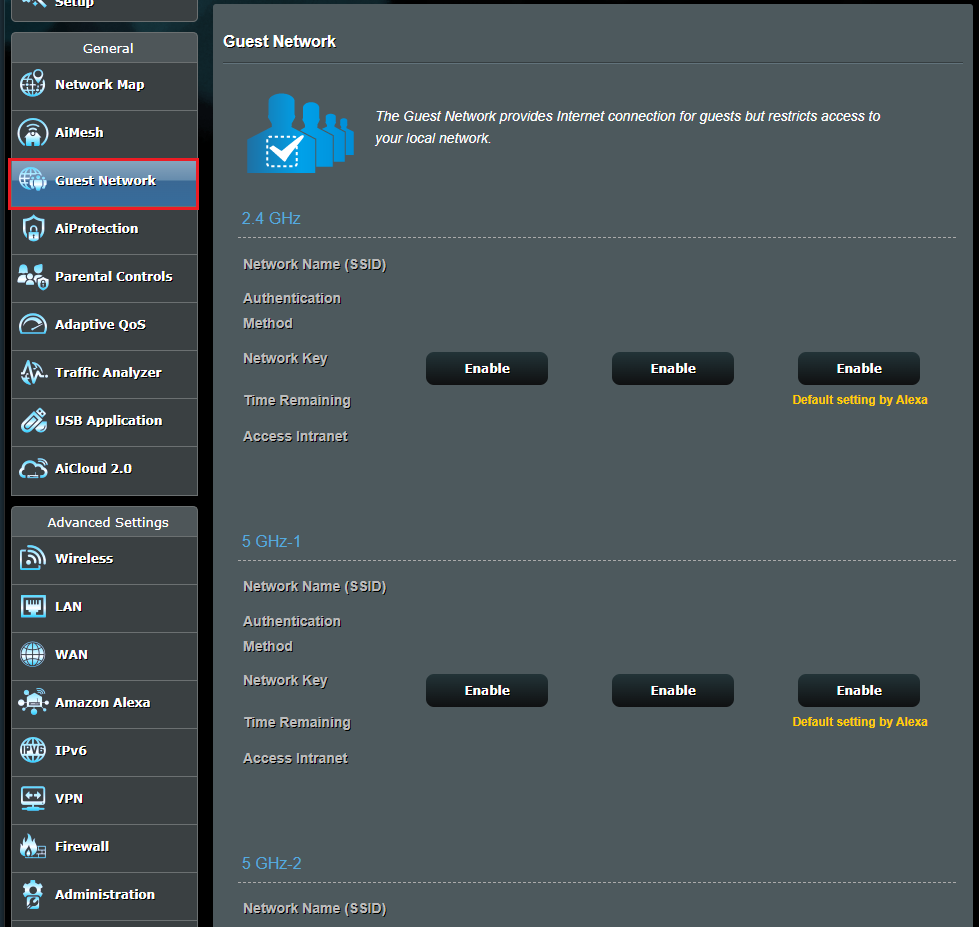
Picture setting up a guest network as building a border between your devices and foreign users on your network. And heres how to get it done on your router. How to Setup a Guest WiFi network.
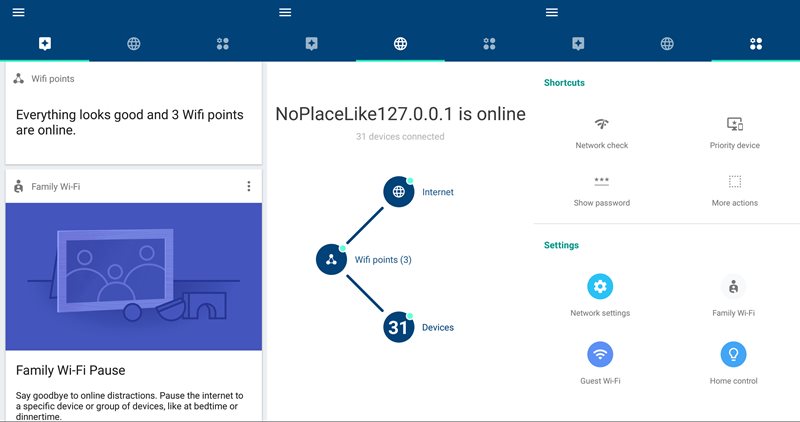
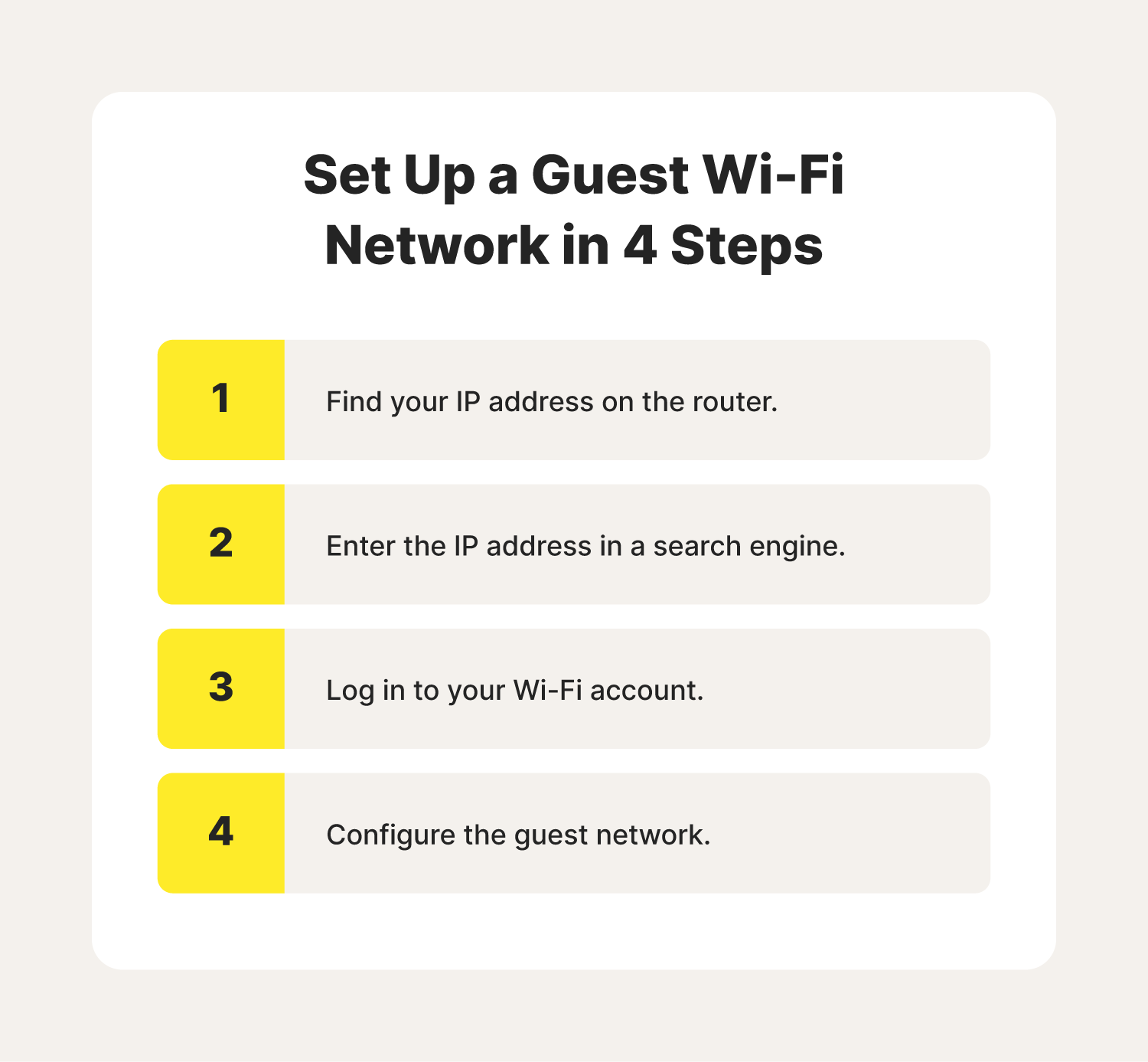
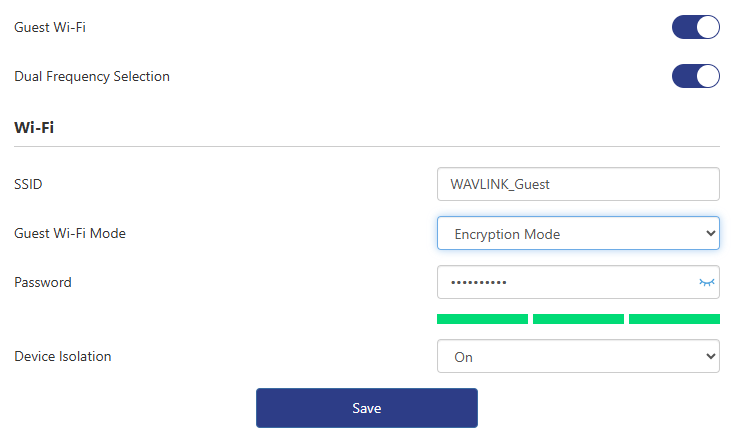
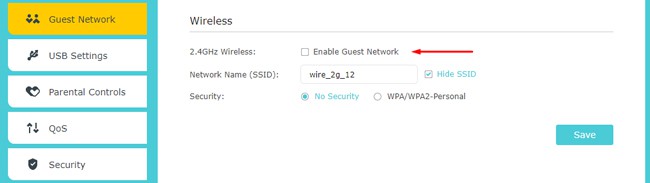
1. Guest network is only available when the router is set to Router or Access Point mode.Now your guests can access your guest network using the SSID and password you set! To customize guest network options as needed. Locate the Settings section.
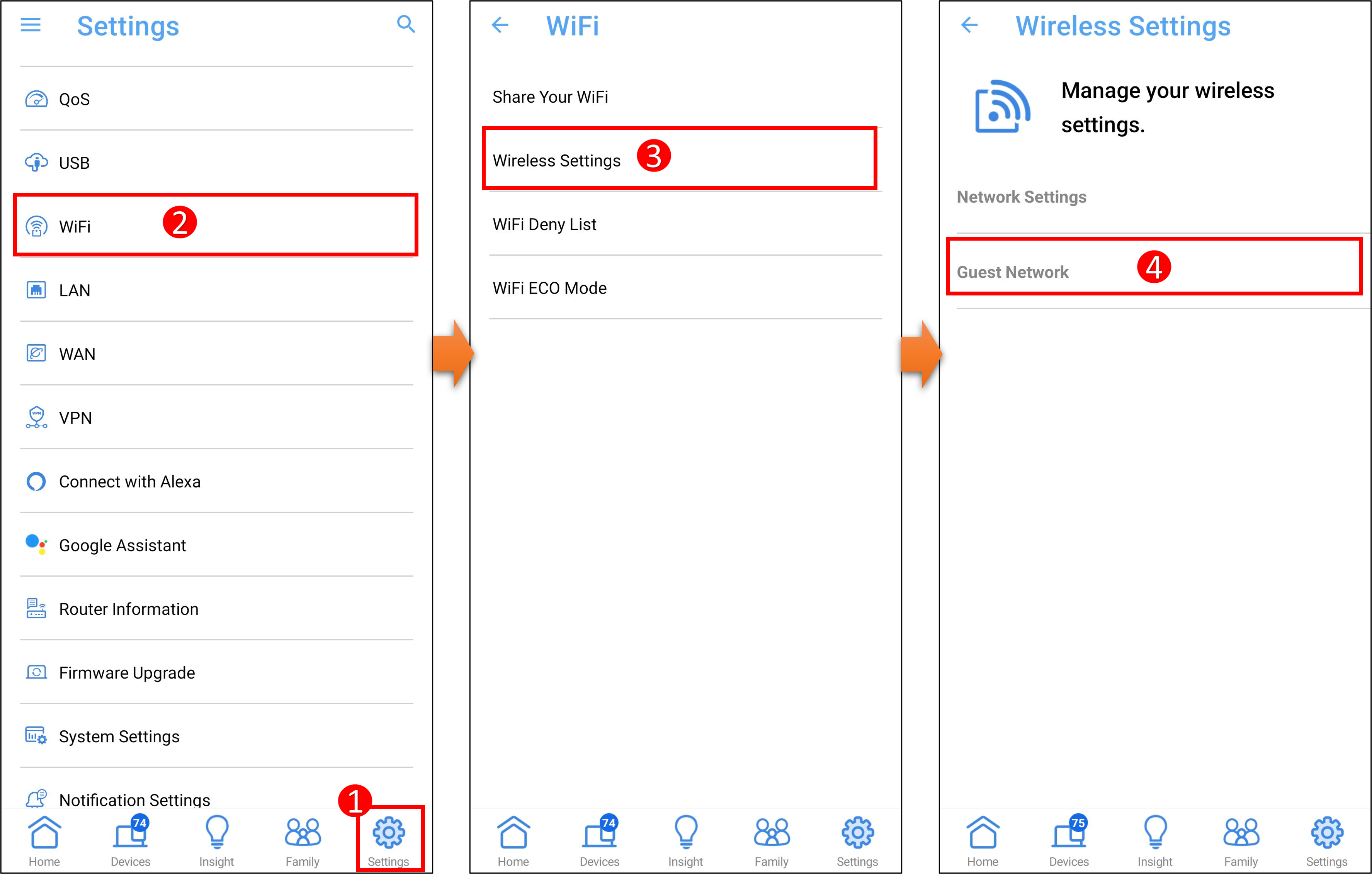
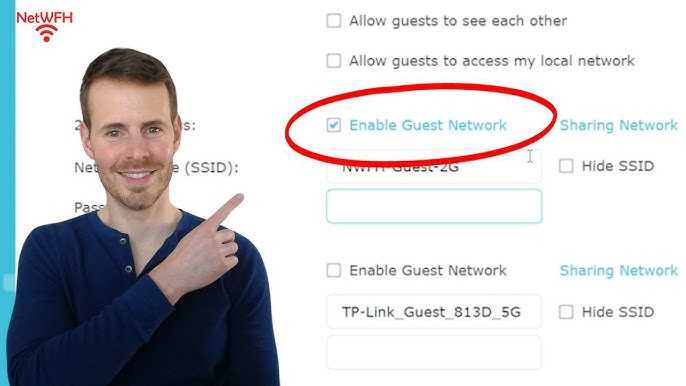
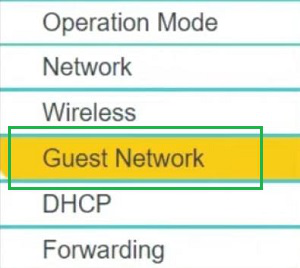
Log into your router settings (usually via an IP address like 192.168.1.1). Look for a section called Guest Network or Wireless Settings. Enable the guest network feature. Set a unique network name (SSID) and a strong password.

Create a Wireless Network on Android. Setting up Android like a wireless router is straightforward.Set Up Wireless Internet on iPhone or iPad. iPhone users can use their phone like a Wi-Fi router by using the hotspot feature.
Wireless Router Setup Baseline Settings. Troubleshoot Home Network Problems. Guest Network Easy toggle under Wireless. TP-Links menu is one of the most user-friendly. If you see Quick Setup, skip it and go straight to Advanced for the good stu...