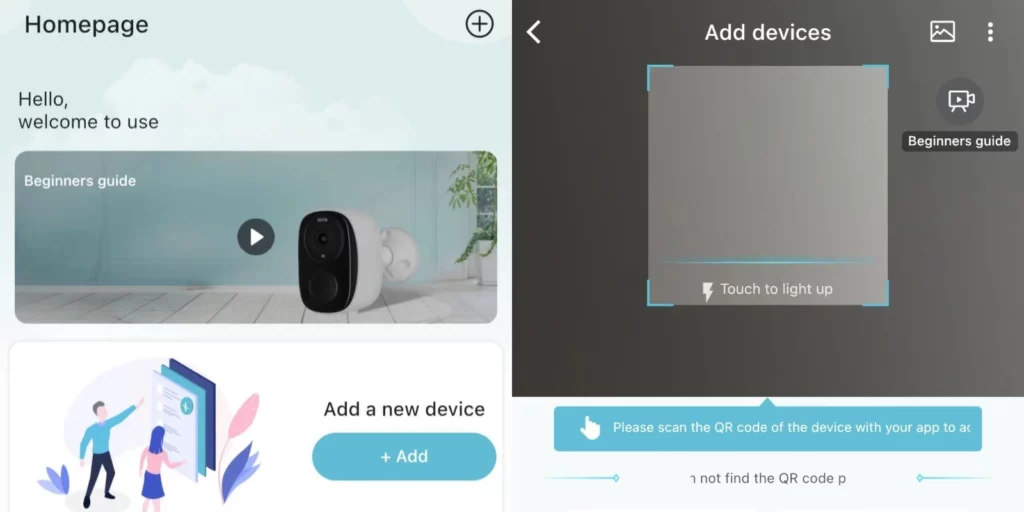
Learn how to set up smart devices in the Google Home or Nest app. The app gives you basic installation instructions to mount or install your Nest camera. If you need more tips for your...
Setting up your Google Nest Camera to Wi-Fi is quick and easy with the right steps. This guide walks you through the entire processfrom unboxing to live streamingusing the Google Home app. Youll also find troubleshooting tips and expert advice to keep your camera running smoothly.
If you change your Wi-Fi password, network name or security settings, or install a new router from a new Internet Service Provider, you'll need to update the Wi-Fi settings for your camera or doorbell.
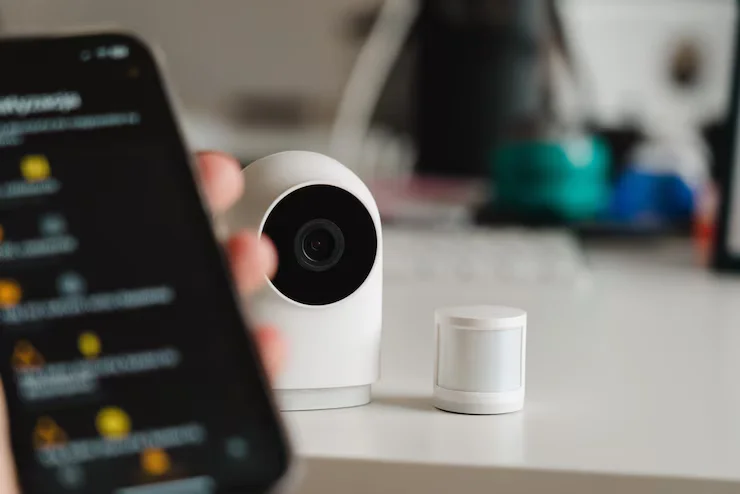
To set up your Google Nest Camera, youll need a few essential items. First, ensure that you have a stable Wi-Fi connection with a minimum speed of 2 Mbps for optimal performance.
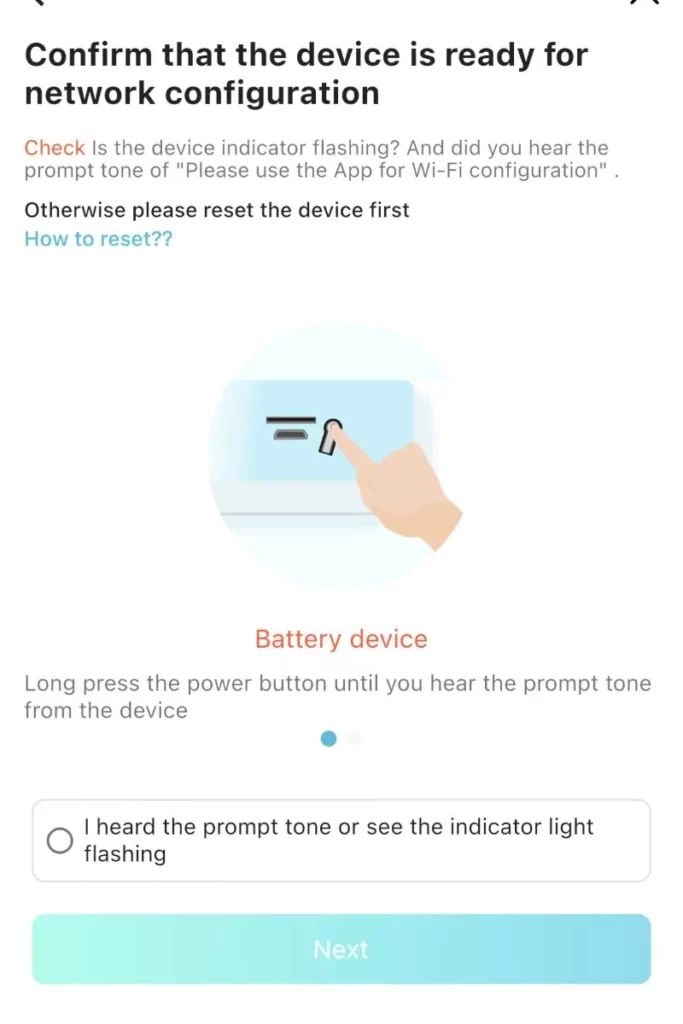
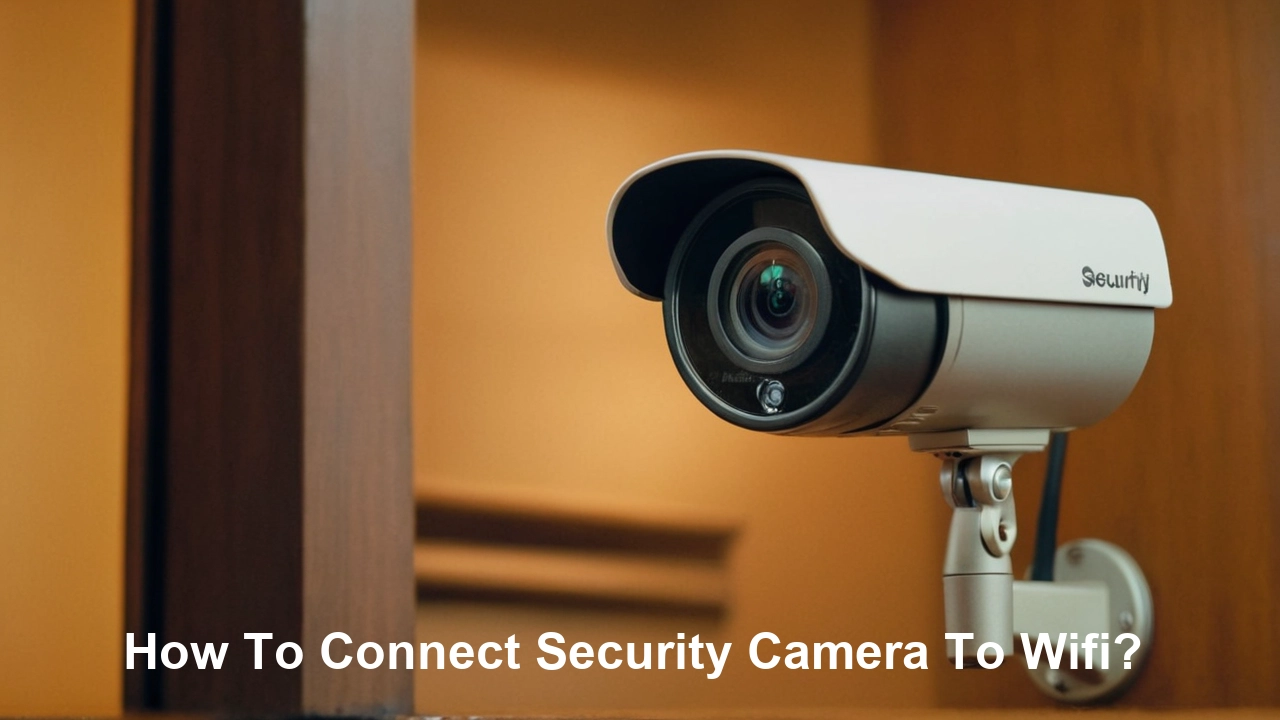
In this video, we will walk you through the entire setup process, ensuring that your camera is properly connected to your network. By updating your cameras Wi-Fi, you can keep your security system connected and functioning smoothly. This guide on how to change wifi on google nest camera makes the process straightforward with clear instructions, practical tips, and solutions for common hiccups.
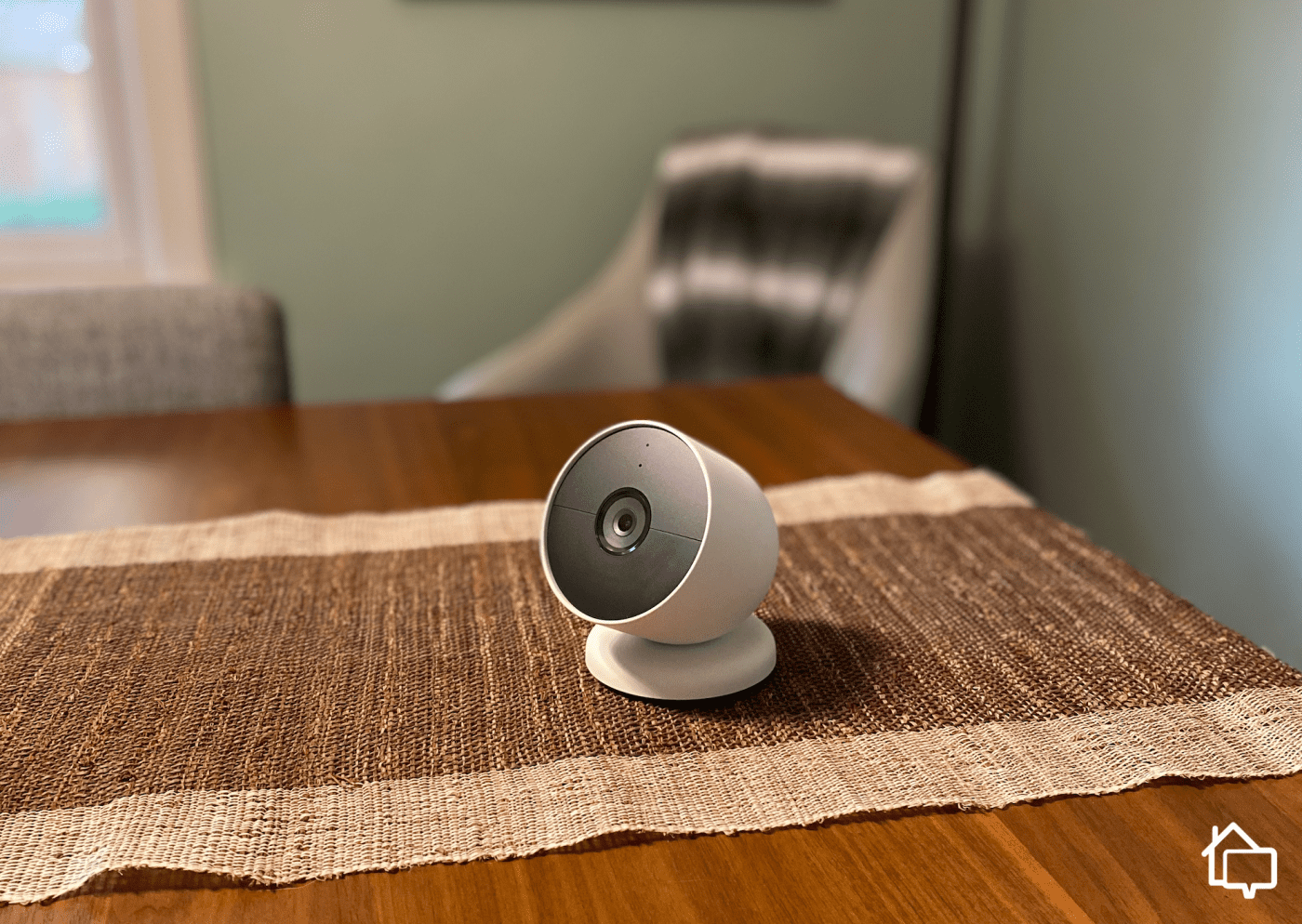
Moving forward, it's essential to keep these visual contexts in mind when discussing Google Wifi Setup For Security Cameras.
By updating your cameras Wi-Fi, you can keep your security system connected and functioning smoothly. This guide on how to change wifi on google nest camera makes the process straightforward with clear instructions, practical tips, and solutions for common hiccups.