The Roku app, with a Roku device highlighted in the Devices screen. Connect to the Roku device on your Wi-Fi network. William Antonelli/Insider. Quick tip: If you don't see it, try restarting your phone or the Roku and then check again.
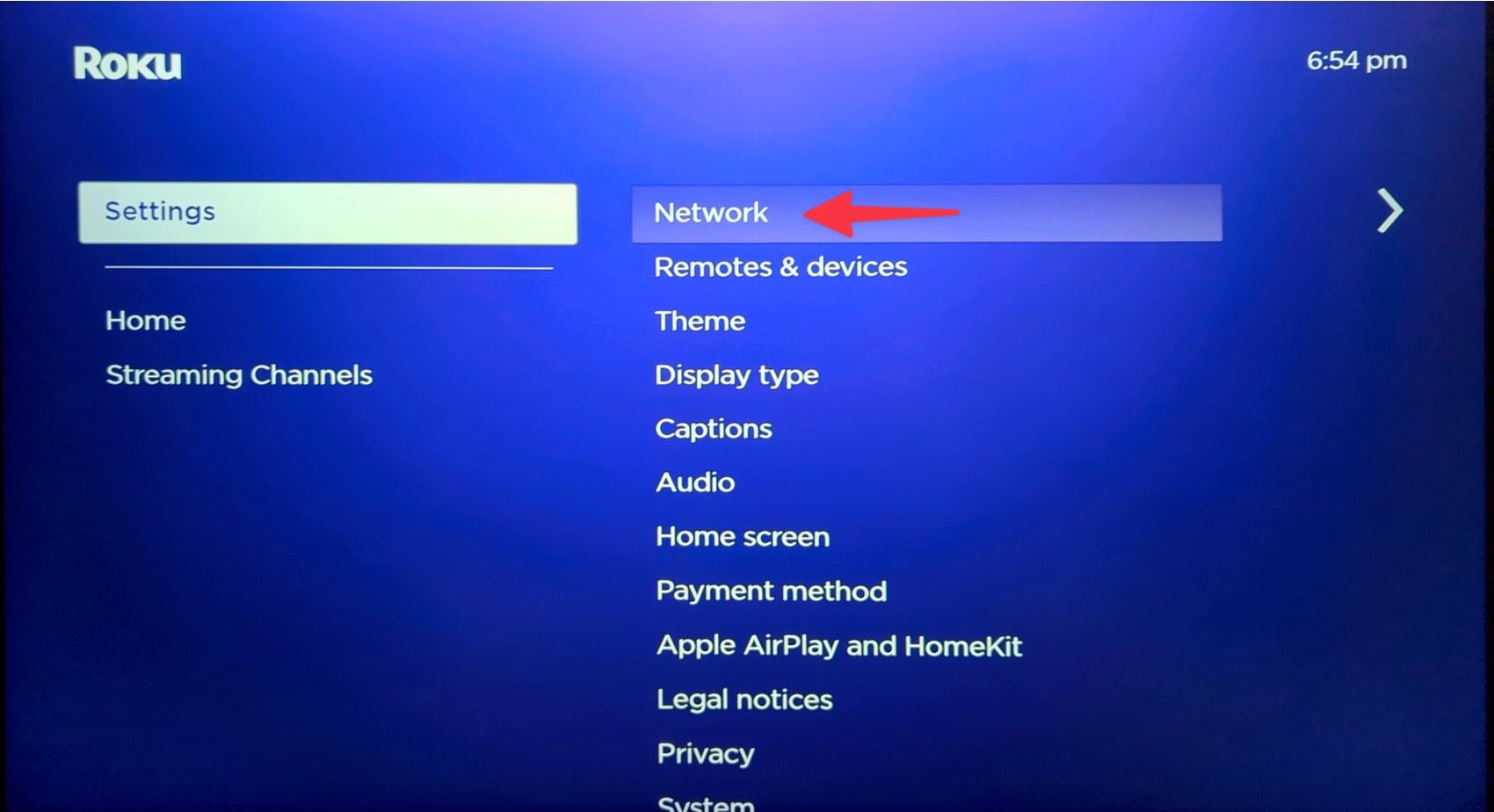
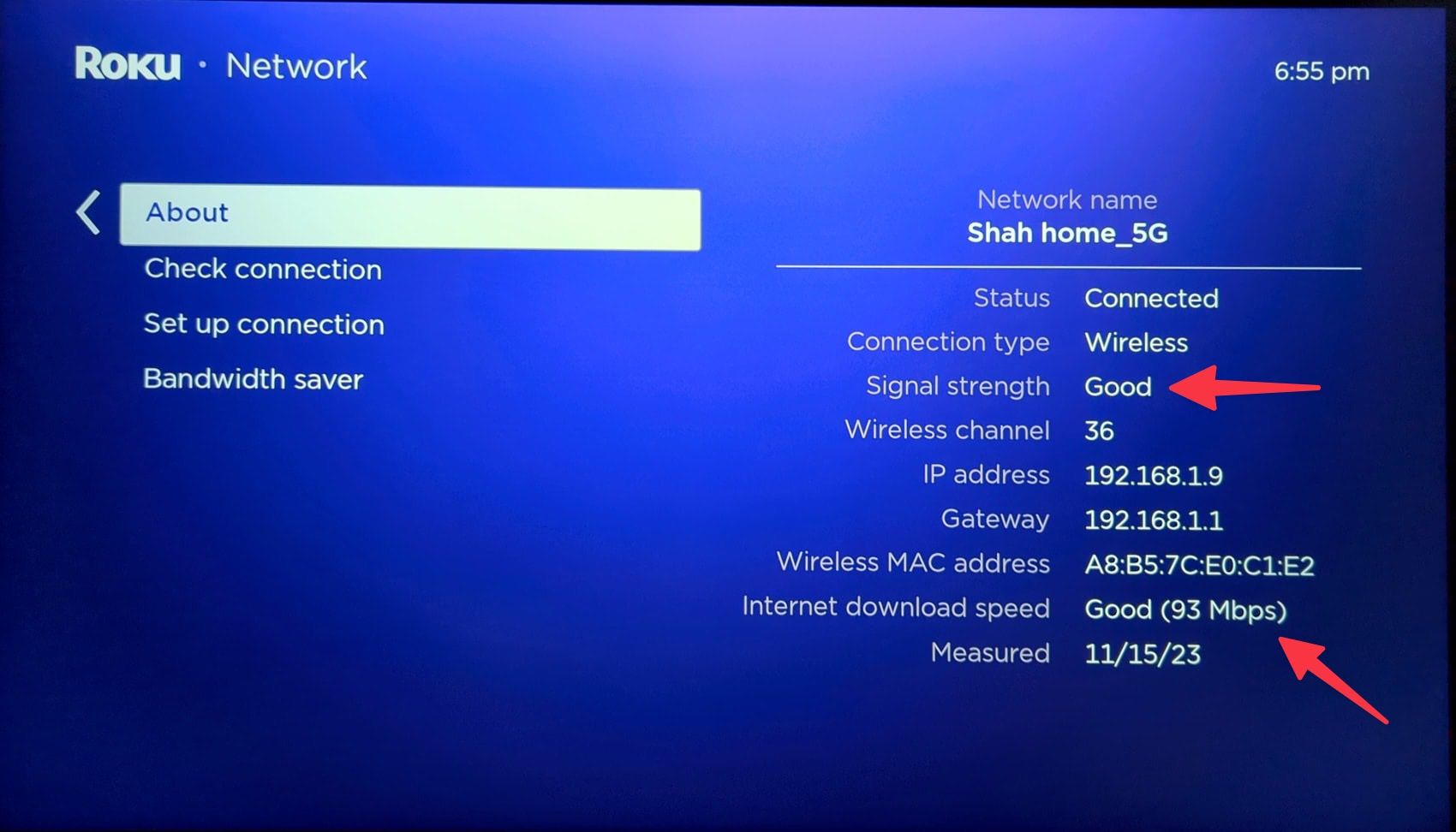
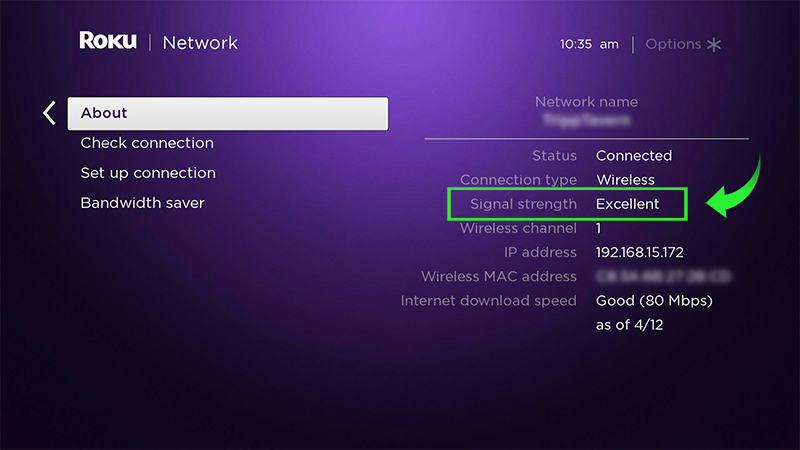
Roku's secret Wi-Fi menu provides details about your wireless connection. This menu, called "Wireless Secret Screen," lets you view signal strength, antenna information, glitch rate, and logs, perform a speed test, and reset the network.
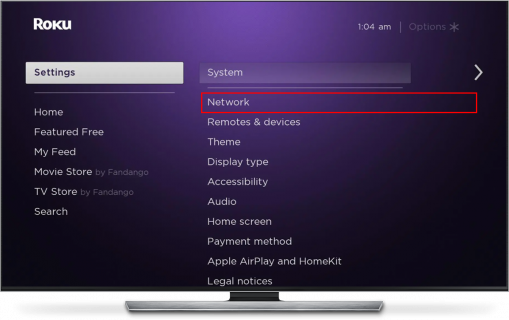
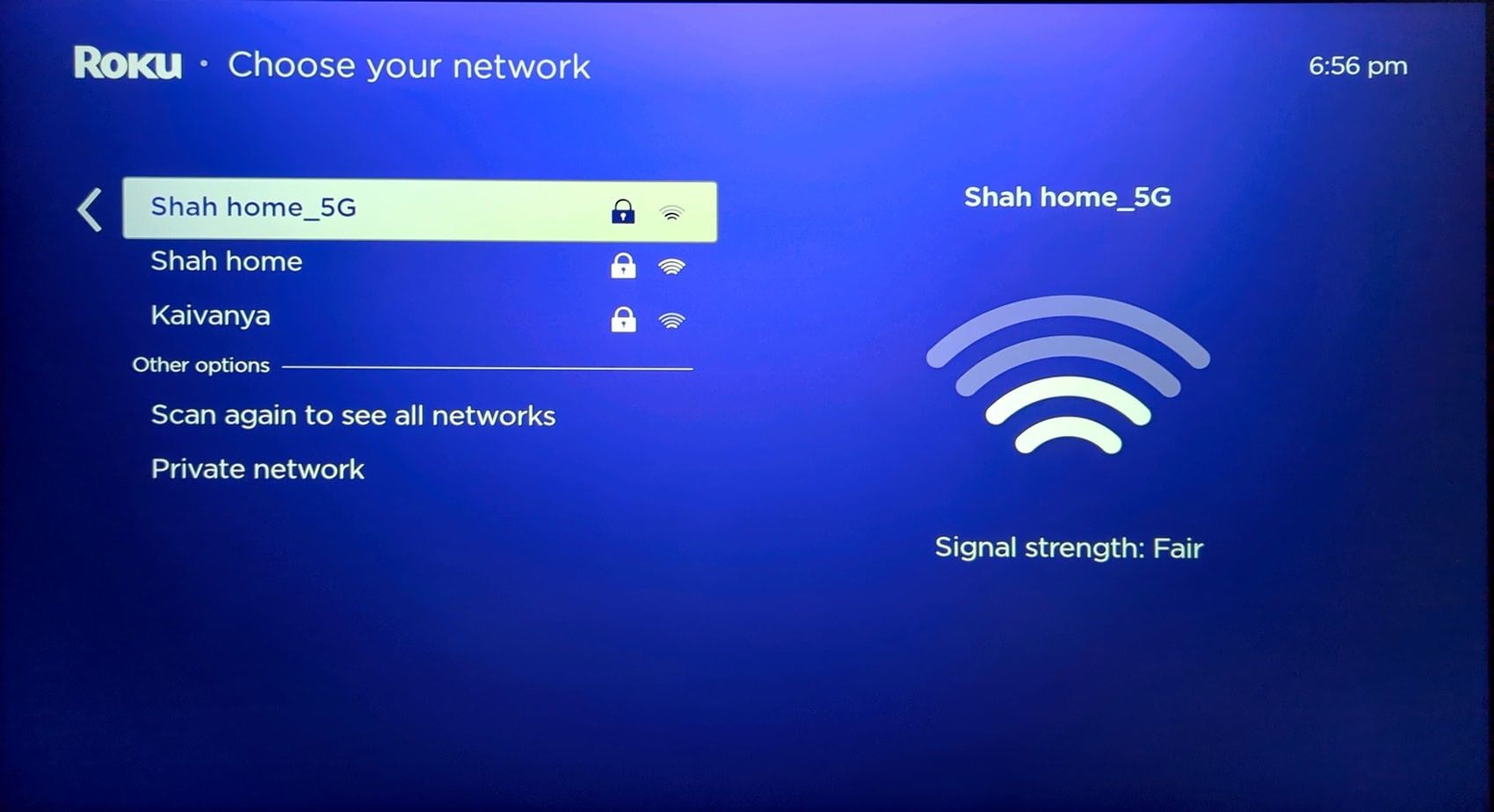
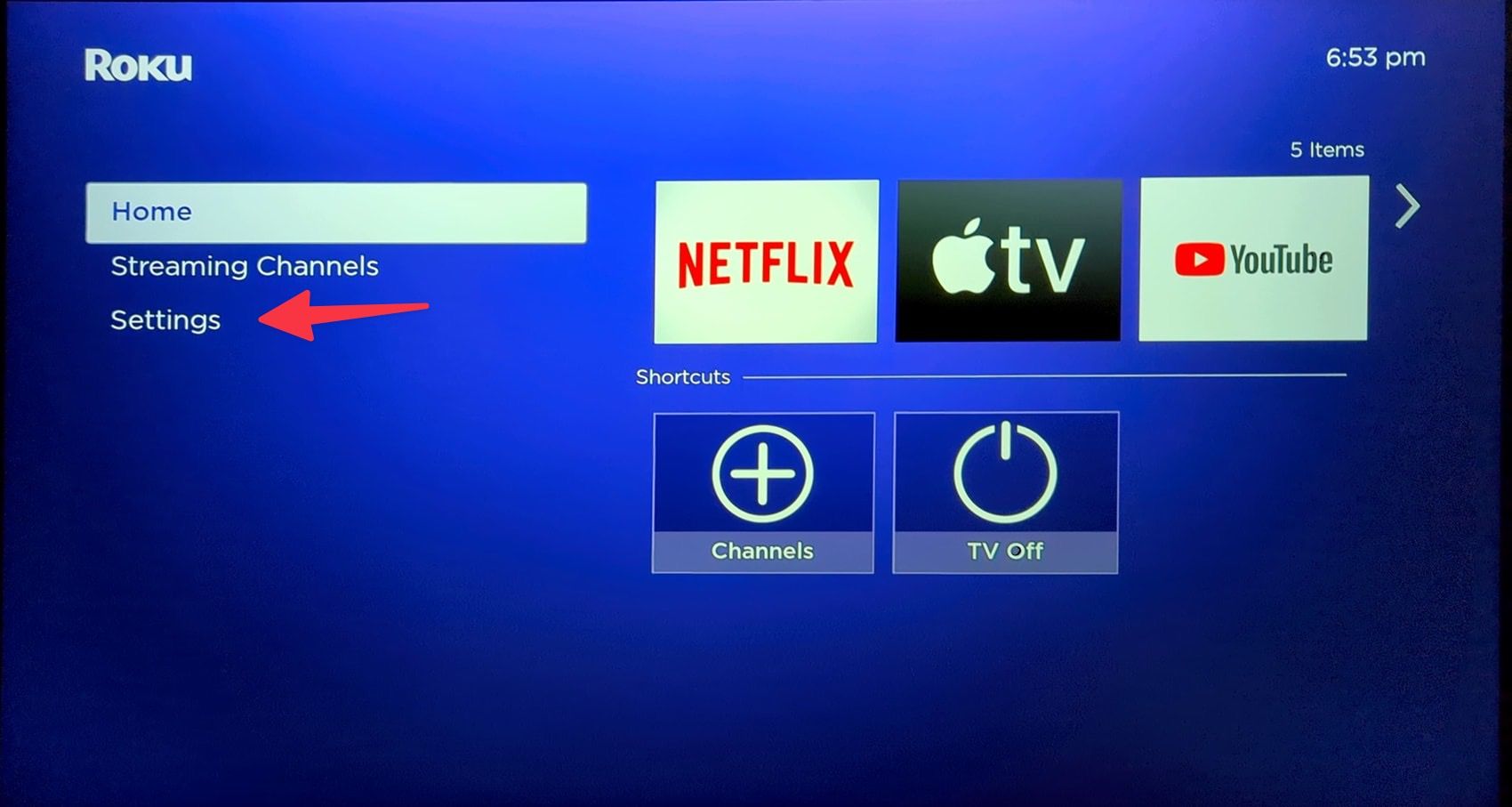
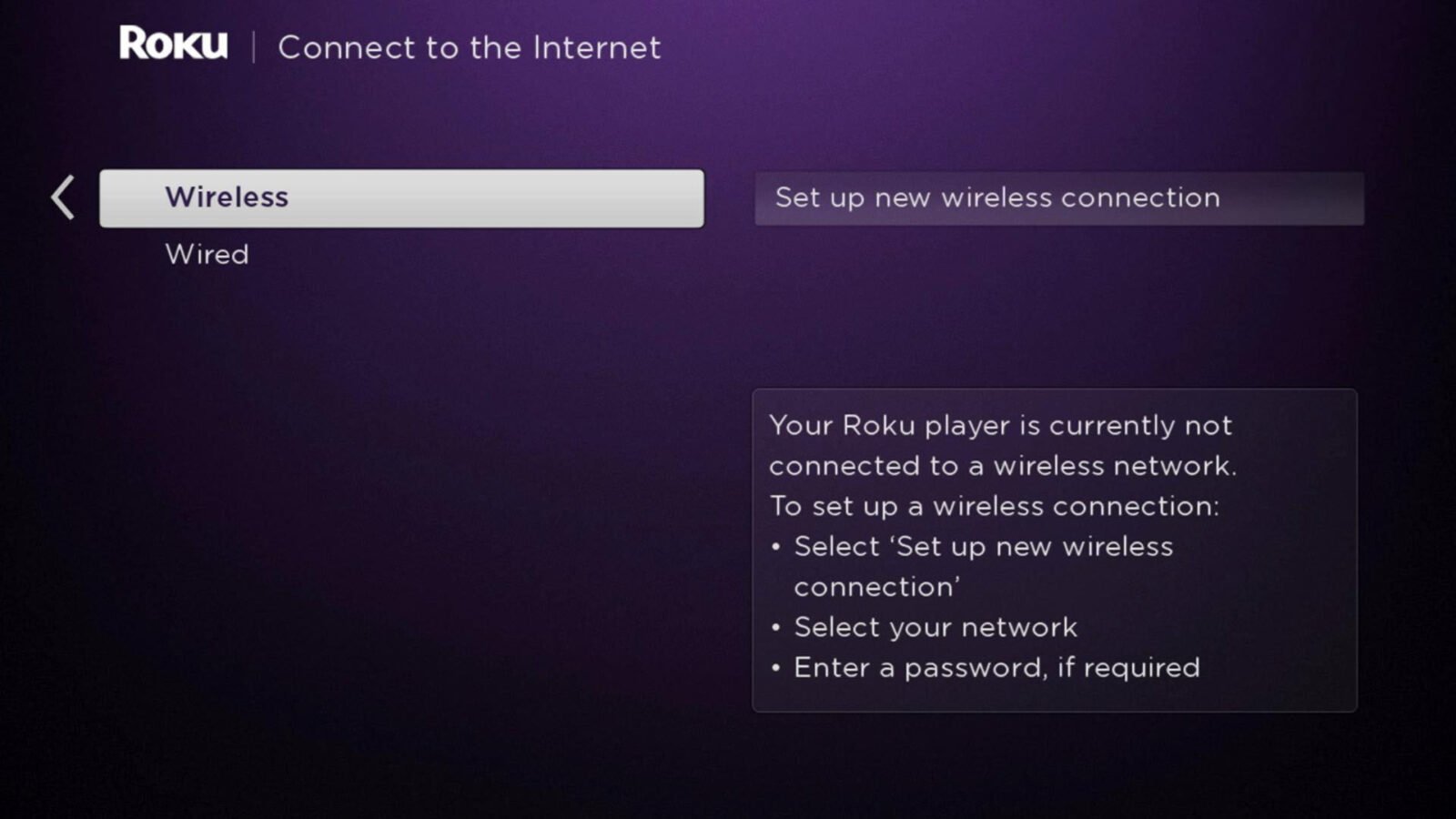
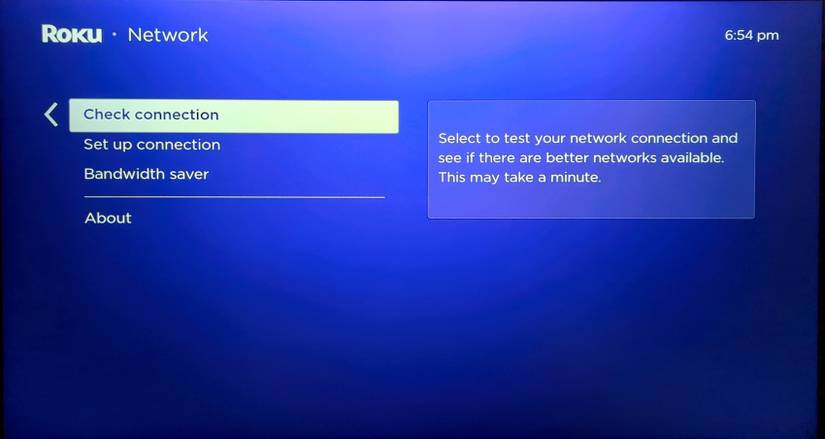
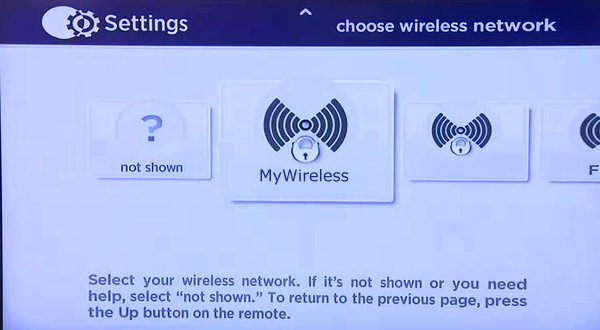
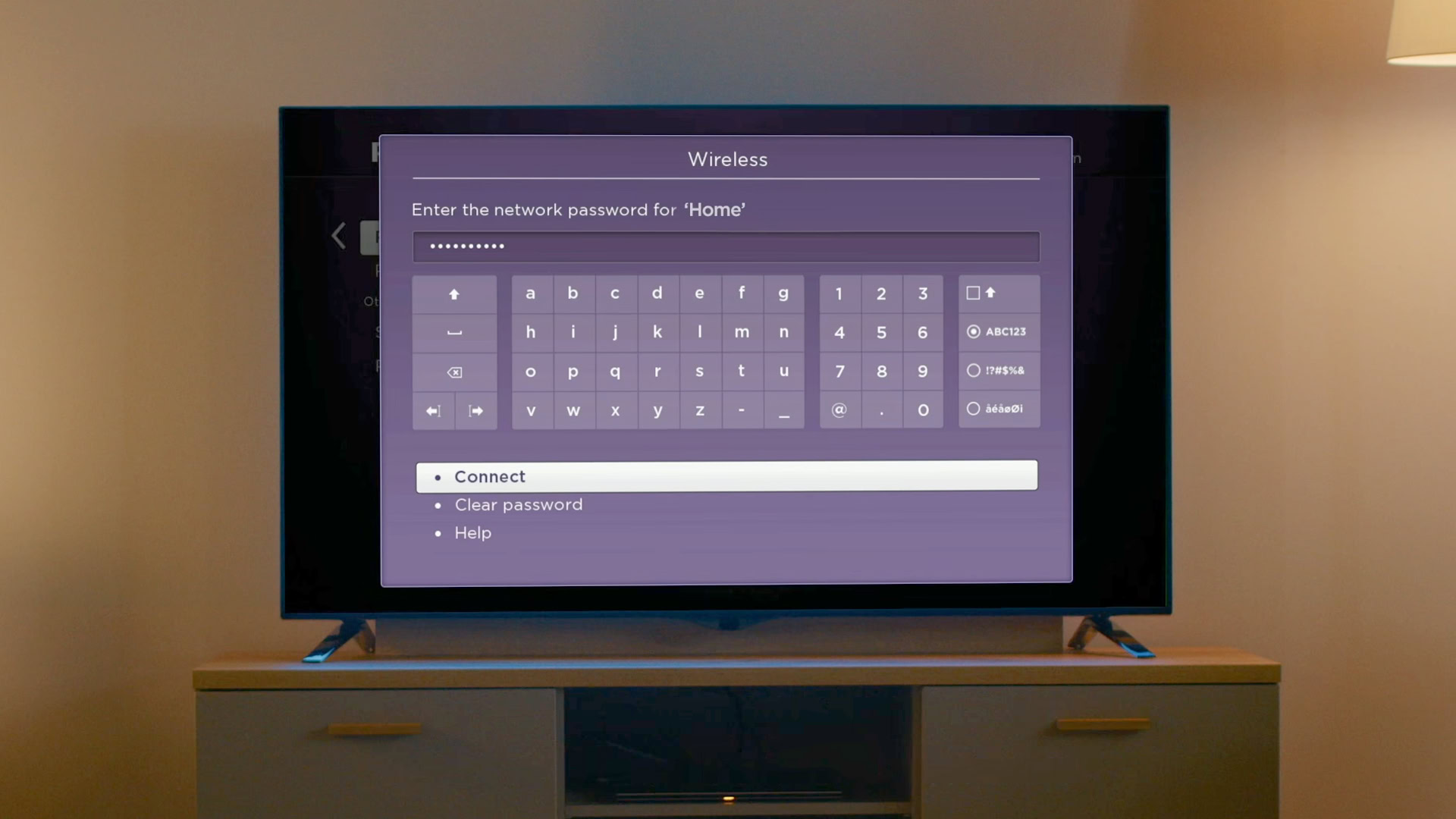
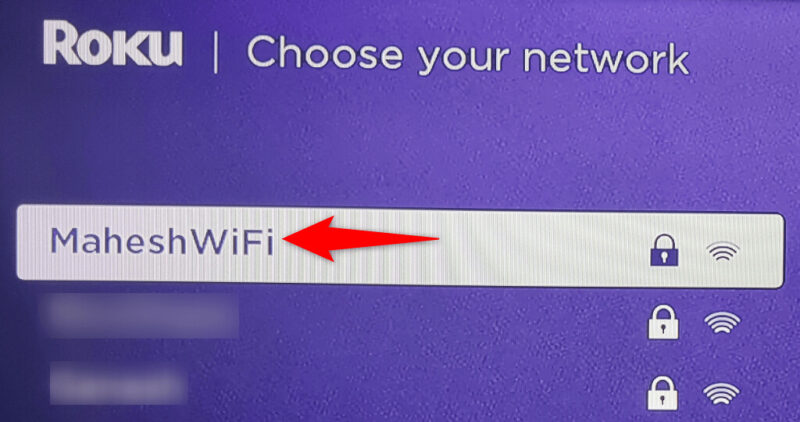
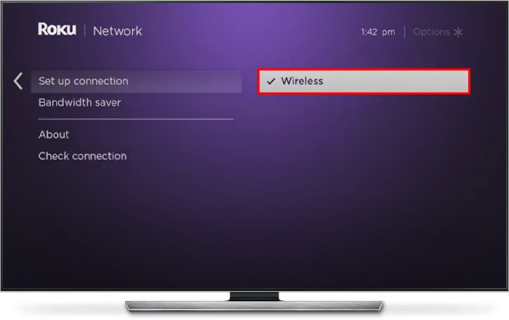
While setting up your Roku device, it will guide you through the process of connecting to your Wi-Fi network and entering your Direct Roku Network Security Key. Heres how to do it step by step.
Discover how you can see the SEC Network on Roku for free and why it is not currently available.Why Is SEC Network Accessible Via ESPN on Roku? Can You Watch SEC Network on Roku for Free? What Is the Difference Between SEC Network and SEC Network+?

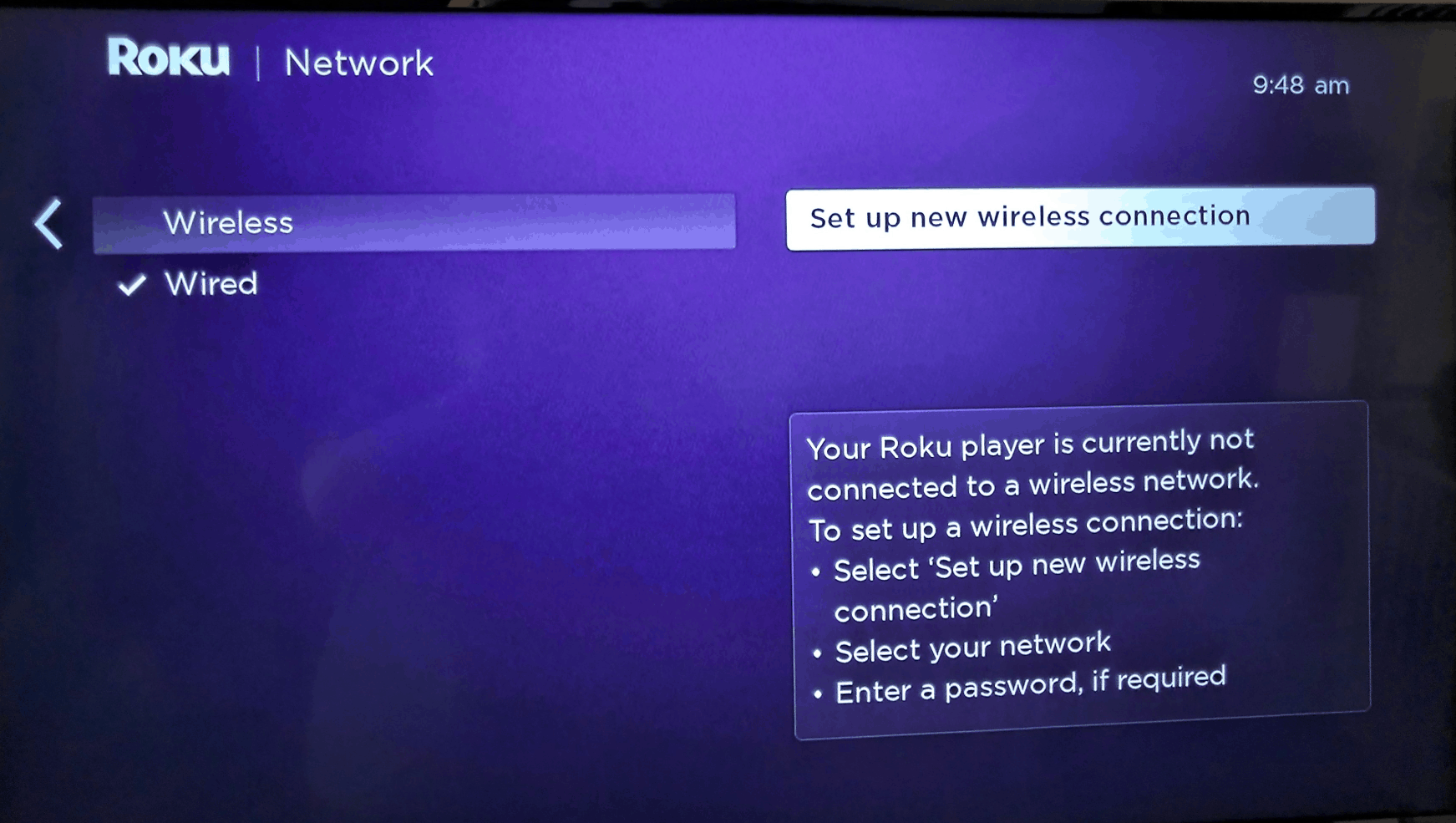
Furthermore, visual representations like the one above help us fully grasp the concept of How To Configure Wireless Network On Roku.
During this configuration, youll need to enter the Wi-Fi passwordthis is your network security key. If you misplace this information, you may be unable to connect your Roku to the internet or ensure its secure operation.How to Set Up and Change the Direct Roku Network Security Key.