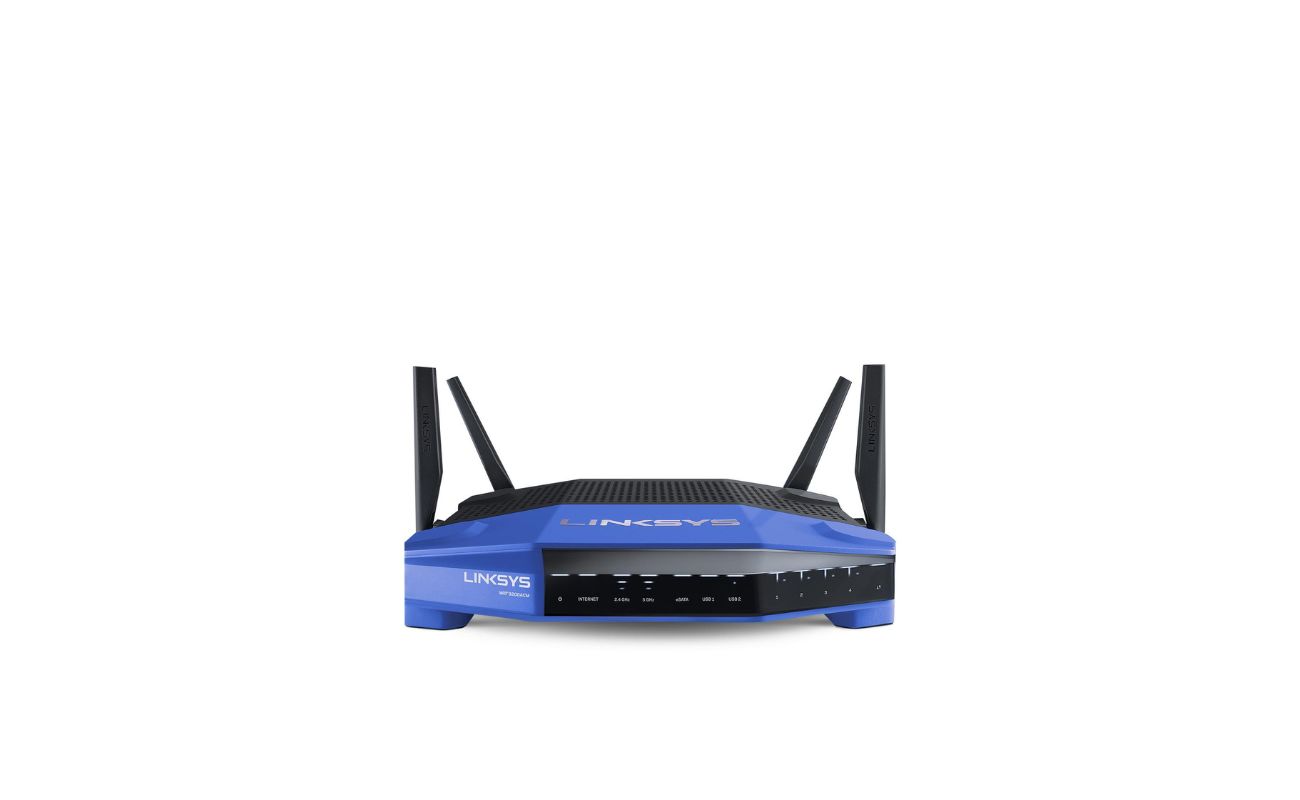
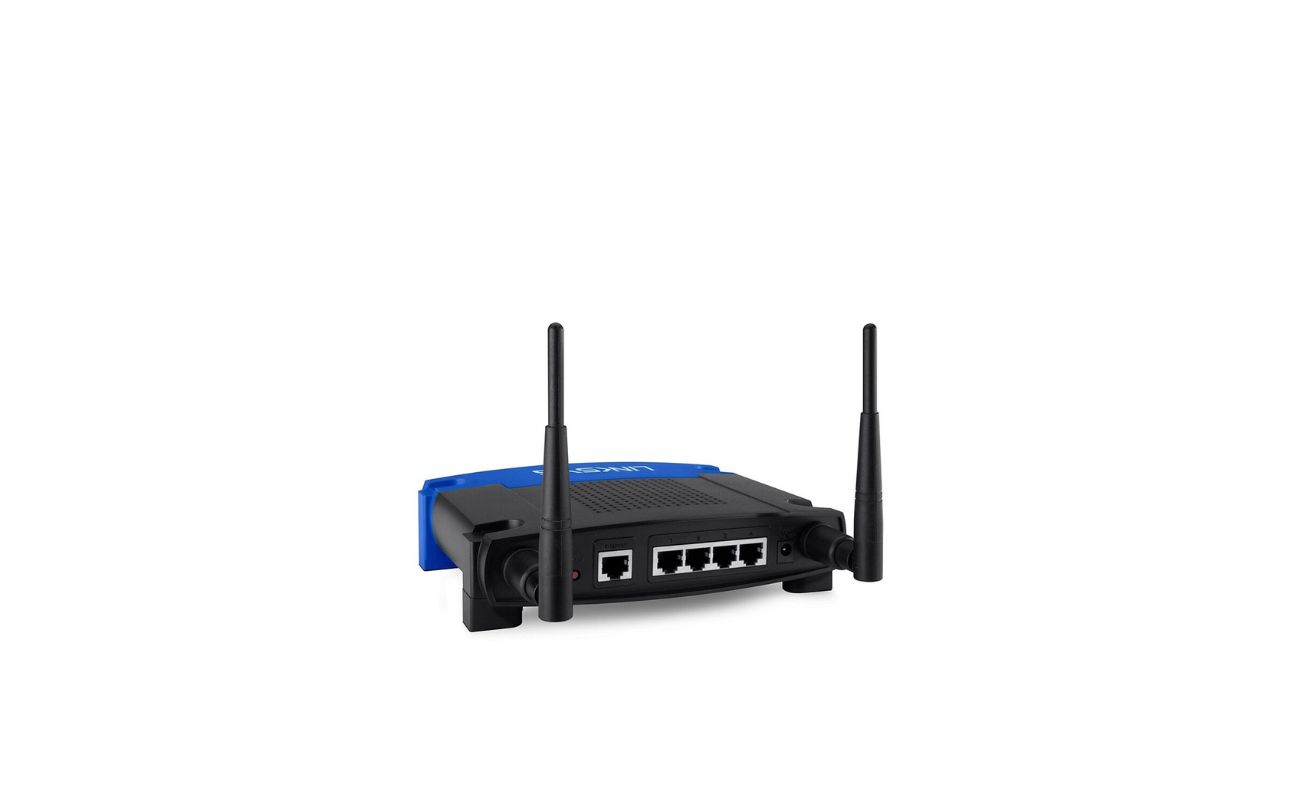
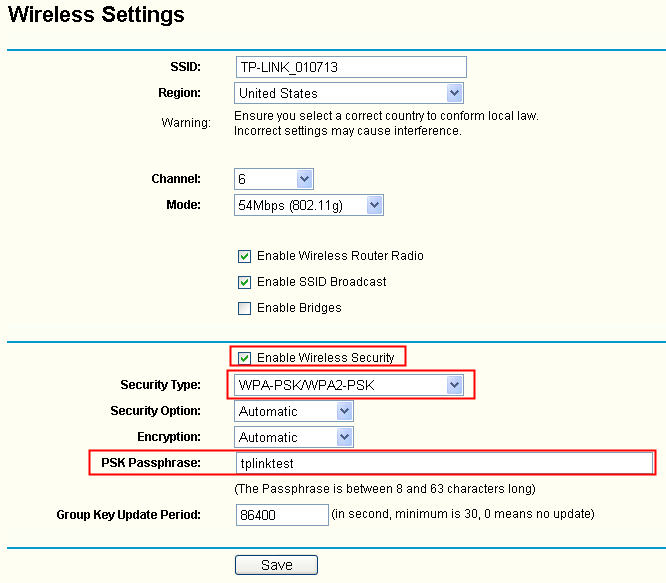
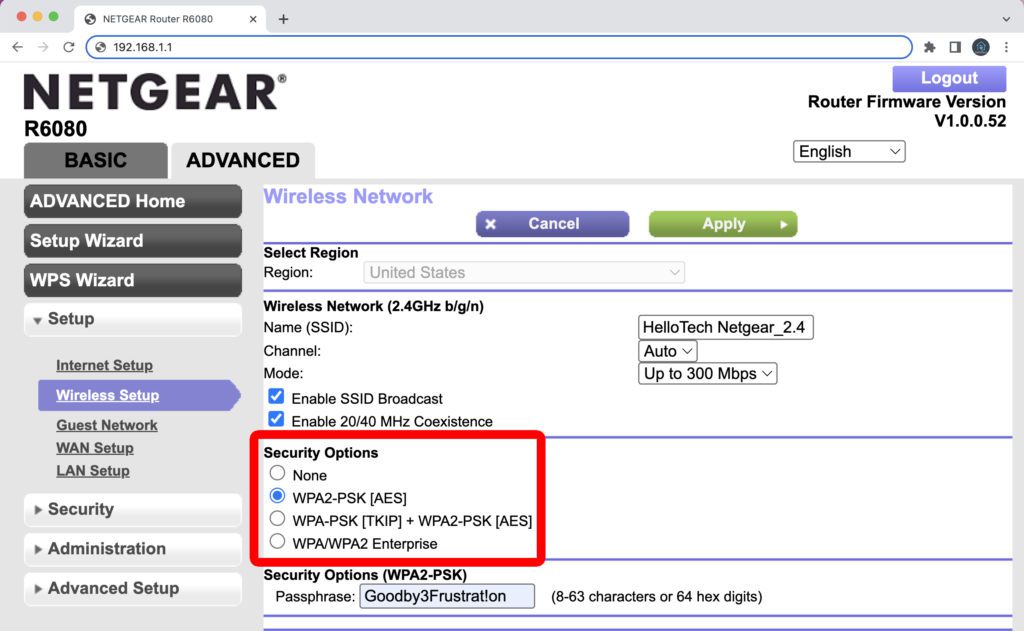
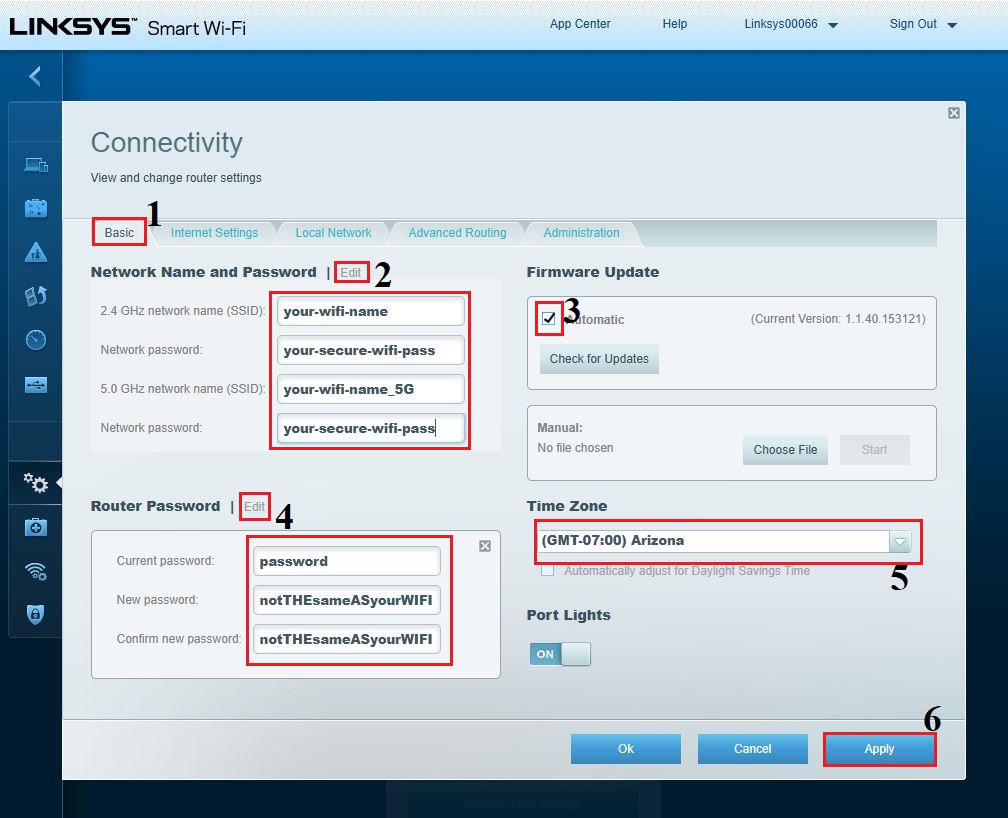
A wireless router provides a secure network connection for your office, and all your employee workstations that are linked to it.
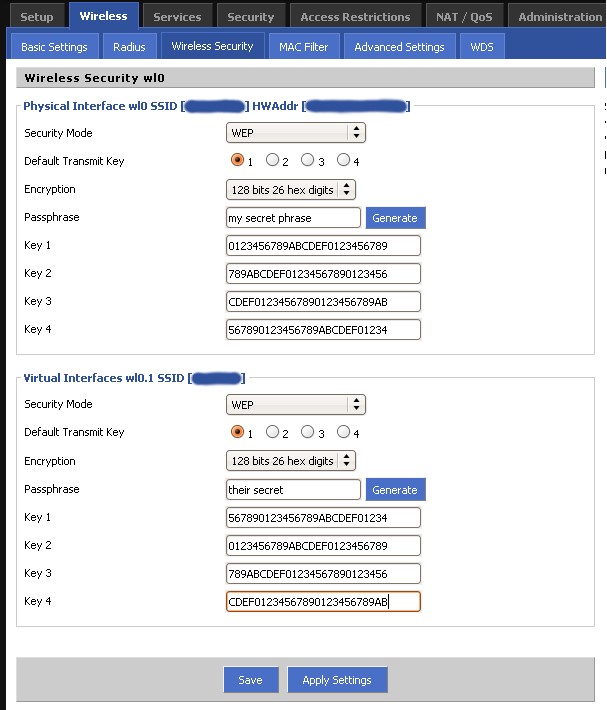
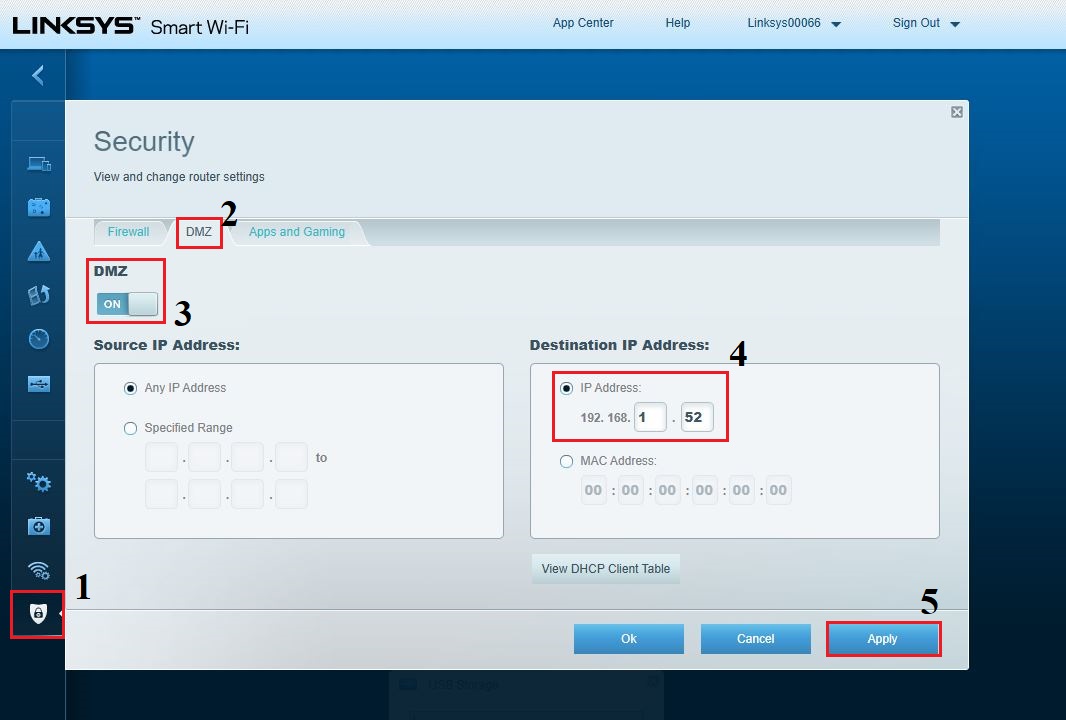
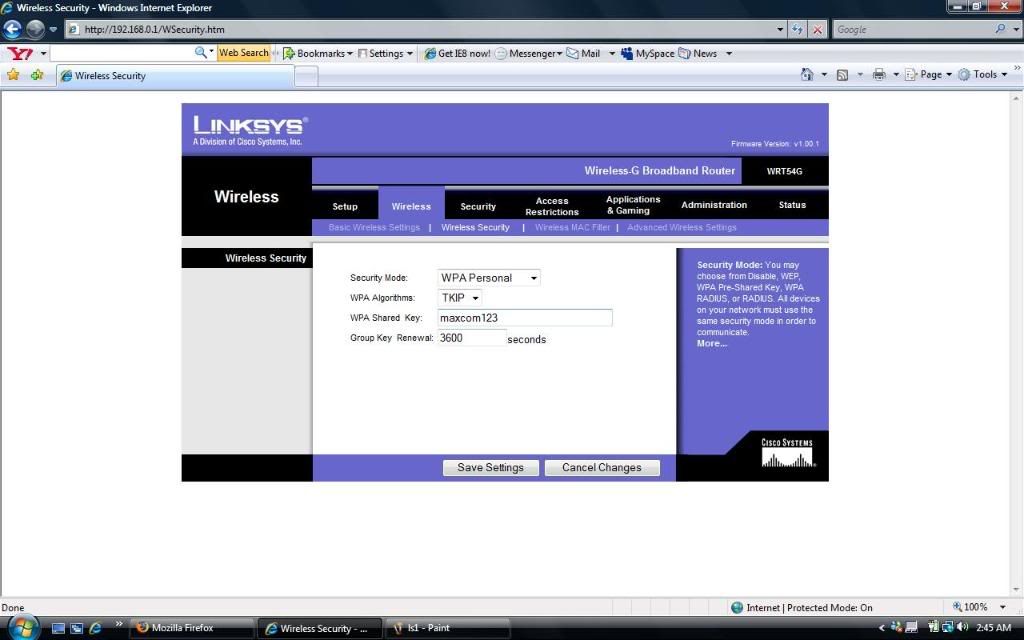
Linksys routers provide a built-in dashboard where you can log in and change the settings on your router. This also allows you to place a security password on your network connection. Only people who have the security key will be able to make a wireless connection to your router.
WPA: Wi-Fi Protected Access Wi-Fi Protected Access (WPA) is a data encryption specification for 802.11 wireless networks that replaces the weaker WEP. Created by the WiFi Alliance before a 802.11i security standard was ratified by the IEEE, it improves on WEP by using...
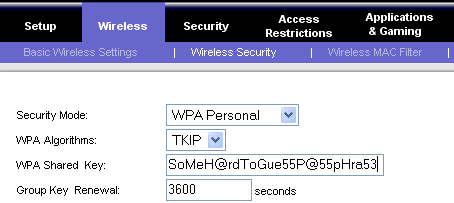
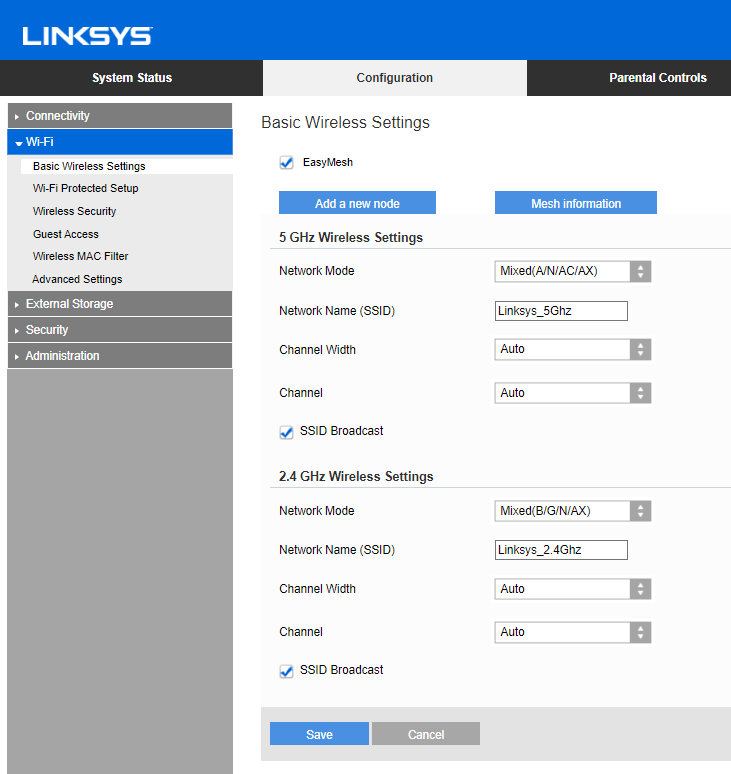
Learn how to connect to your Linksys E1200 in bridge mode with easy steps extending your network and improving Wi-Fi coverage in your home or office.Go to the menu of wireless and set the settings. These settings should be identical to the one in Linksys router.
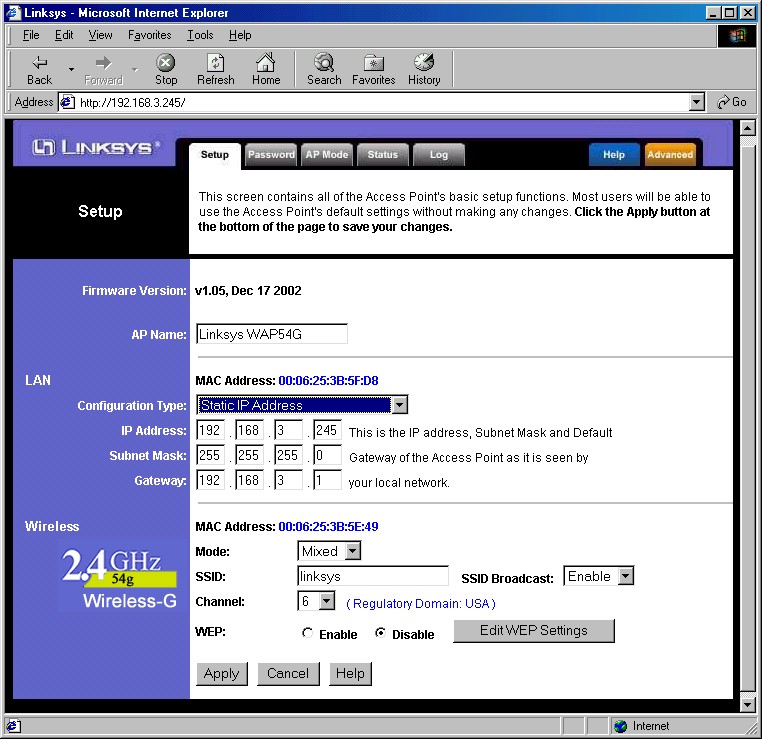
In this tutorial you will learn how to configure the Linksys WAP54G Wireless-G device so that you can enjoy a wireless Internet connection of.
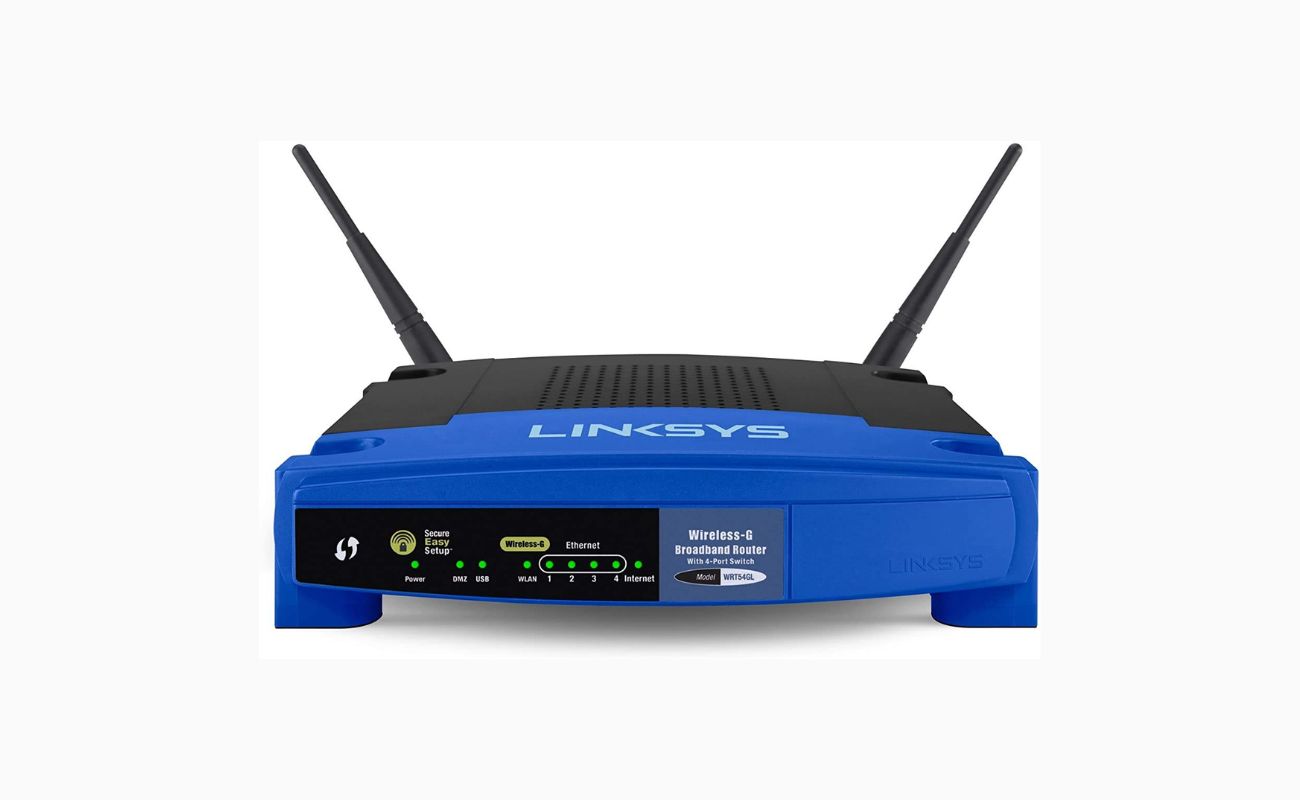
Configure Security Key to Secure Linksys Router.This is the most secure encryption protocol available for WI-FI networks. Check if its the one youre using by going to your routers settings page. Youll be able to see it in the wireless network tab.