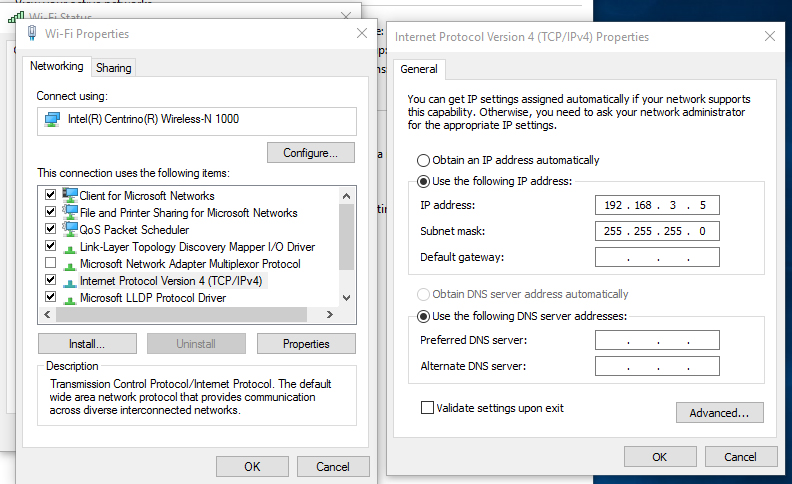
Want to change your IP address for online security or to unblock websites abroad? I'll explain step-by step how to replace your IP address. Learn how to change your IP address to enhance privacy, bypass geo-blocks, and secure your data. Discover the best methods for Windows, Mac, Android, and iOS. Hiding your IP address improves your internet privacy, security and freedom. Learn how to change your IP address with a VPN, proxy server, Tor Browser, or mobile network. Need to hide your location or fix an IP ban? Learn how to change your IP address on Windows, Mac, Android, and iOS using VPNs, Proxies, and Router hacks. In this article, you will discover the 5 best ways to mask your IP and a comprehensive comparison between all of them, find out what your IP address reveals and learn why businesses hide their IPs. Whether it's for online security or to access geo-blocked websites, it's easy to change your IP address. This guide explains how to do it in just a few steps. There are several ways to change or hide your IP address. This includes a few ways to do it for free, like through the Tor browser or with public WiFi. However, these three ways are the best options. Learn how to change your IP using a VPN, proxy, or router to decide which method is best for you.
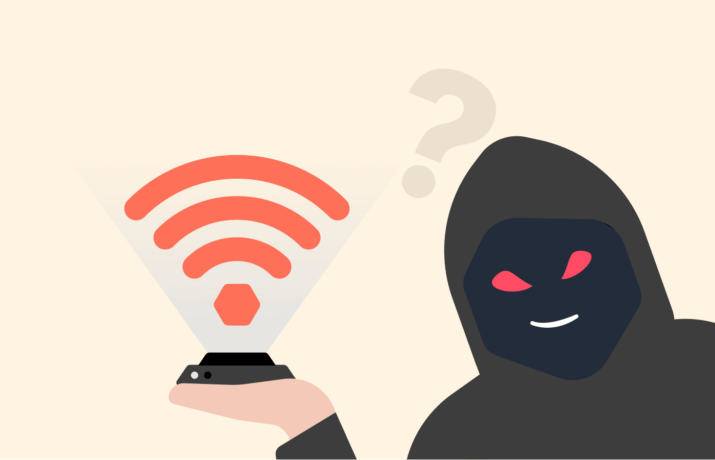
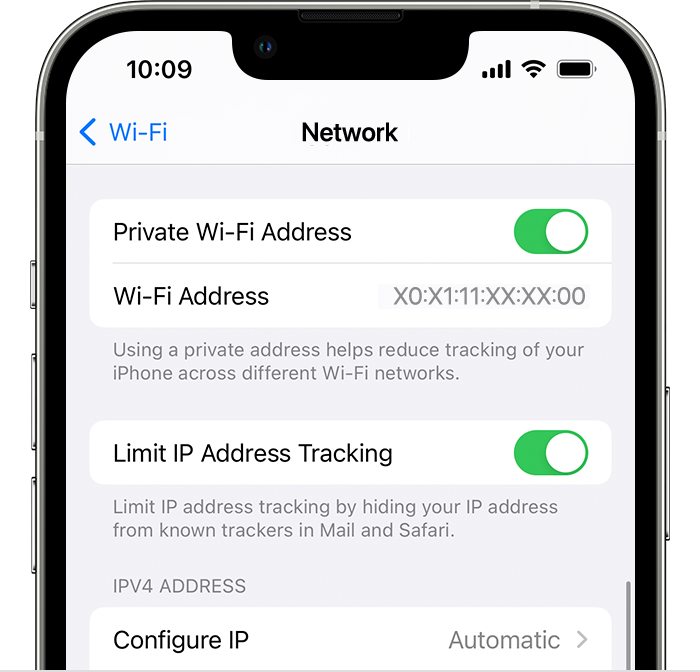
This particular example perfectly highlights why How To Stay Anonymous On Public Wifi With Ip Address Changer is so captivating.