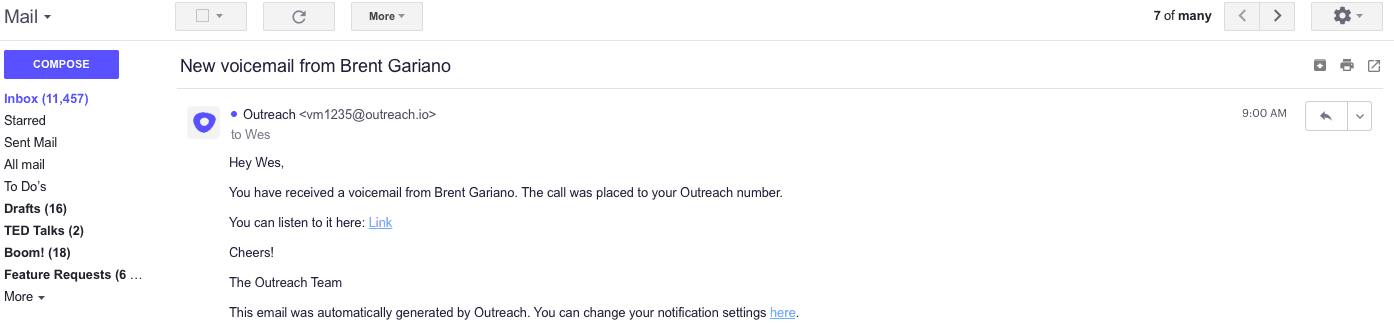
Configure voicemail to manage inbound calls, route voicemails to representatives, and reduce on-hold wait times.
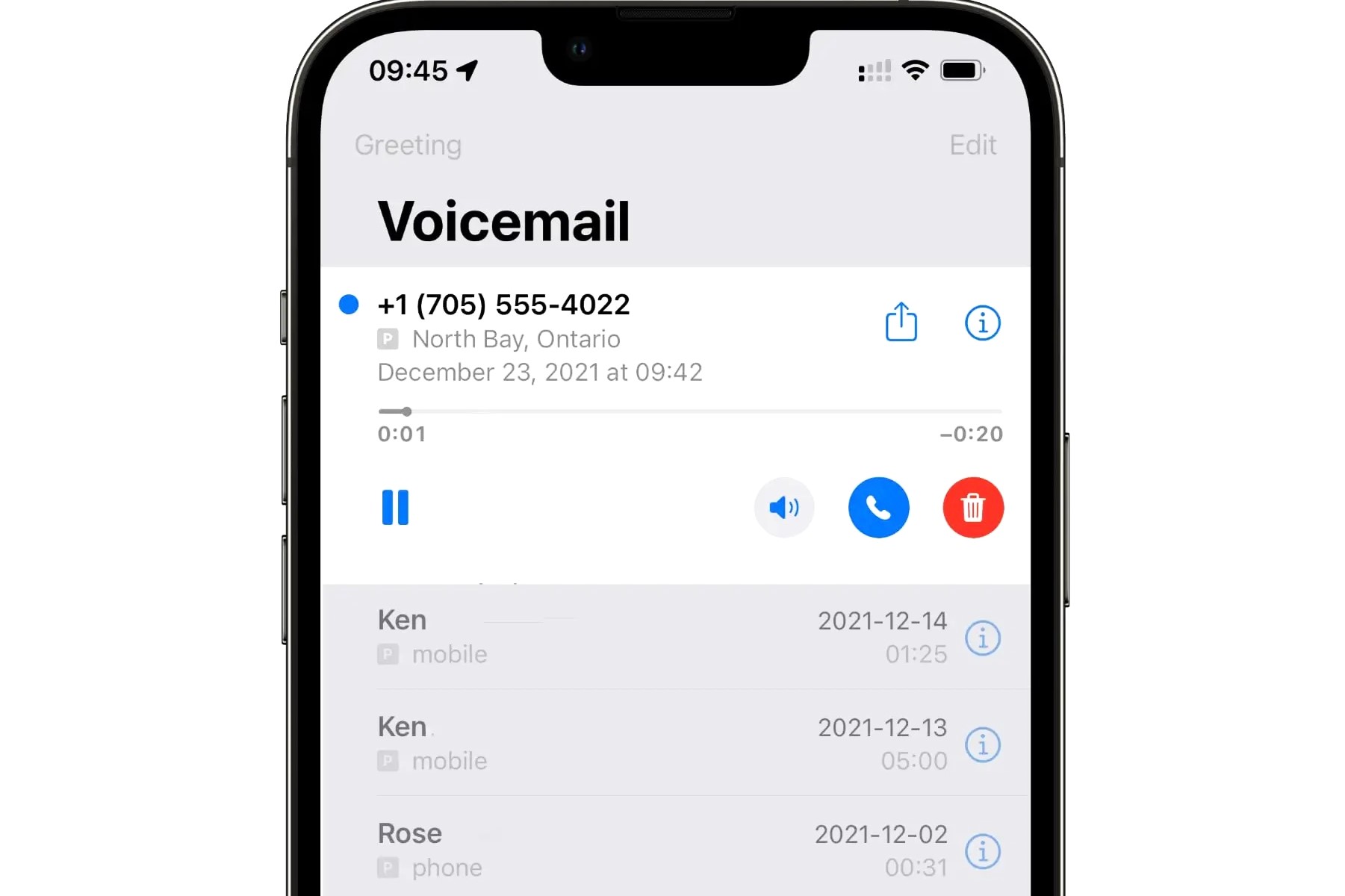
How to handle voicemails in Agent Workspace (Agent), including using the voicemail controls, handling inbound voicemails, transferring voicemails, using the Customer Card, and assigning dispositions to voicemails.

Instructions for setting a voicemail skill, creating a voicemail script, and associating it with an inbound phone skill.

As we can see from the illustration, Inbound Voicemail Visibility Setup has many fascinating aspects to explore.
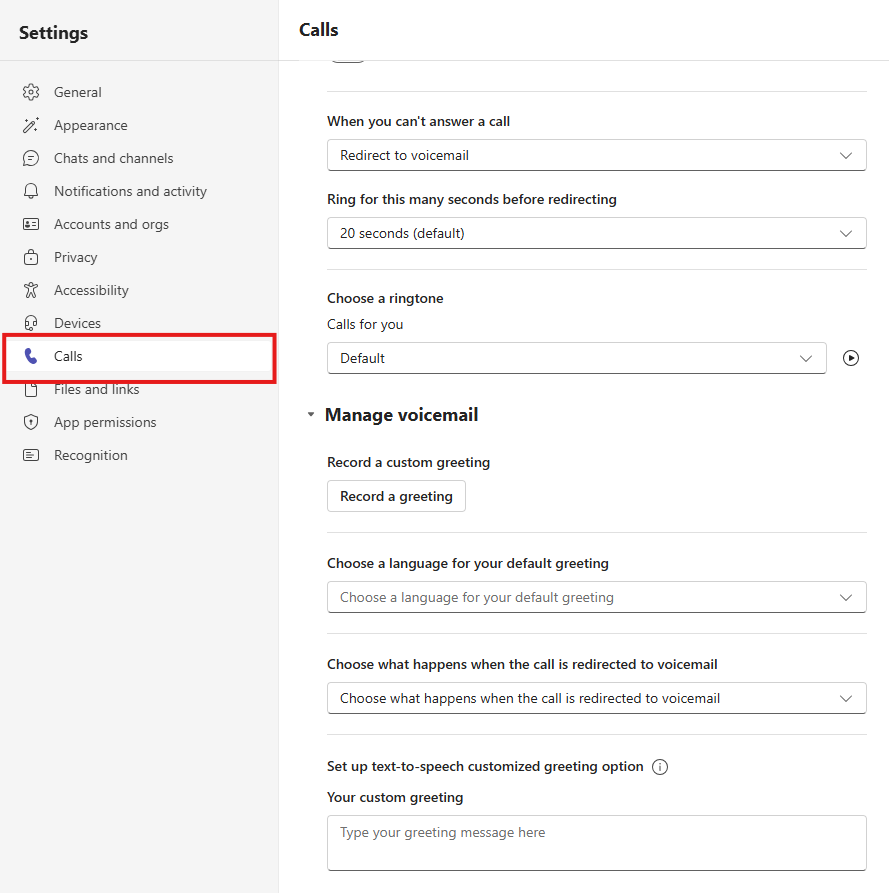
Play back your recorded voicemail. Use the Record New Voicemail button to re-record the voicemail if necessary. Click the Upload button to add the voicemail. Enter a number between 5 and 60 in the Voicemail Inbound Call Timeout field. This allows you to choose the length of time that the phone will ring before the call goes to voicemail.

Set up inbound calls.Inbound voicemails. Customers and prospects can leave a voicemail when calling back a Gong business number.
An inbound voicemail greeting for each number you have set upTo set these up, look for the Voicemail Greeting and Pre-Recorded Voicemail Drop options in Settings > Communication > Phone & Voicemail > Voicemail Drop.
Get Your Google Business Profile Set Up Correctly From the Start. We build your profile using a structured, compliance-first framework designed to support local visibility and inbound phone calls. Structured setup not guesswork. Built for local search visibility.