Discover the best password manager for teams. Our in-depth 2026 review covers security, features, and pricing to help you choose with confidence.
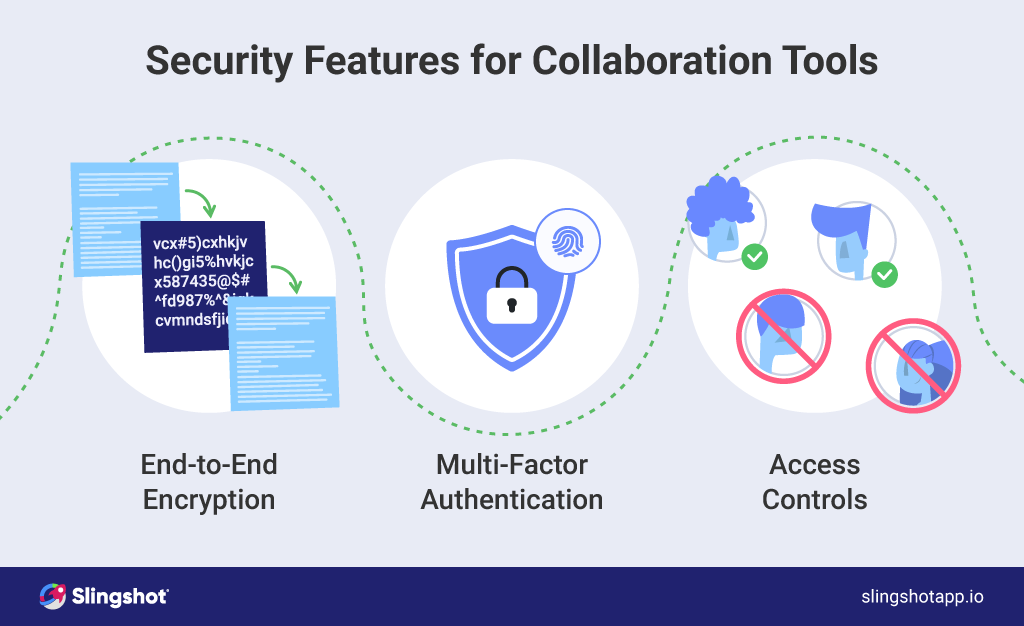
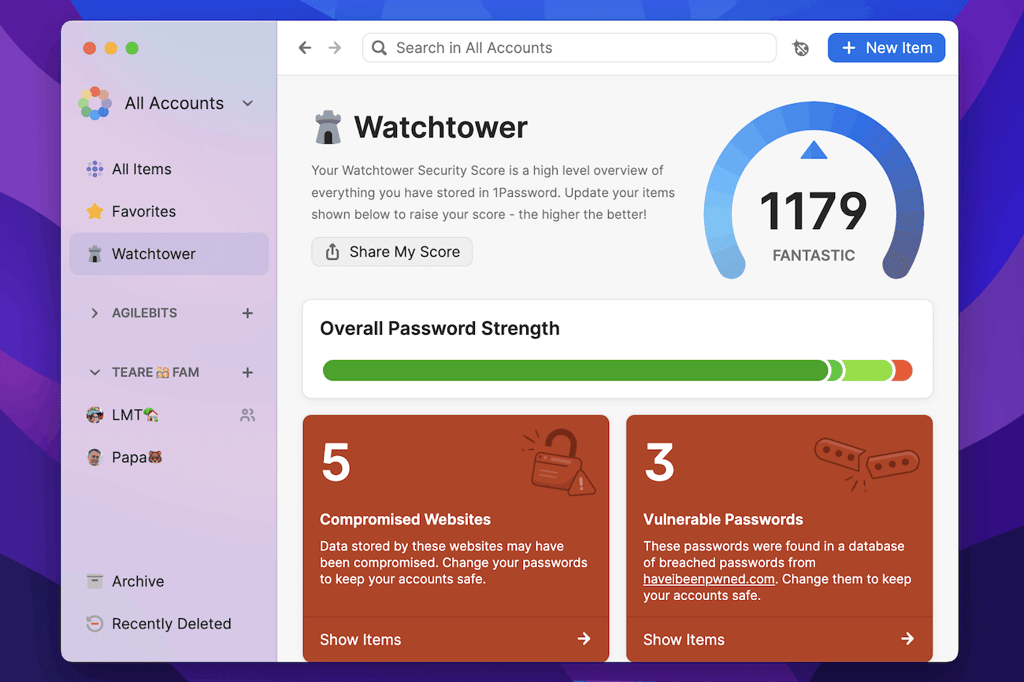
On the surface, enterprise password managersshare similar features. They all use encryption, have built-in password generators, and support most of the same platforms and browser extensions. They also allow password sharing among teams, auto-filling of web forms, and multi-factor authentication (MFA). However, there are nuances that buyers must pay... See full list on techrepublic.com Password management software has been around for many years, and most have similar features. The core capabilities of password management are found in all the platforms on this list, and they are anintegral part of modern security. That said, there are differences that buyers should pay attention to when choosing a password manager: See full list on techrepublic.com Does Microsoft offer a password manager for teams? Microsoft does not offer a password manager for teams as part of its Microsoft 365 business software bundles. However, the Microsoft Edge web browser does come with a password manager built in, so you can use that to manage your individual passwords. But if you prefer to use another web browser (as many people do), youll need to seek out another password manager for teams, like the many great options on this list. Does Google offer a password manager for teams? While the Google Chrome browser comes with a simple password manager for individual use, it doesnt support more advanced features like sharing and access management, which are necessary in a password manager for teams. If youre looking for a low-cost password manager for teams, then check out the password managers in this article, such as 1Password and Bitwarden. Which password manager for teams is the most secure? Its hard to say which password manager will be the most secure for your teams specific needs, but if youre especially security conscious, then I recommend taking a look at Dashlane and Keeper, which offer extra security features on the more advanced business tiers. See full list on techrepublic.com Choosing a password manager for your team should involve understanding how the prospective tool will align with your business operations, security standards, and budget. Find out what features are vital, those that may only be desirable, and those that are unwanted. Why pay for SSO within a password manager if you already have it within the busines... See full list on techrepublic.com To select the best password manager for teams, I signed up for free trials and accounts, so I could test them all first-hand. During the writing of the review, I focused on features such as single-on capabilities, added security measures, and zero trust protocols. I also weighed additional factors such as pricing, the availability of a free plan, u... See full list on techrepublic.com In this guide, we explore some of the best team password management tools available, comparing their features, pricing, and benefits to help organisations choose the most suitable solution for securing sensitive data and supporting efficient collaboration. Here are five of the best password managers for teams. Here are seven of the best password managers for teams, each with its own strengths. To help you find the right fit, we've broken down their features, pros, and cons from a business perspective. Looking for the best team password manager in 2026? Compare top tools, explore essential team password management features, and find the right solution for your organization. Discover the best secure collaboration tools and find the best software for your team. Compare features, pros & cons, prices, and more in my complete guide. Compare the 11 best secure collaboration tools for businesses. We analyze encryption, compliance, admin controls, and usability to help you decide wisely.











-p-2000.png "The 10 best collaboration tools for remote and hybrid teams | Workleap")