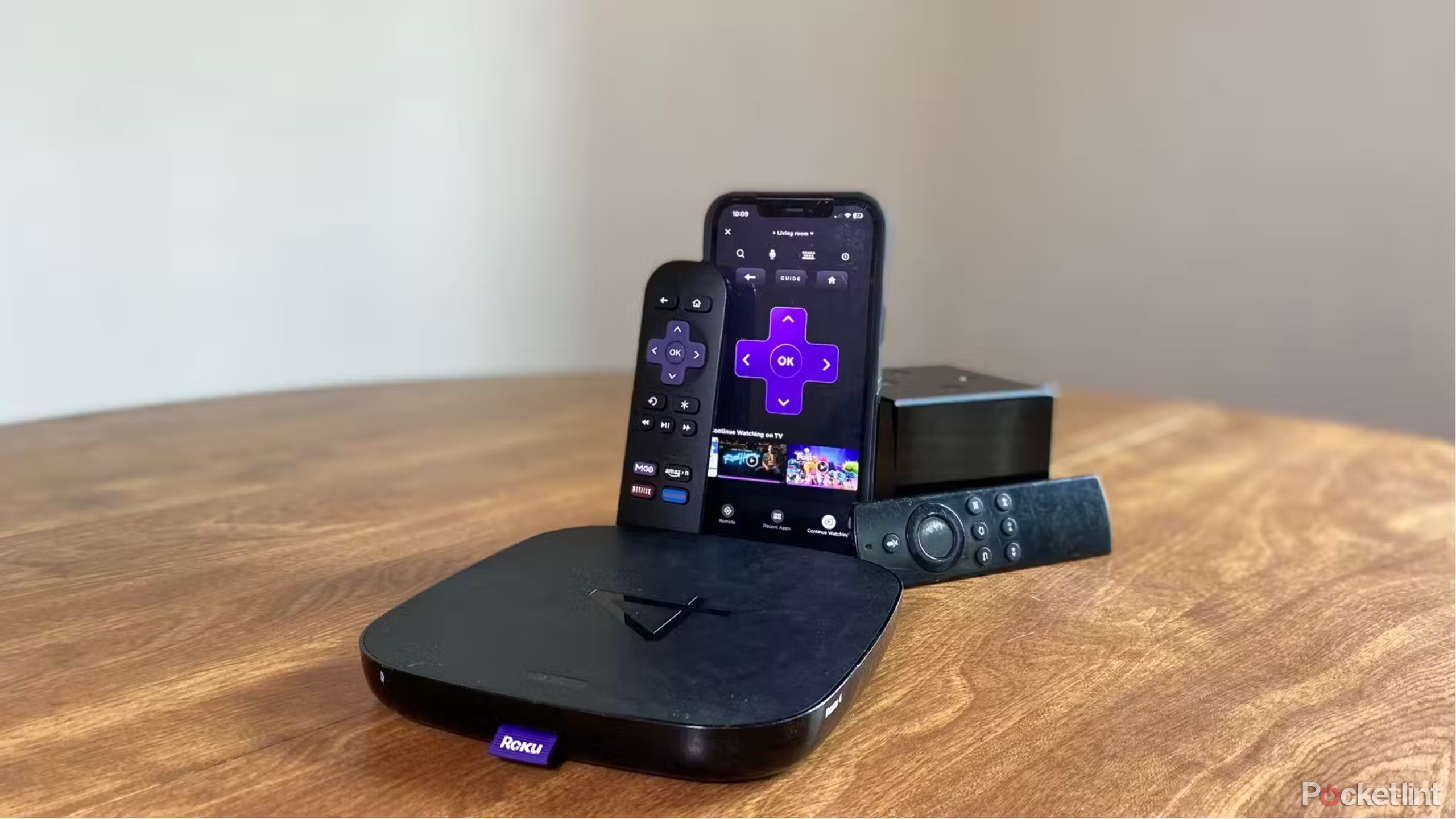
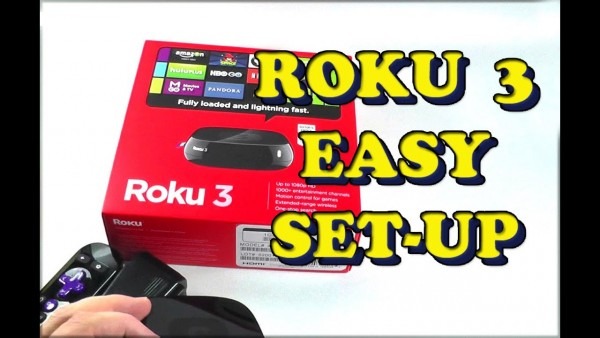
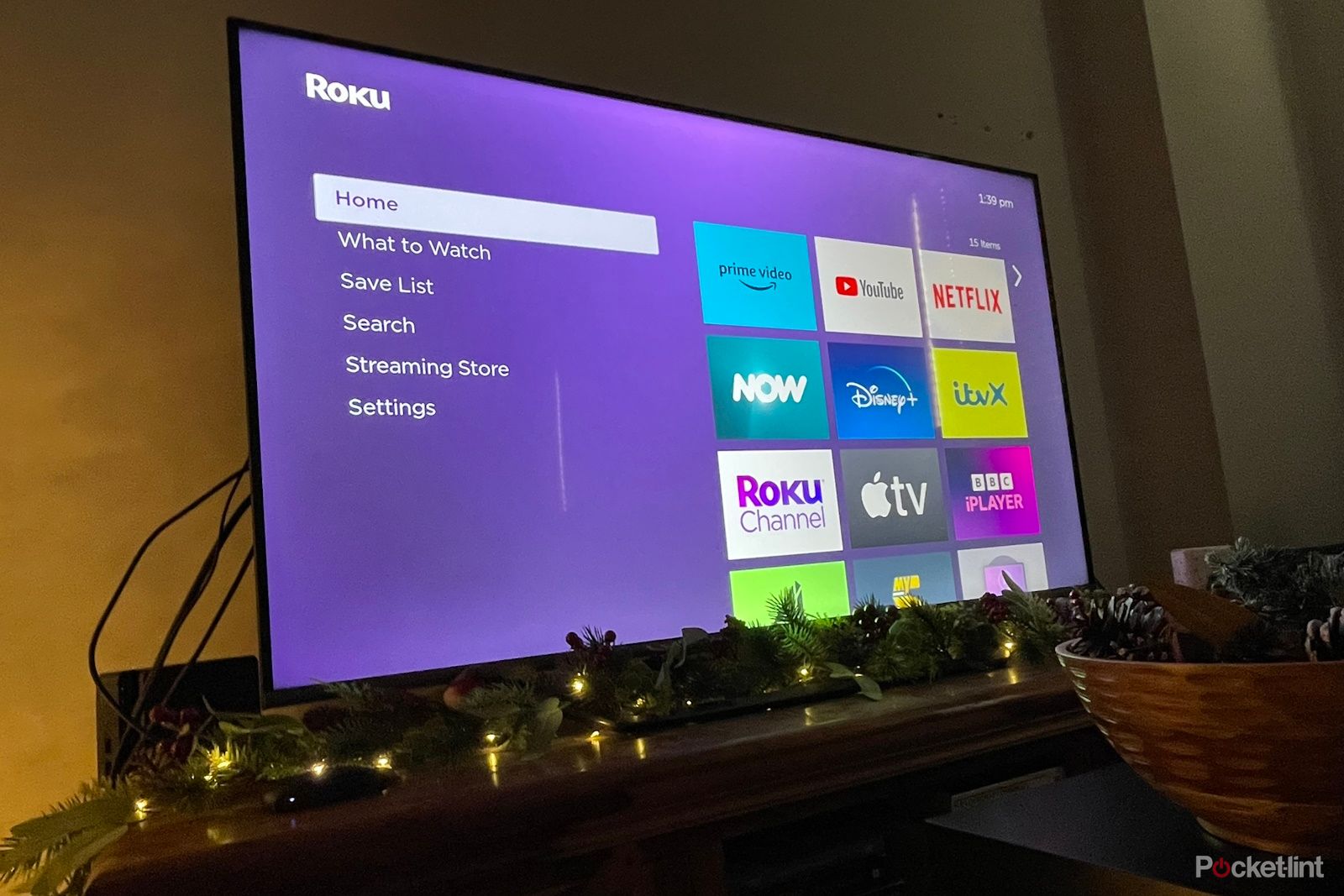
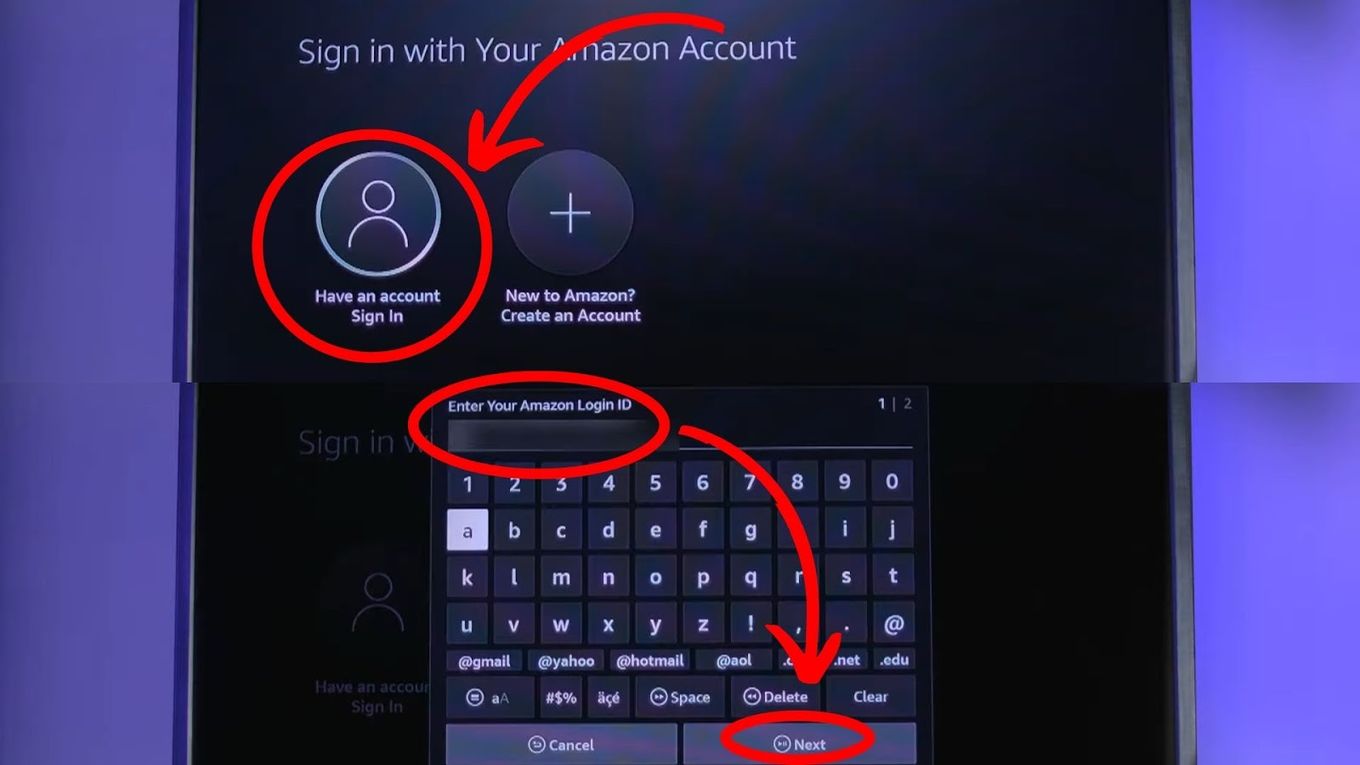
When you want to hook up Roku to your TV, read the setup instructions and learn how to connect and set up a Roku streaming player or Roku Streaming Stick.
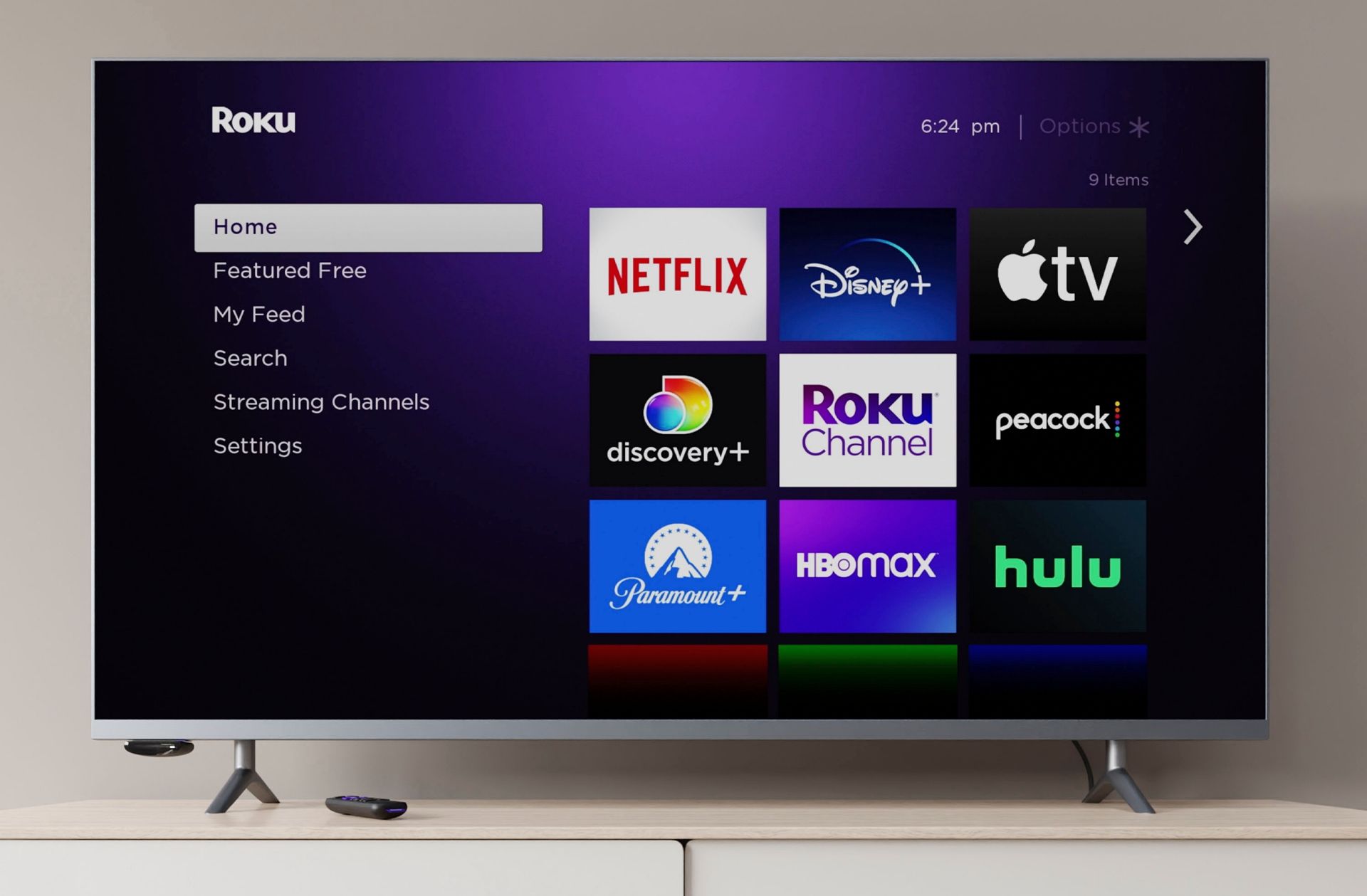
In this post, Ill show you how to get The Roku Channel on FireStick. This guide applies to all Amazon Fire TV devices, including Fire OS TV, New FireStick 4K Max, New FireStick 4K, FireStick Lite, and Fire TV Cube.
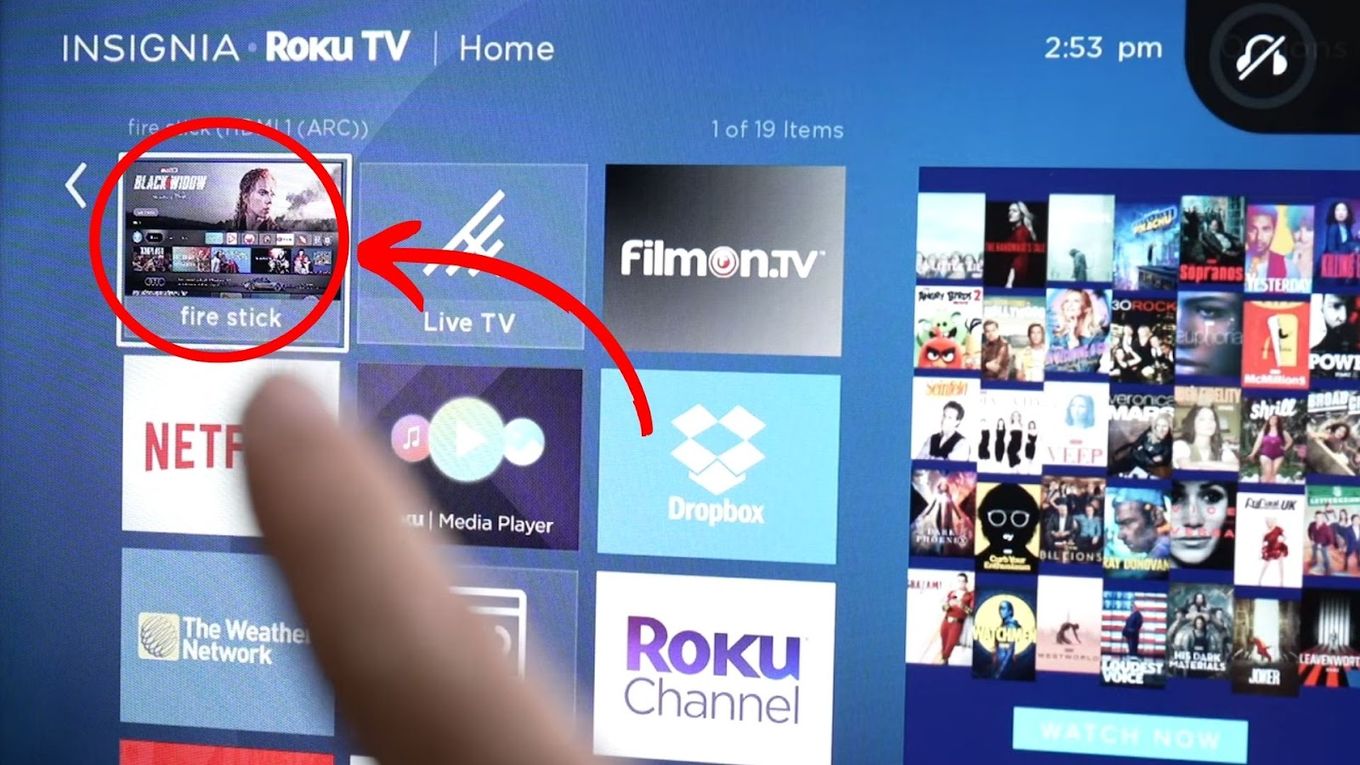
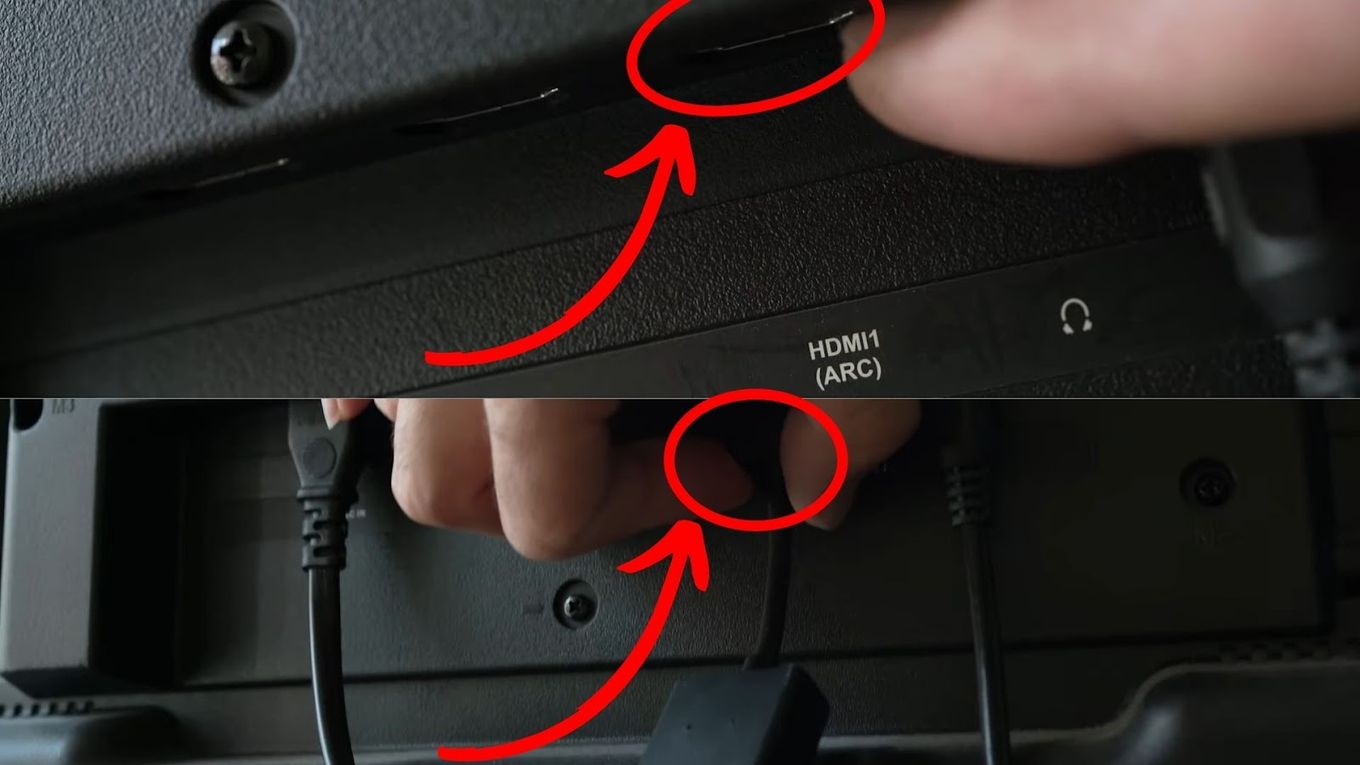
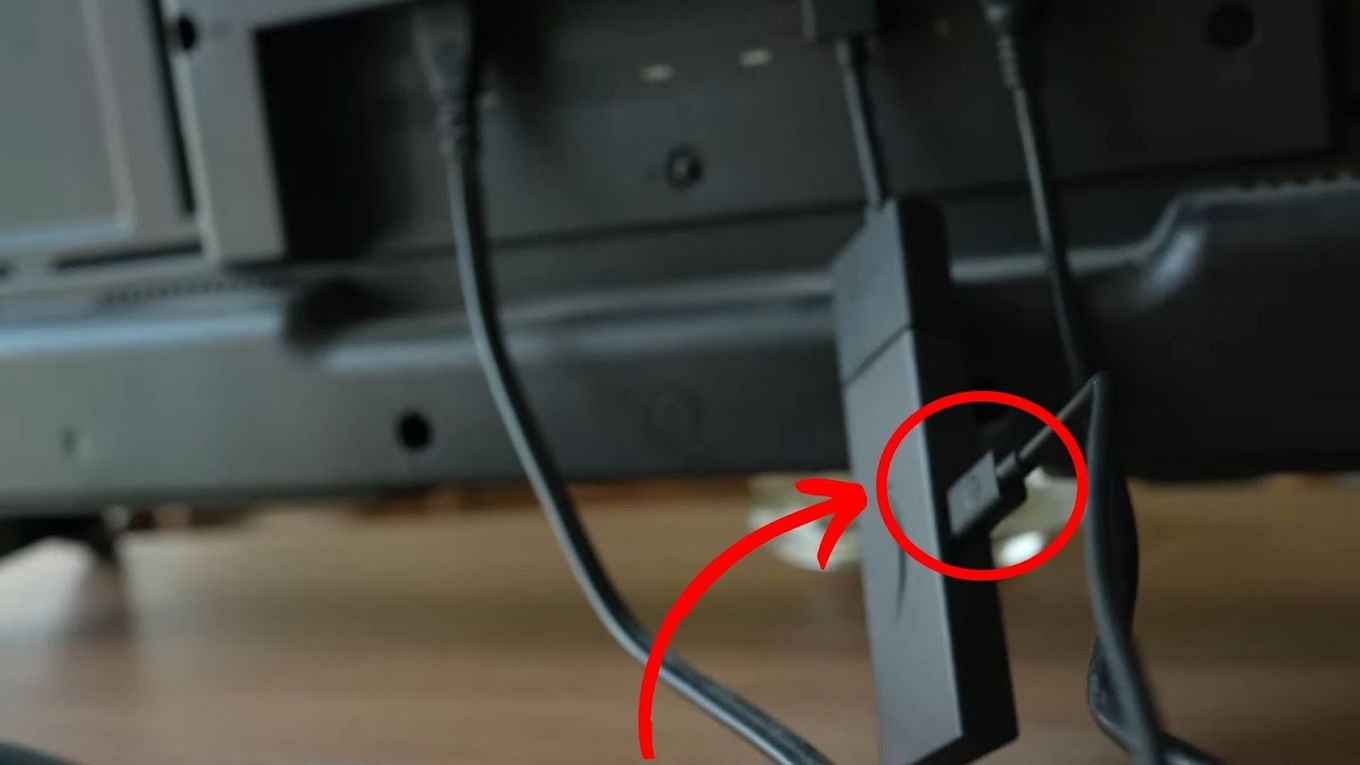
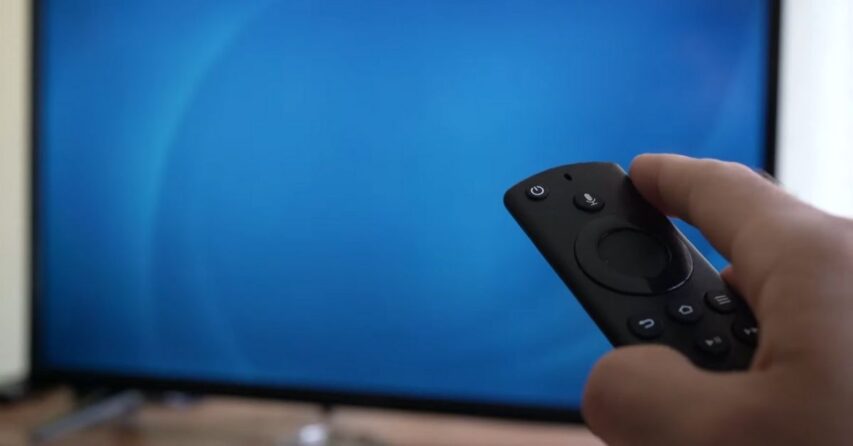
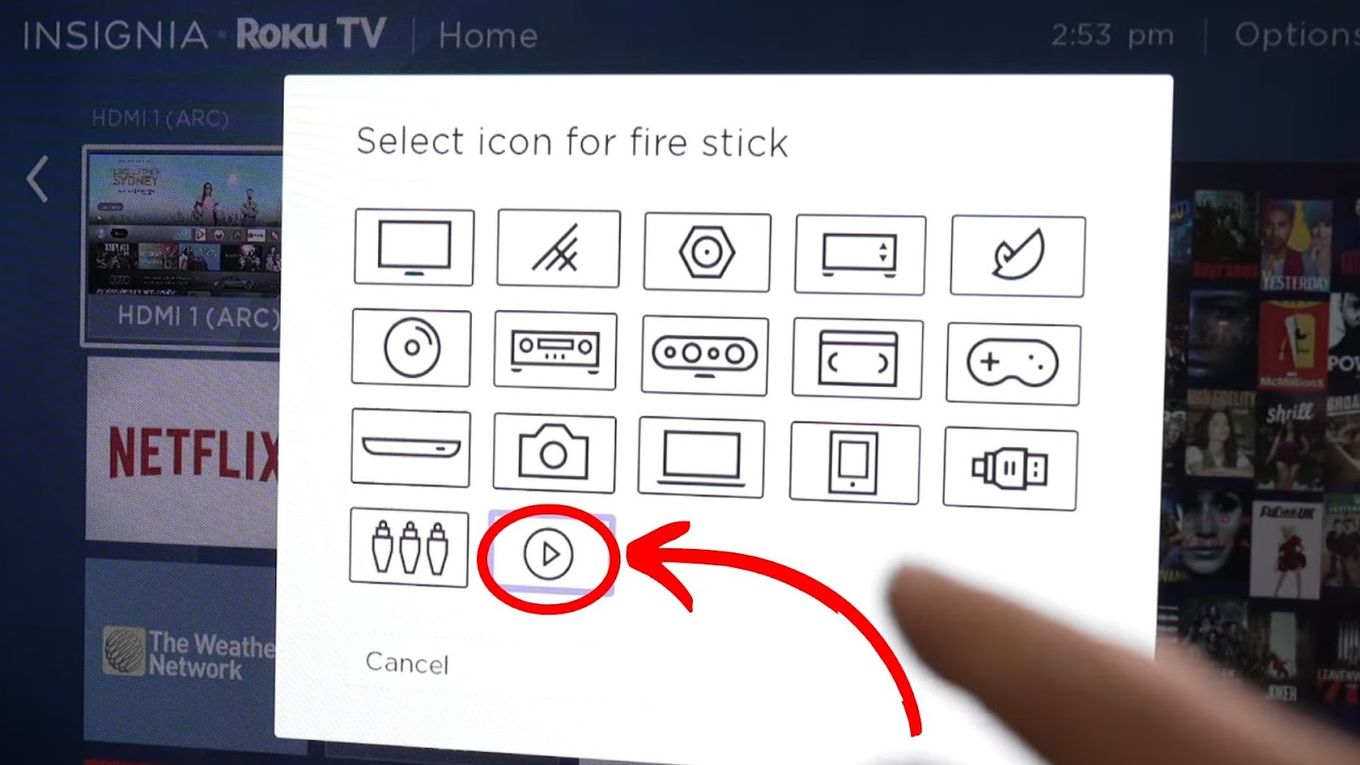
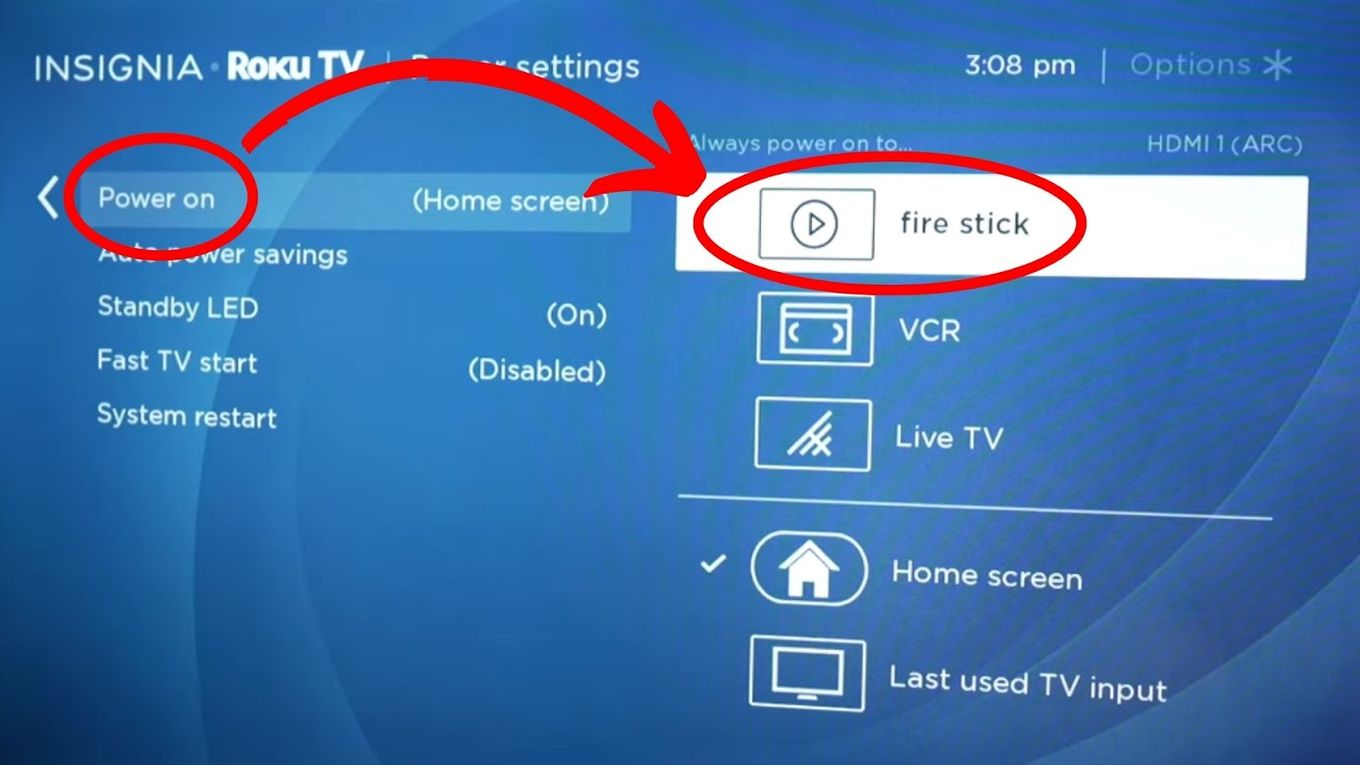
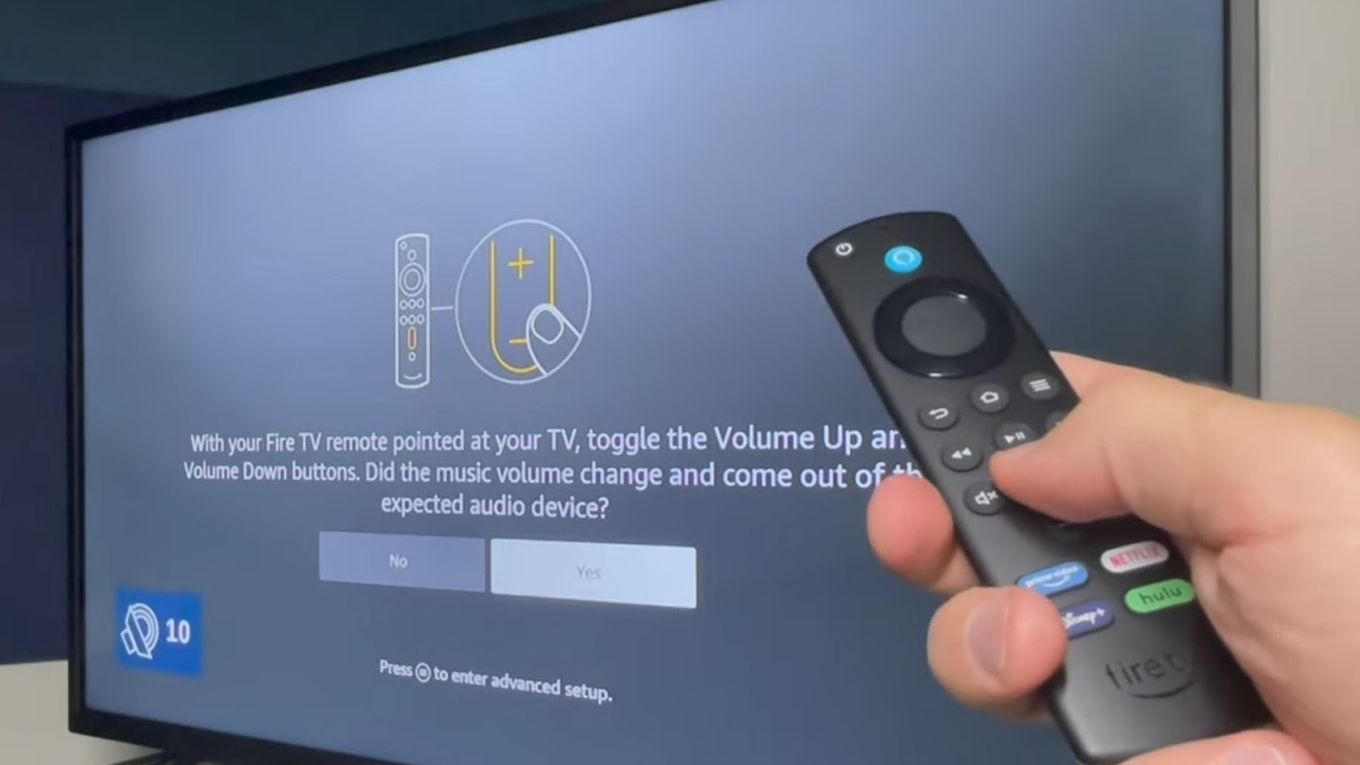
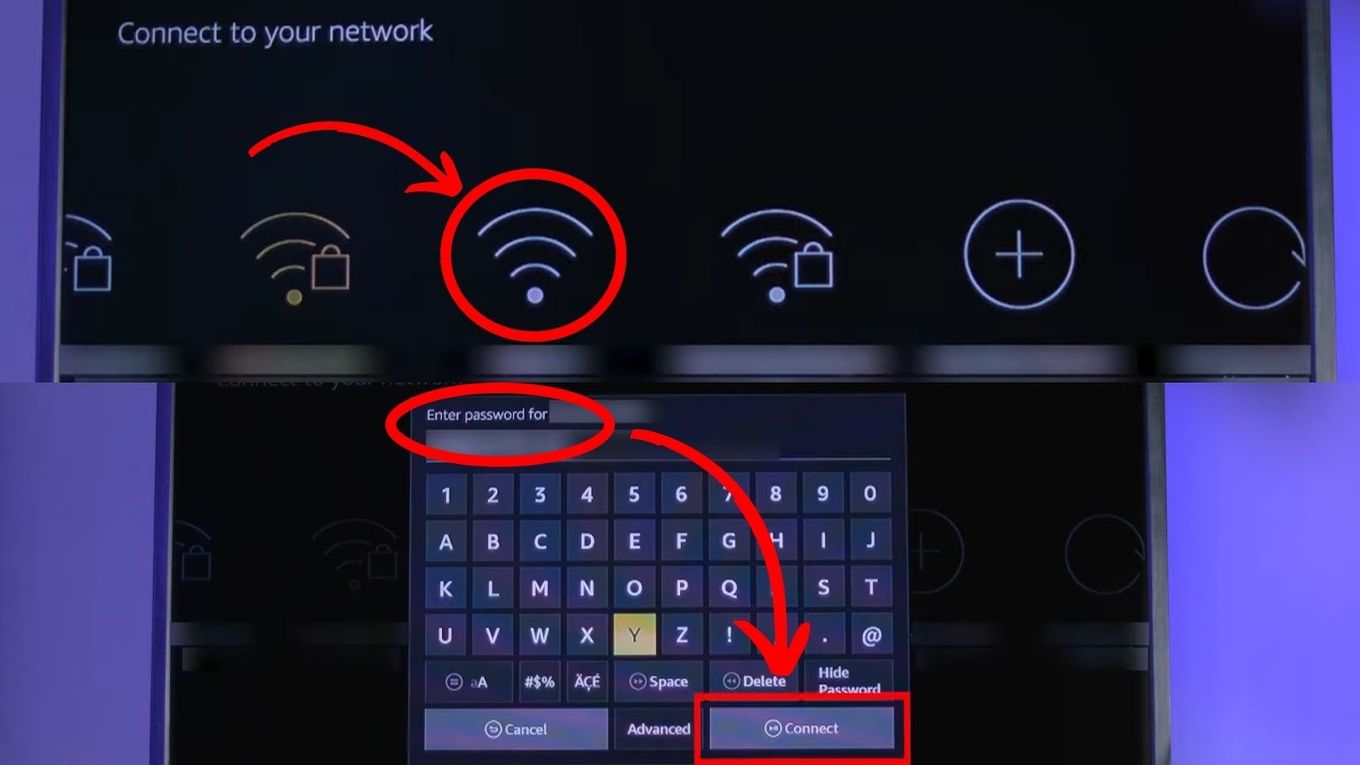
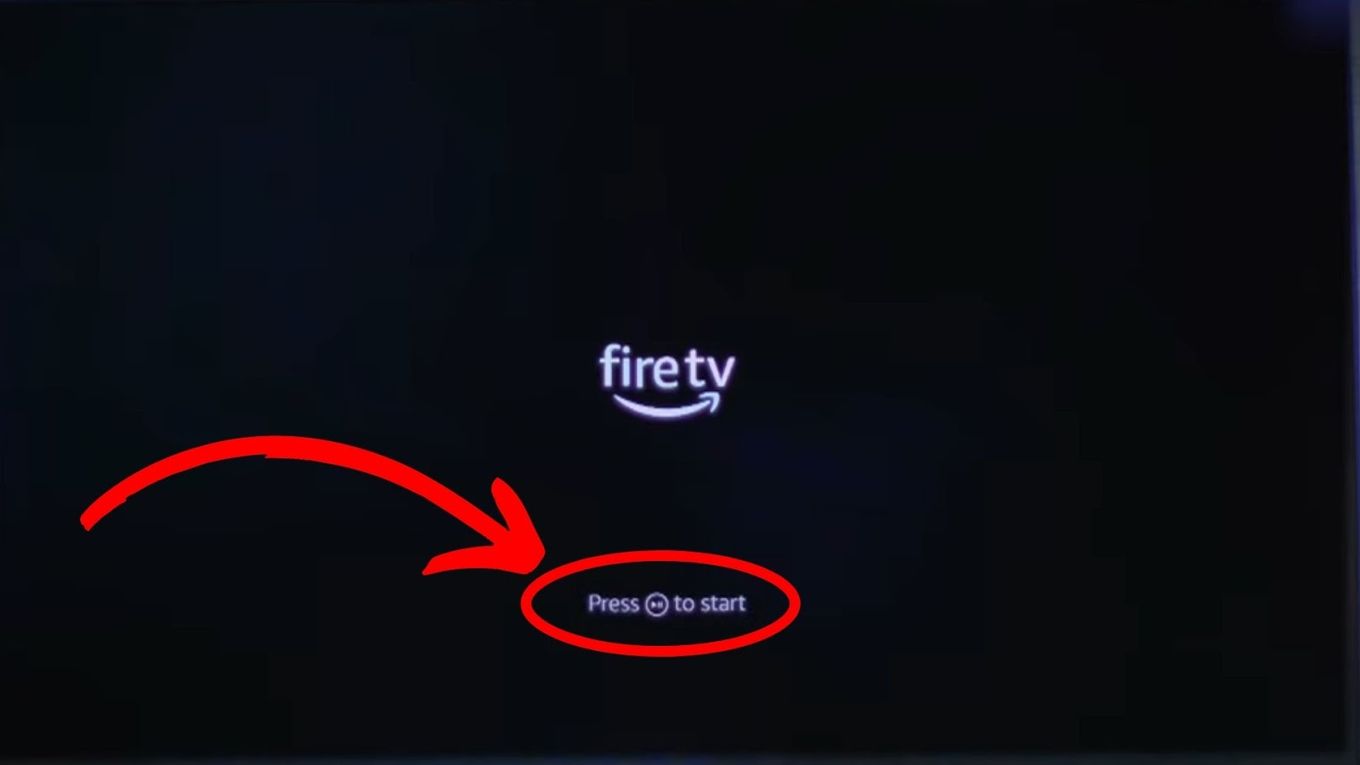
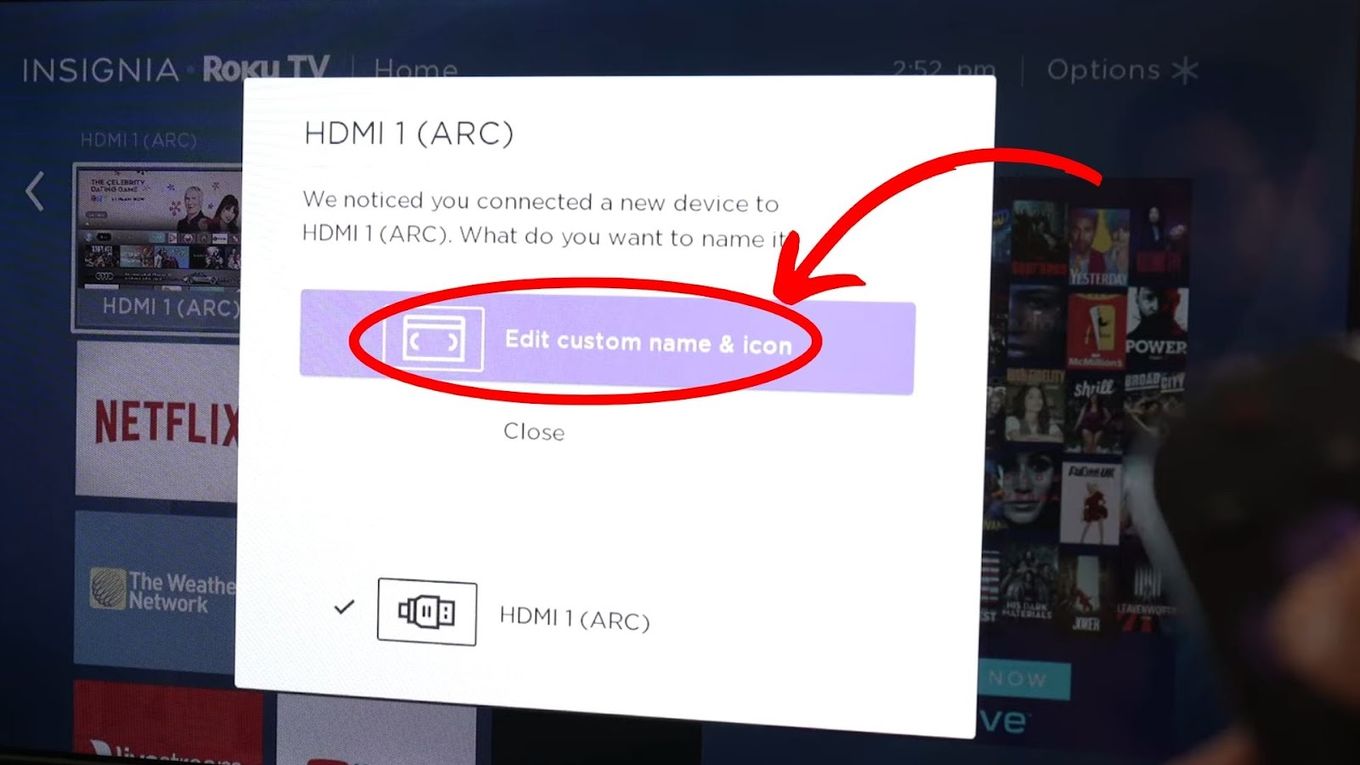
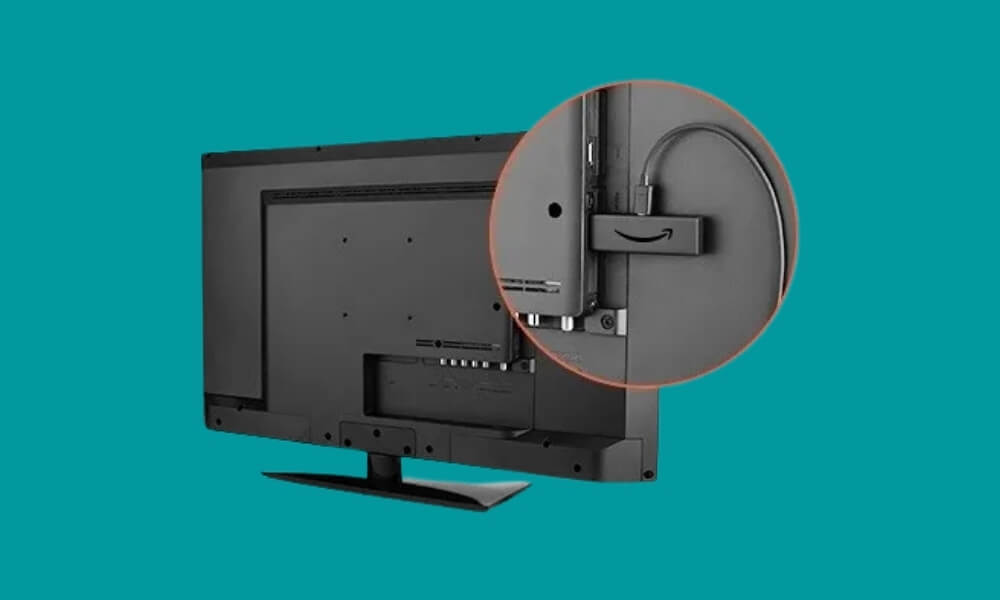
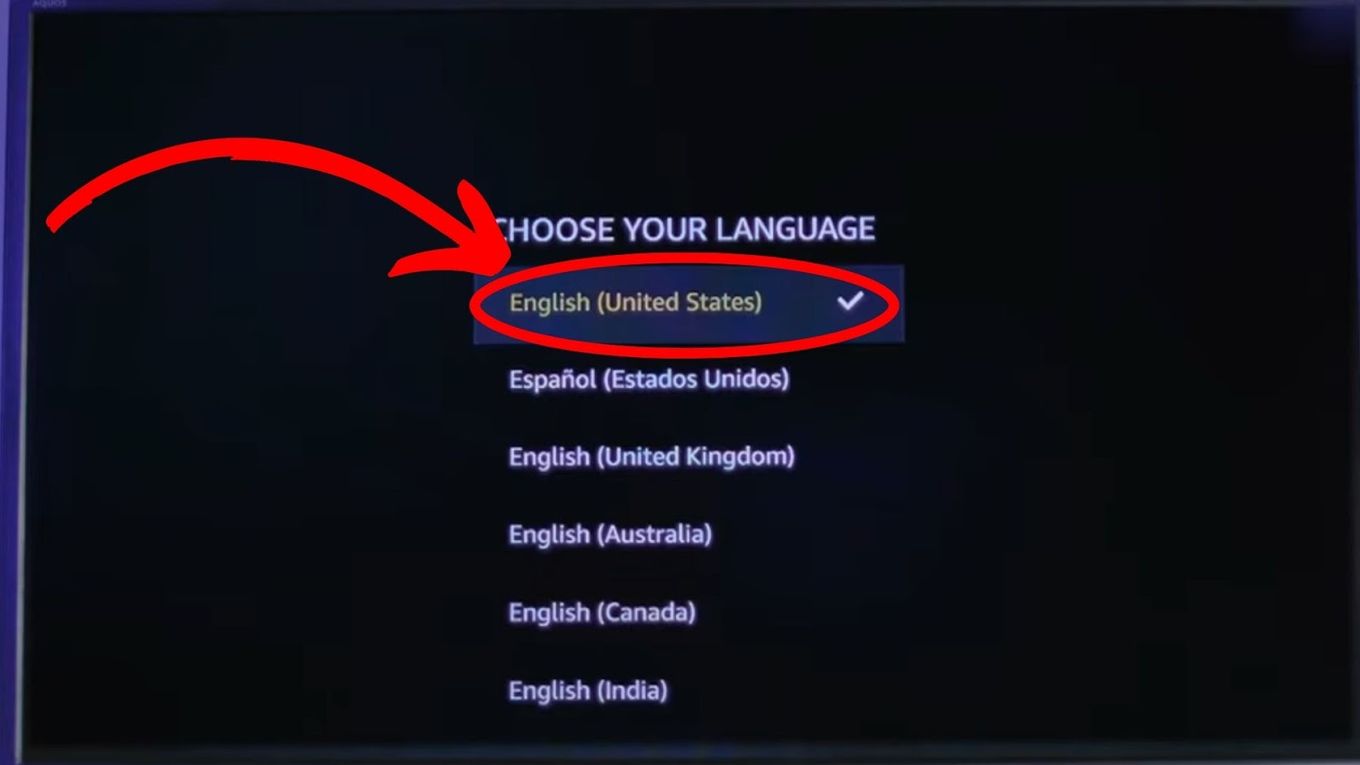
In this short and easy tutorial, I will show you how to set up your fire stick on your Roku TV. The straightforward answer is: No, you cannot natively run the Roku operating system (OS) or its associated hardware (e.g., a Roku streaming stick) directly within a Fire TV device. Yes, you can use your Firestick to watch movies, TV and more on your Roku TV. While this may seem to be an unusual pairing at first glance, there are some good reasons for having both devices in your setup! Yes, Roku and Firestick can both be used on the same TV. You just need two open HDMI slotsor one HDMI slot on a TV that has either Roku or Fire TV pre-installed. Most people only need one streaming device, but having both gives you access to more apps and more smart home integrations. This comprehensive guide will explore the possibility of using an Amazon Fire TV Stick on a Roku TV, detailing four proven methods to set up and optimize your streaming experience.
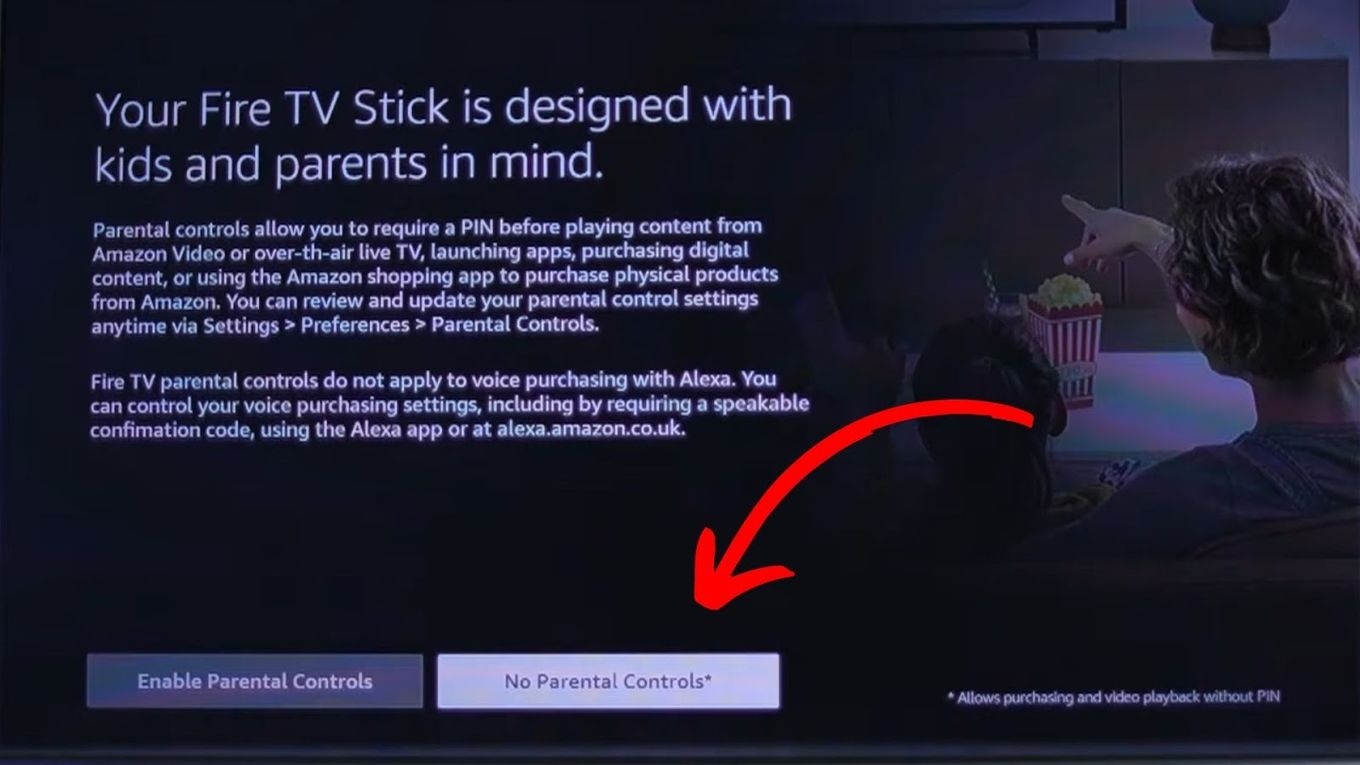
The straightforward answer is: No, you cannot natively run the Roku operating system (OS) or its associated hardware (e.g., a Roku streaming stick) directly within a Fire TV device.
Yes, you can use your Firestick to watch movies, TV and more on your Roku TV. While this may seem to be an unusual pairing at first glance, there are some good reasons for having both devices in your setup!