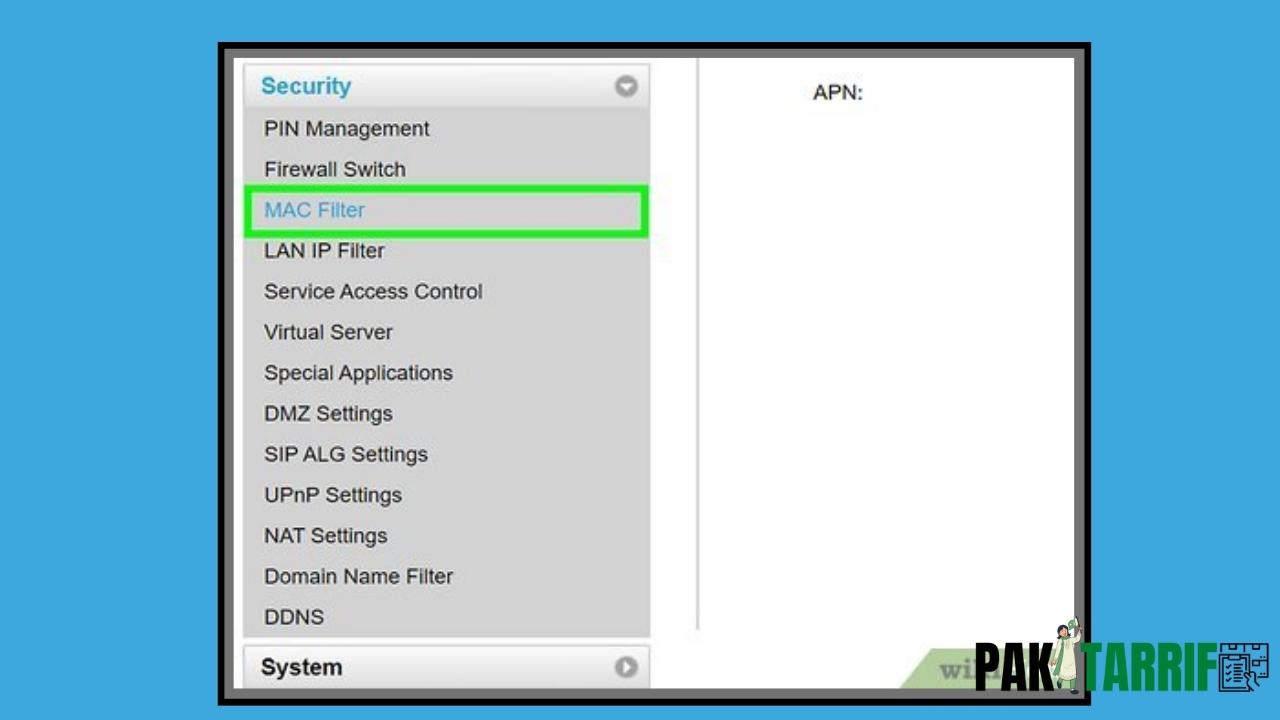
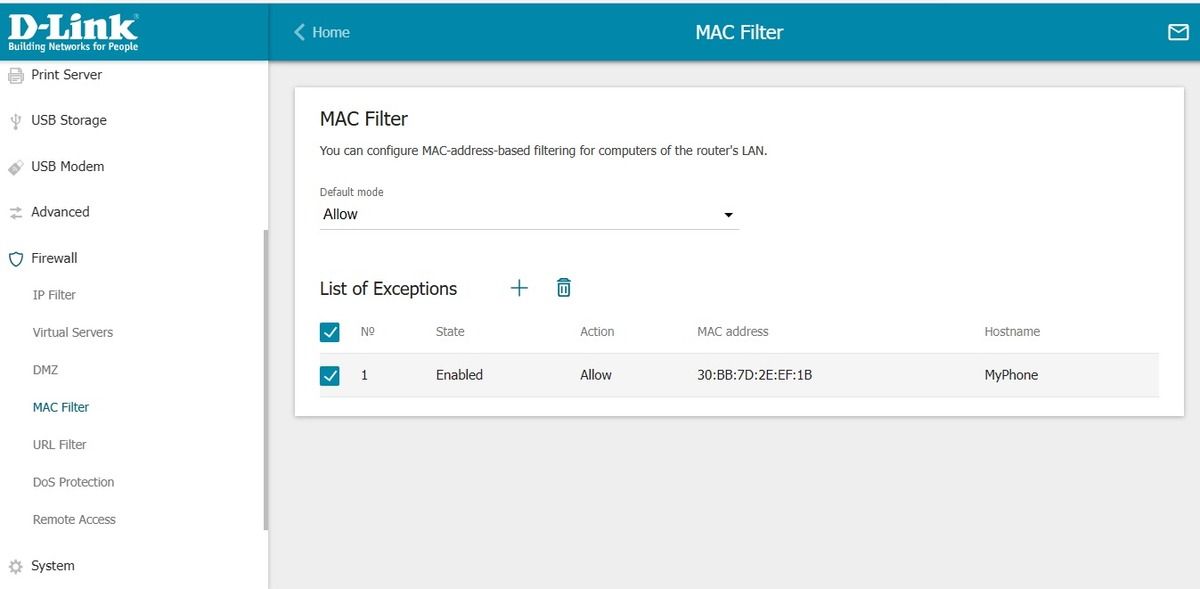
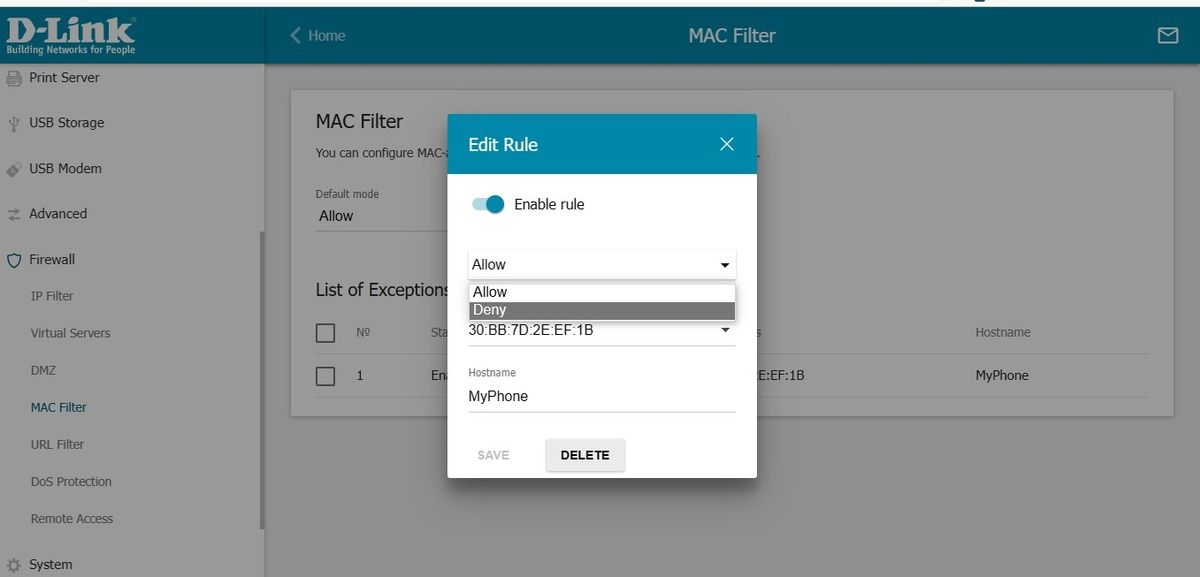
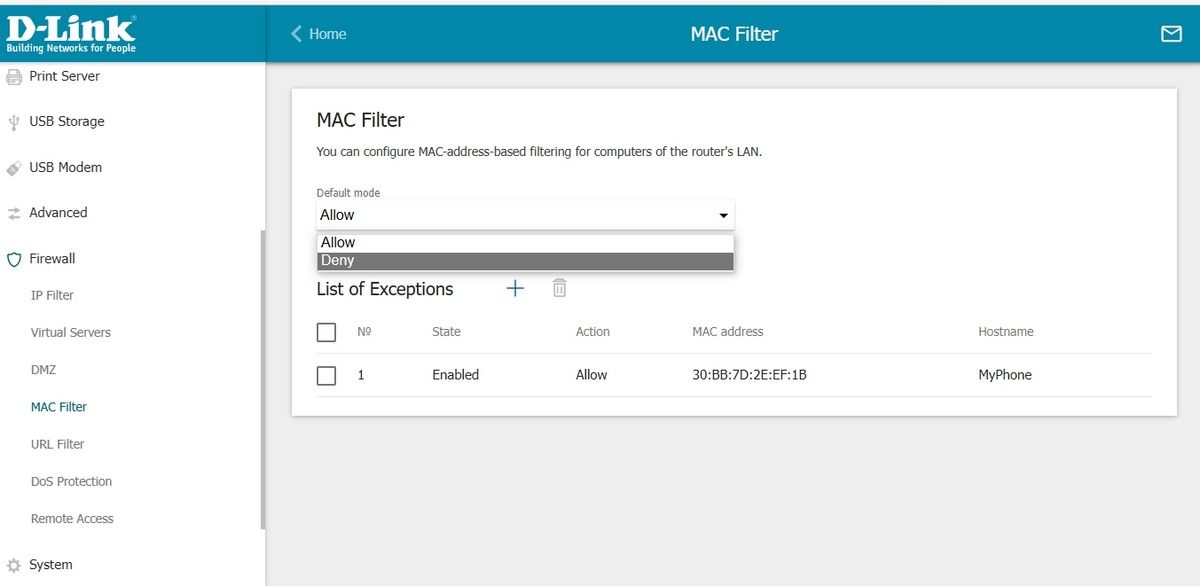
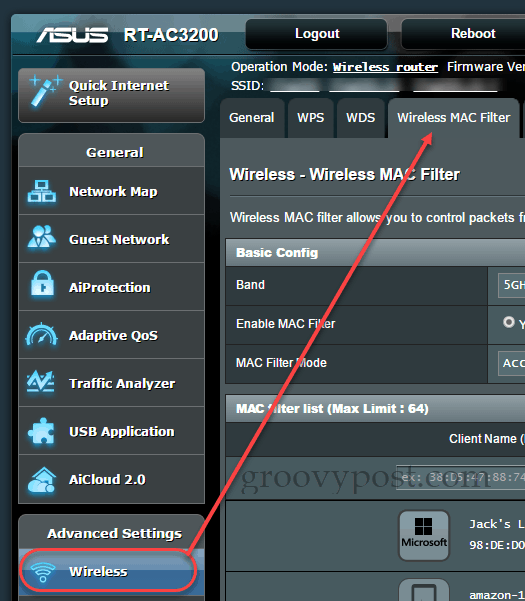
Any devices that you will added in the blacklist, those devices will not be able to connect to the router.
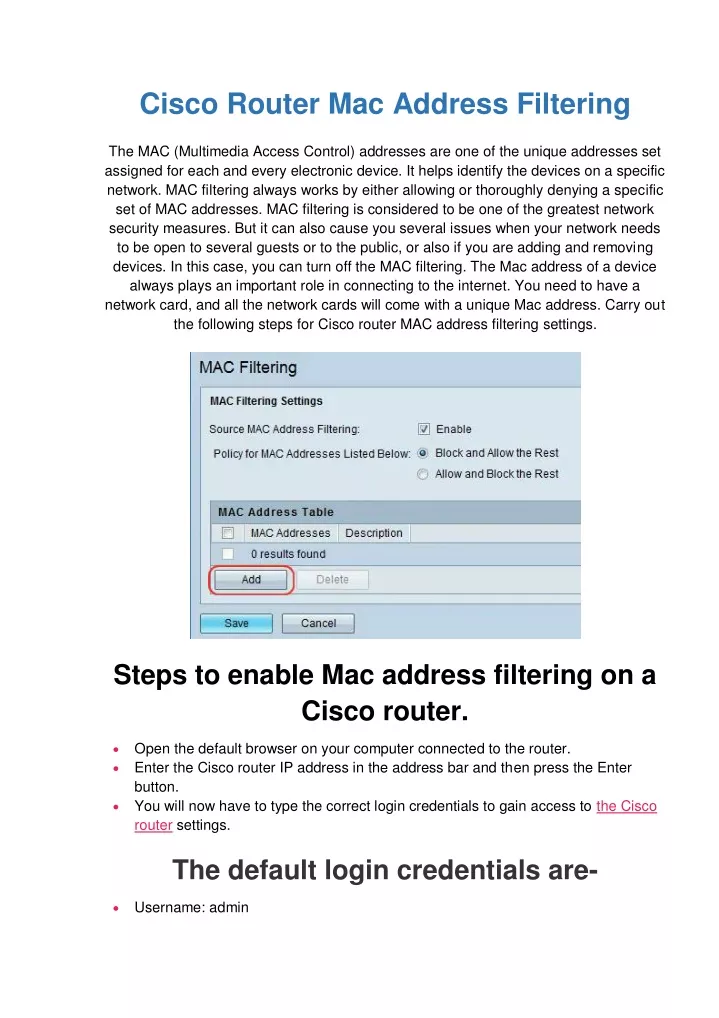
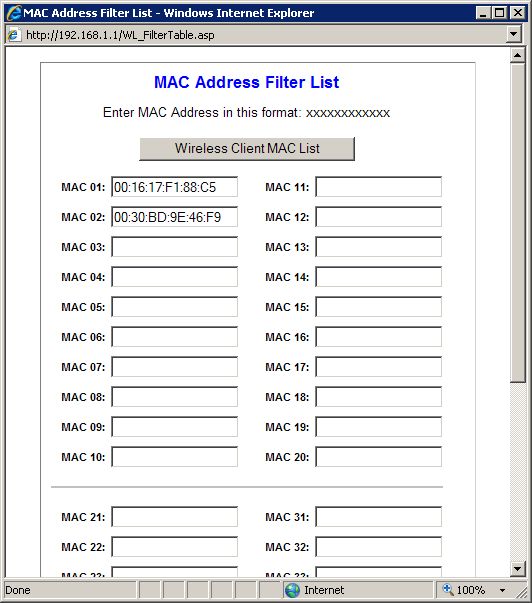
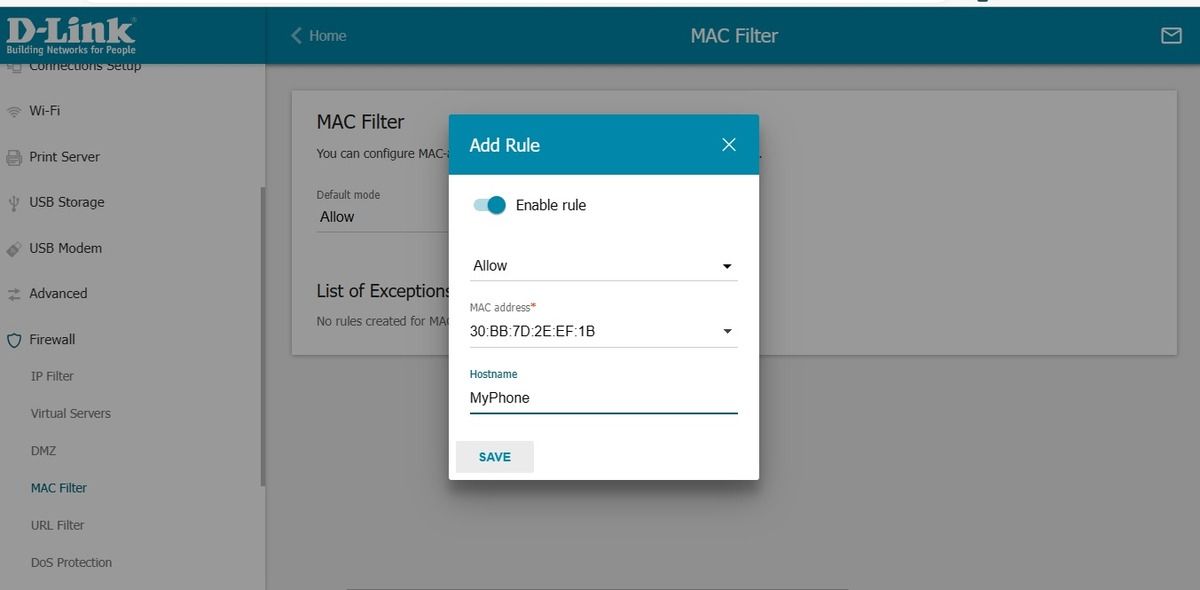
In some routers, the same setting may appear as MAC Address Control, Wireless MAC Authentication, or Access Control. If MAC filtering is enabled, add the devices MAC address (for example, a Nintendo system) to the allowed list, and then save the changes.
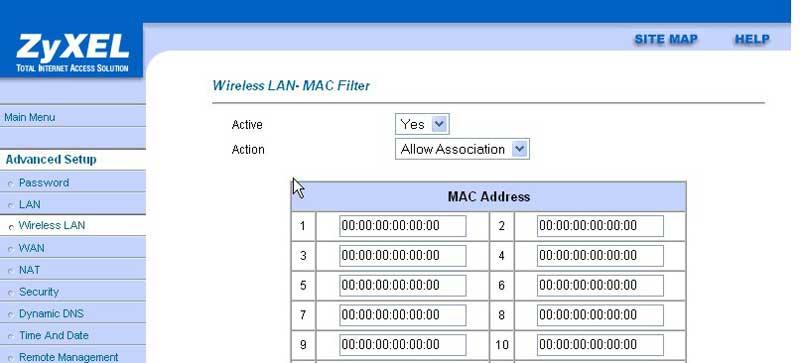
Find virtual MAC address of RE and of the client connected to RE. Method 1. 1. Check your client device real MAC address (94:DE:80:57:AD:E1), and write it down.Configure MAC filtering (White List): allow wireless access only from the devices in the list below.
This particular example perfectly highlights why Router Mac Address Filtering List Limit is so captivating.
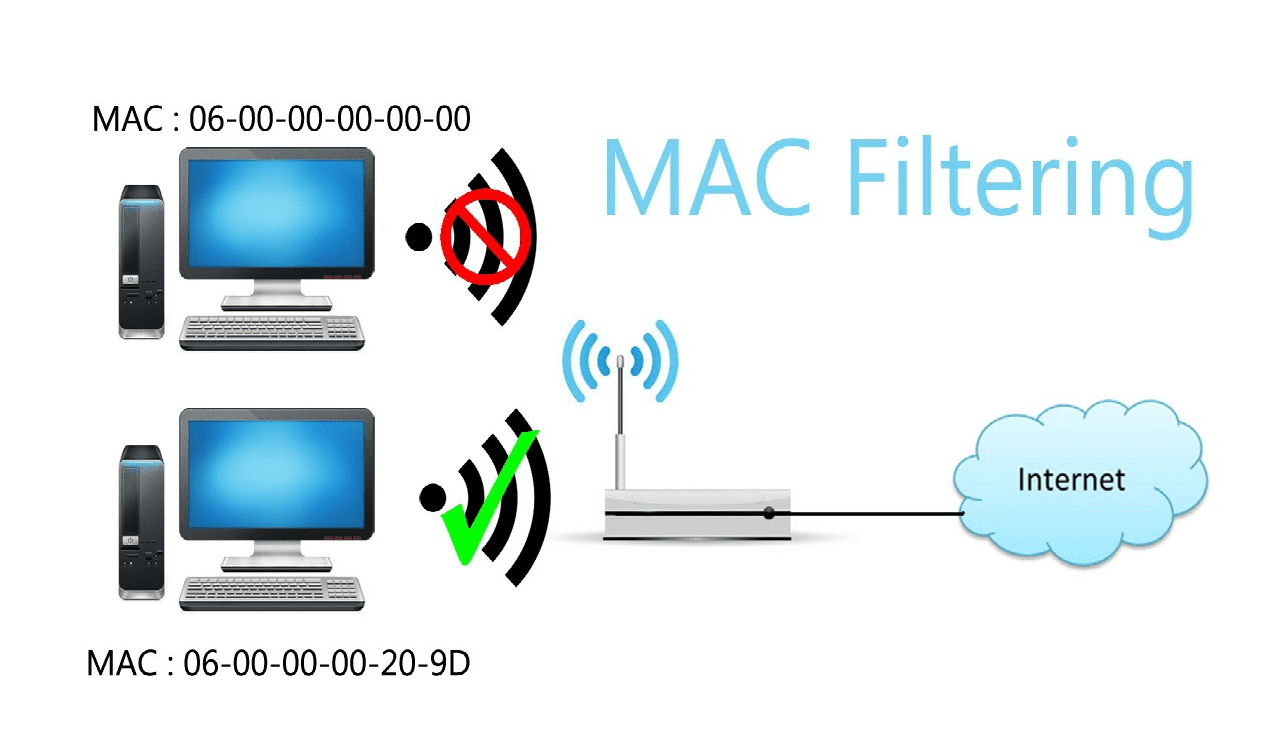
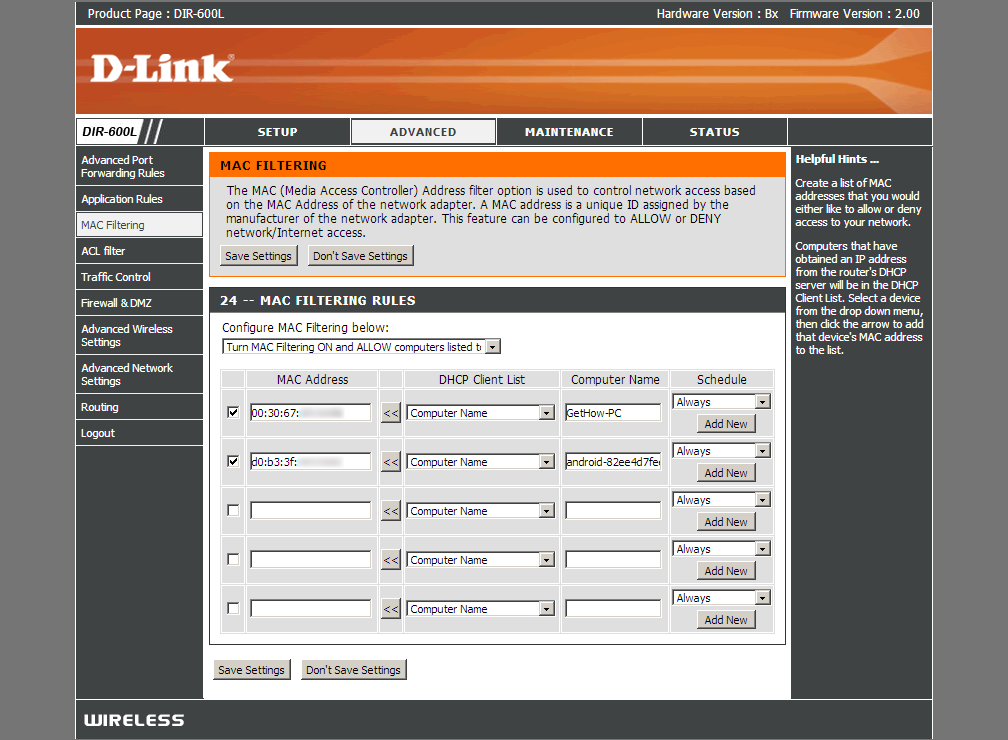
Note: MAC Address filtering is used to control network access based on the MAC Address of the network adapter. This feature can be configured to ALLOW or DENY network/Internet access.Select your computer from the List or enter the MAC addresses manually.
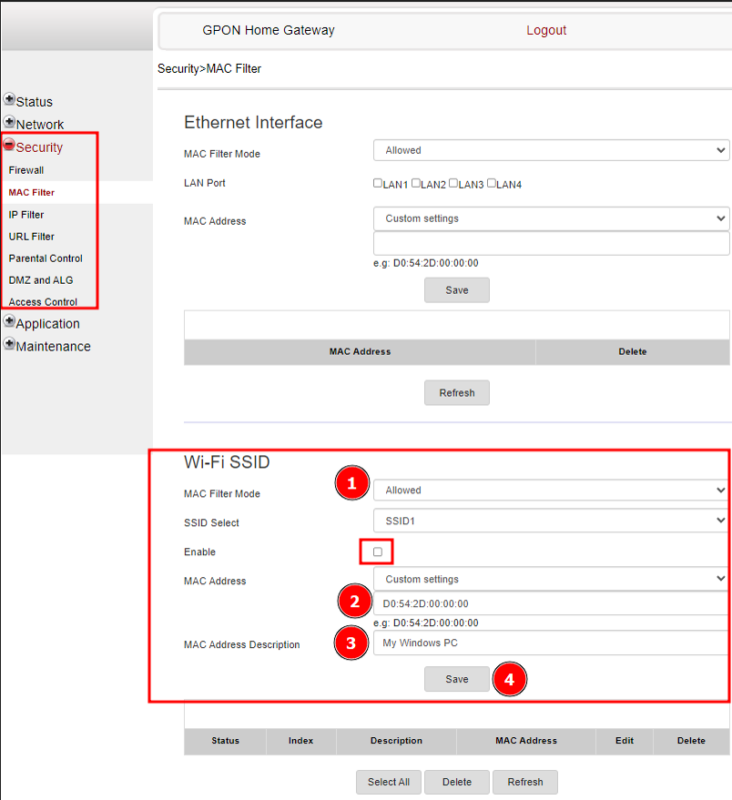
2. PLDT Home Fibr MAC FilteringDifference between MAC Filtering Black List and White List2. PLDT Home Fibr MAC Filtering. In this method, we will block or filter the MAC address of...
This particular example perfectly highlights why Router Mac Address Filtering List Limit is so captivating.
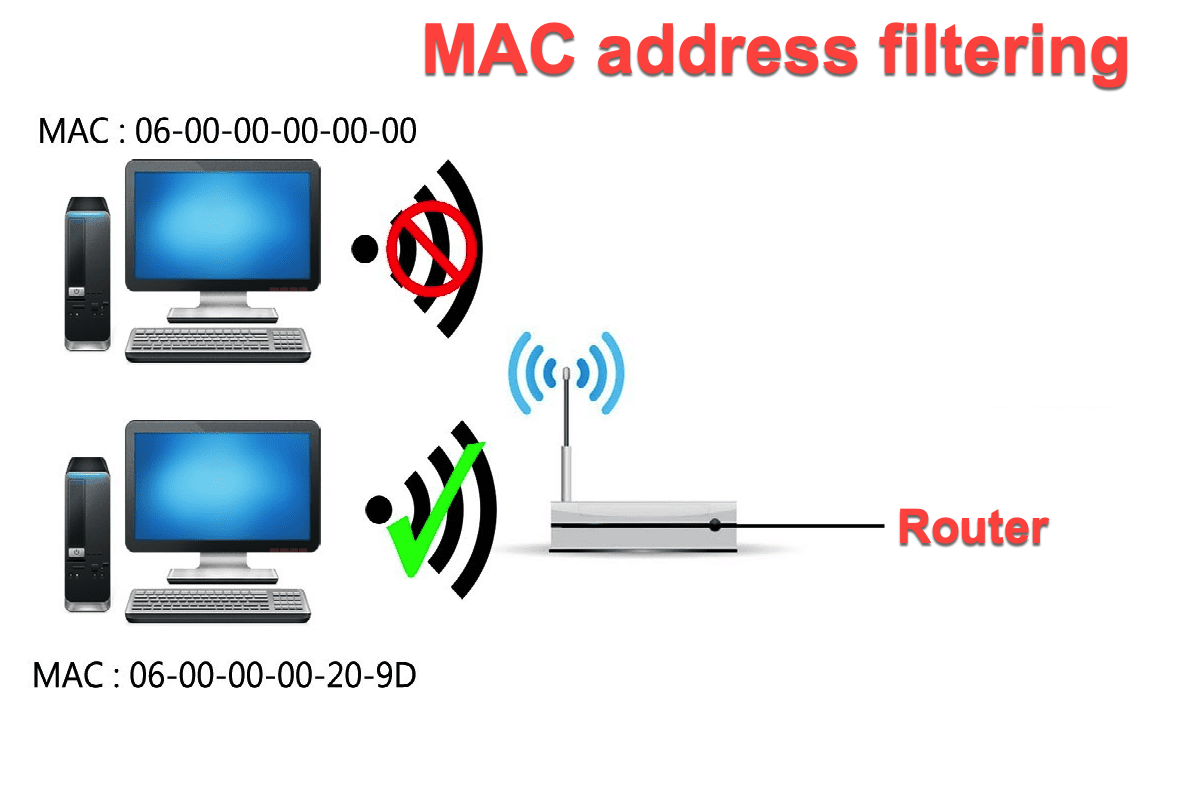
MAC Addr ess Filtering allows you t o restrict network access based on MA C addres-. ses. When this featur e is activated, the clients whose MA C addresses ar e on the list. will have their access t o the router block ed. T o restrict access based on MAC Addr ess