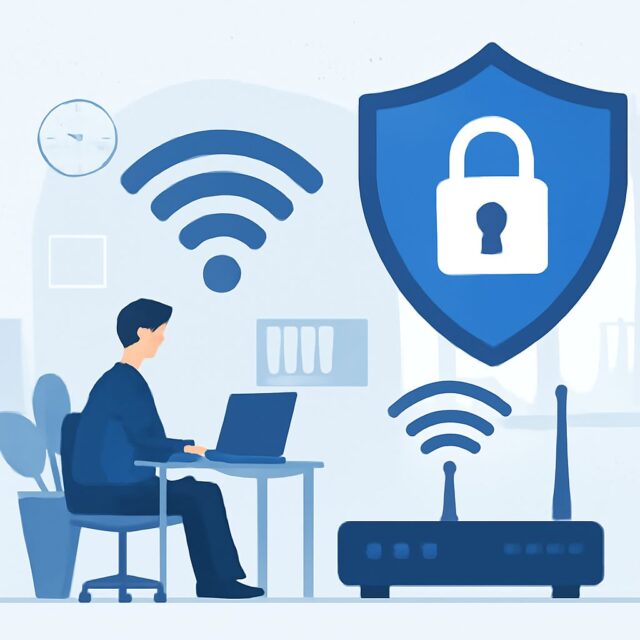
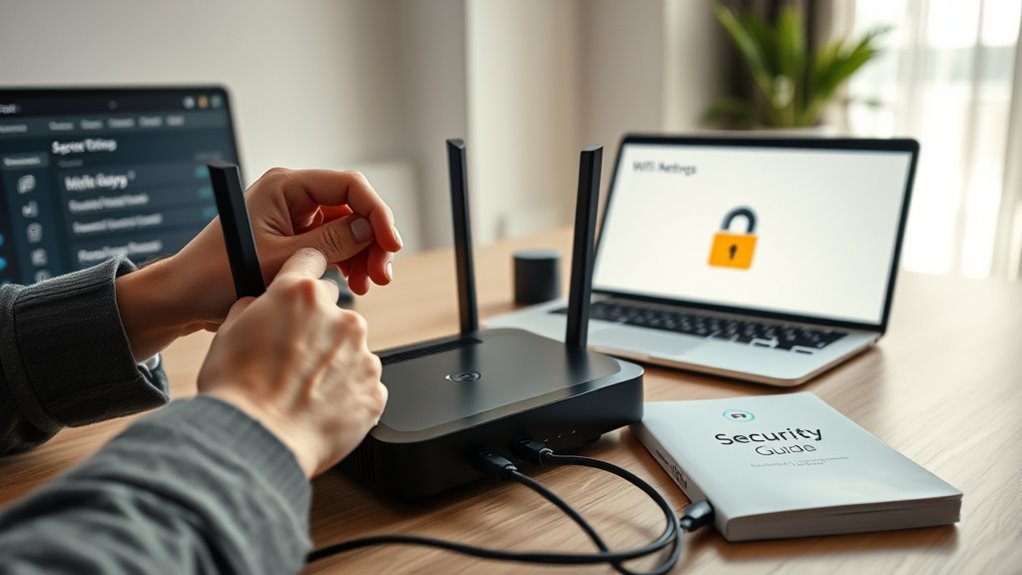
Secure your office Wi-Fi network with this step-by-step guide. Learn about encryption, guest networks, router settings, and common mistakes to avoid.
How to Secure Your Wi-Fi Network in the Office. In todays workplaces, Wi-Fi isnt just a convenience its the backbone of daily operations. From email and cloud applications to video conferencing and file sharing, a stable wireless network keeps your office running. But heres the catch: an unsecured Wi-Fi network is like leaving your office doors wide open for cybercriminals.
This particular example perfectly highlights why Secure Office Wireless Internet Setup is so captivating.
Setting up a secure Wi-Fi network is essential for helping safeguard your organization from cybersecurity threats, so weve developed 7 recommendations to help guide you through the process! 1. Use Strong Encryption One of the most basic but essential steps to secure your network from cyber threat actors is to set-up your wireless network with

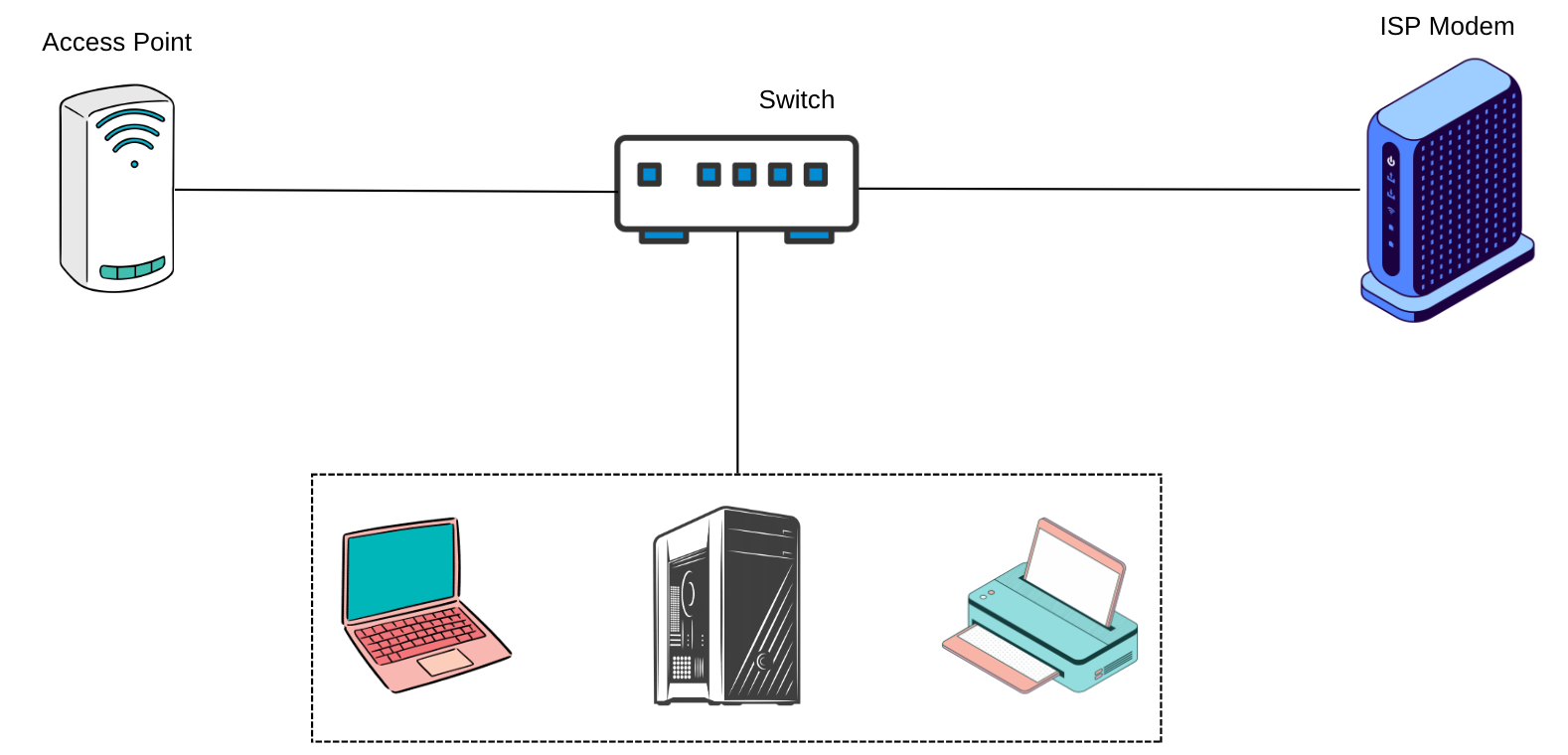
Office WiFi Setup: How to Build a Reliable Wireless Network This authoritative guide details the technical architecture and strategic deployment of enterprise-grade office WiFi. It covers capacity-based design, access point placement, secure user segmentation, and how to leverage network infrastructure for business intelligence.
Business Wi-Fi boosts security and productivity. Learn everything you need to set up a secure business Wi-Fi connection for your employees and customers.