Delete any unwanted posts that were posted while your account was compromised. Scan your computers for viruses and malware, especially if unauthorized account behaviors continue to be posted after you've changed the password. Install security patches for your operating system and applications.
Spot signs of a hacked X (Twitter) account and learn key steps to secure it, regain control, and protect your online presence from unauthorized access.

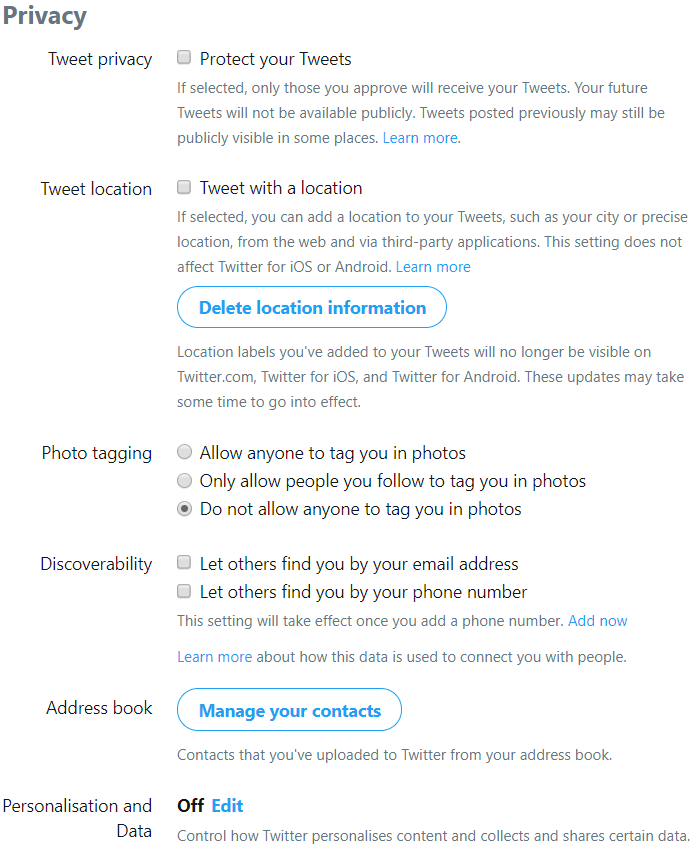
This guide explores Xs 2025 security tools, offering actionable strategies to safeguard accounts, control content visibility, and comply with privacy regulations.

Moving forward, it's essential to keep these visual contexts in mind when discussing Secure Twitter Account From Spyware And Malware.
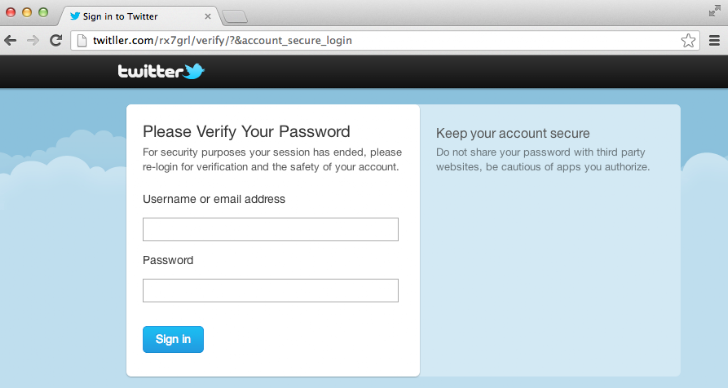
Learn the common Twitter scam tactics, the red flags that matter, and what to do if you clicked or shared details from a suspicious account.
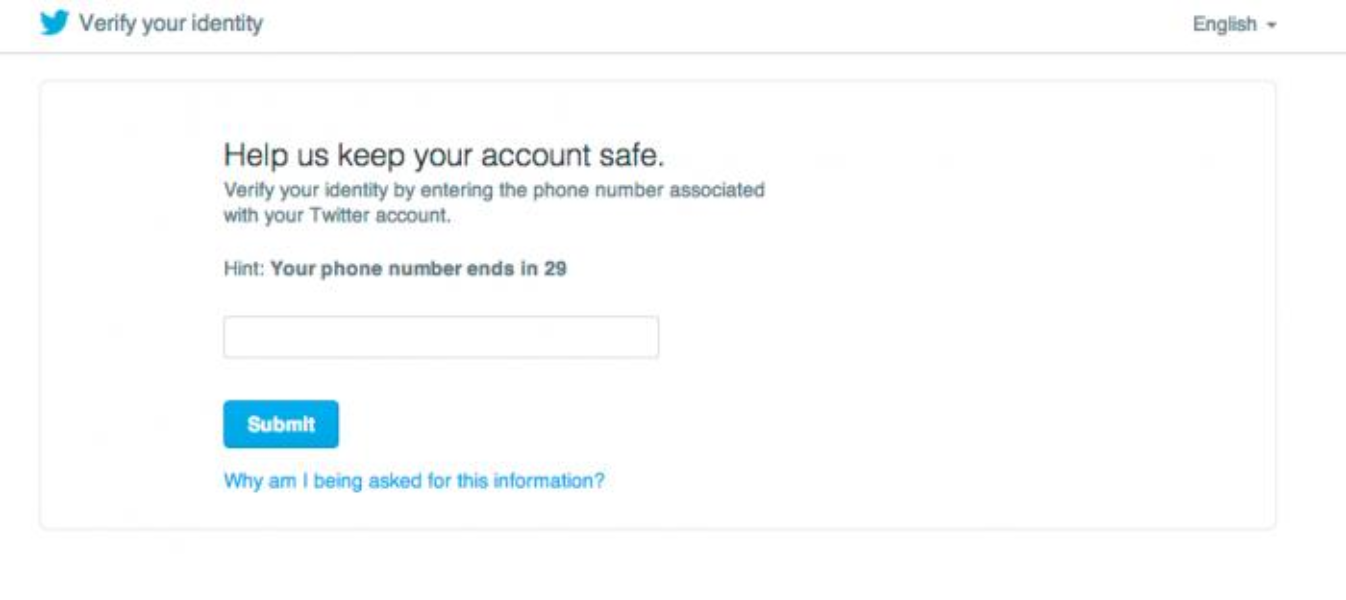
Furthermore, visual representations like the one above help us fully grasp the concept of Secure Twitter Account From Spyware And Malware.
Learn how to secure your X account from hackers, bots, and phishing attempts with tips on 2FA, strong passwords, third-party app audits, and Spikerz
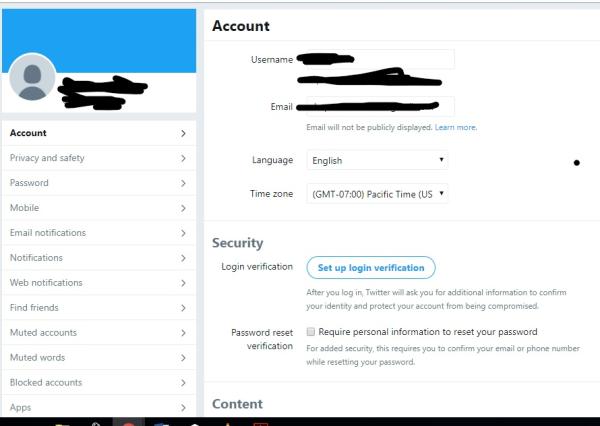
But thats not the only step that you should take in order to make your Twitter account more secure. The following are some other ways that you can ensure hackers or malicious individuals will not take over your Twitter account.