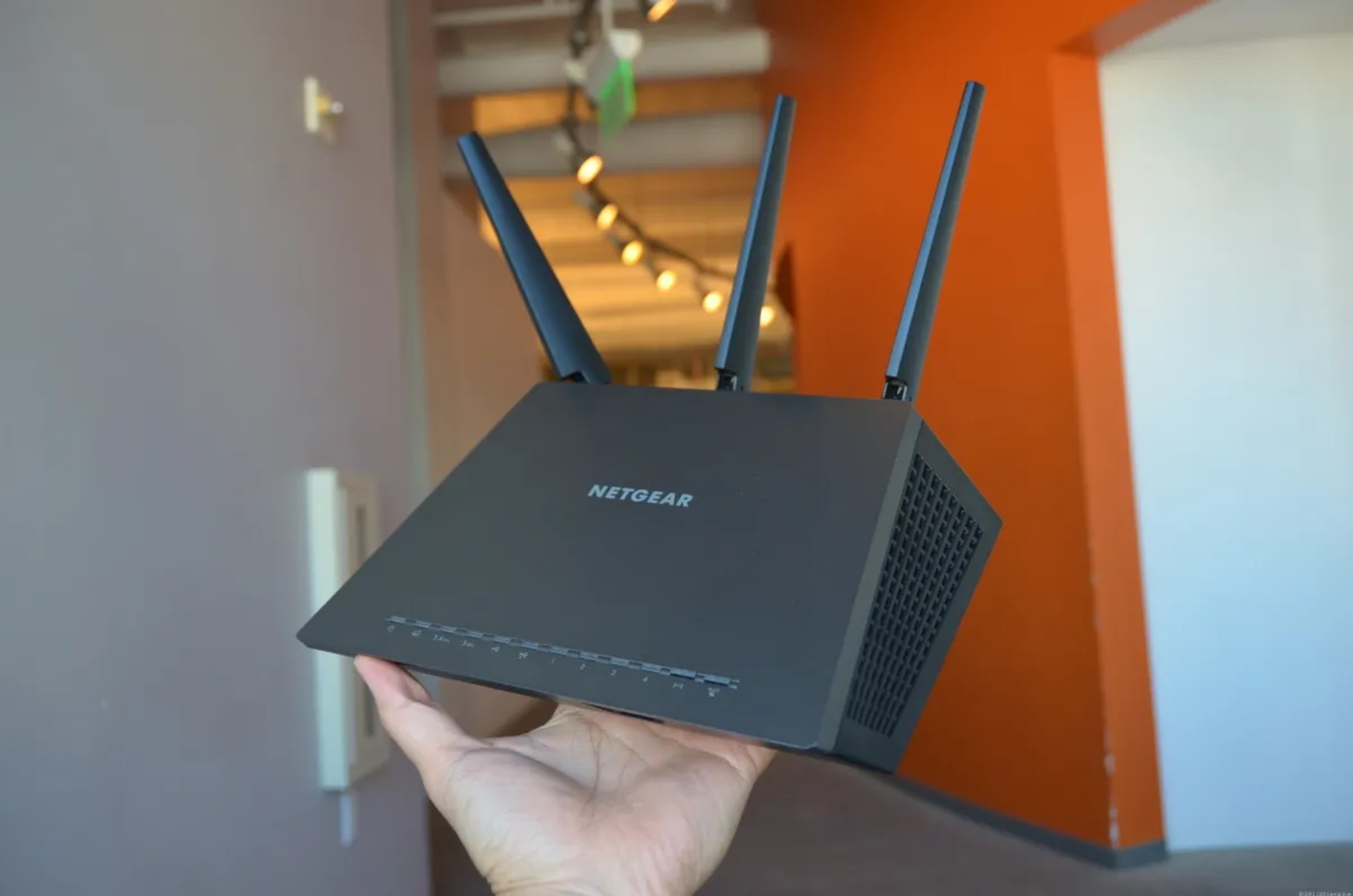
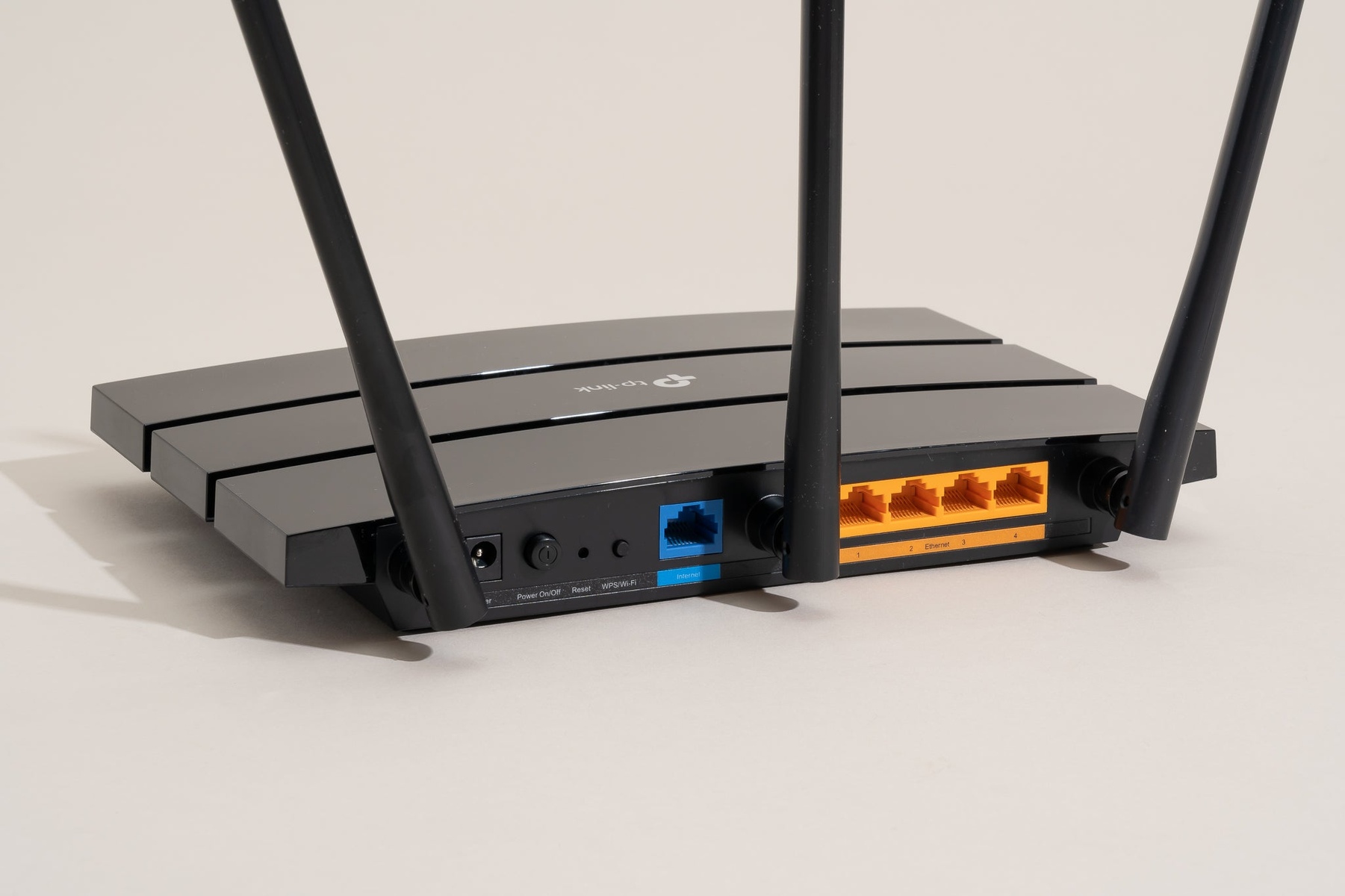
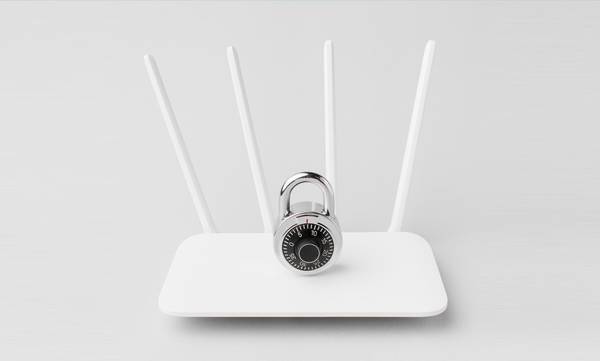
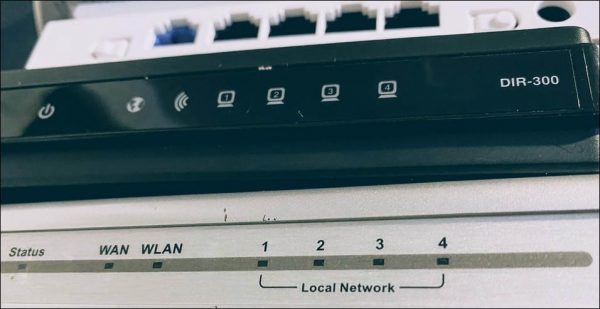
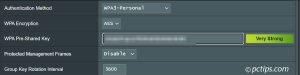
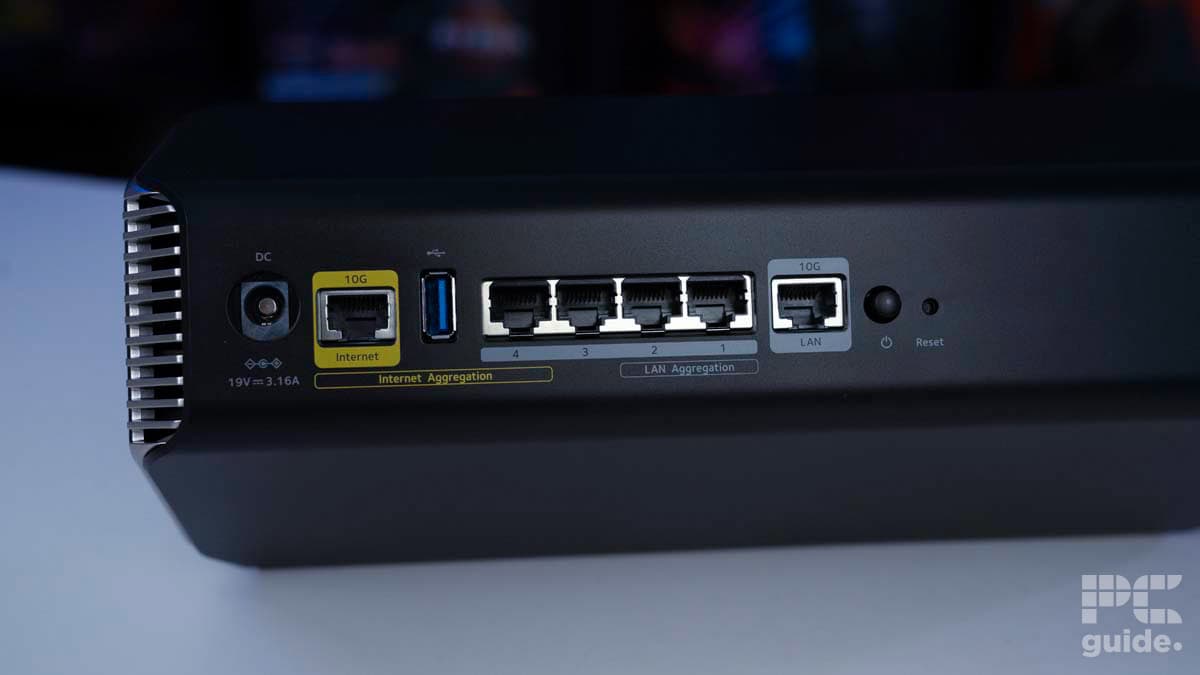
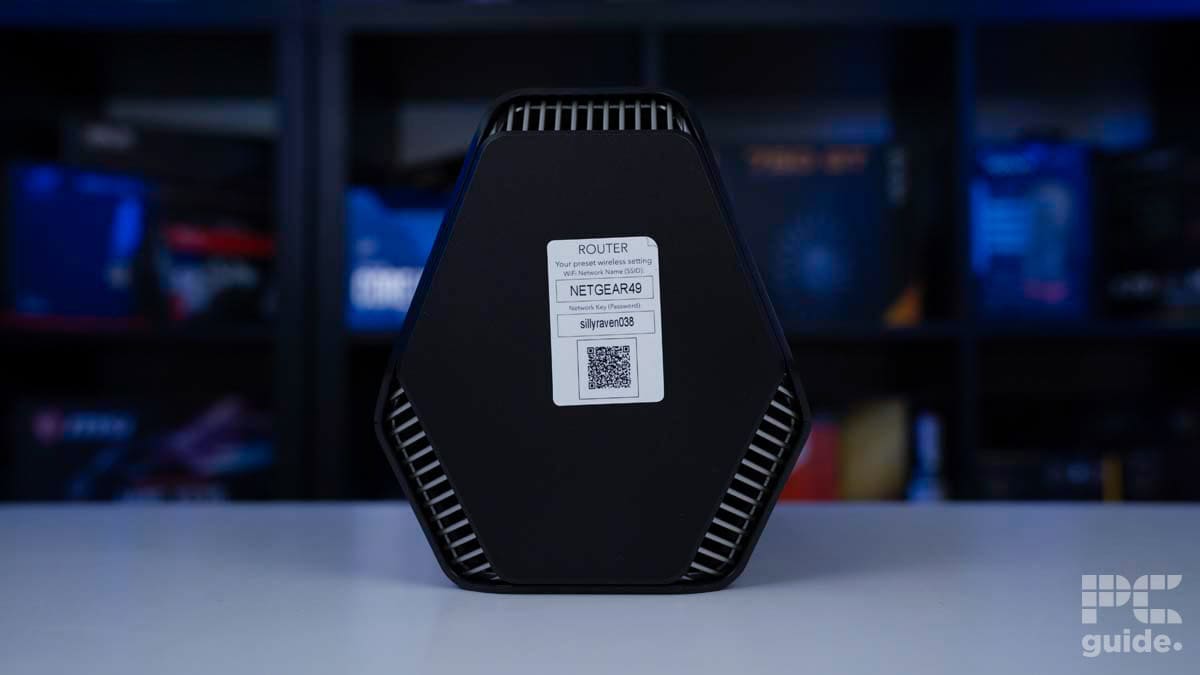
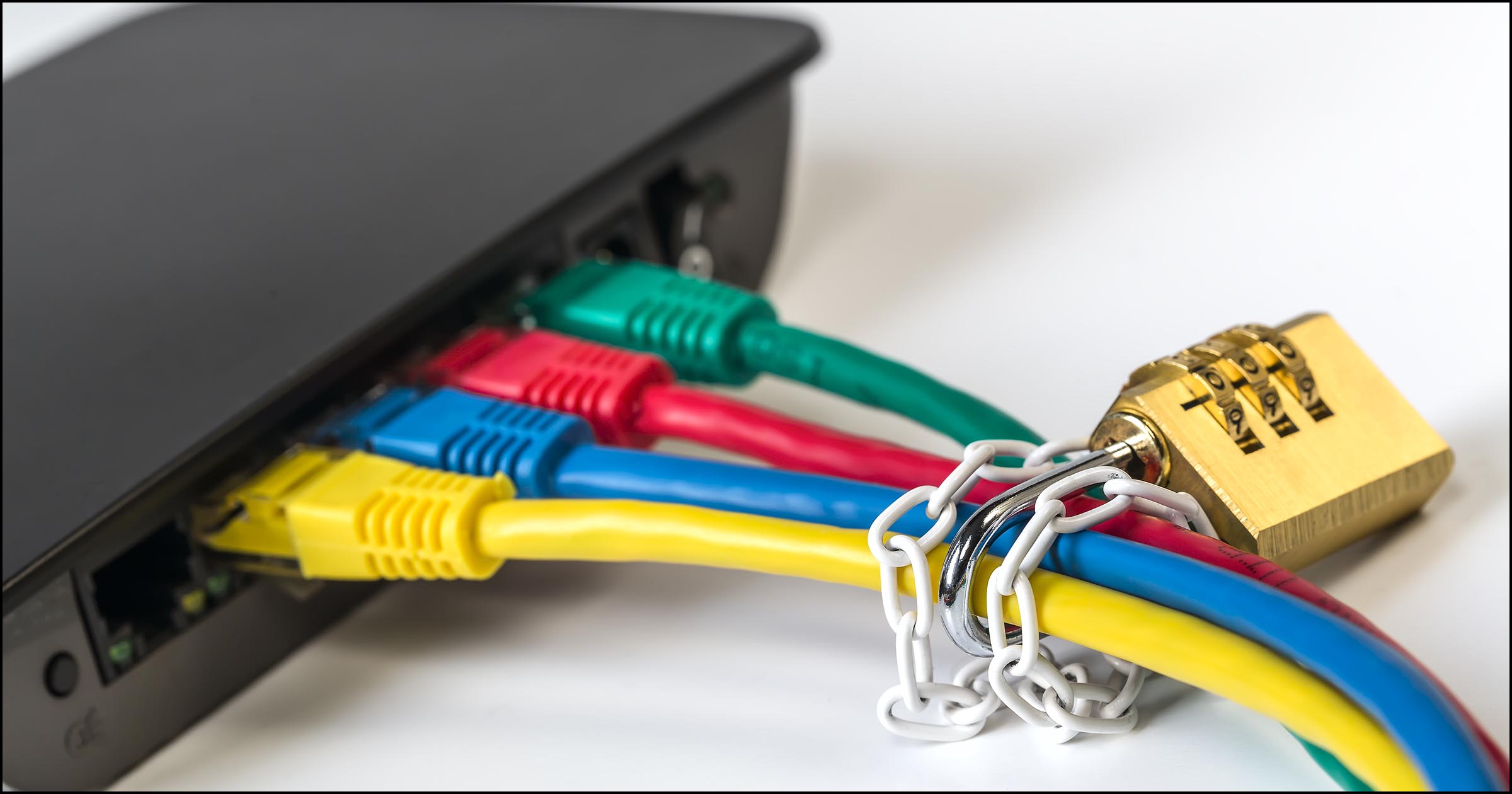
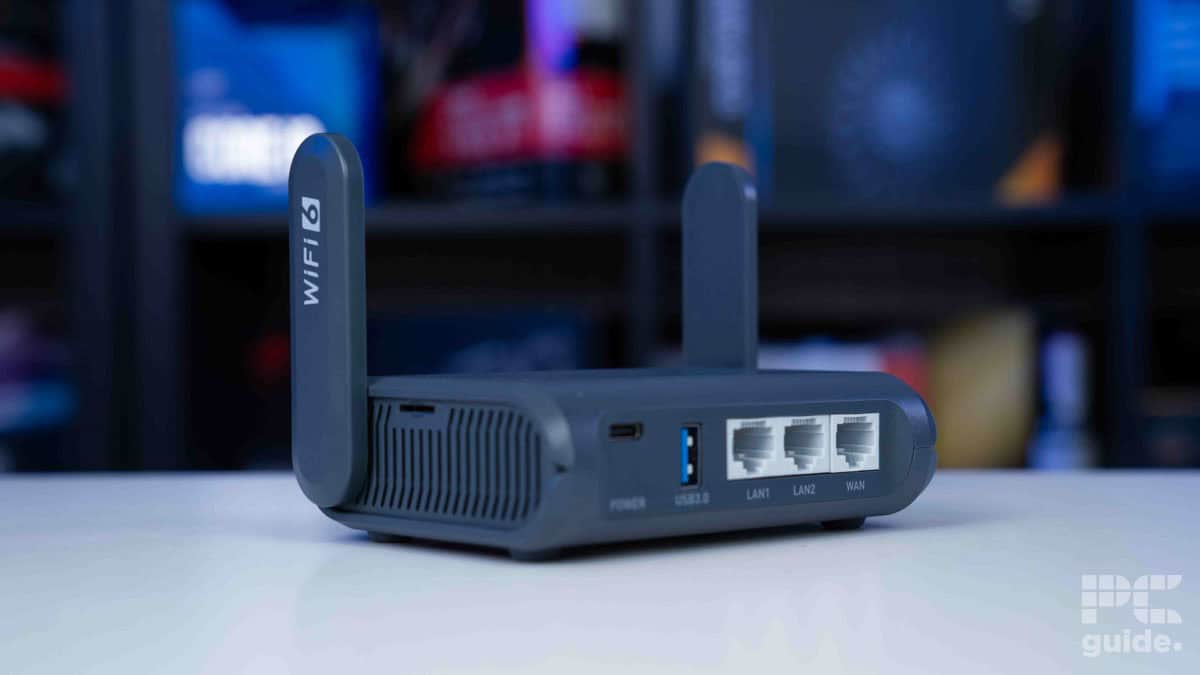
A wireless router showing printed preset security information including the free WiFi. Many wireless access points have security information (if it is factory-secured) and the WPS PIN printed on them; this PIN is also often found in the configuration menus of the wireless access point.
This is an animated video explaining wireless password security options. It explains WEP, WPA, WPA2, WPA3, WPS, and Access Control.
Such details provide a deeper understanding and appreciation for Secure Wireless Router Security Guide.
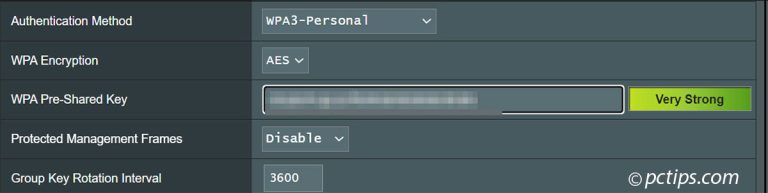
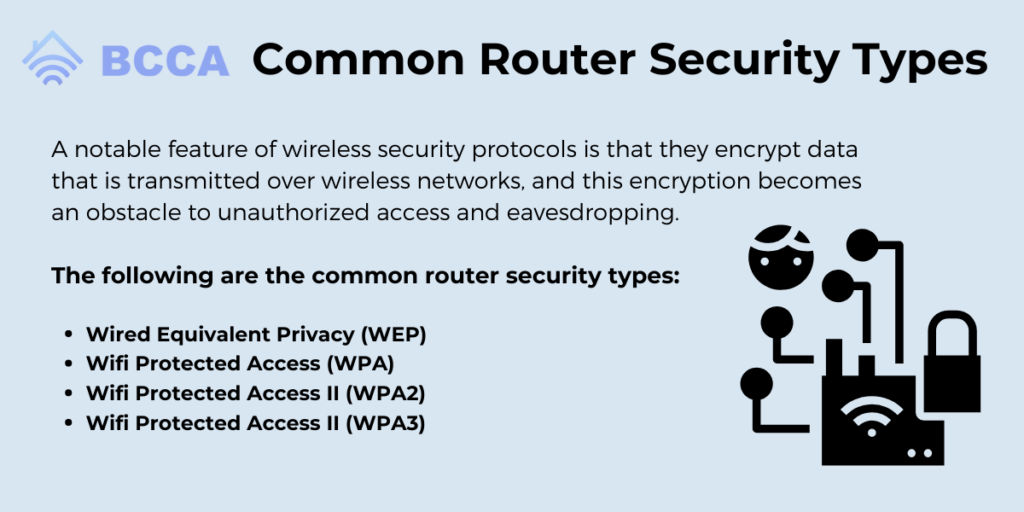
This wireless connection is secured using security algorithms specifically designed for Wi-Fi. These algorithms aren't strictly just encryption (though that's a crucial component) but include additional functions that govern how keys are exchanged and verified, and more.

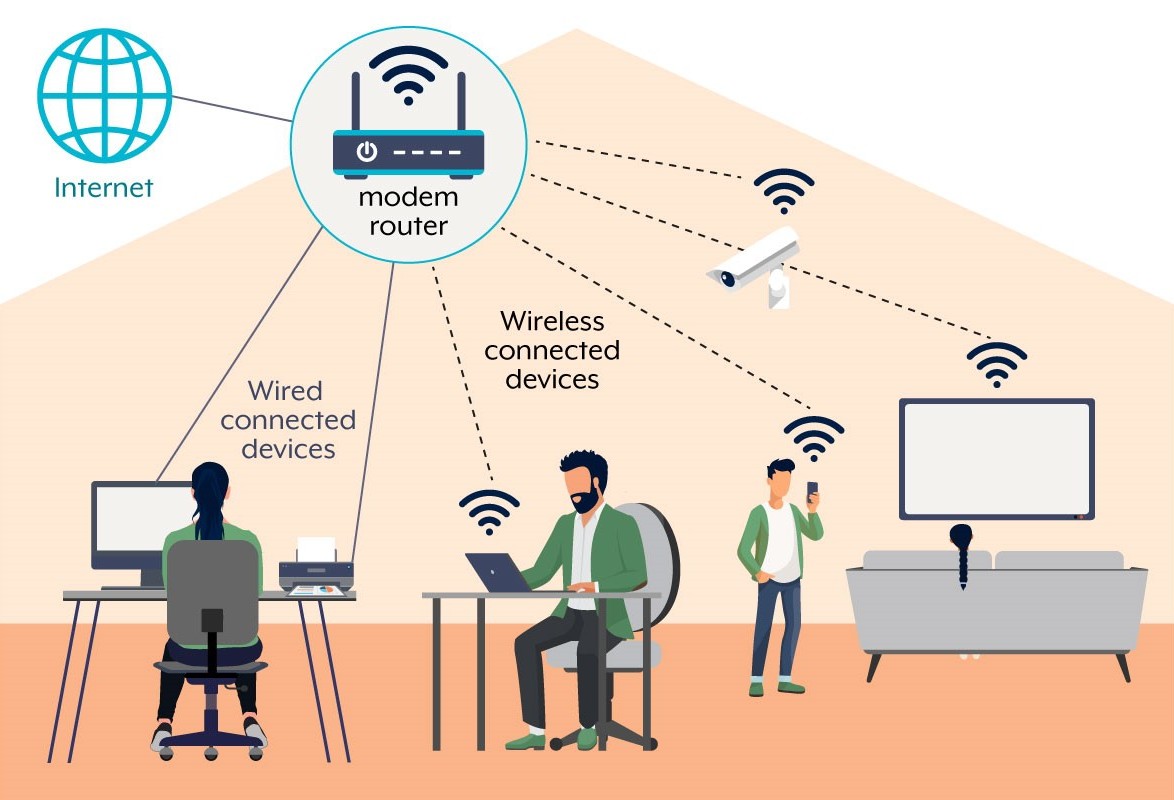
Furthermore, visual representations like the one above help us fully grasp the concept of Secure Wireless Router Security Guide.
Secure Wireless Router Z100G, the first complete security solution for home networks. This Getting Started Guide will help you understand and effectively use ZoneAlarm Secure Wireless Router Z100G. Weve made the product simple to set up and provide you with step-by-step...

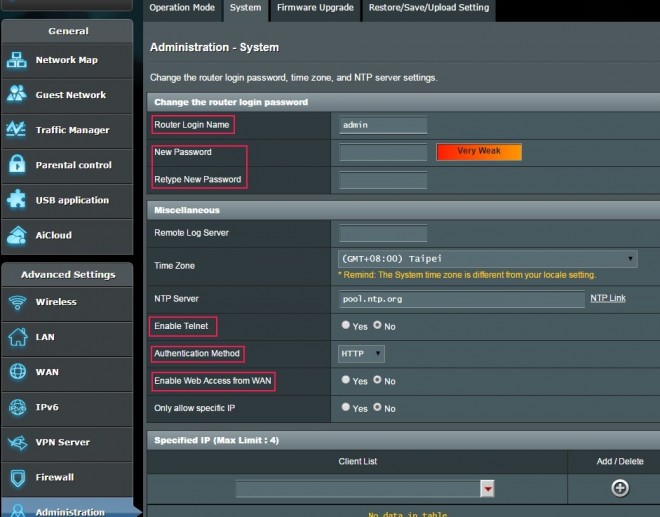
Basic Steps to Secure Your Home Network. Modifying the default router login credentials is the first step in a secure wireless network setup.The home router security guide recommends changing it every six months.
This reduces potential attacks and provides you with better network security. If you want to learn more about setting up a home network read this networking buying guide. This will help you decide which router is right for you. Remember, a more secure home starts with a secure Wireless...