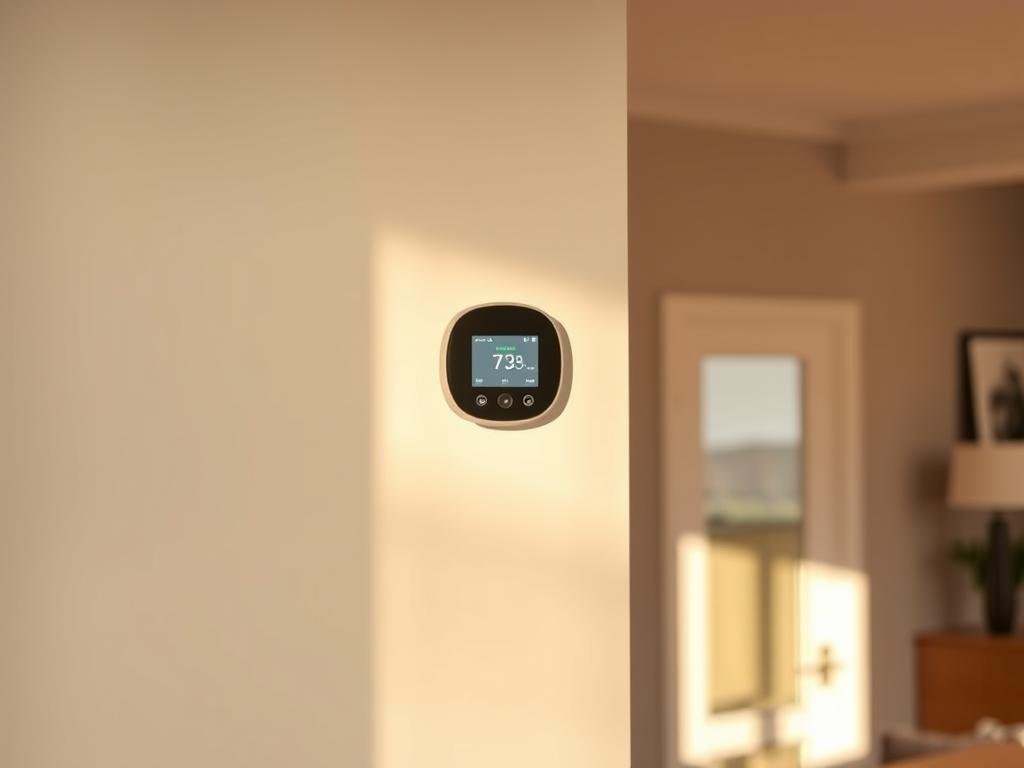
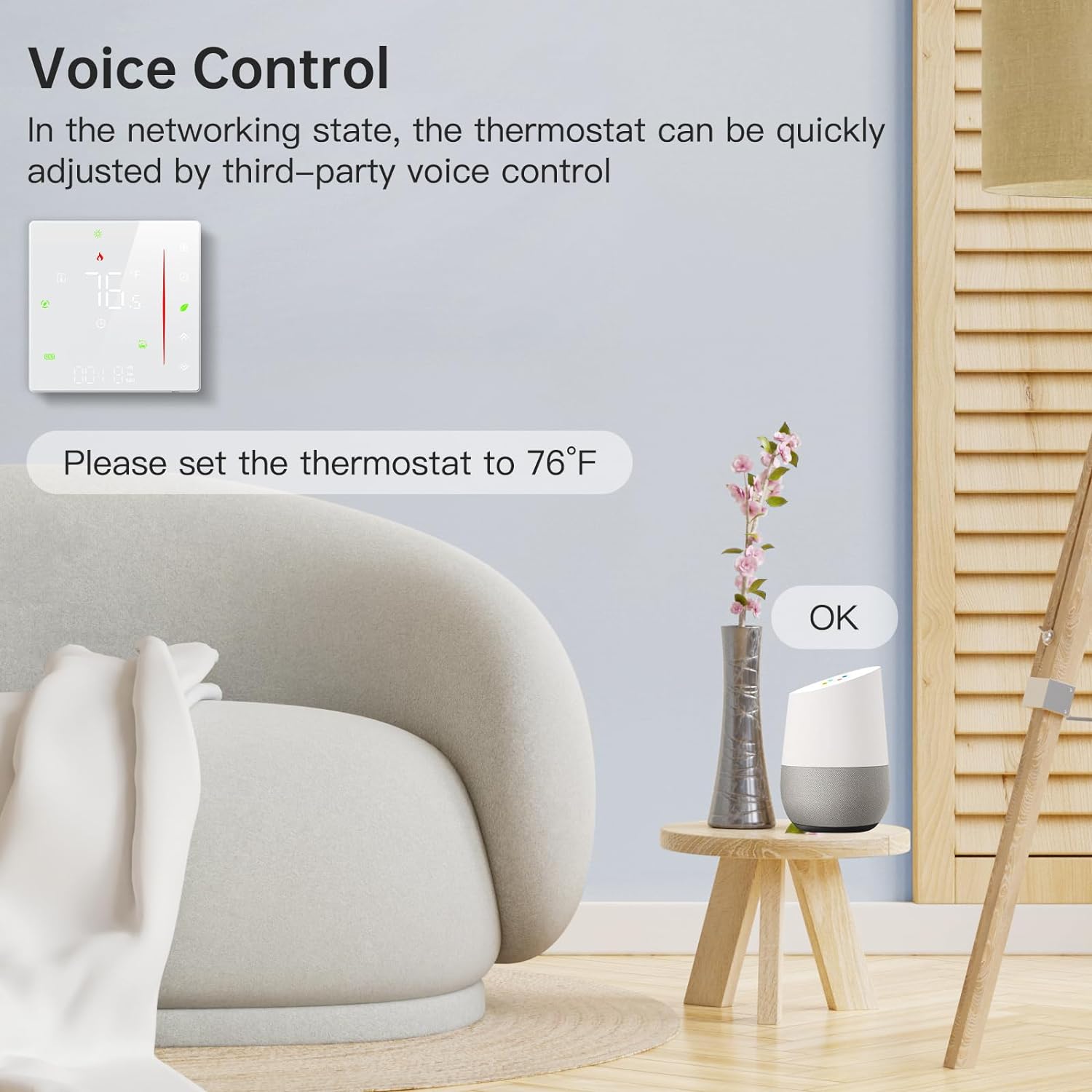
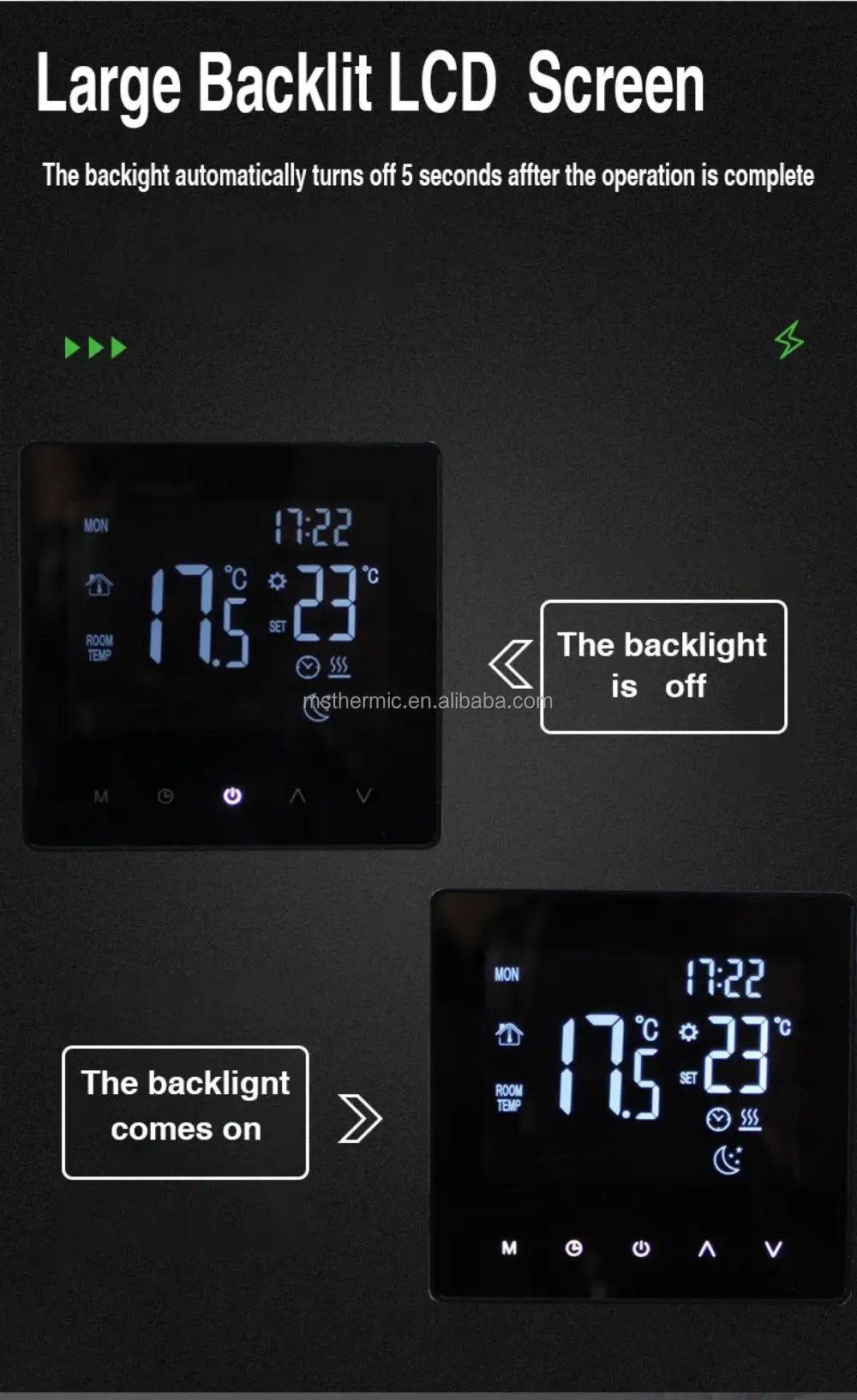
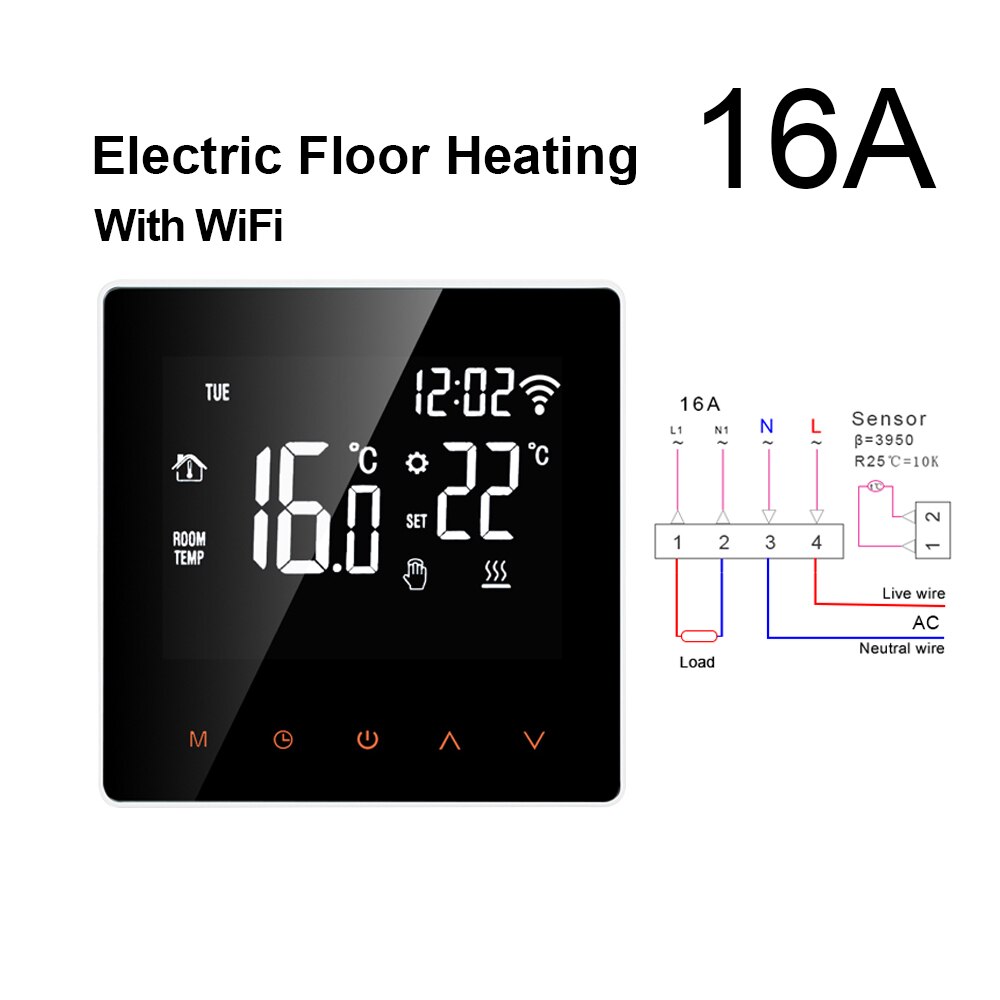
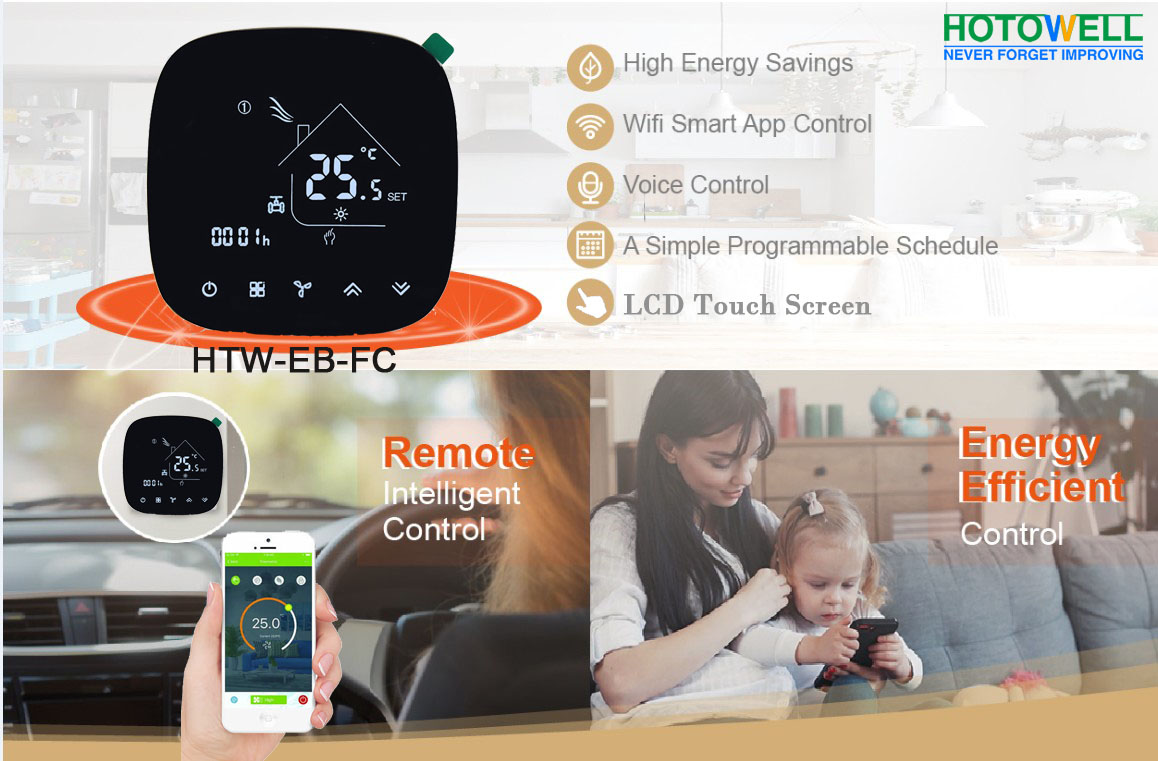
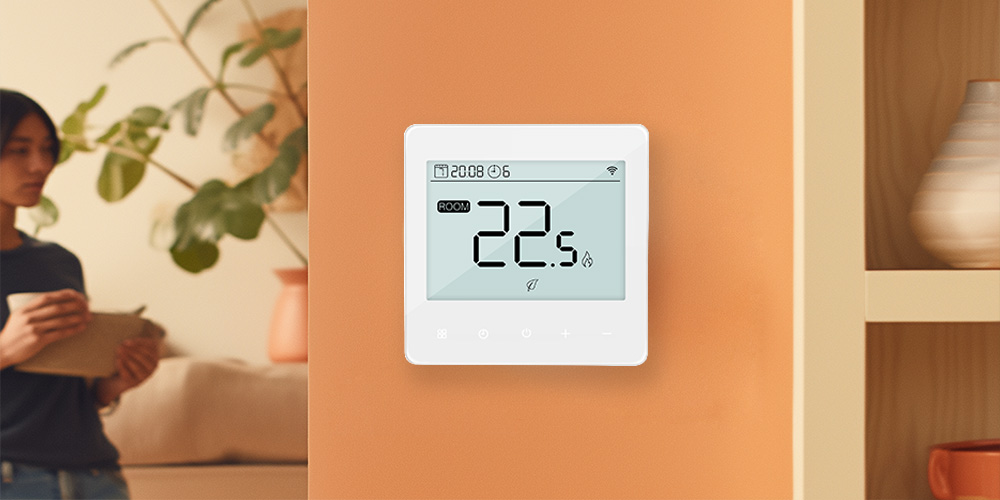
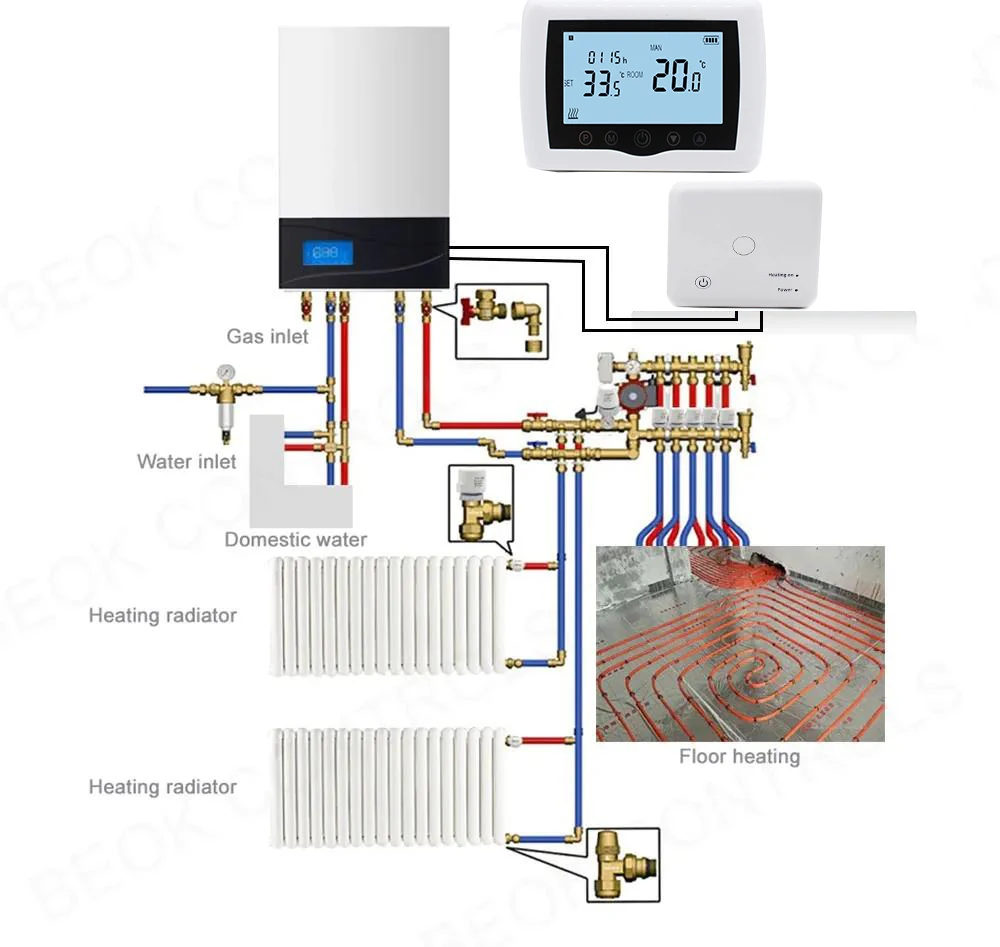
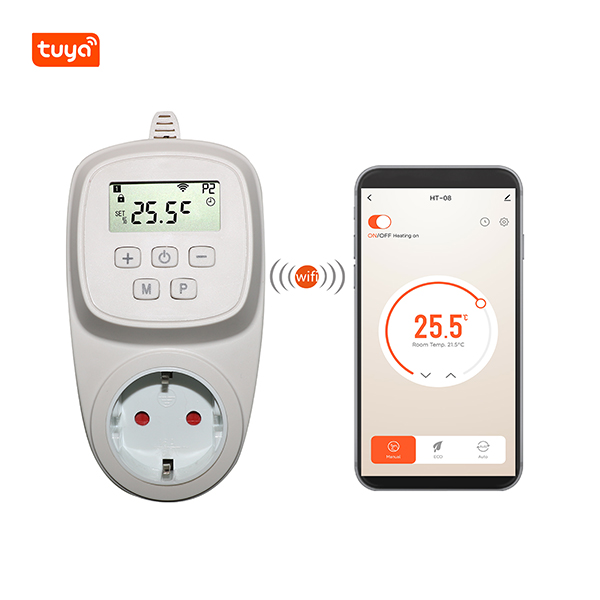
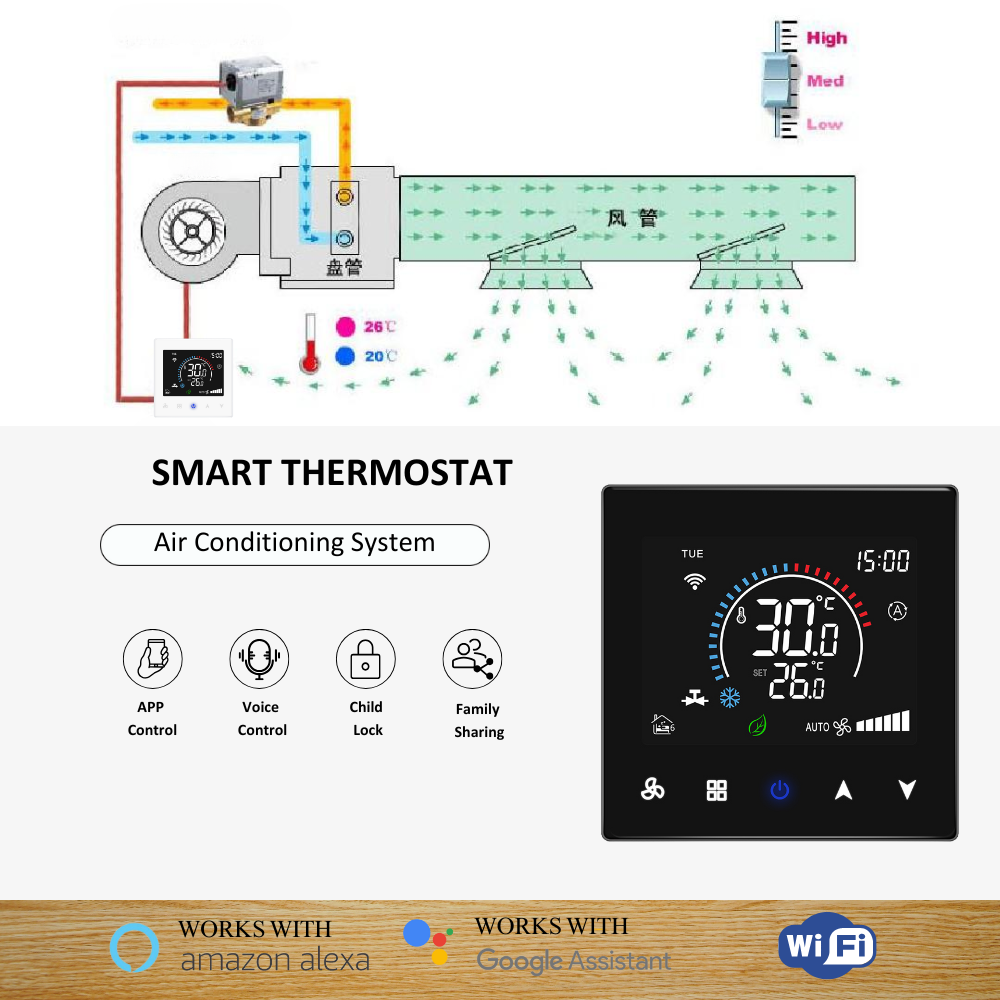
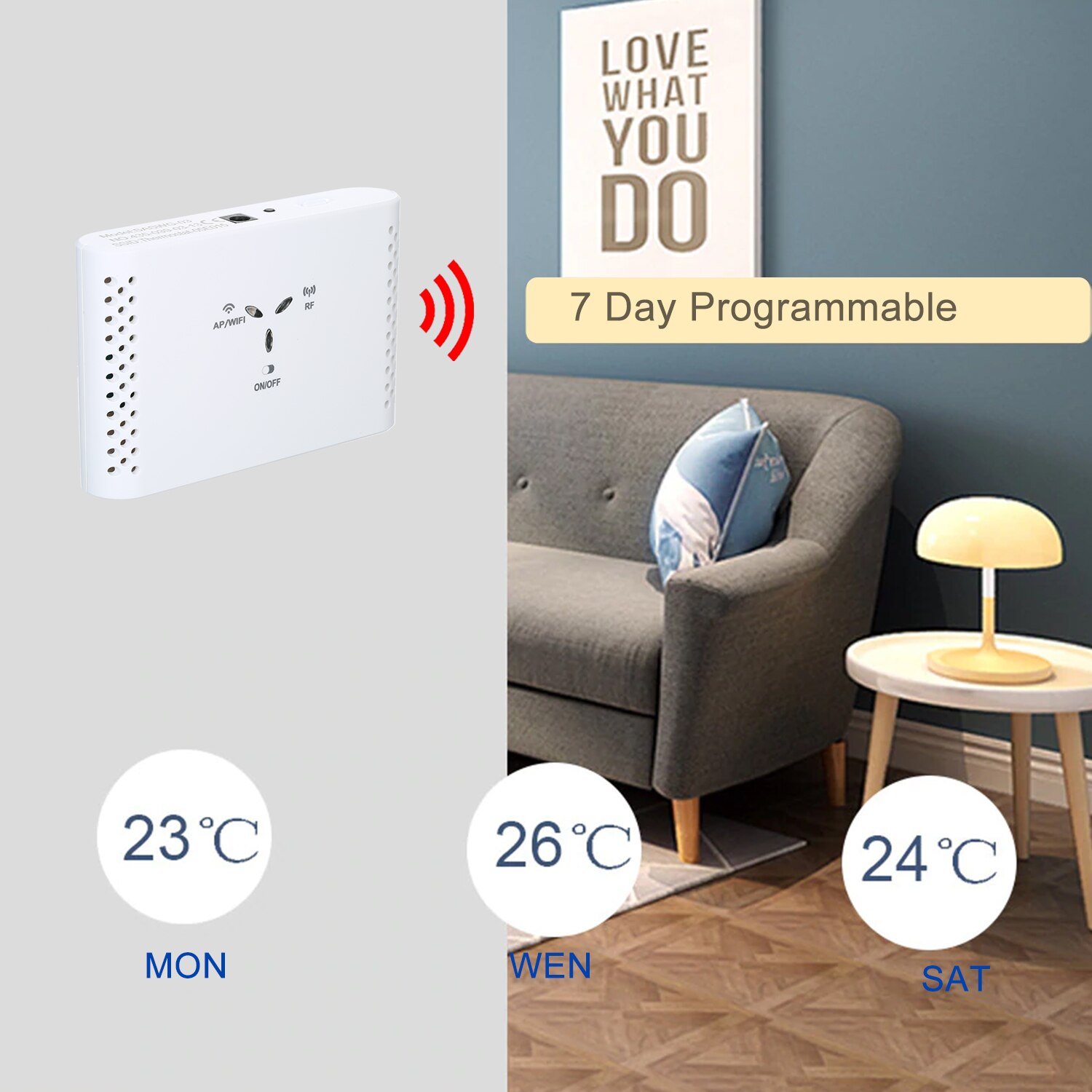
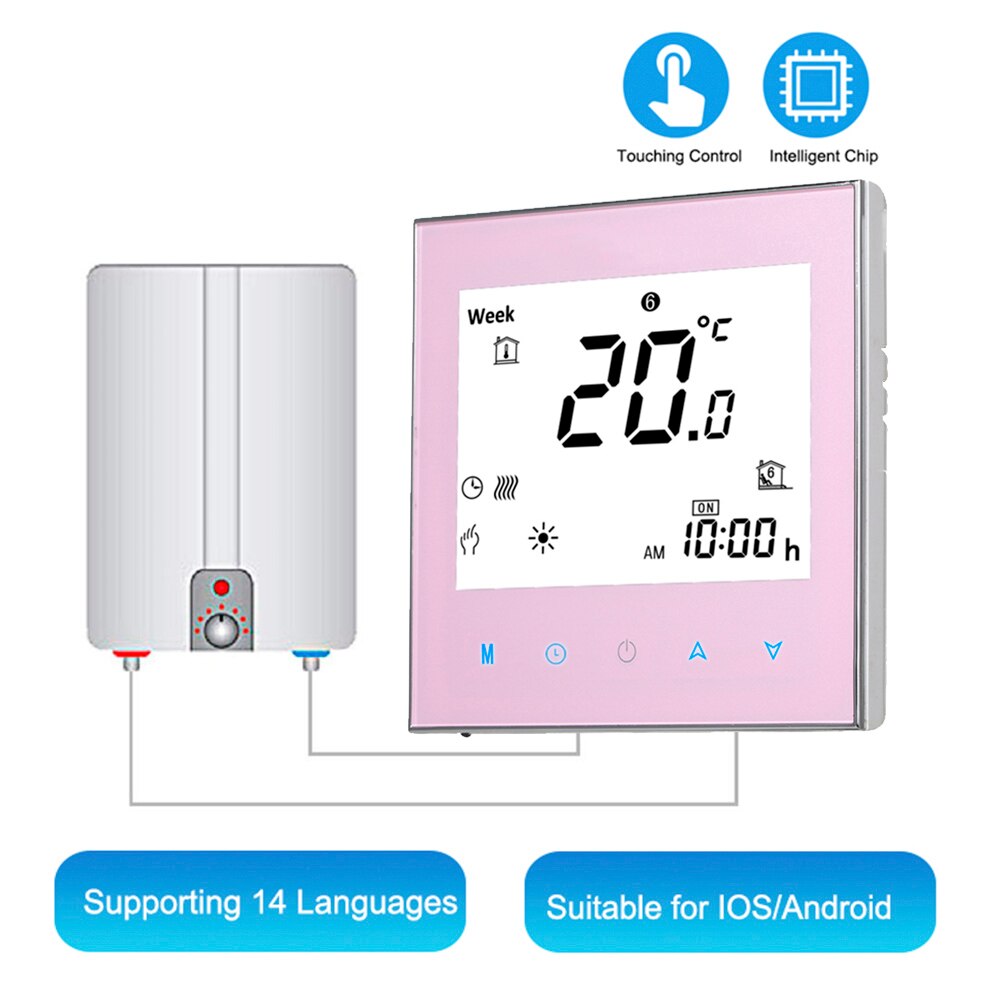
Discover how to seamlessly connect your smart thermostat, such as Nest or Ecobee, to your home Wi-Fi network. Learn the step-by-step process to enable remote temperature adjustments and efficient energy monitoring, enhancing your smart home experience instantly.
Wi-Fi configuration on the ecobee is part of the thermostat's initial setup process. If you've skipped this step or need to change the Wi-Fi network the ecobee connects to, follow the steps provided below:
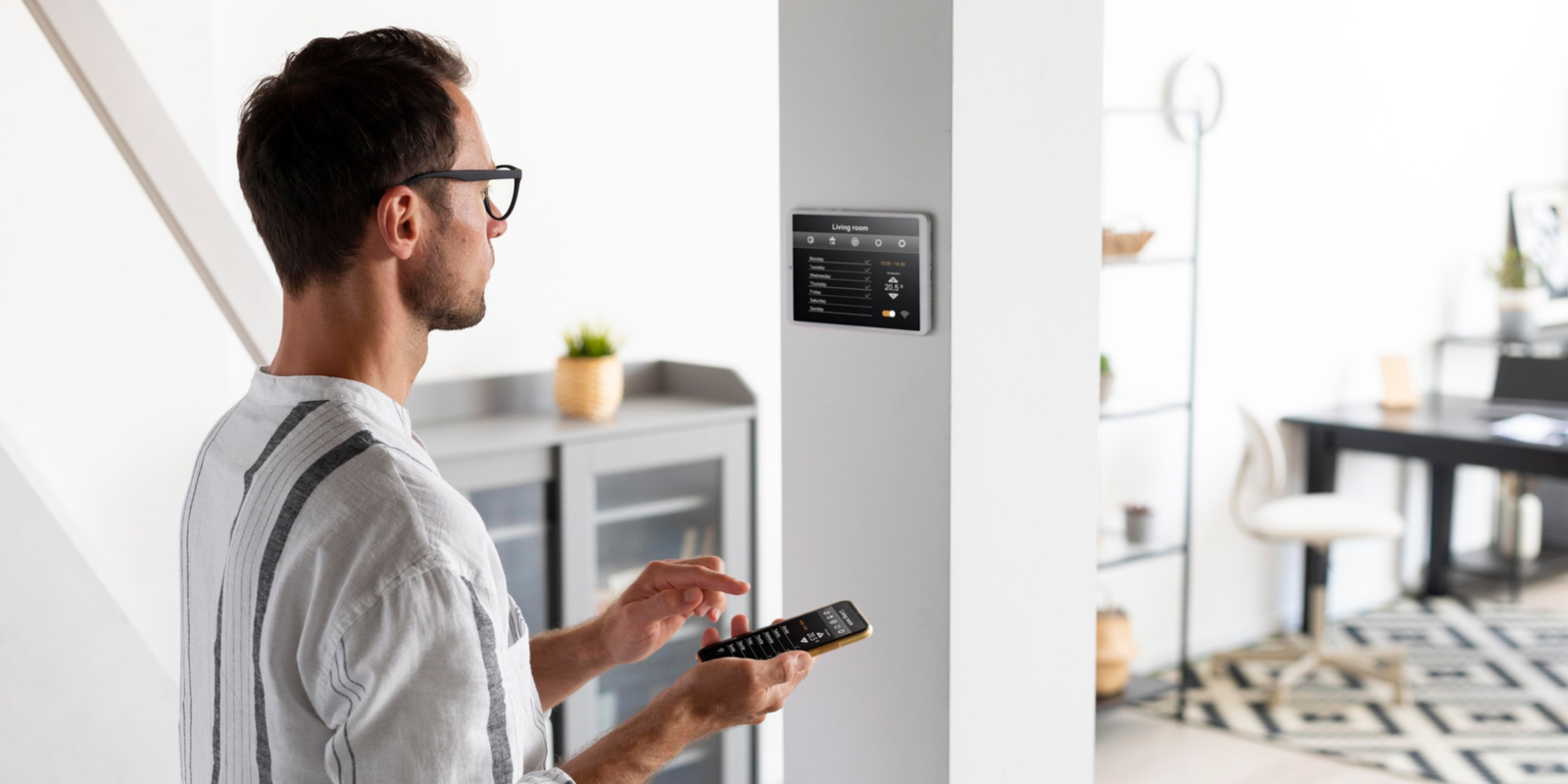
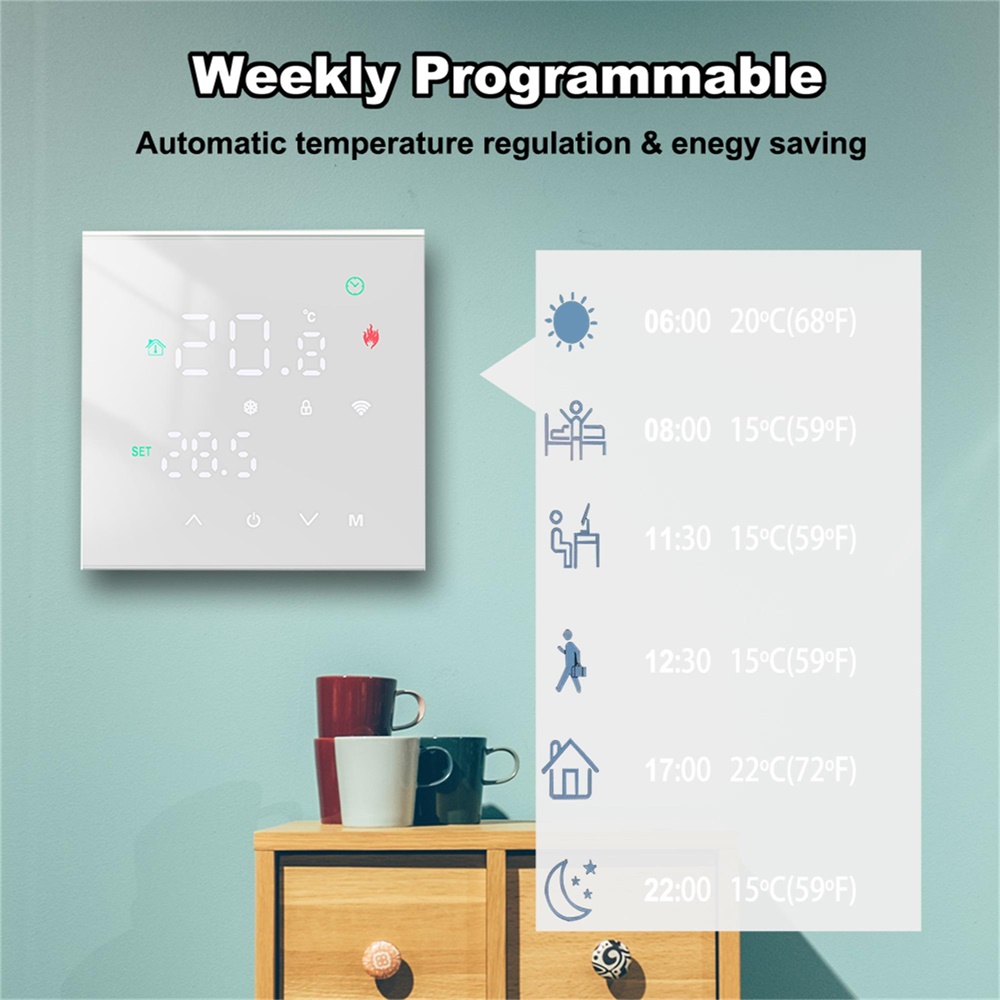
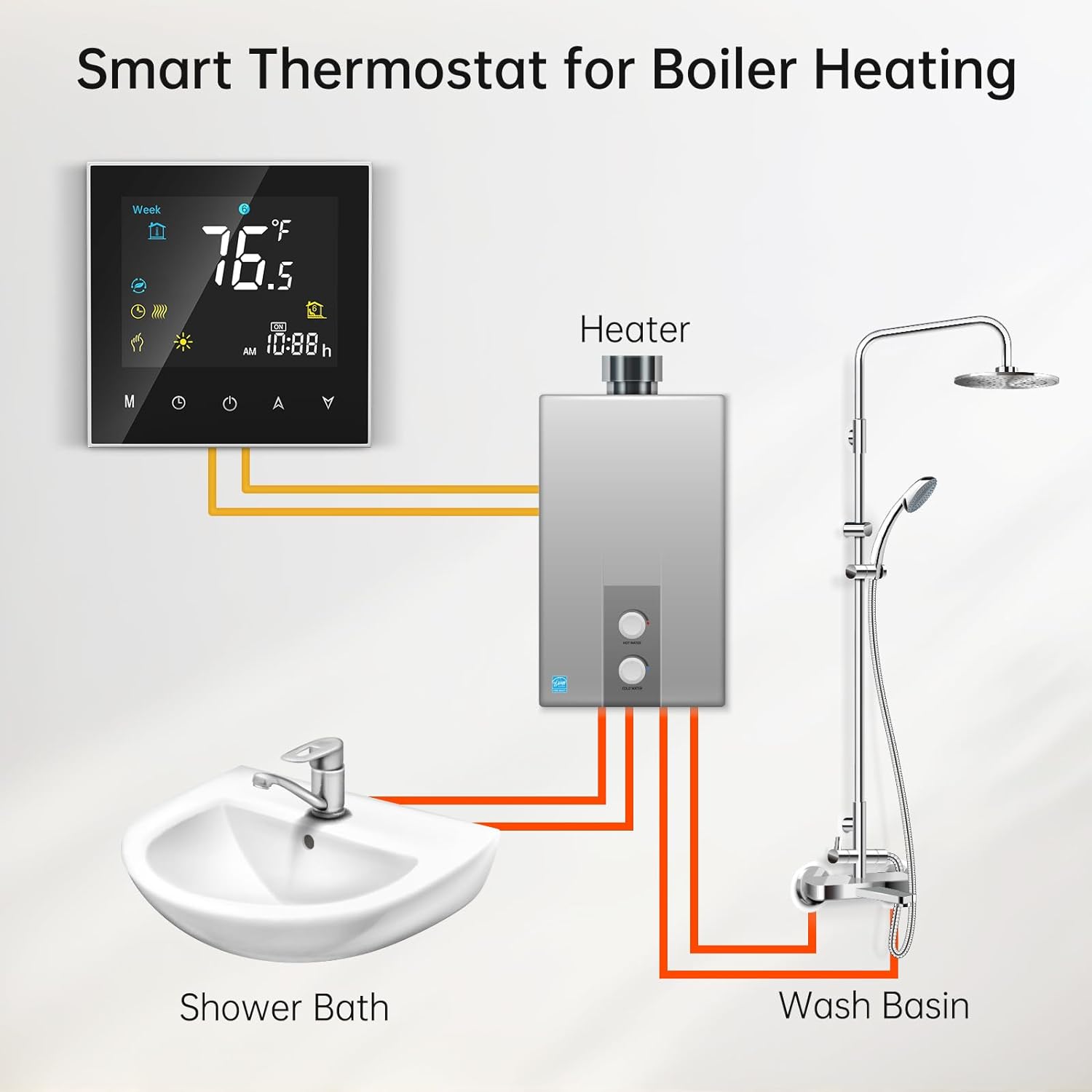
Moving forward, it's essential to keep these visual contexts in mind when discussing Setting Up Wifi Router For Smart Thermostat.
To connect your thermostat to Wi-Fi, it must be a smart thermostat or have Wi-Fi capabilities. Not all thermostats are created equal, and some may require additional hardware or software updates to enable Wi-Fi connectivity.
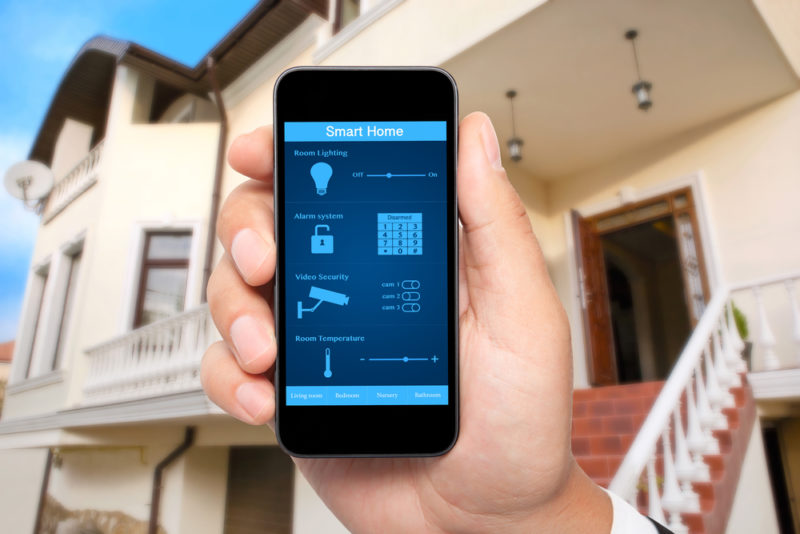
Your Google Nest thermostat will typically be able to reconnect easily. But if you changed the Wi-Fi SSID, password, or other router settings, youll need to update the Wi-Fi...
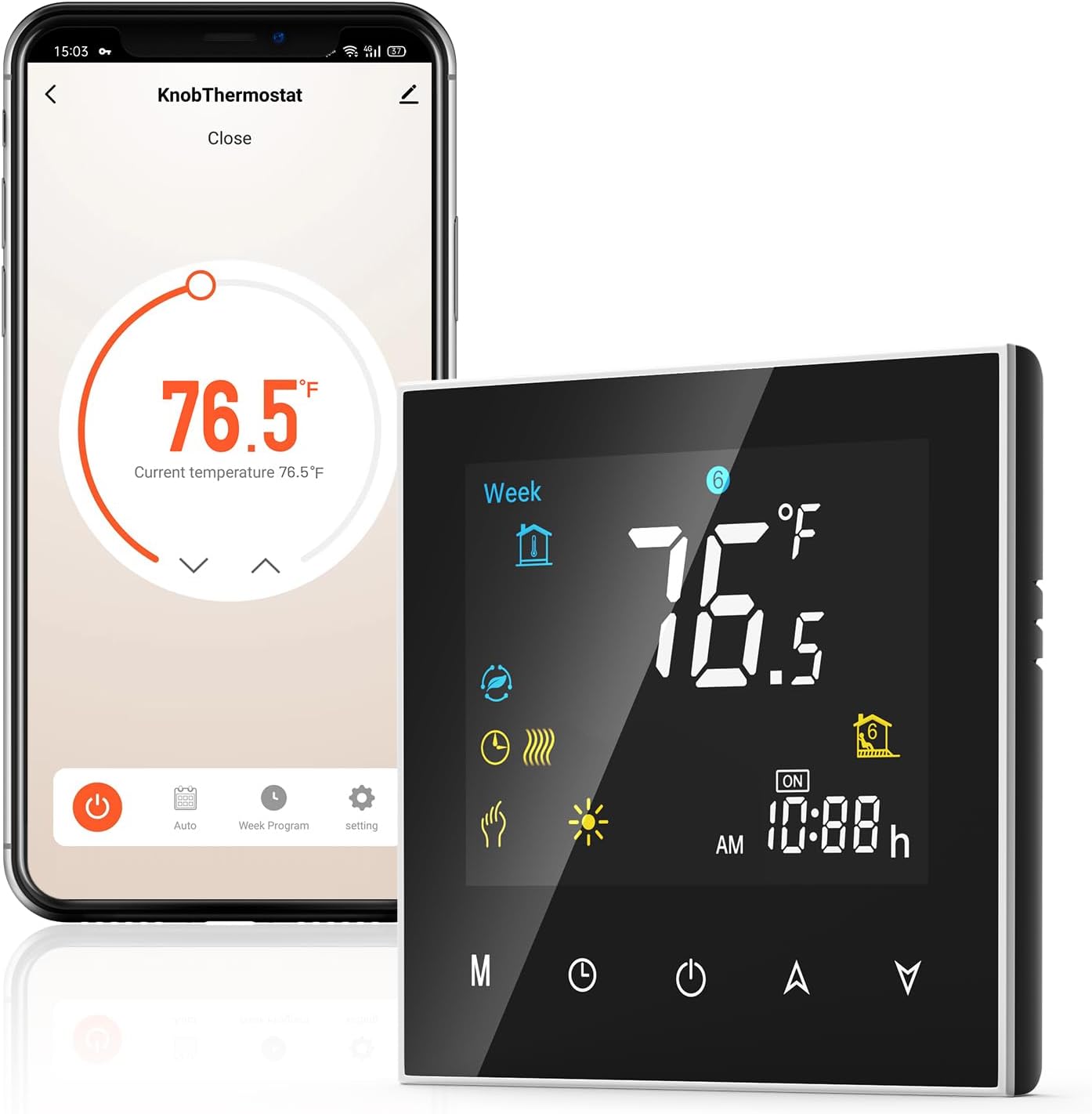
How to connect any Honeywell thermostat to Wi-Fi T6, T9, RTH6580, RTH9585, and more. Step-by-step plus fixes for dropped Wi-Fi and connection failures.
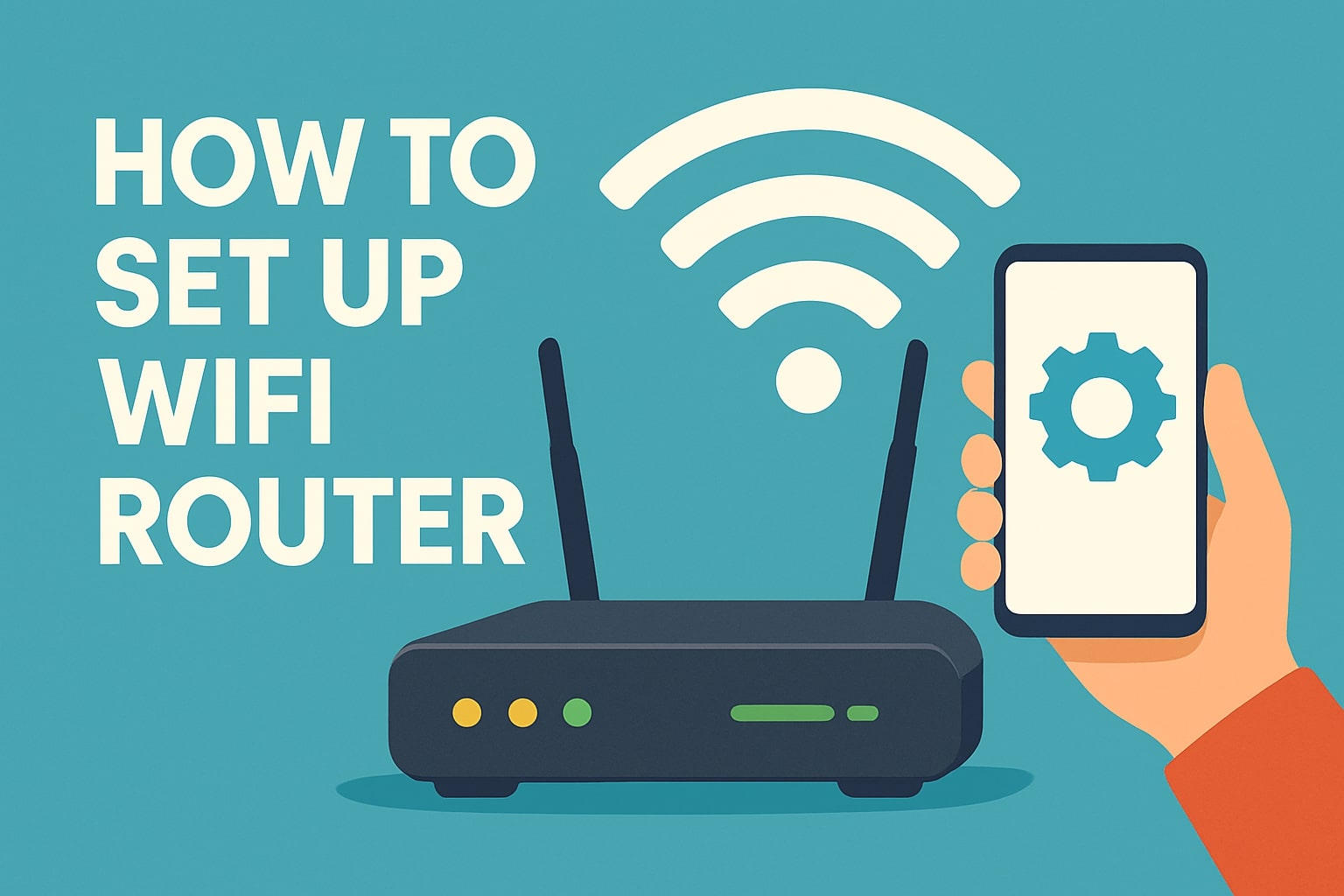
Keep your smart thermostat online and your home comfortable. Use our HVAC techs quick router and app checklist for stable, secure Wi-Fi control.