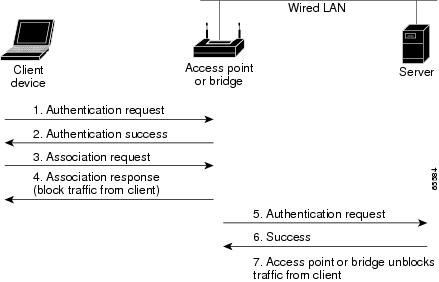
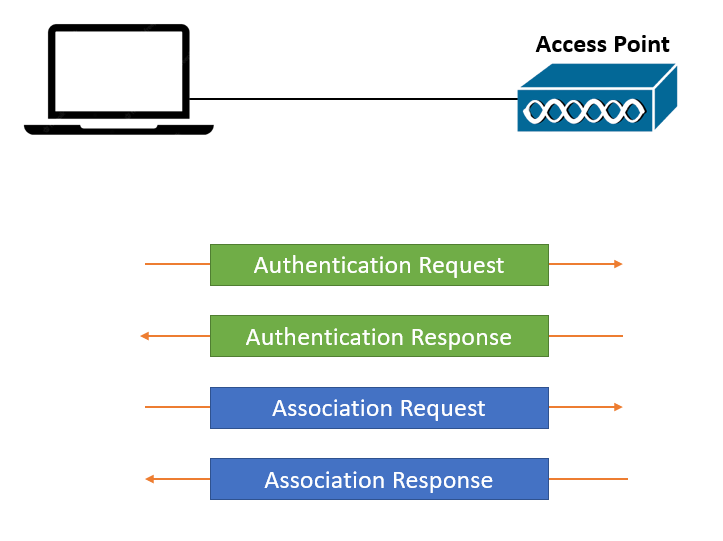
Managing a wireless connection can be accomplished using network manager which will use wpa_supplicant or iwd for wireless authentication, or using wpa_supplicant or iwd directly.
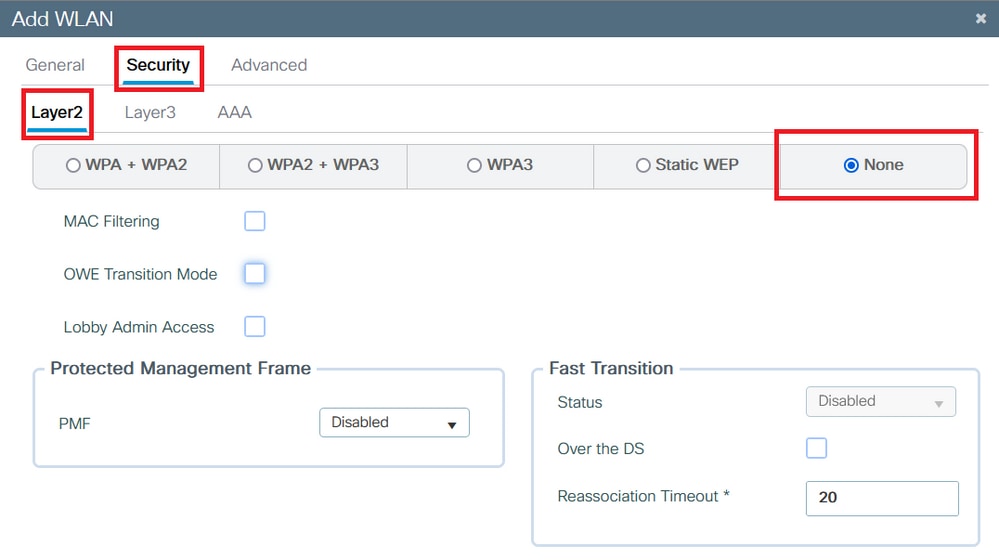
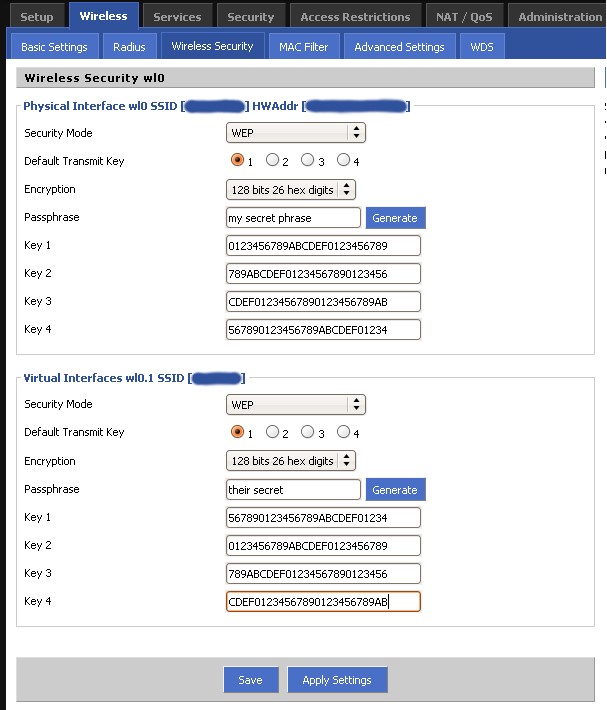
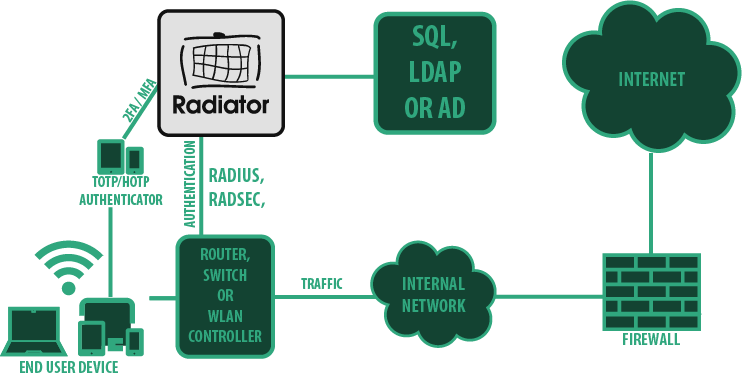
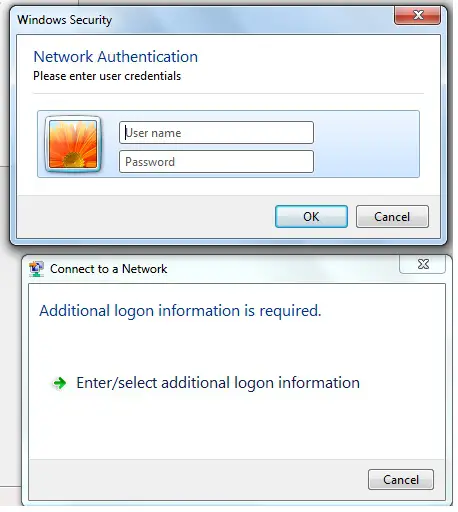
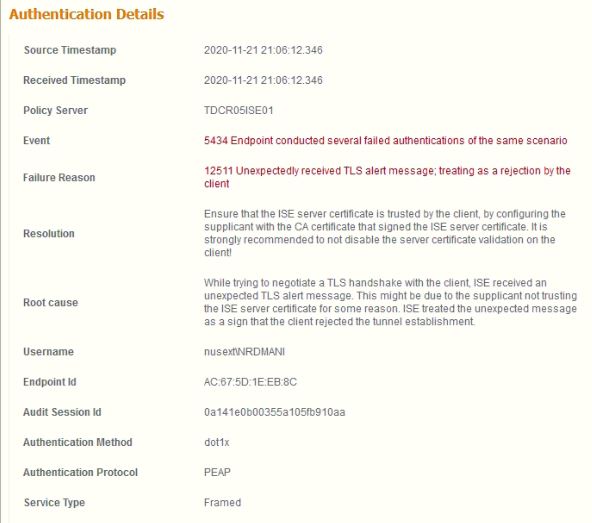
Solutions for network authentication. Open (no authentication). Pre-shared key (password). Certificate authentication <- this posts focus. User authentication with username + password.Configuration from your network devices / RADIUS setup.

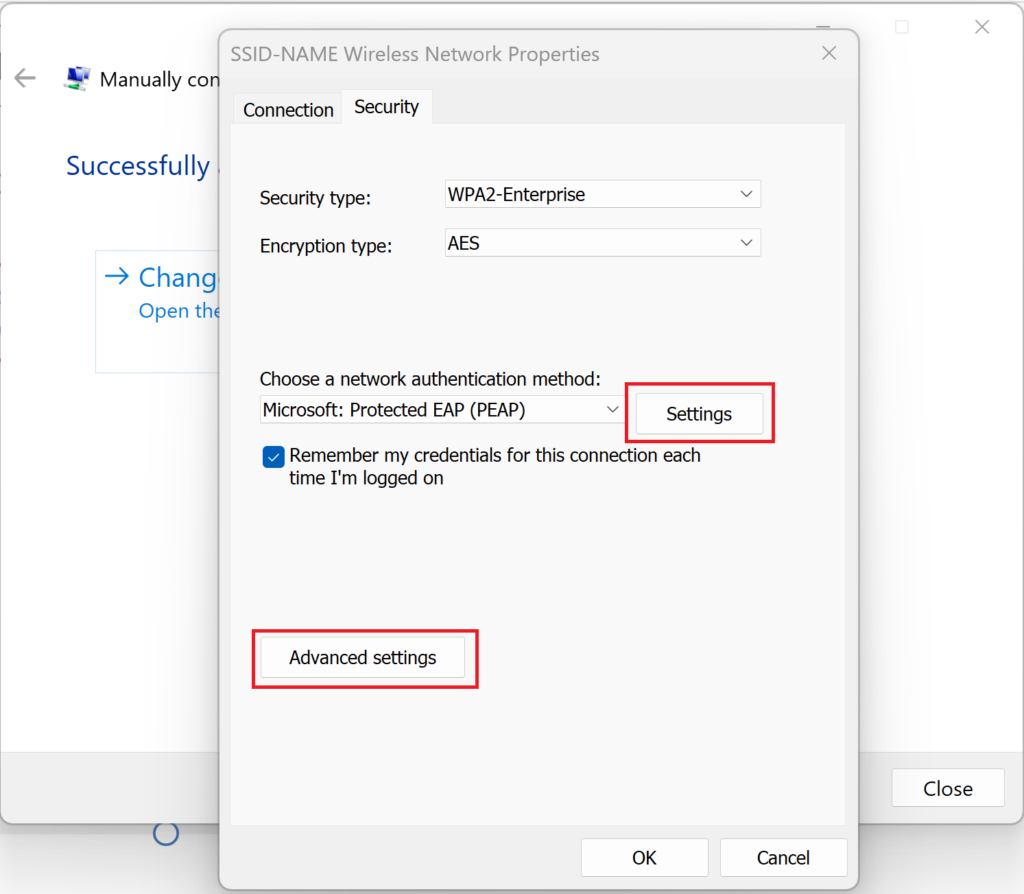
Click Set up a new connection or network. Another window will expand. Step 5 Select "Manually connect a wireless network" and click Next.Click Settings next to the network authentication method if you need to specify authentication servers and/or enter certificate details.
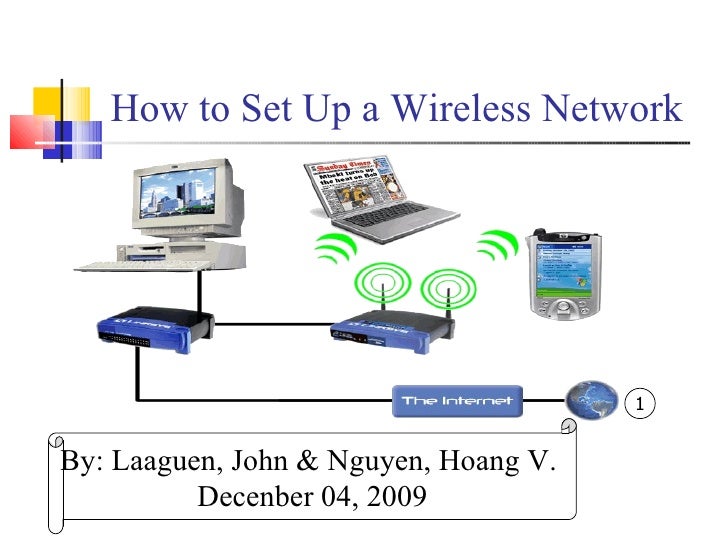
This particular example perfectly highlights why Setting Up Wireless Network Authentication is so captivating.
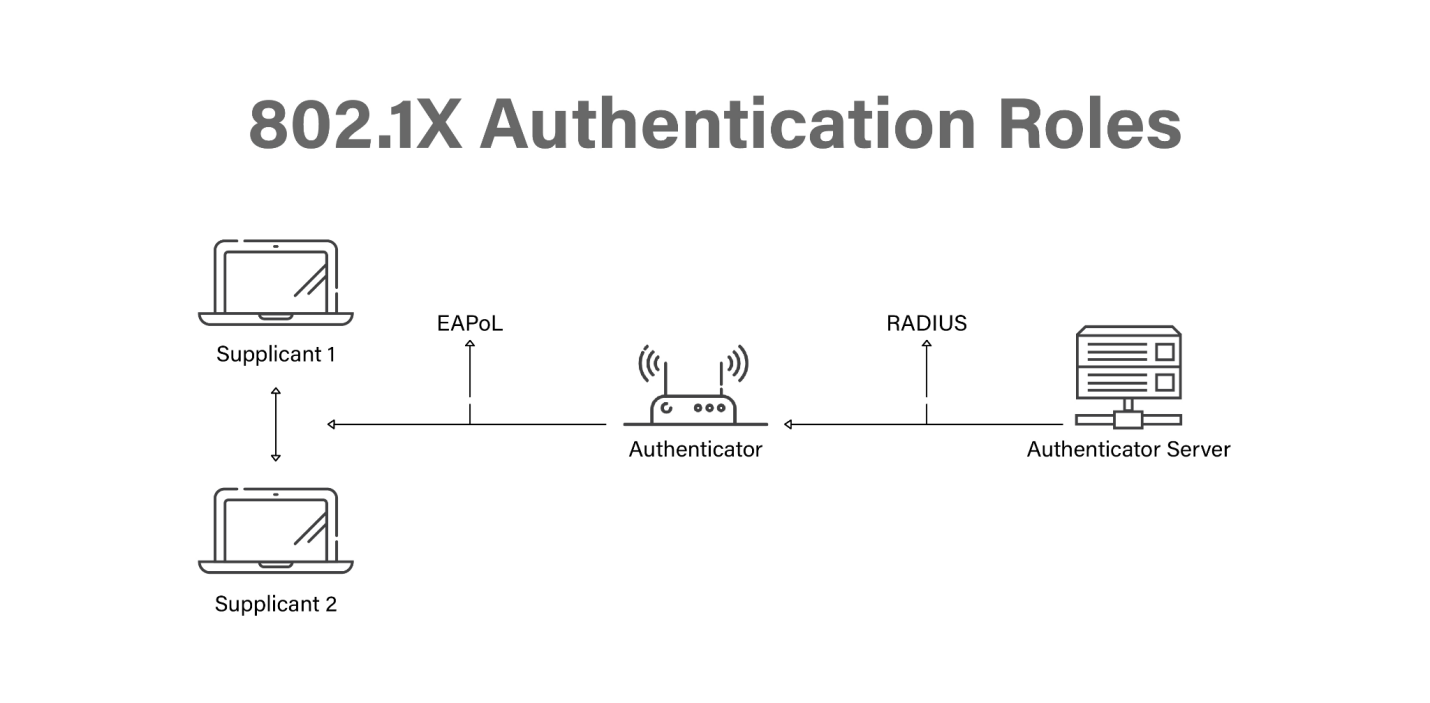
Just as an authenticated wireless client must submit a set of credentials to be validated before being allowed to send wireless frames to the intranet, an IEEE 802.1X wired client must also perform authentication prior to being able to send traffic over its switch port.
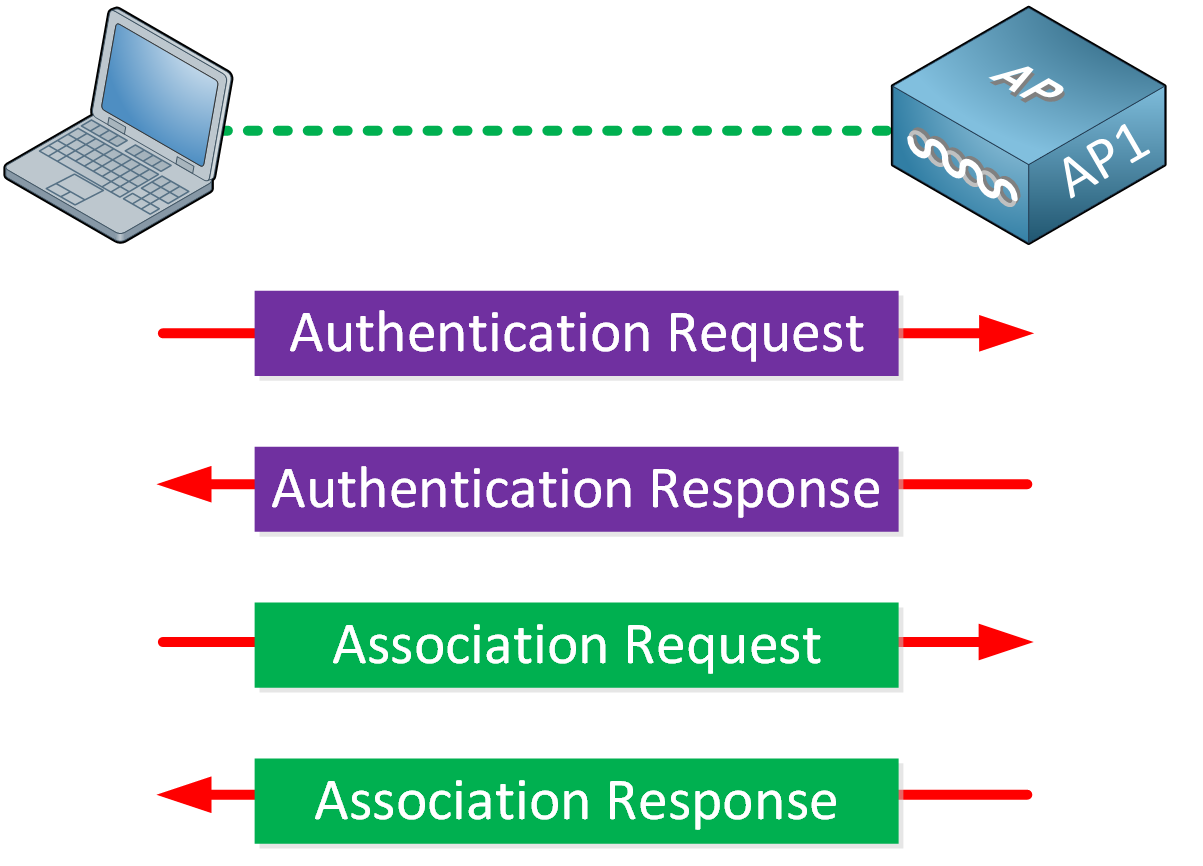
Furthermore, visual representations like the one above help us fully grasp the concept of Setting Up Wireless Network Authentication.
The user can configure the wireless settings using the Wireless Adapter Configuration Utility. Double-click the utility icon that appears in the taskbar. The Wireless Adapter Configuration Utility is divided into six sections: General, Profile, Available Networks, Status, Statistics and WPS.
After setting up the wireless network to support voice communications and configuring the wireless IP phones in Cisco Unified Communications Manager, you are ready to install the phones.