Learn about adding, installing, or removing local, network, and Bluetooth printers in Windows.
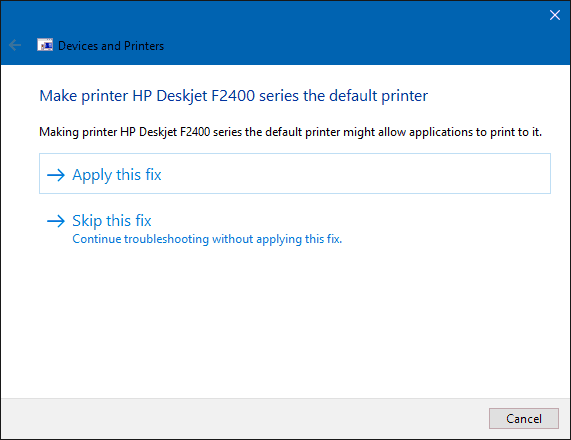
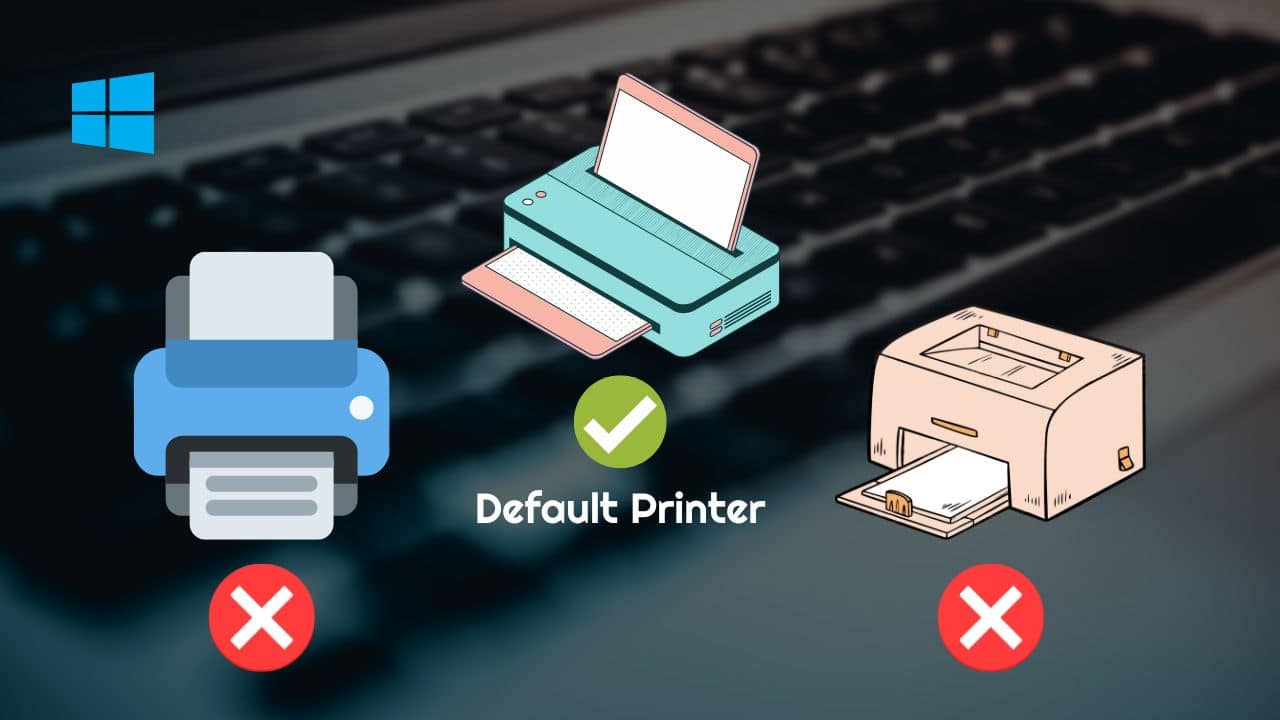
Use the Settings app in Windows to either manually set a default printer or allow Windows to manage the default printer.
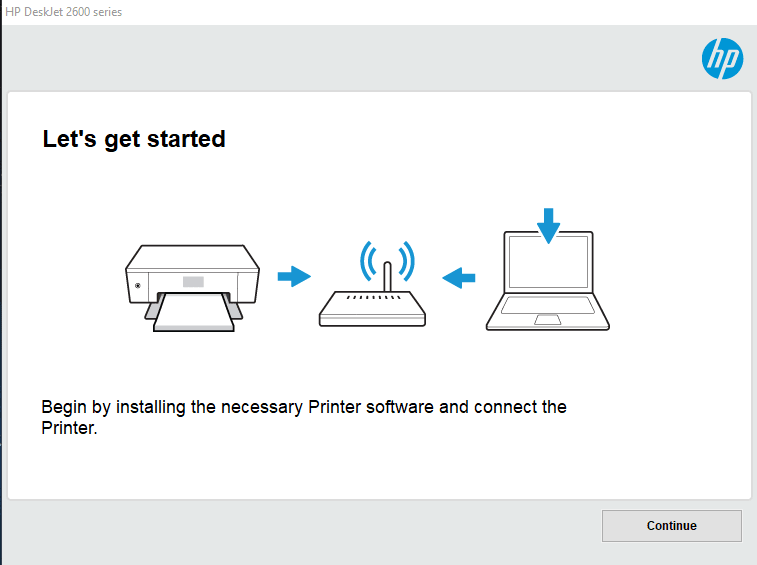
Weve made it easy to download HP printer software to set up your printer. Enter your product name and well get you the right printer setup software and drivers. We support all major desktop and mobile operating systems, including Windows, MacOS, iOS, and Android.

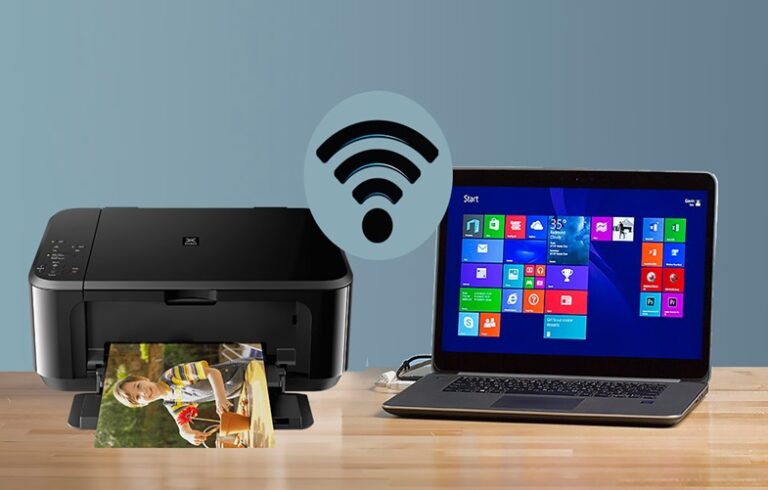
As we can see from the illustration, Setup Printer Home Windows has many fascinating aspects to explore.
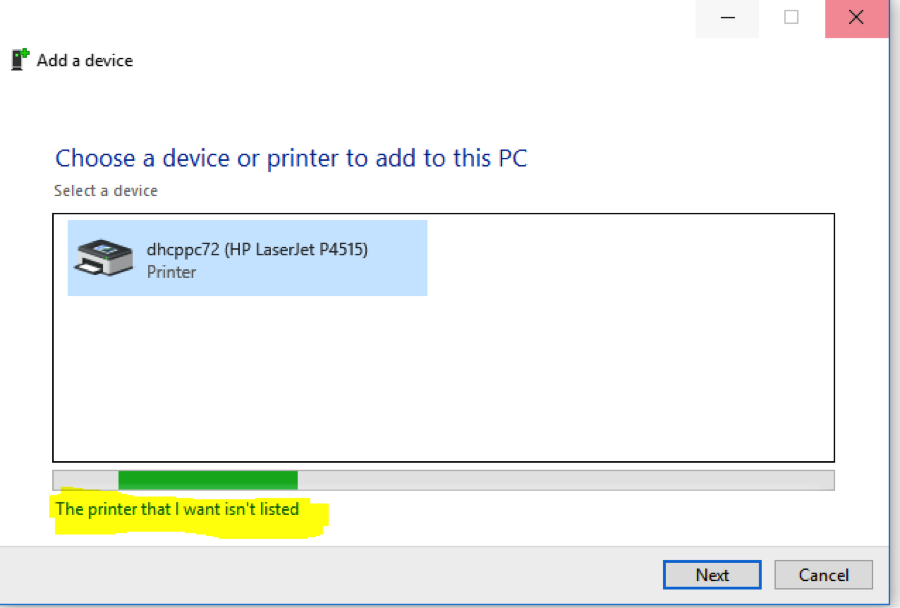
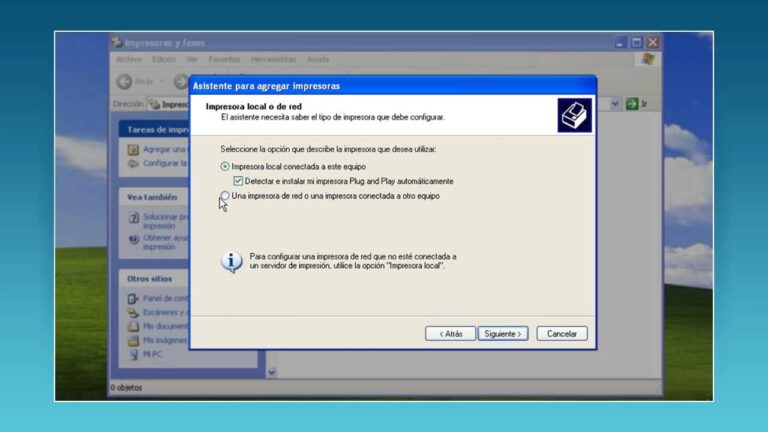
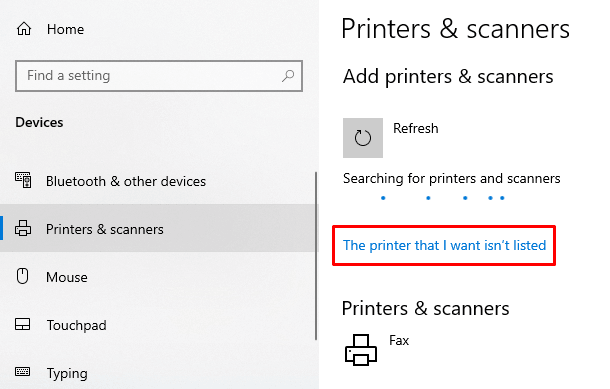
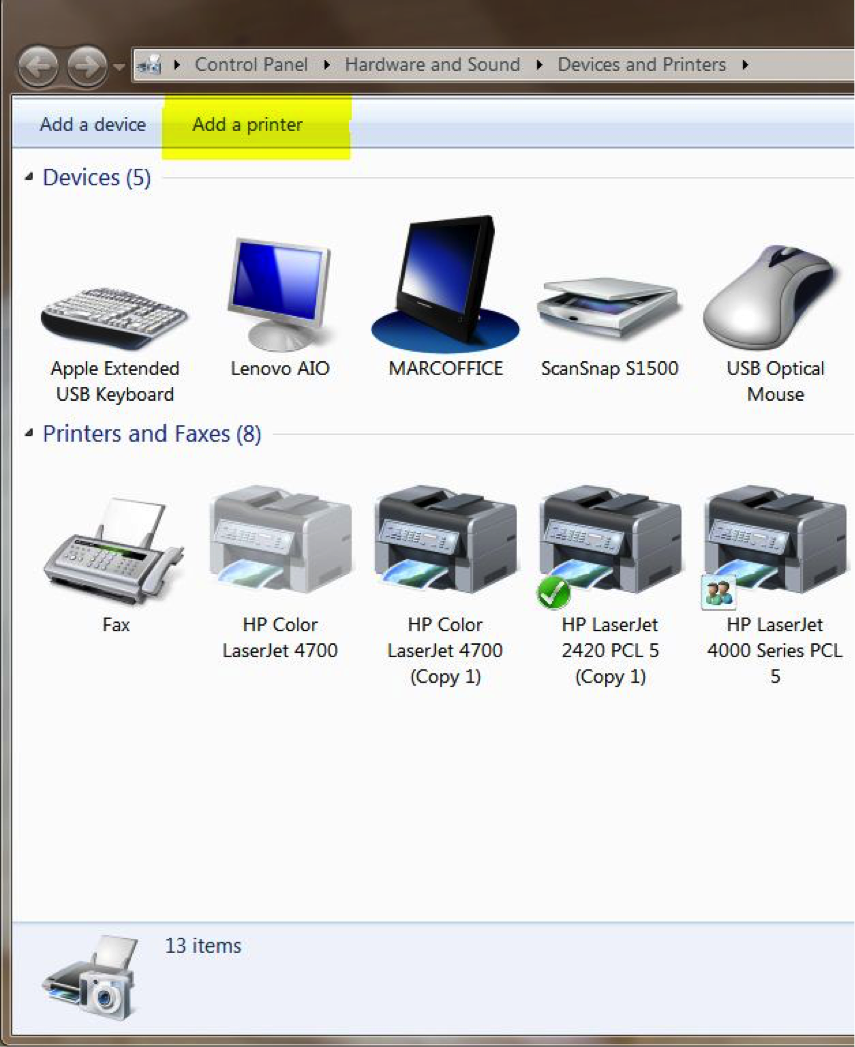
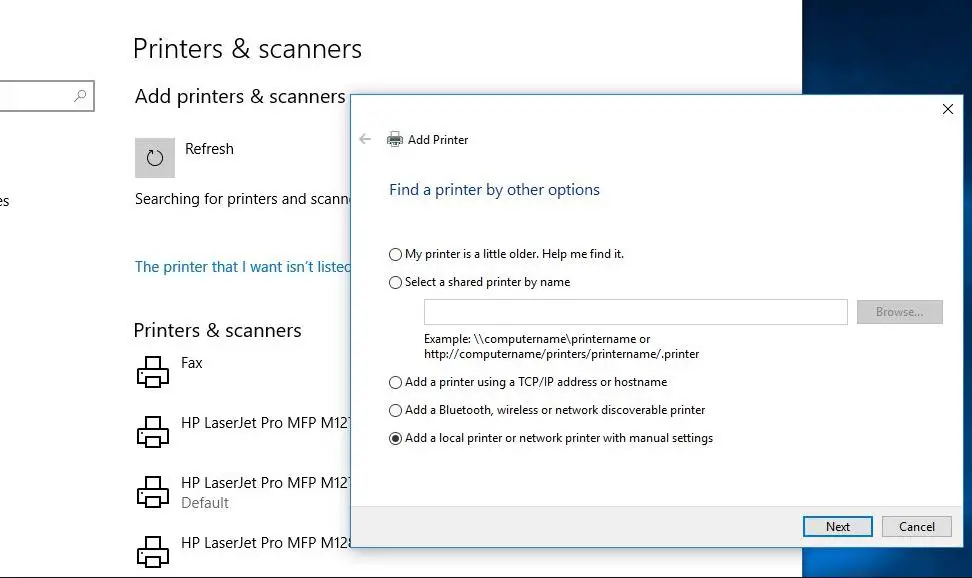
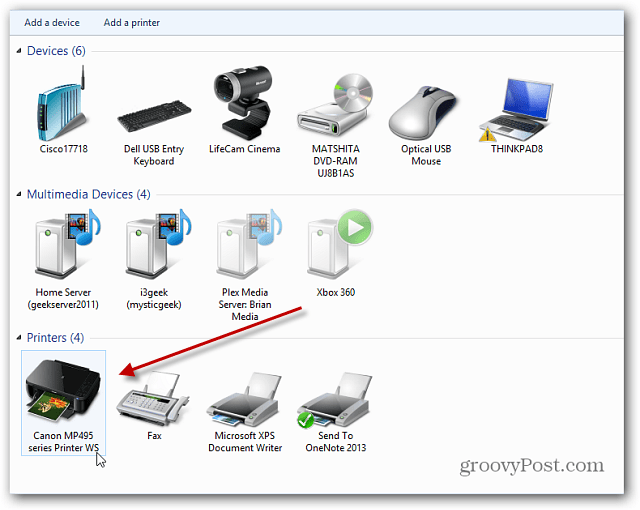
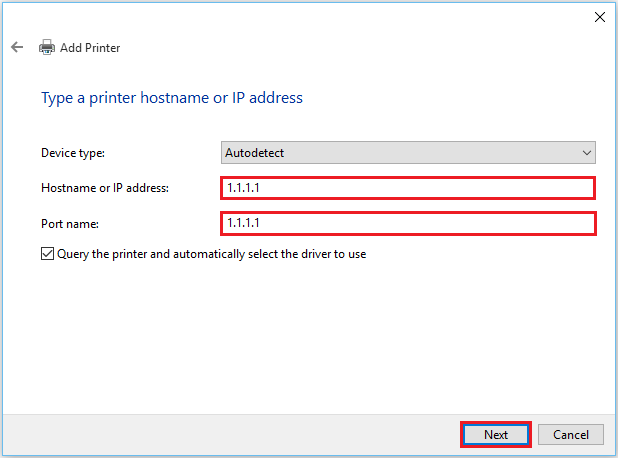
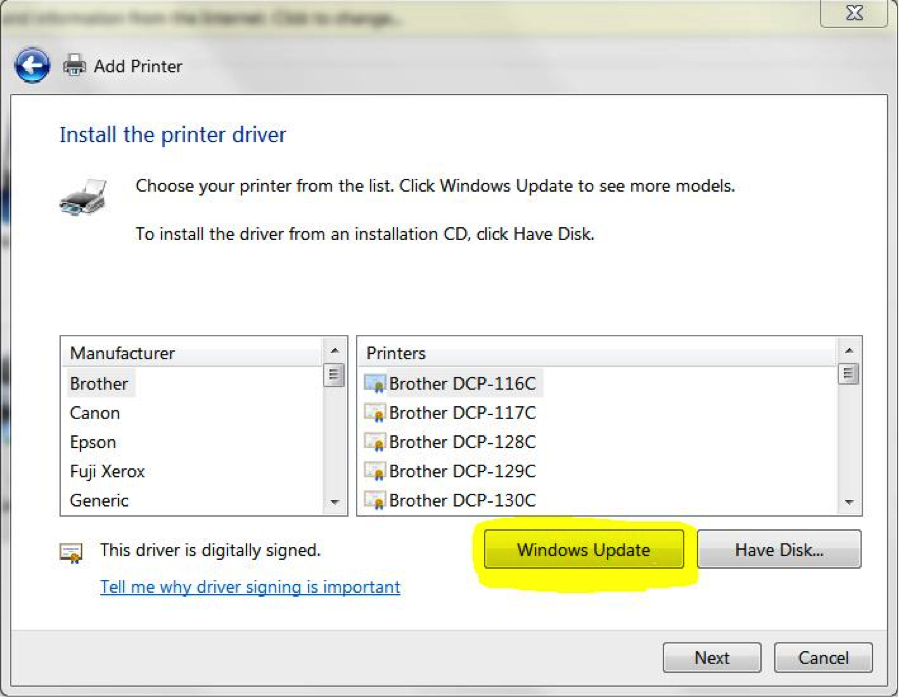
Click the Start button or press the Windows Keyboard button and type Control Panel to filter to the Control Panel icon. Once the Control Panel launches, select Devices and Printers. On the top menu bar, click Add a Printer. The Add Printer dialogue opens and begins to search for available printers.
Tip: Most browsers download the printer software and drivers to the Windows Download folder. Right-click on the downloaded printer software and select Open. The printer software installation should start. To complete the printer setup, follow the on-screen prompts of the printer installation ...

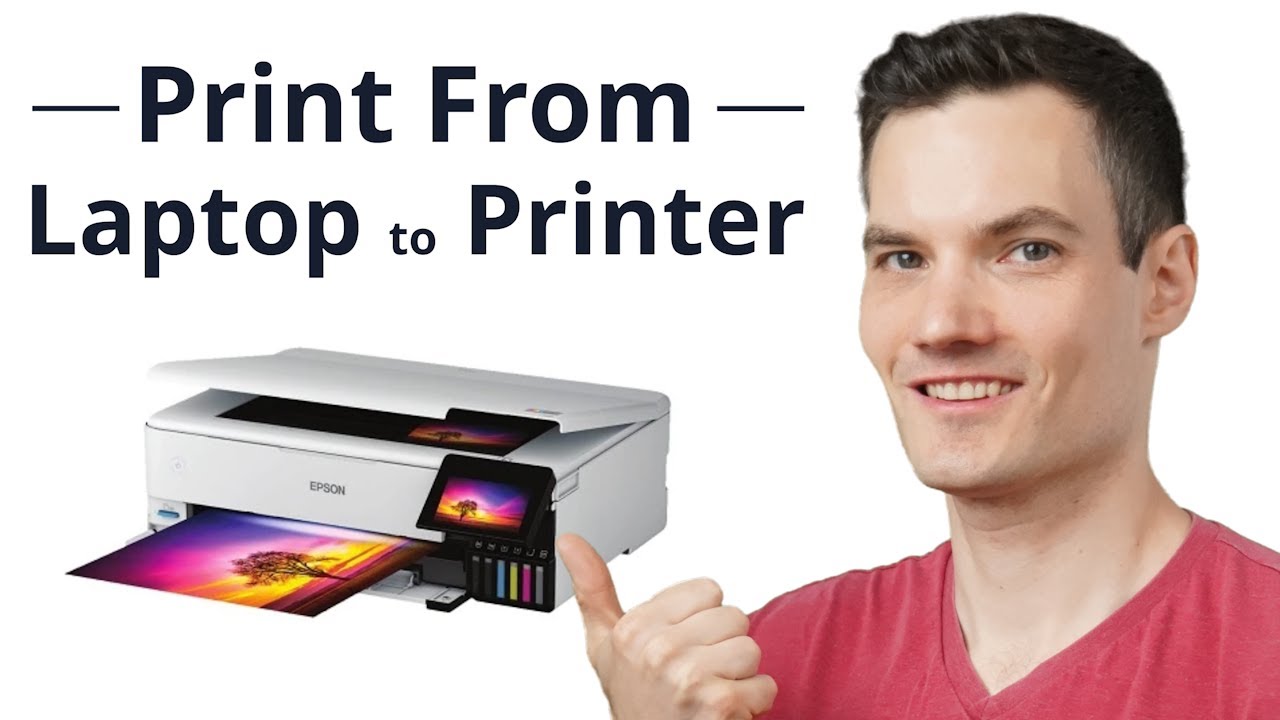
Follow the steps below to enable Epson Connect for your Epson printer in Windows. Note: Make sure your product is set up with a wireless or Ethernet connection as described on the Start Here sheet for your product. To see the Start Here sheet, go to the Epson support main page, select your product, select Manuals, then click Start Here. Download and install the Epson Connect Printer Setup Utility.