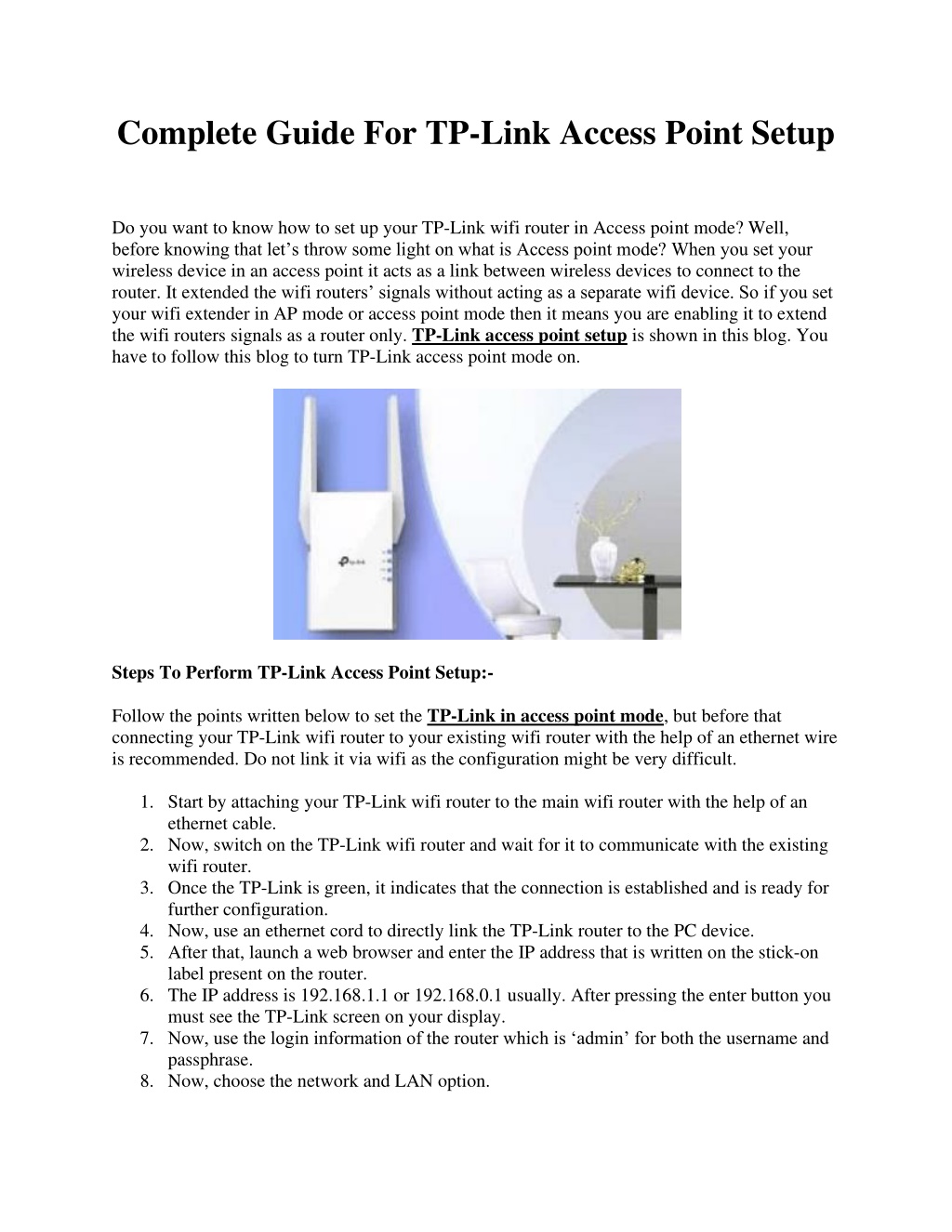
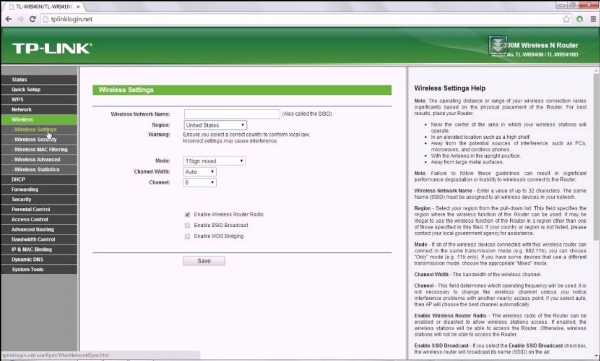
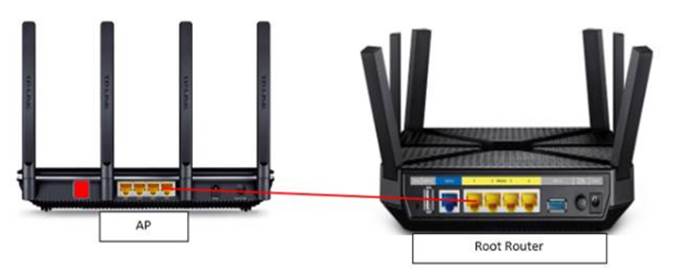
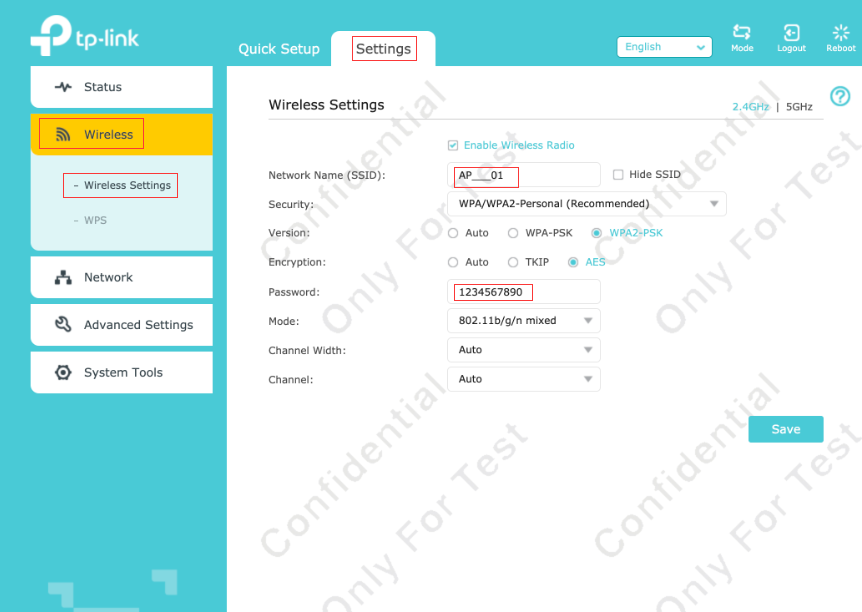
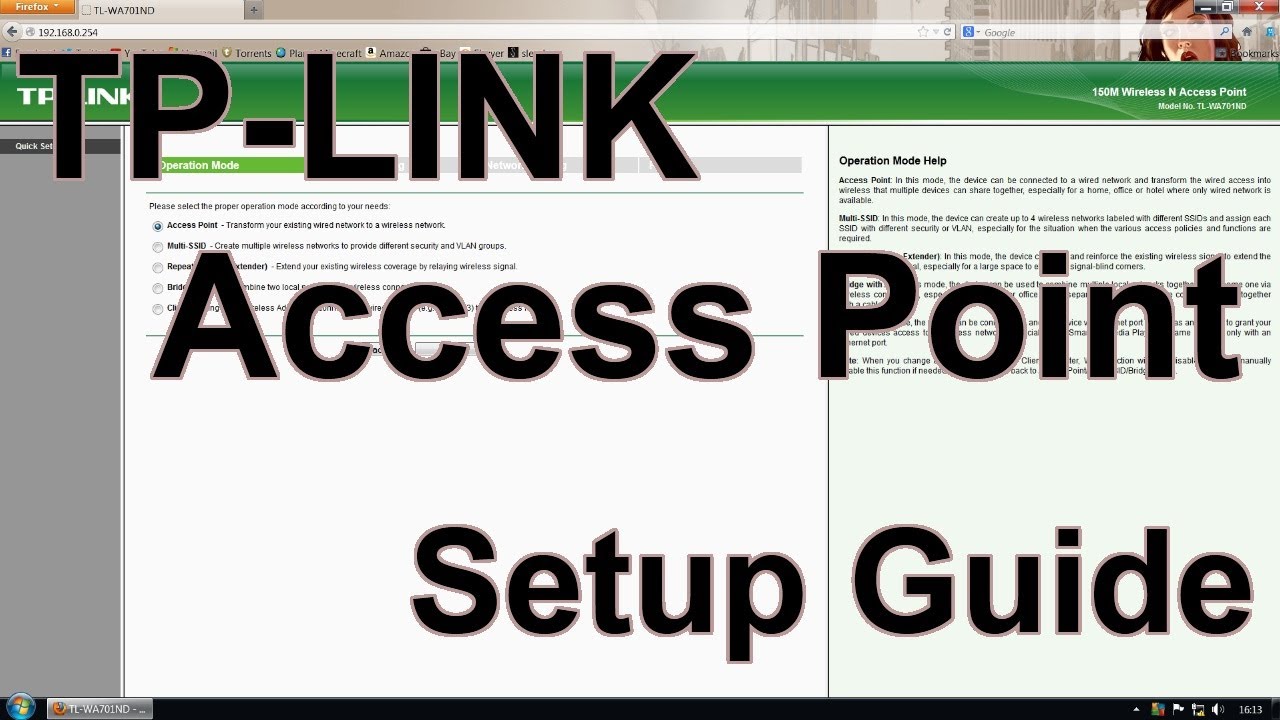
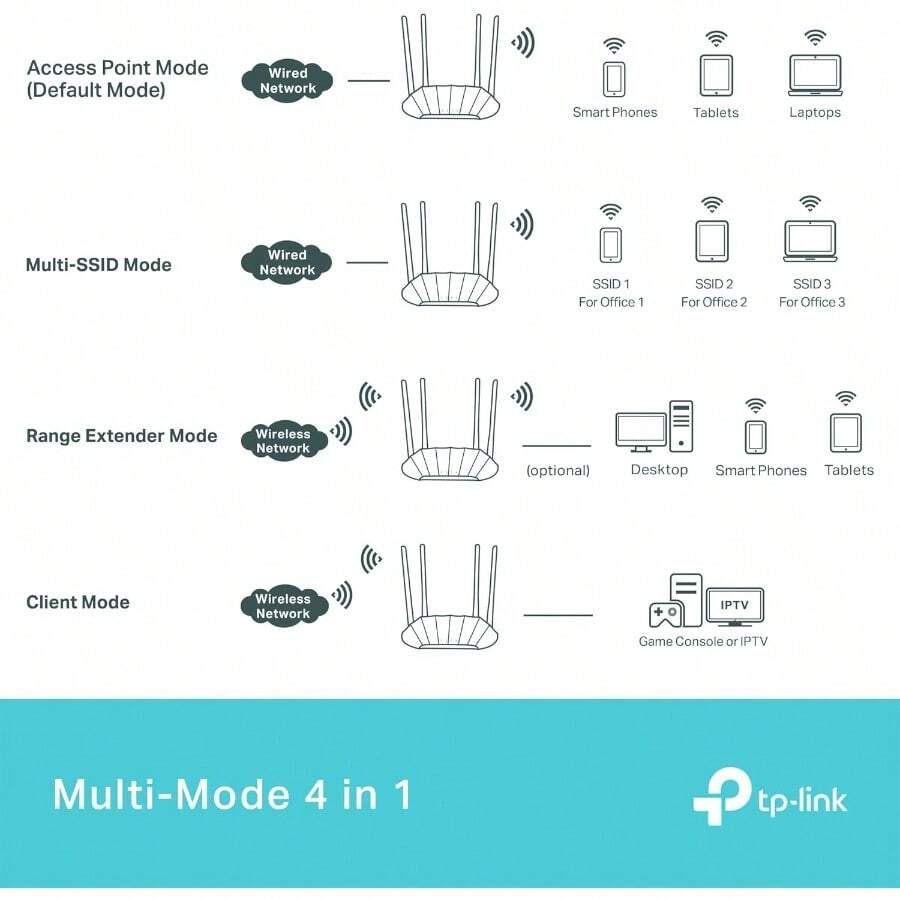
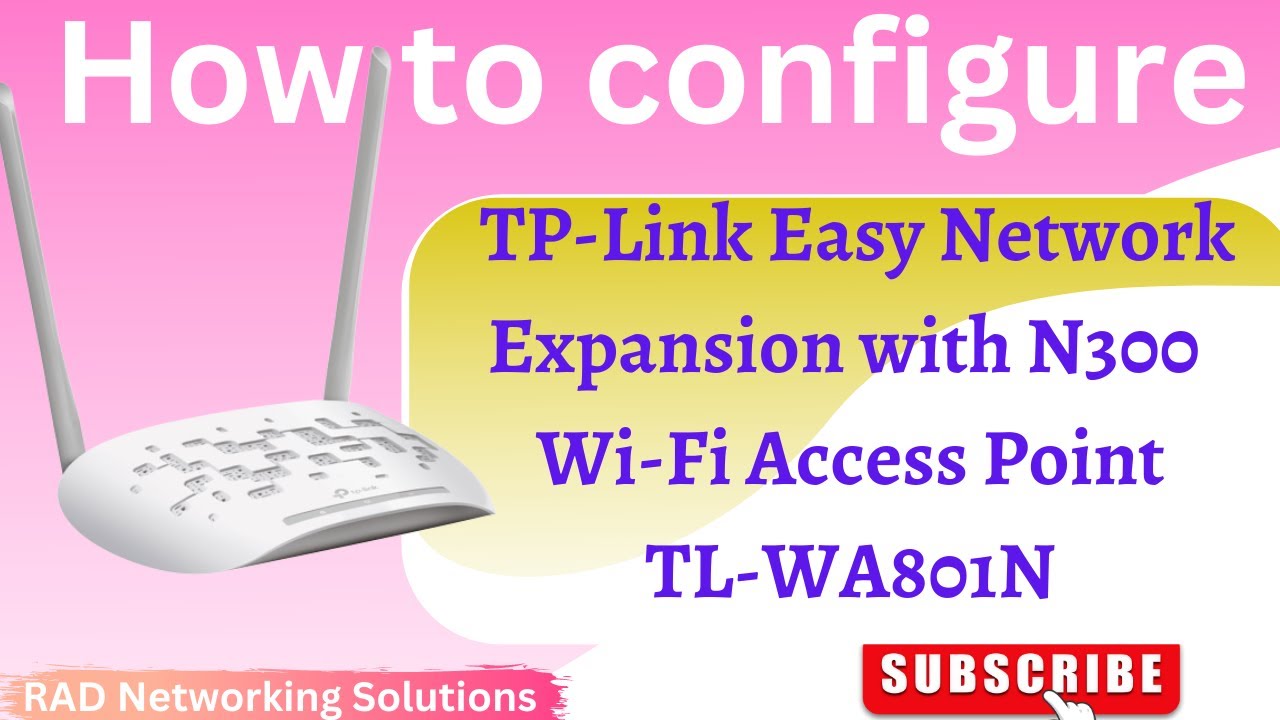
This guide provides step-by-step instructions for setting up your TP-Link 11N wireless router as a TP-Link router access point. The process differs depending on whether your router has an Operation Mode menu, so read on to find the right method for your setup.
Learn how to configure your TP-Link router in Access Point mode with this easy-to-follow tutorial. Follow our step-by-step guide for seamless TP-Link WiFi Access Point installation. Easy setup instructions for robust and reliable wireless connectivity. Start now! Solution One: If your extended Wi-Fi network name is different from the main router (e.g. MyHome on the router, TP-LINK_AP_XXXX on the access point), please connect to the extended Wi-Fi (e.g. TP-LINK_AP_XXXX) and try http://tplinkap.net again. If you own one and want to set up your TP-Link router as a wireless access point, this tutorial is for you. Follow our expert guide to setup your TP-Link Wi-Fi extender. We cover the entire process from initial configuration to final connection, ensuring a seamless network extension. Master your tp-link setup with Support.com's clear steps. Perfect your tp link router setup for peak performance.

Solution One: If your extended Wi-Fi network name is different from the main router (e.g. MyHome on the router, TP-LINK_AP_XXXX on the access point), please connect to the extended Wi-Fi (e.g. TP-LINK_AP_XXXX) and try http://tplinkap.net again.

Moving forward, it's essential to keep these visual contexts in mind when discussing Tp-Link Access Point Setup For Large Home.
Master your tp-link setup with Support.com's clear steps. Perfect your tp link router setup for peak performance.