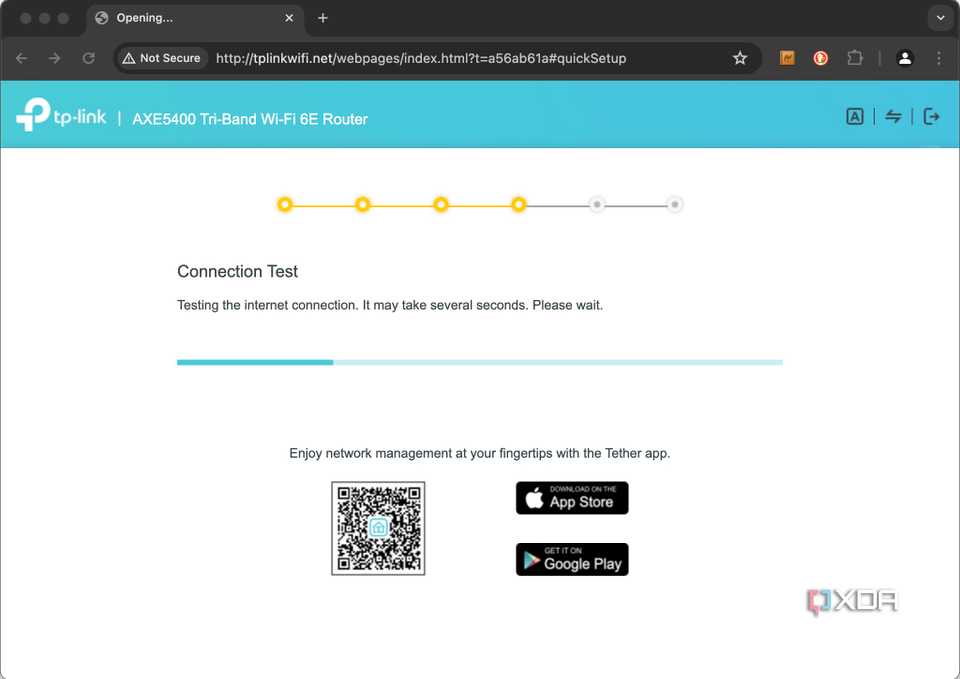
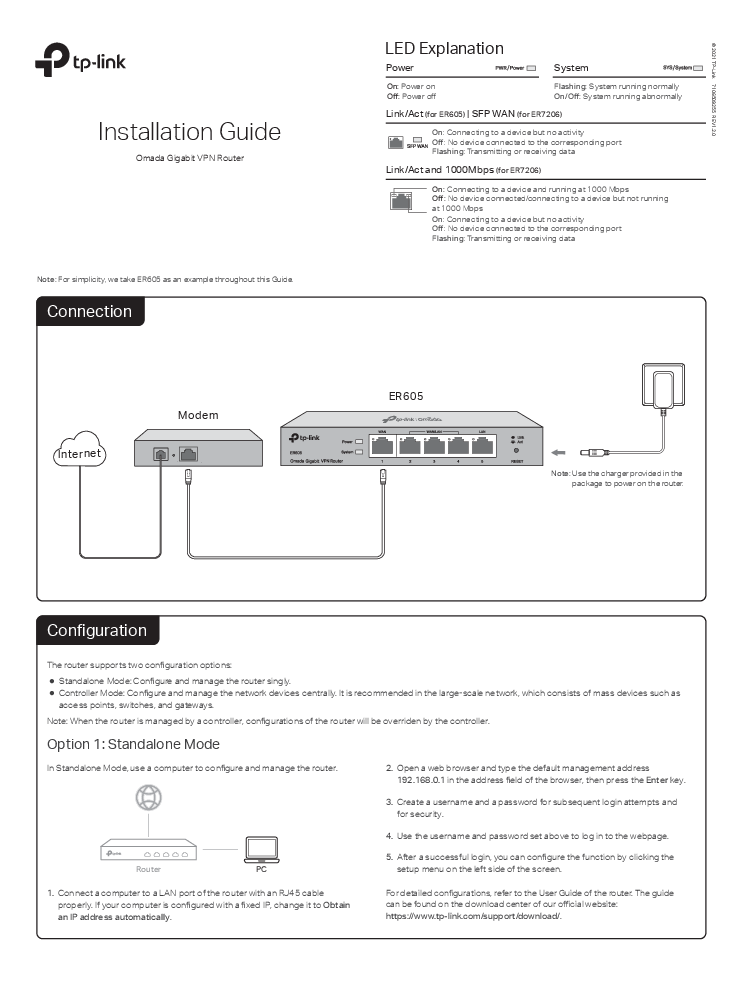
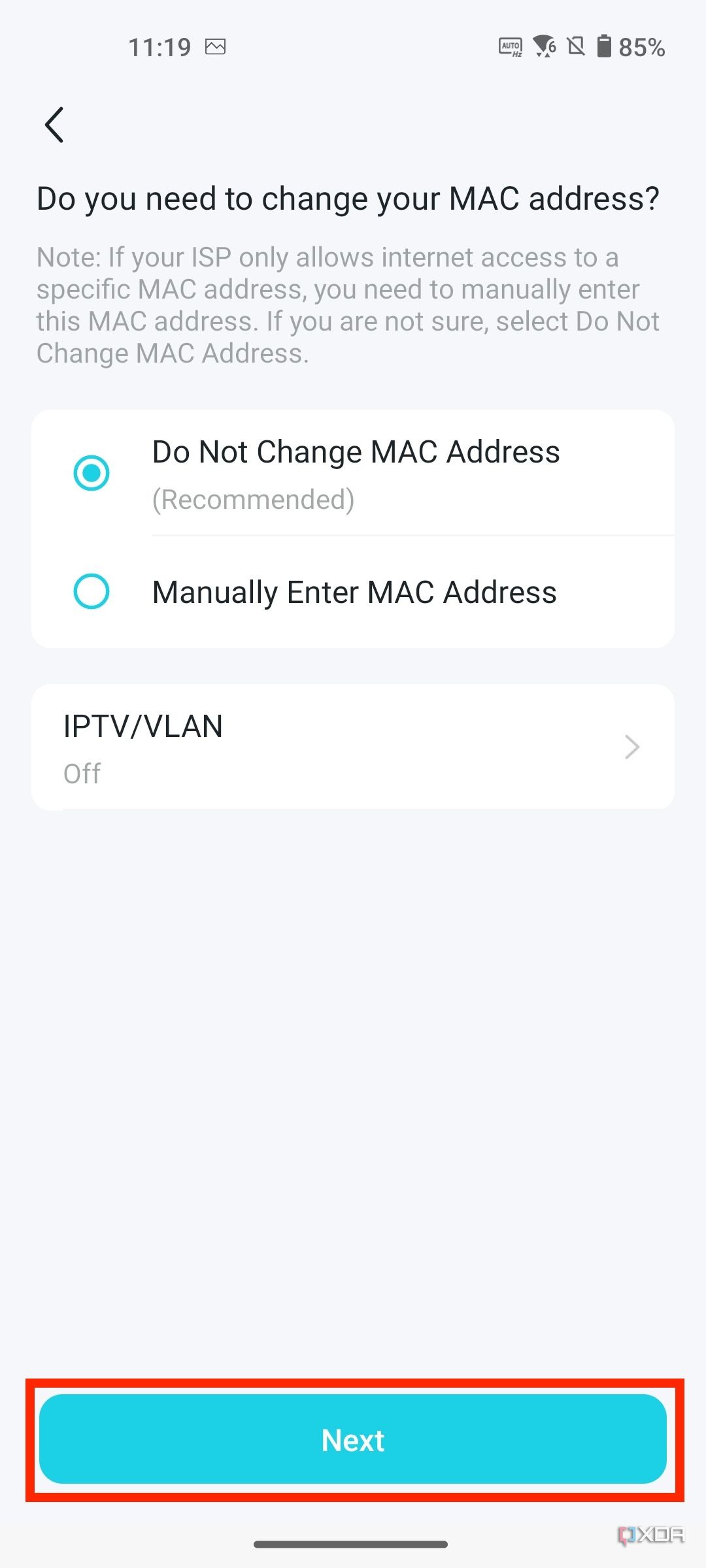
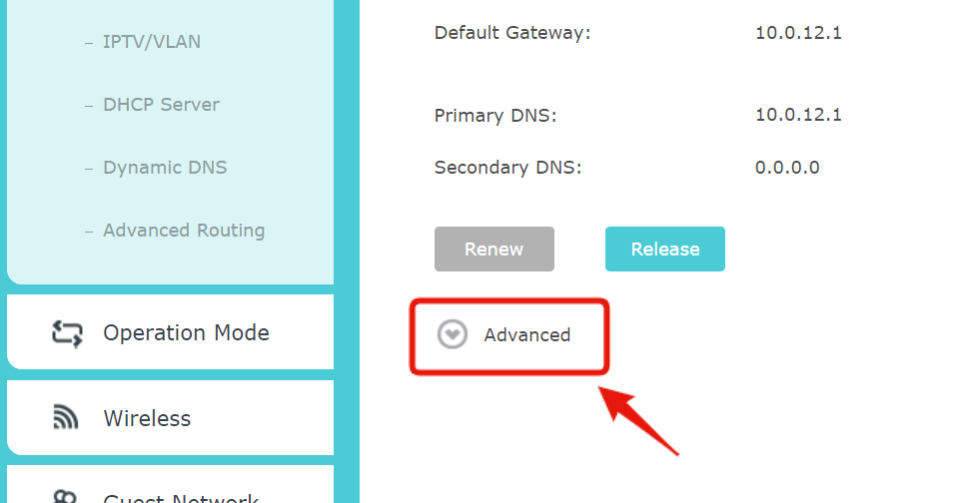
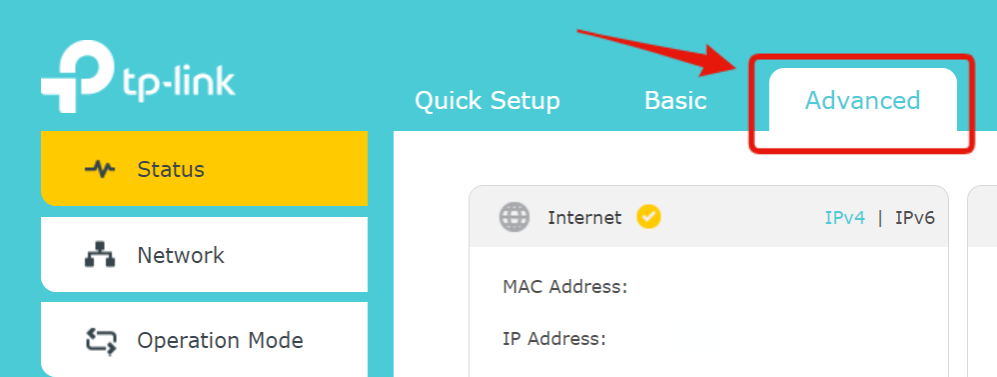
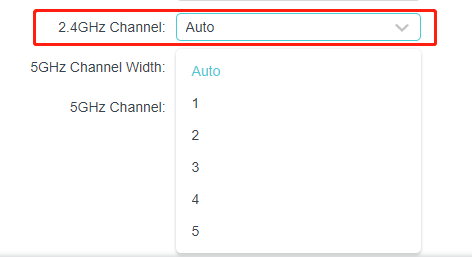
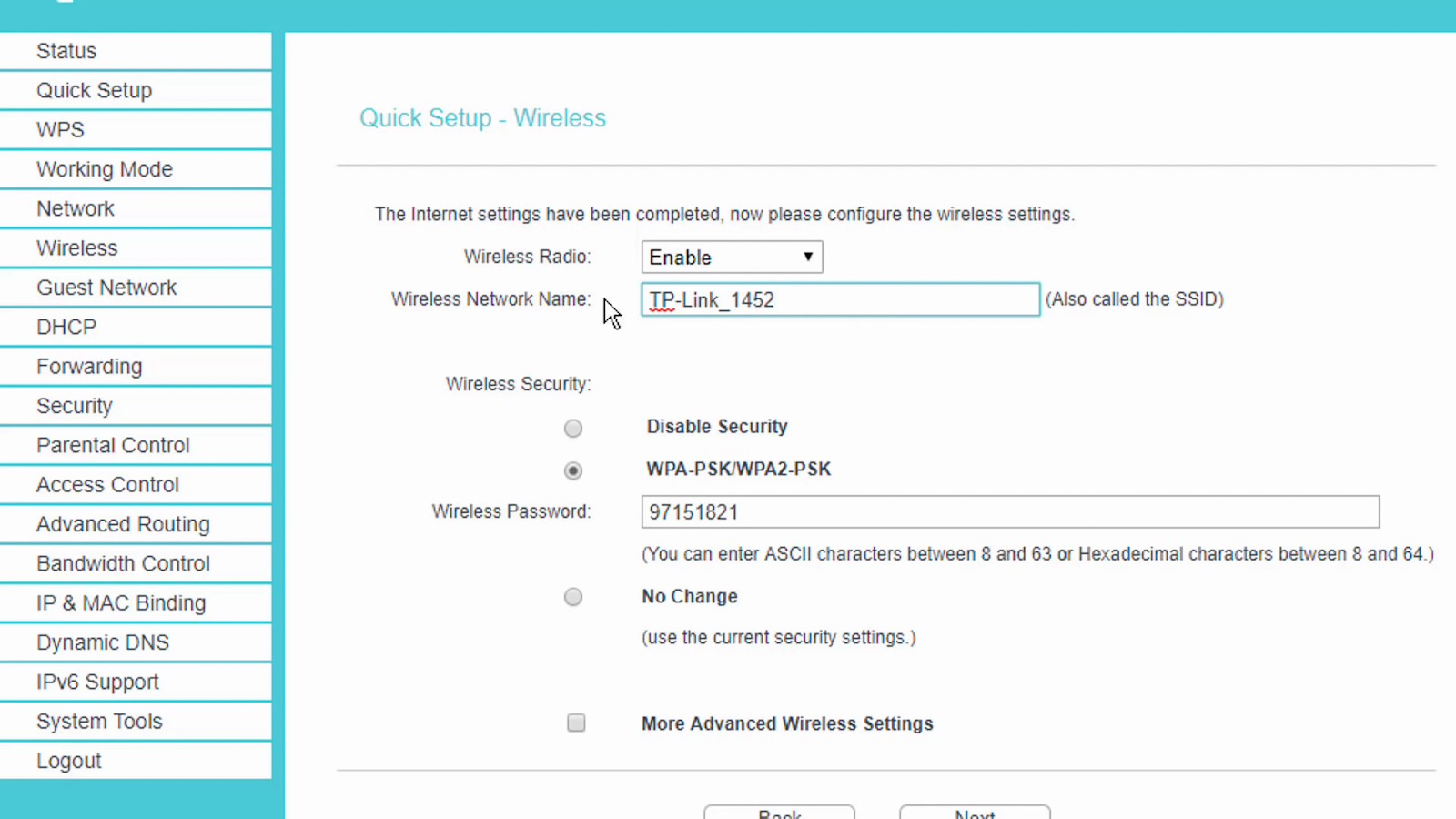
How to setup Standard Router Wireless mode on the TP-LINK 4G LTE router TL-MR6400. In this video, I show you step-by-step how to set up a TP-Link 4G router w...
Tp-link Router Setup Diagram. Netgear Extender Setup Guide.Think setting up a Wi-Fi router is complicated? It doesnt have to be!

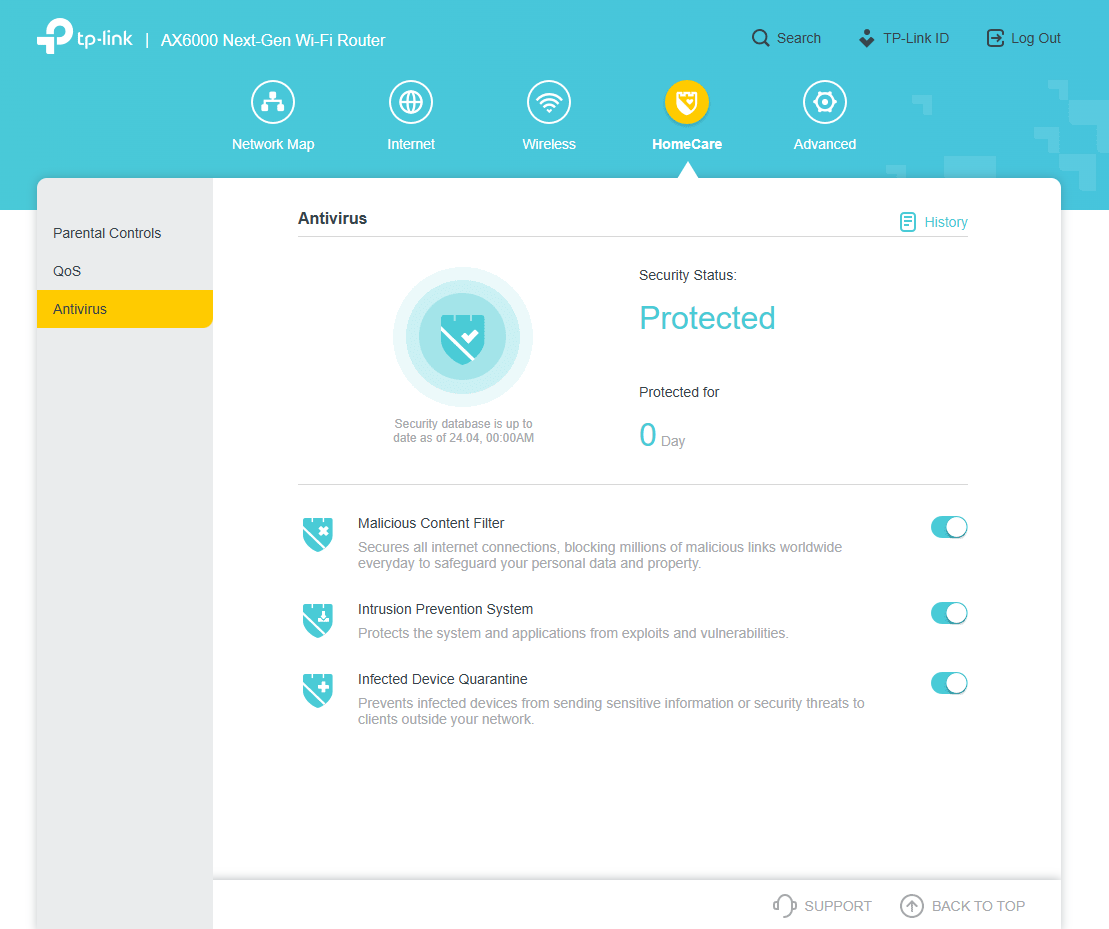
Moving forward, it's essential to keep these visual contexts in mind when discussing Tp-Link G Router Security Setup Guide.
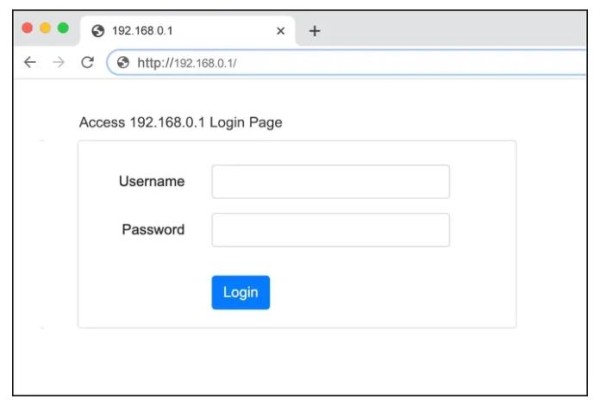
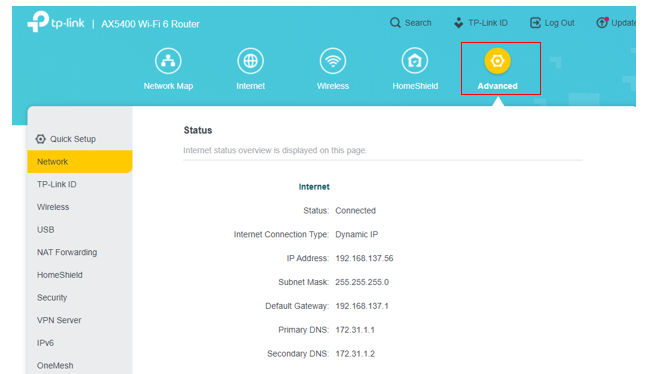
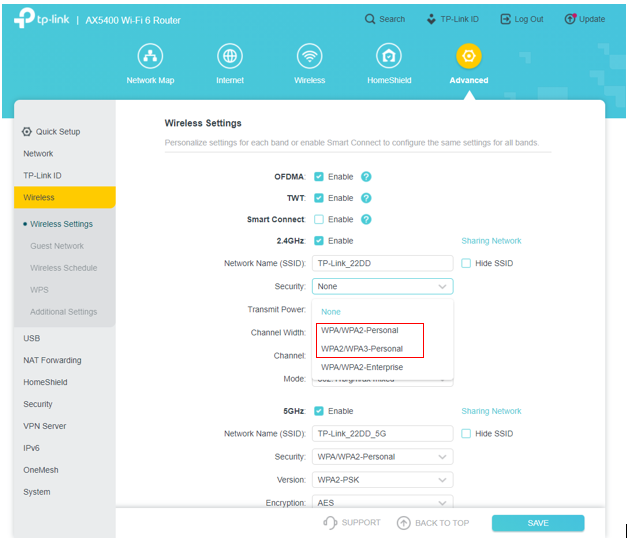
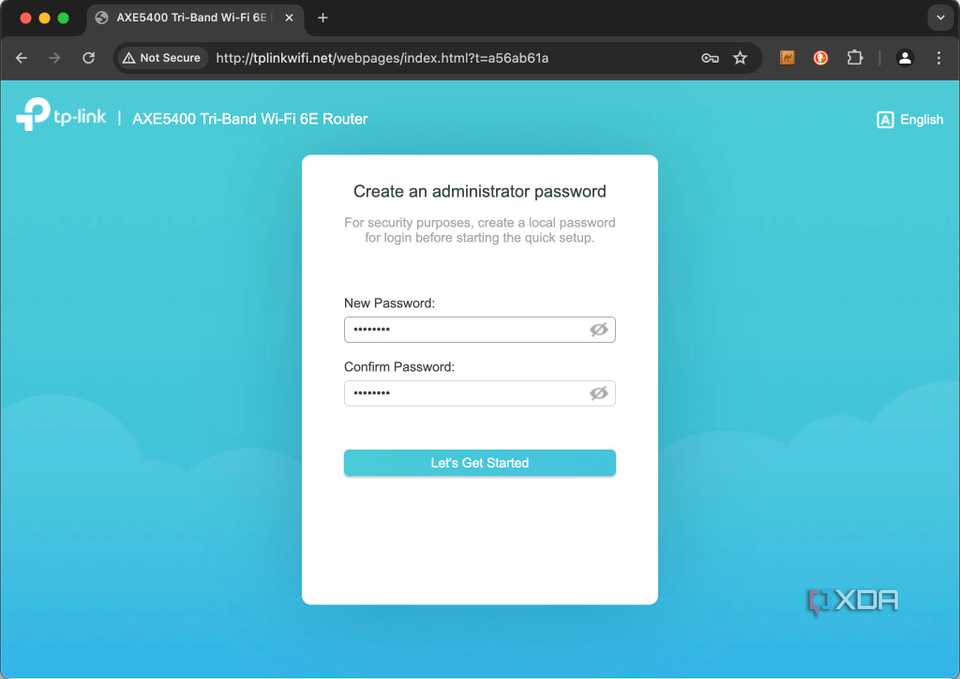
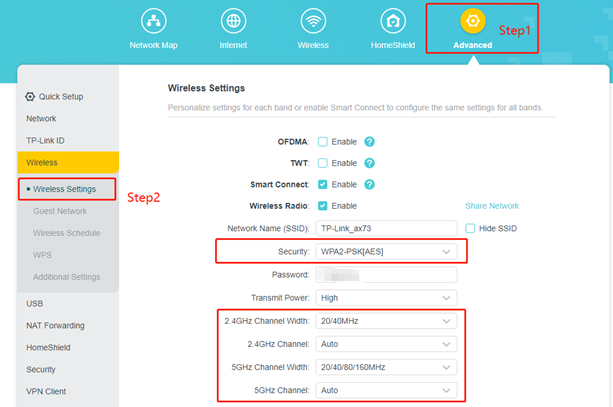
Master TP-Link router login with our easy guide! Learn step-by-step login, troubleshoot issues, and enhance security effortlessly.You can set up a guest network in the Wireless Settings section of the admin interface. Customizing Your TP-Link Router Settings.
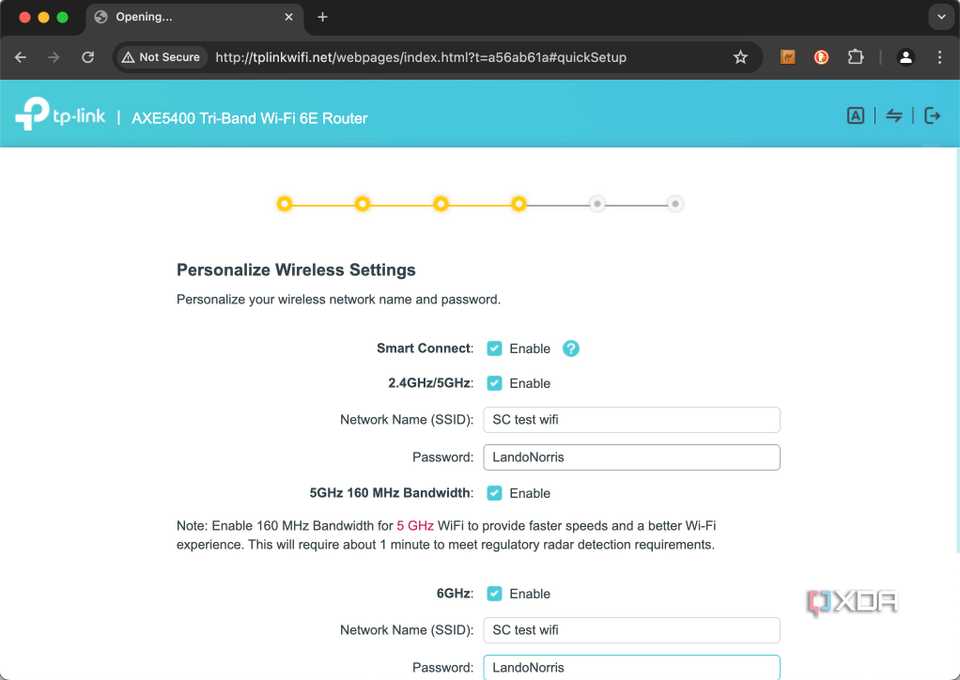
Quick Setup Review Setting. Fitur Lainnya Pada Router WiFi Tp Link WR840N.Protocols : Support IPv4 and IPv6. Guest Network : 2.4GHz Guest Network x1. Package Contents : TL-WR840N, Power supply unit, Resource CD, Ethernet Cable, Quick Installation Guide.

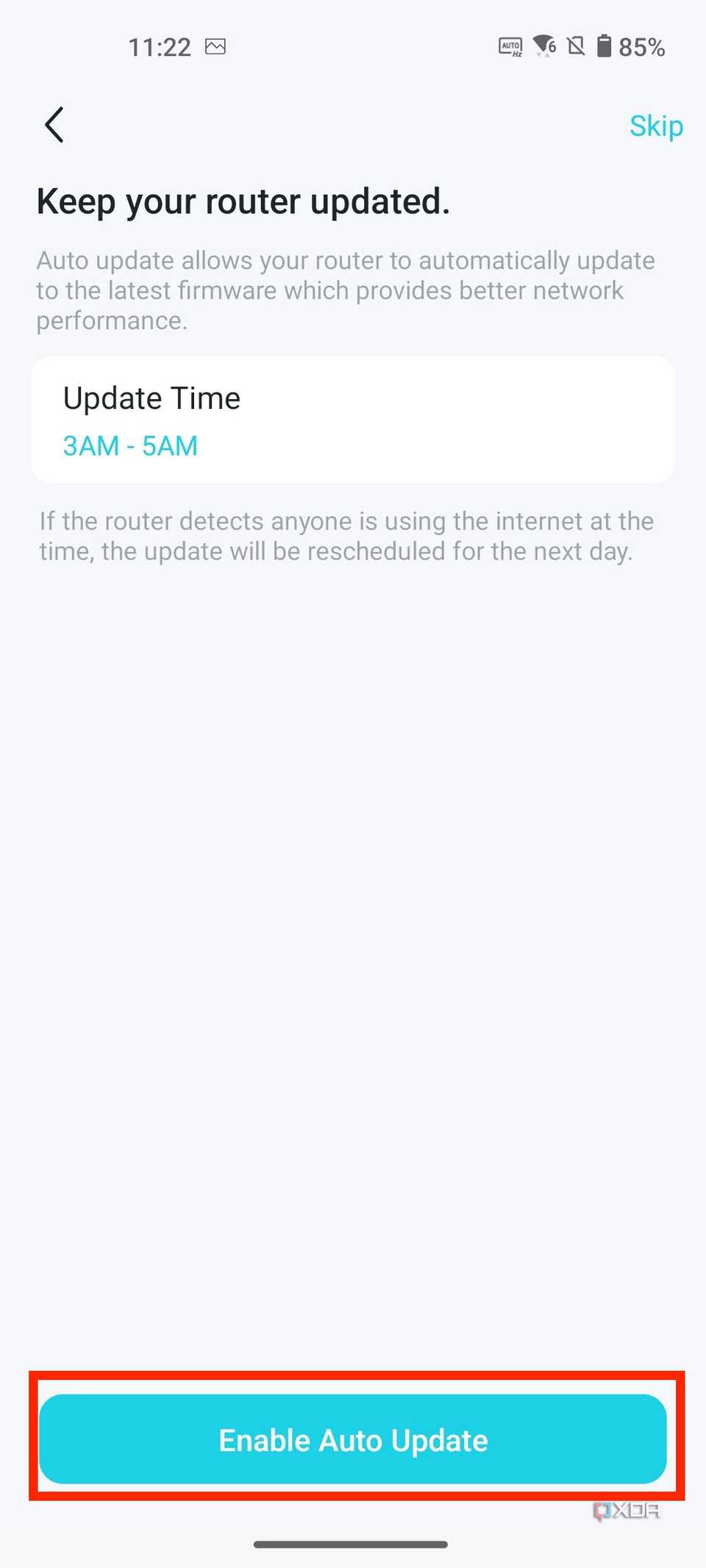
The TP-LINK TL-WR850N v3 router has 300mbps WiFi, 4 100mbps ETH-ports and 0 USB-ports. Quick links: Default password/Login Login instructions.Staying up to date with the latest firmware is a good idea to keep your router even more secure from various security flaws.
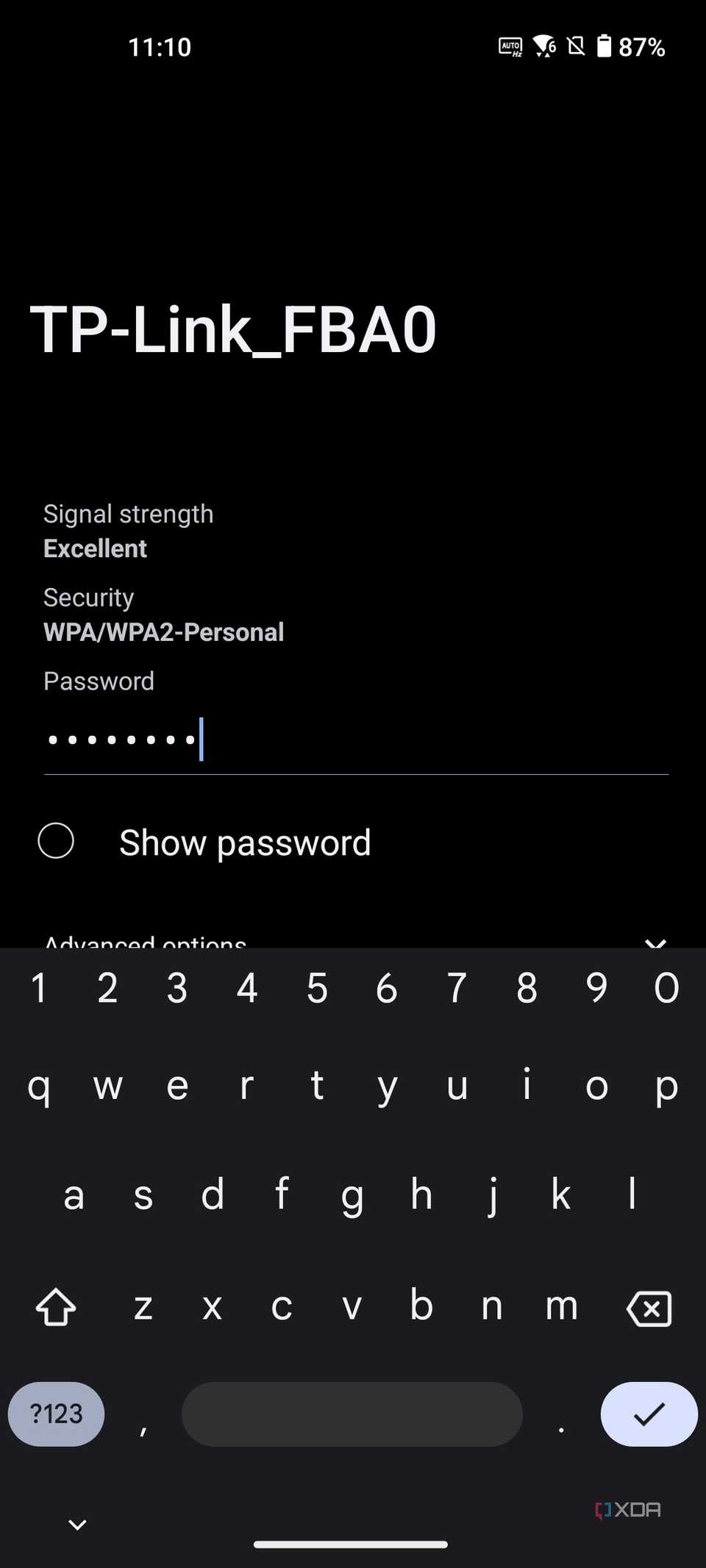
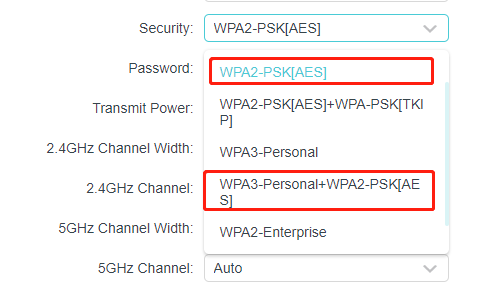
Log in to the Admin Panel of your TP-Link Router. Once logged in, go to Wireless ->Wireless Security. Scroll down to the WPA-PSK/WPA2-PSK section. In the PSK Password field, type your new Wi-FI Password. (8-63 characters, including alphabets, digits, and special symbols).