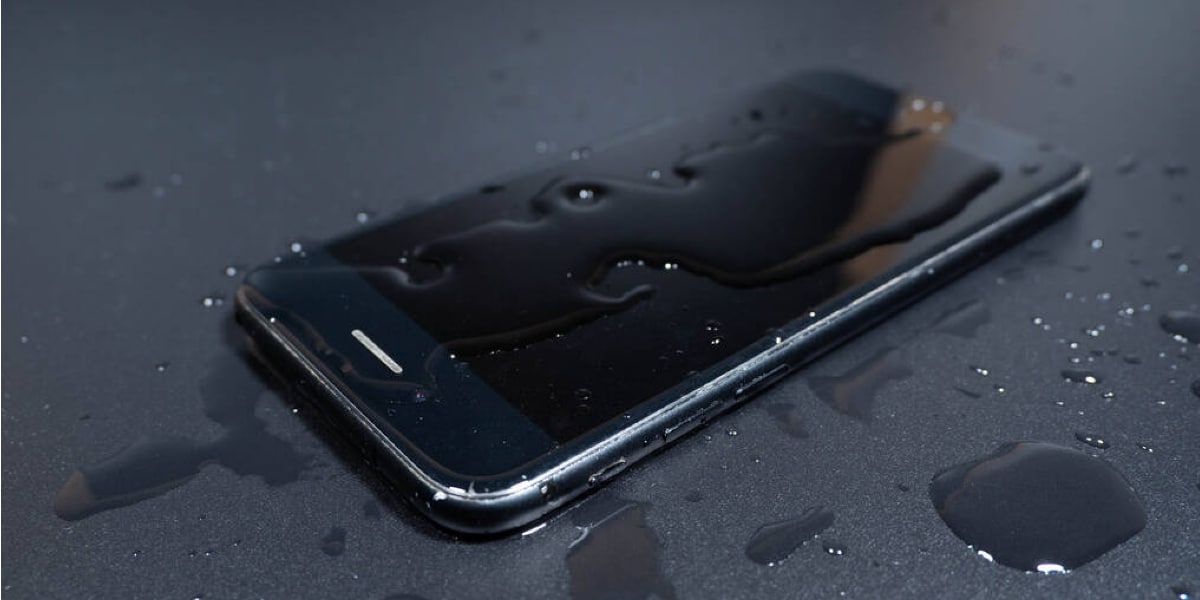
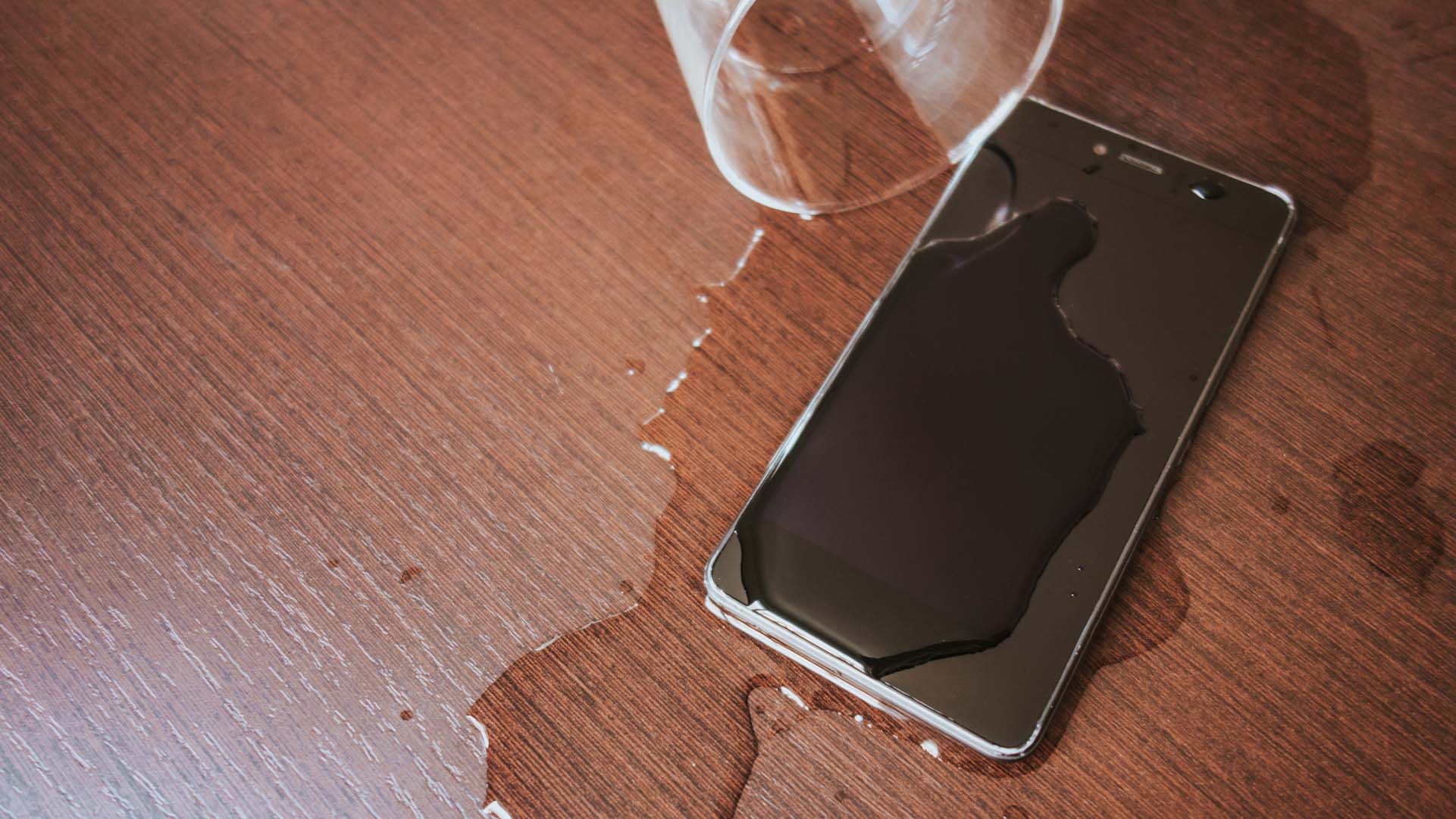
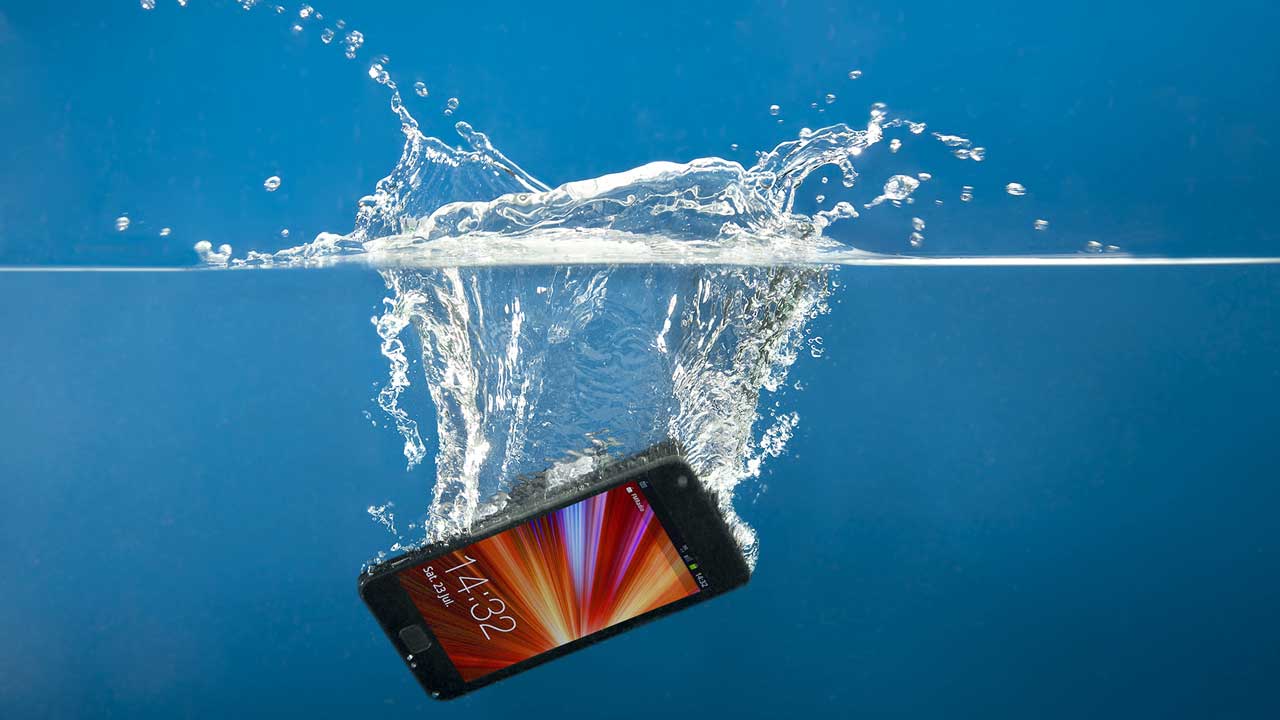
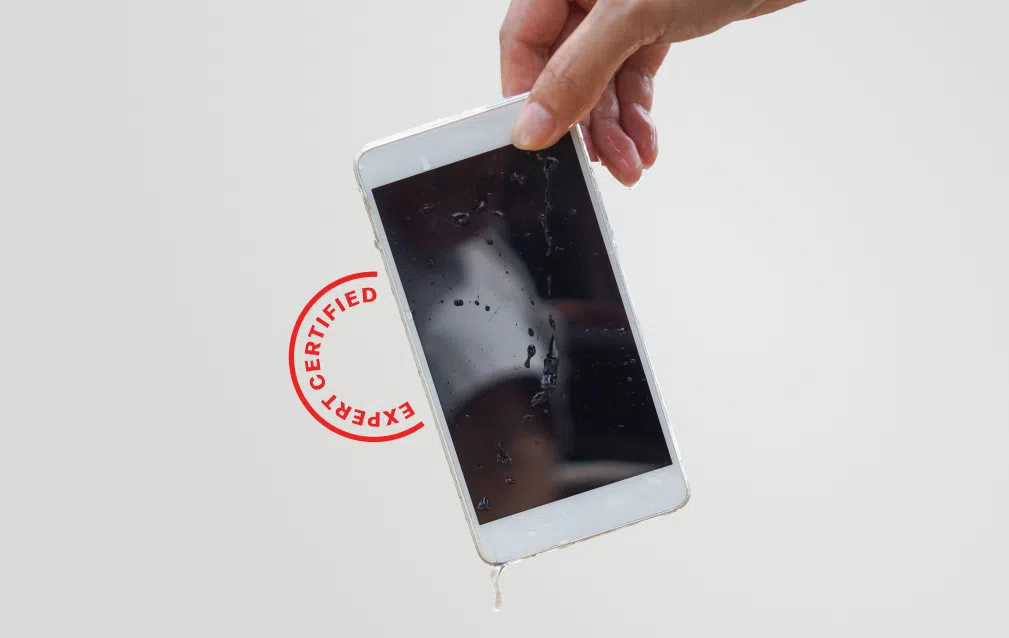
Dropped your phone in water? Here are 8 quick and easy steps to help get the water out of your phone - no rice necessary.
If your phones power buttons not working after water damage, there are a few things you can try. Start with simple checks, then move on to cleaning the button, and finally, try a DIY repair.
Our experts at uBreakiFix by Asurion are well aware of how irritating it can be to deal with unreliable tech in need of a water damage repairand our team of highly trained experts are up for the task.
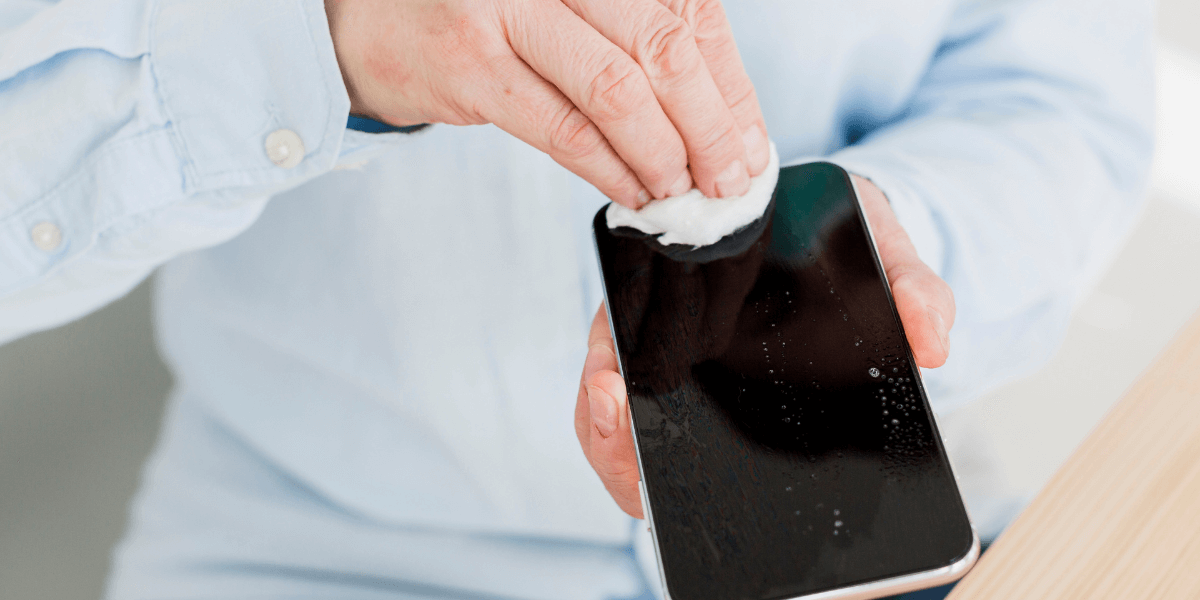
common symptom of water damage in older iPhone models is a non-working Home button. You can bypass this issue by enabling the "AssistiveTouch" accessibility option that places shortcuts for hardware buttons on your screen.
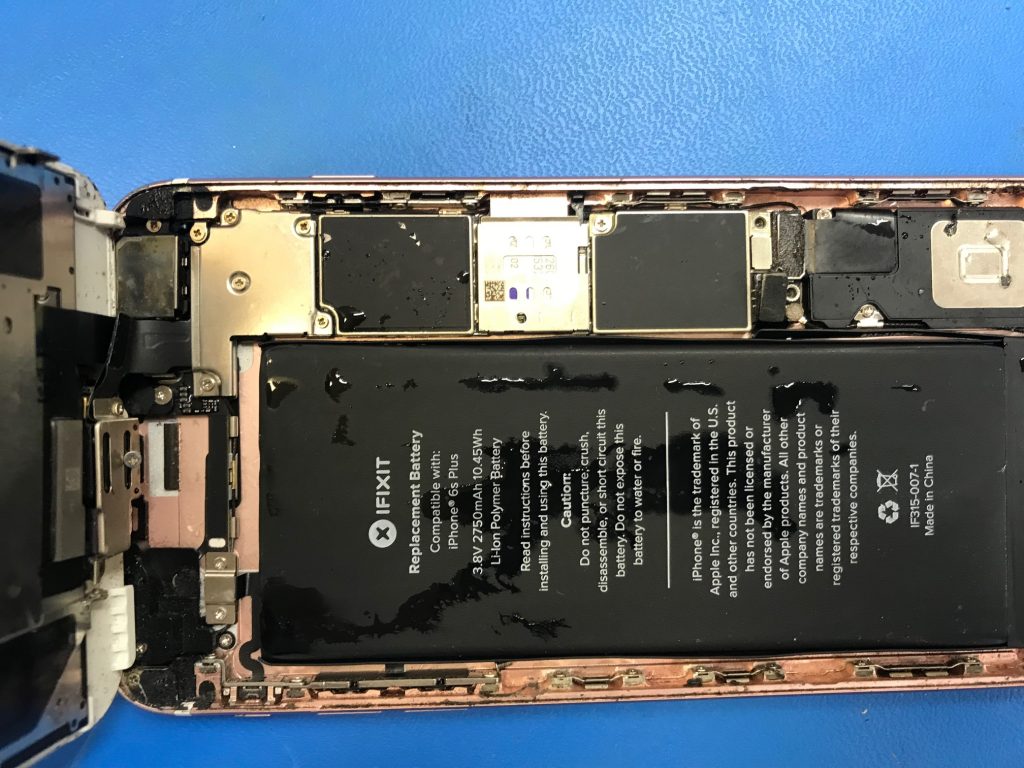
Use this guide to repair your iPhone after accidental exposure to water or other liquids. Liquid damage tends to worsen with time, so it's best to get started as soon as possible.
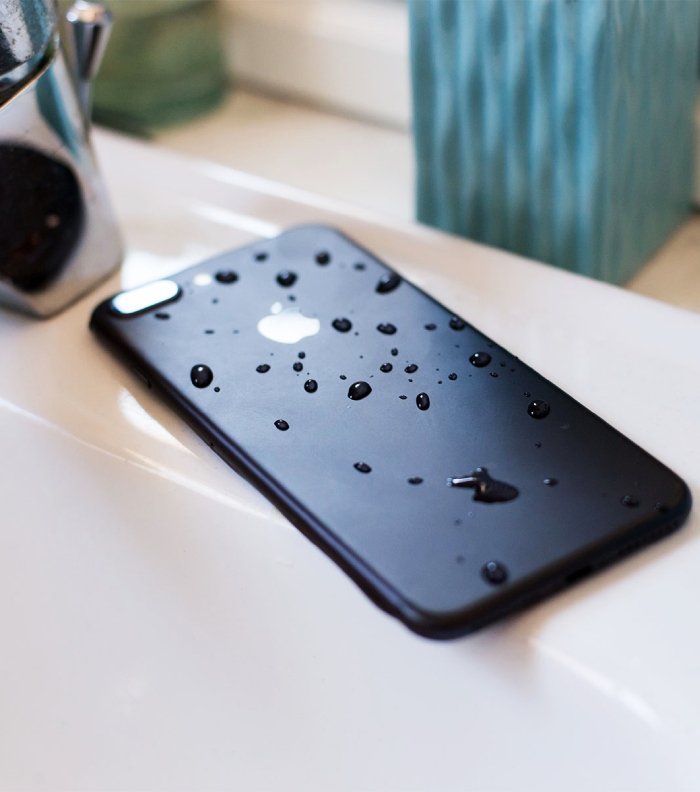
Dropped your phone in water? Follow this proven guide to save it! DIY steps, mistakes to avoid, and when to call a professional.