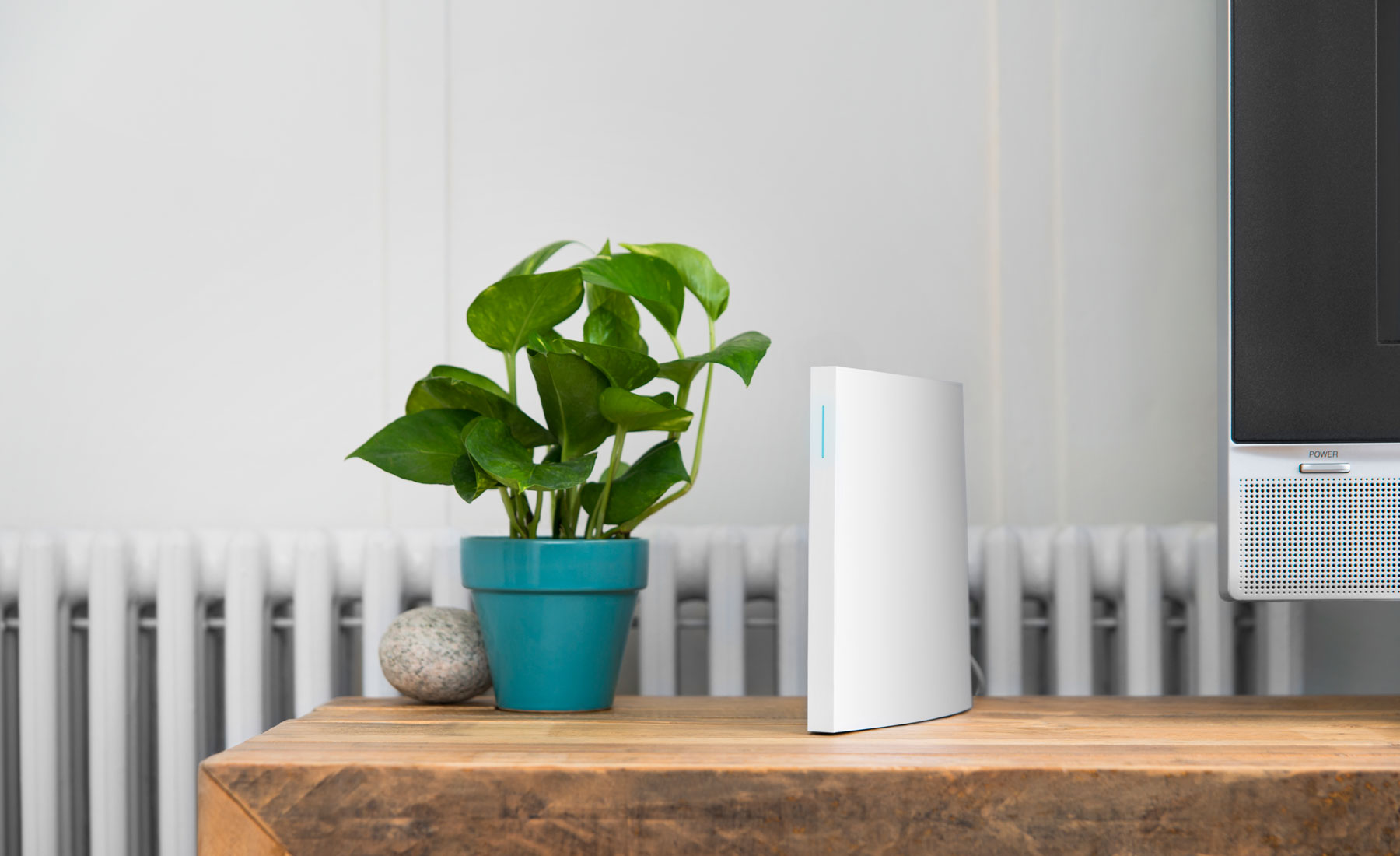
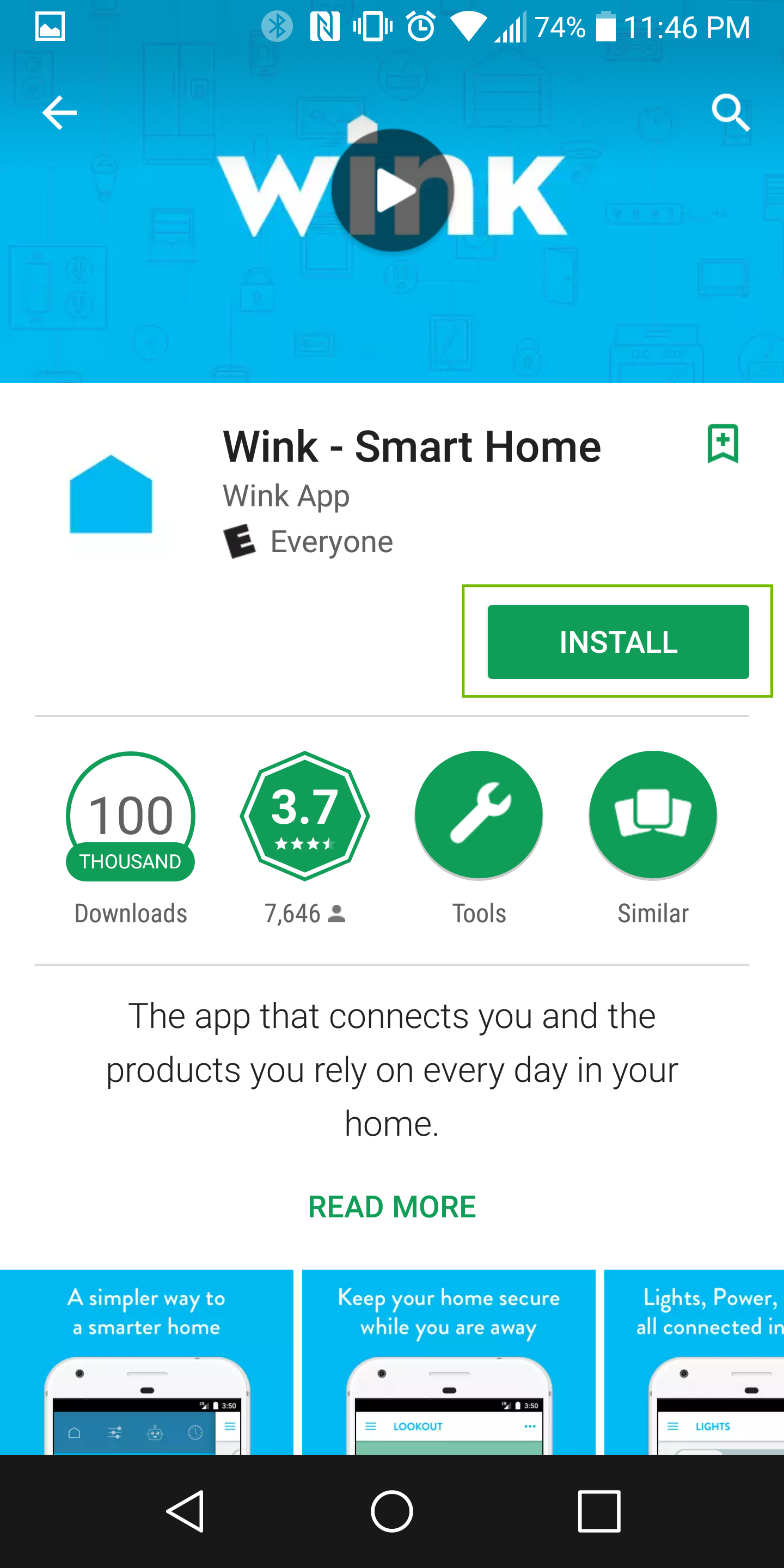
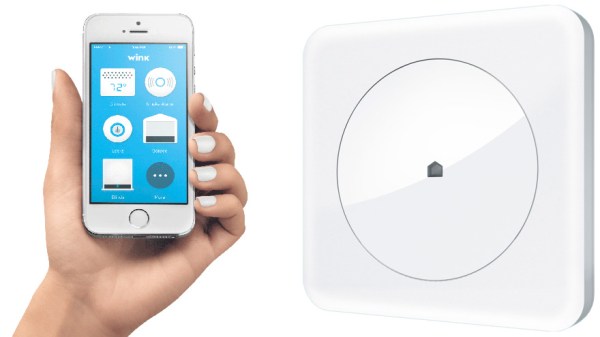
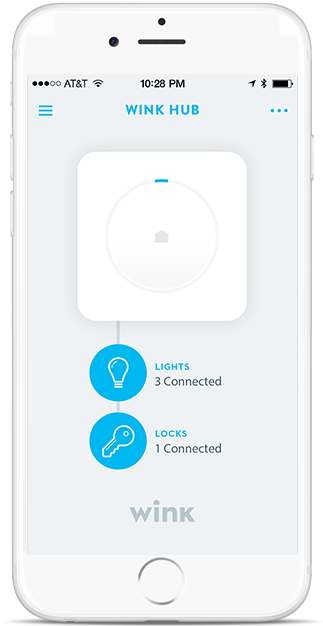
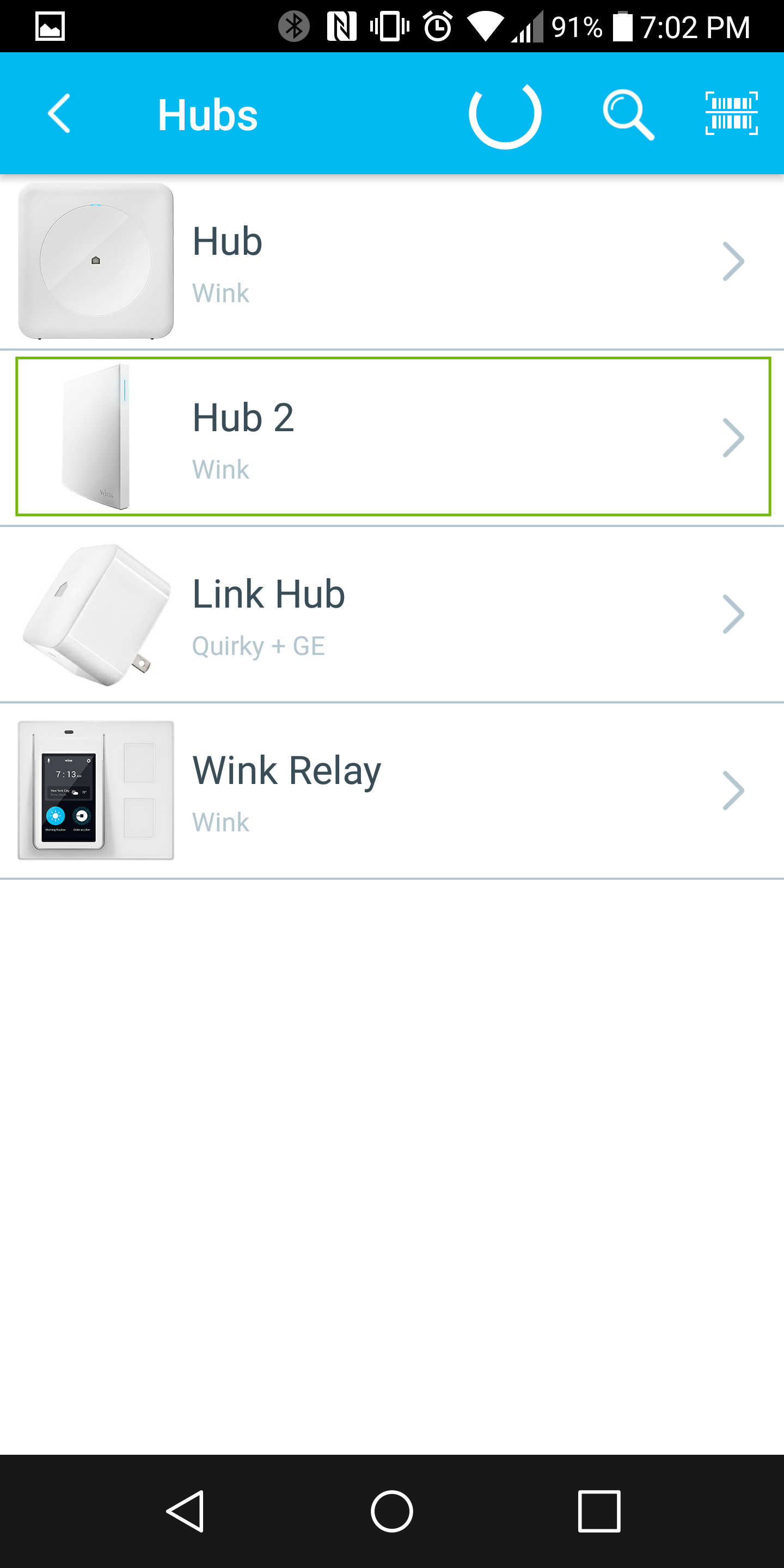
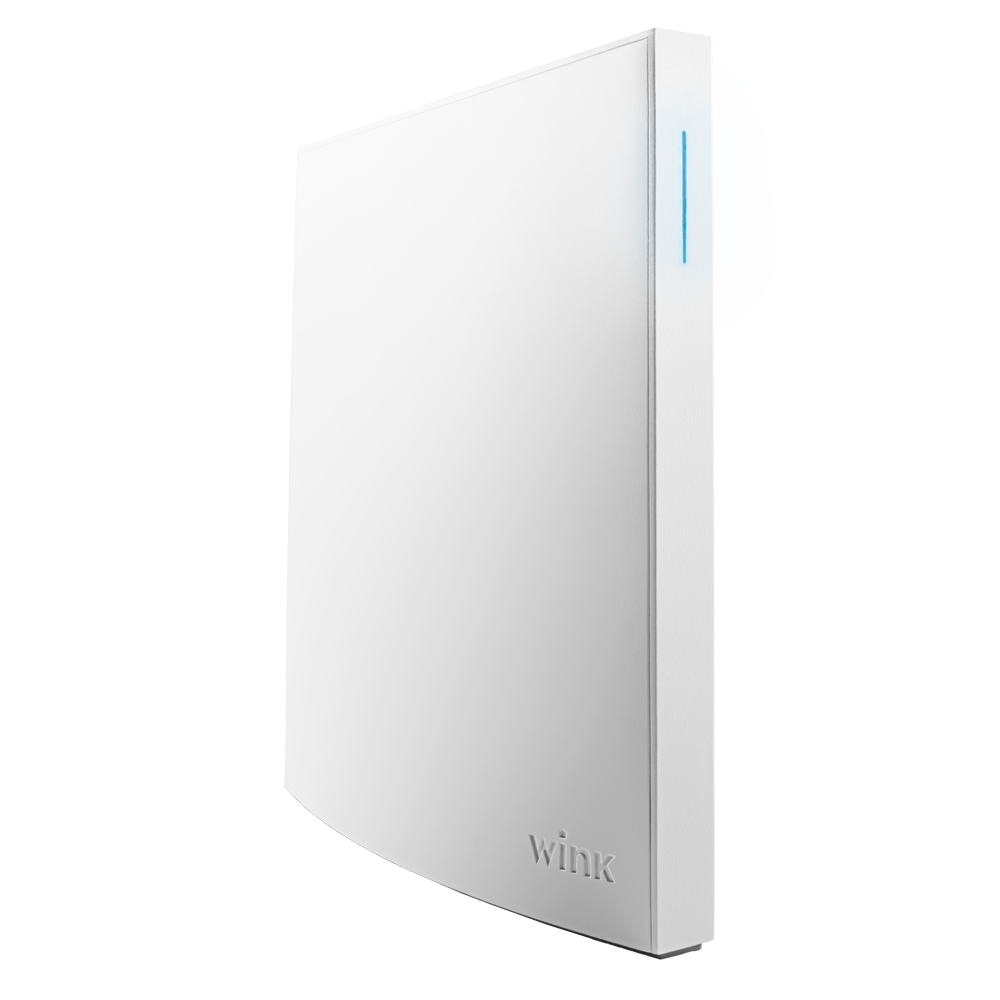
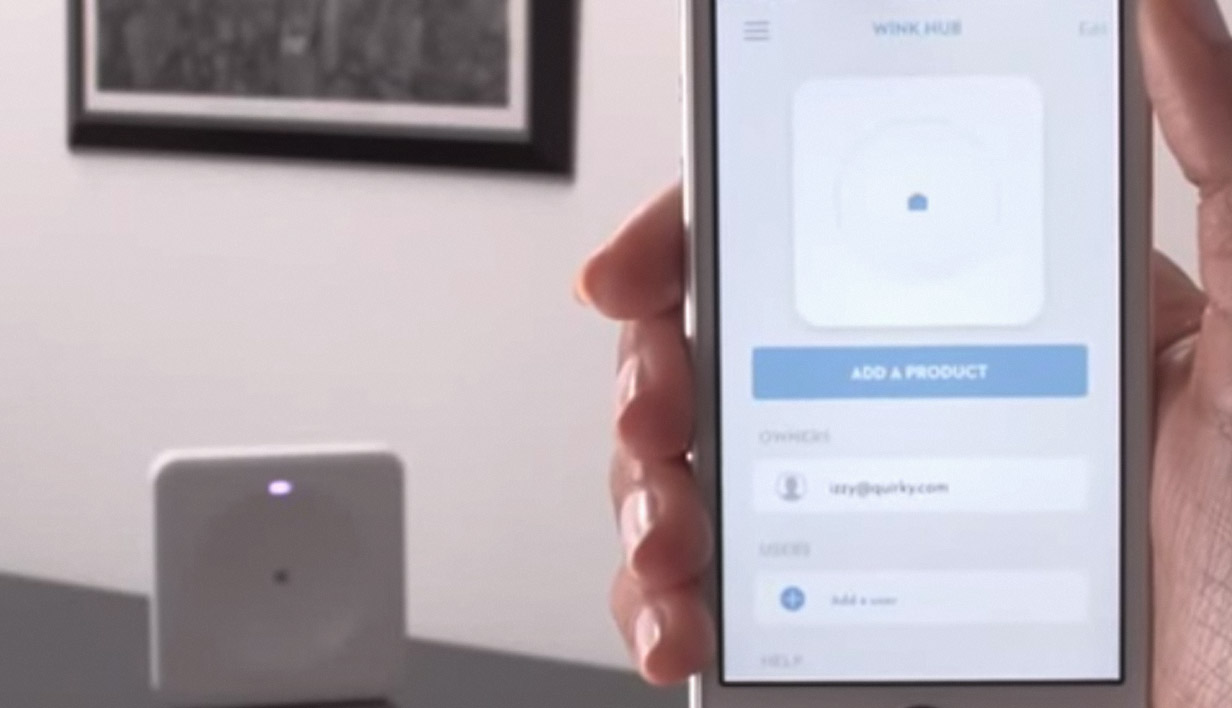
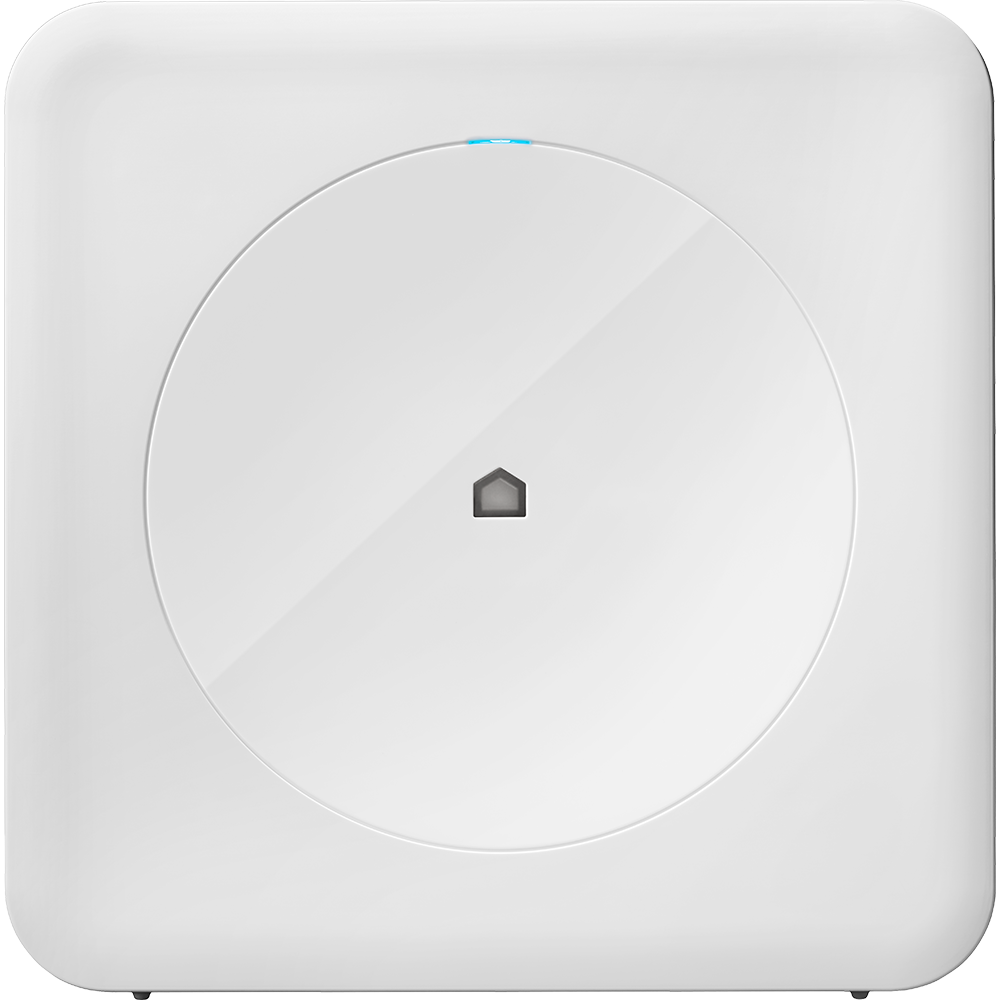
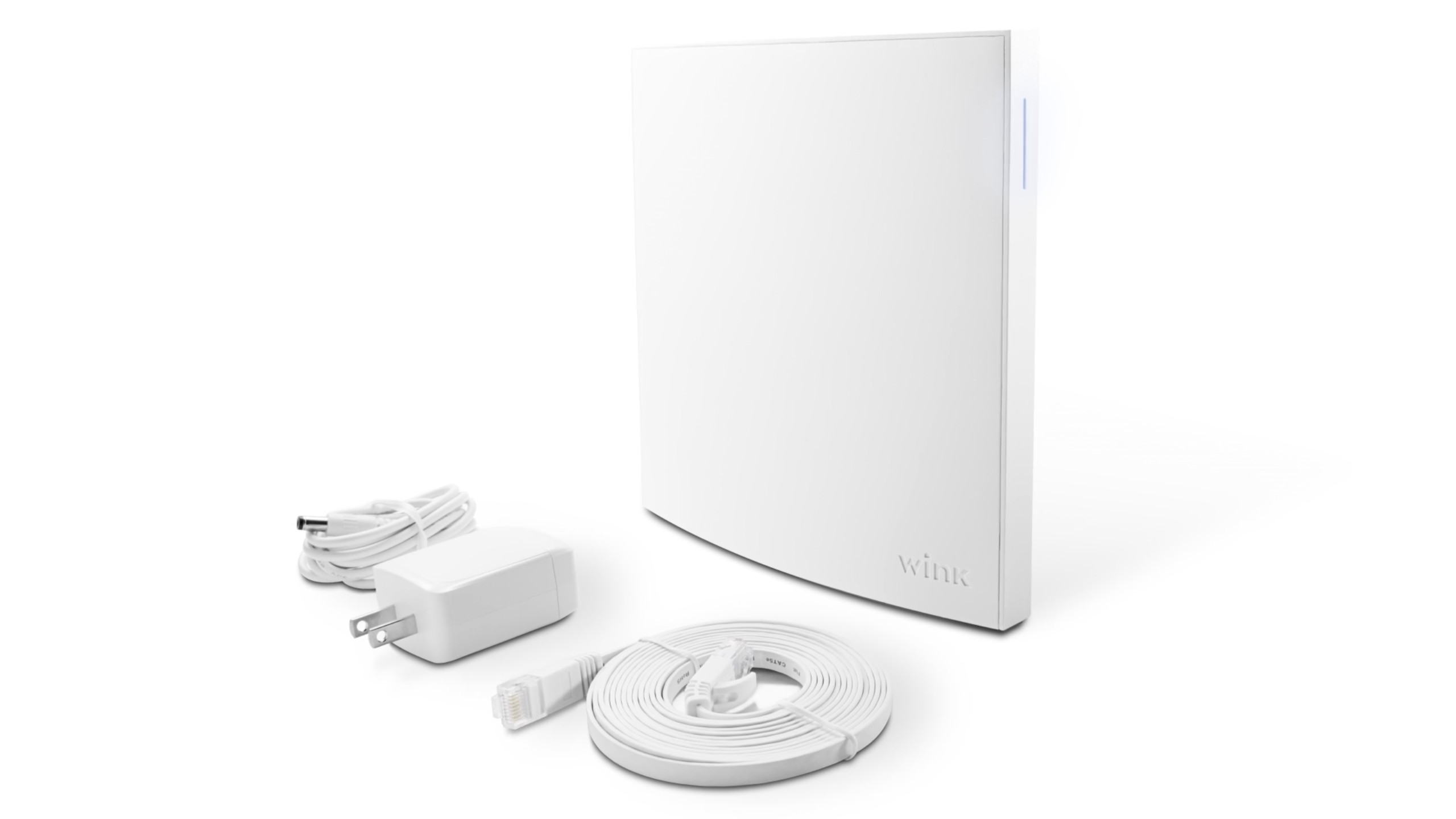
The Wink Hub allows your diverse collection of smart products to speak the same wireless language, so that you can easily control themand customize their interactionsfrom the Wink app.
Discover step-by-step instructions on configuring your Wink Hub for optimal smart home control in this comprehensive article. Learn how to set up the hub, connect devices, create automations, troubleshoot common issues, and enhance your smart home experience effortlessly.

Moving forward, it's essential to keep these visual contexts in mind when discussing Wink Hub Setup.
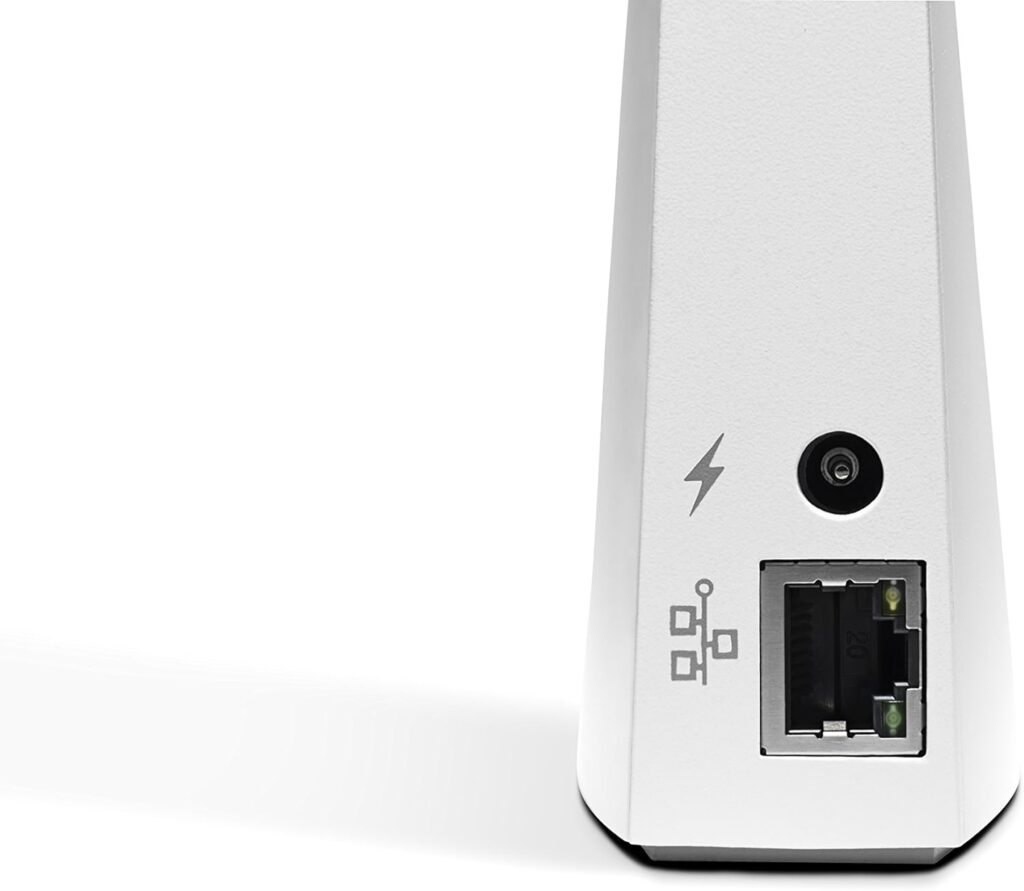
Connect to Internet The simplest option is to connect the Hub directly to your router using the included Ethernet cable. Otherwise, to connect via Wi-Fi, skip this step and follow the instructions in the app after step 3.
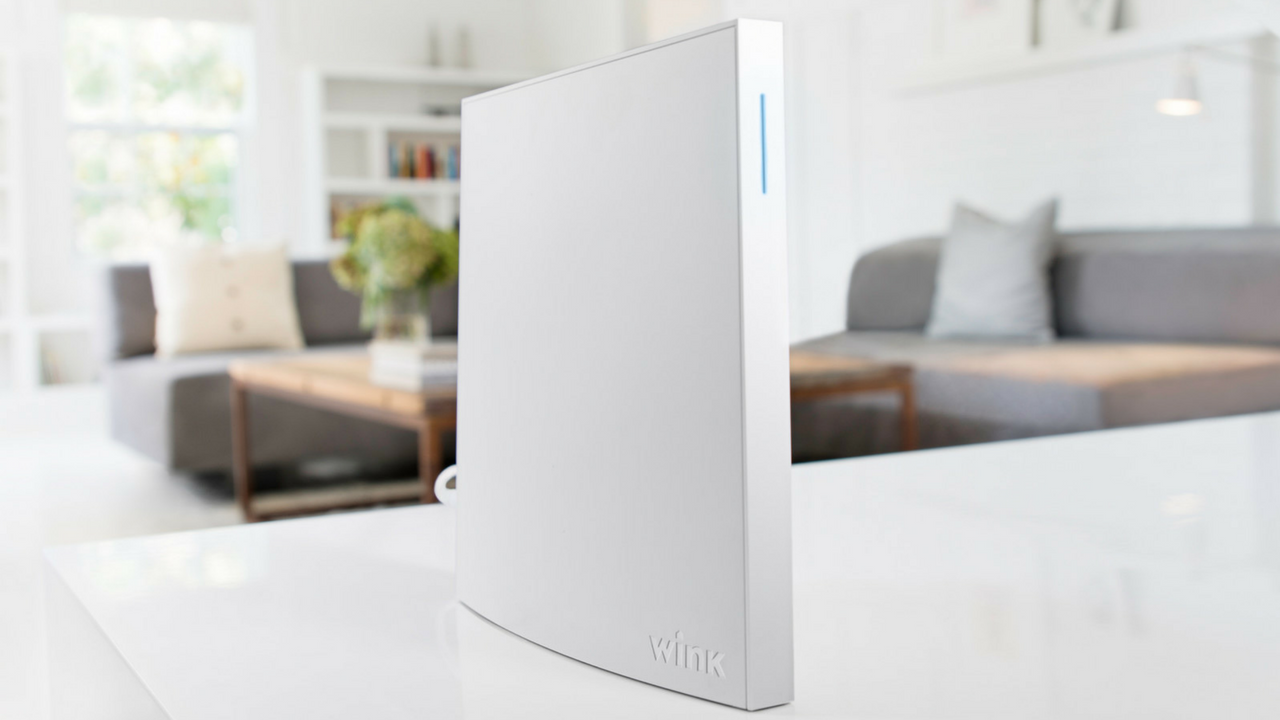
This particular example perfectly highlights why Wink Hub Setup is so captivating.
View and Download WINK HUB 2 quick start manual online. HUB 2 network router pdf manual download.

Discover the intricacies of the Wink Hub through this comprehensive guide, covering setup, customization, and troubleshooting. Learn how to effortlessly manage and control your smart devices to streamline your daily routines and enhance your home automation experience.