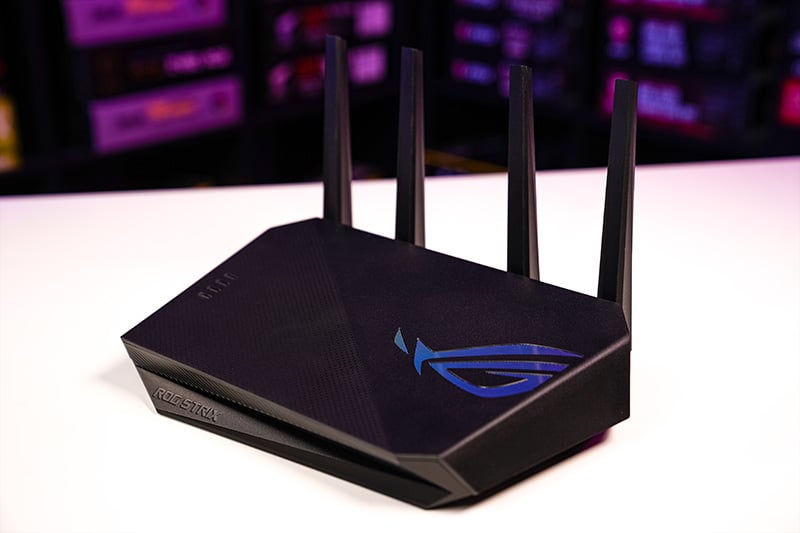
- Youll need to consider every device that connects to the router directly via wired or wireless connections, such as computers, laptops, cell phones, tablets, smart TVs, game consoles, connected doorbells, digital assistants, smart thermostats, Wi-Fi light bulbs, and so on.
3 weeks ago - ... Setting Device Priority: Assign your gaming PC or console as high priority. Limiting Background Devices: Smart TVs, any streaming devices, downloads, or cloud backups can all impact bandwidth.
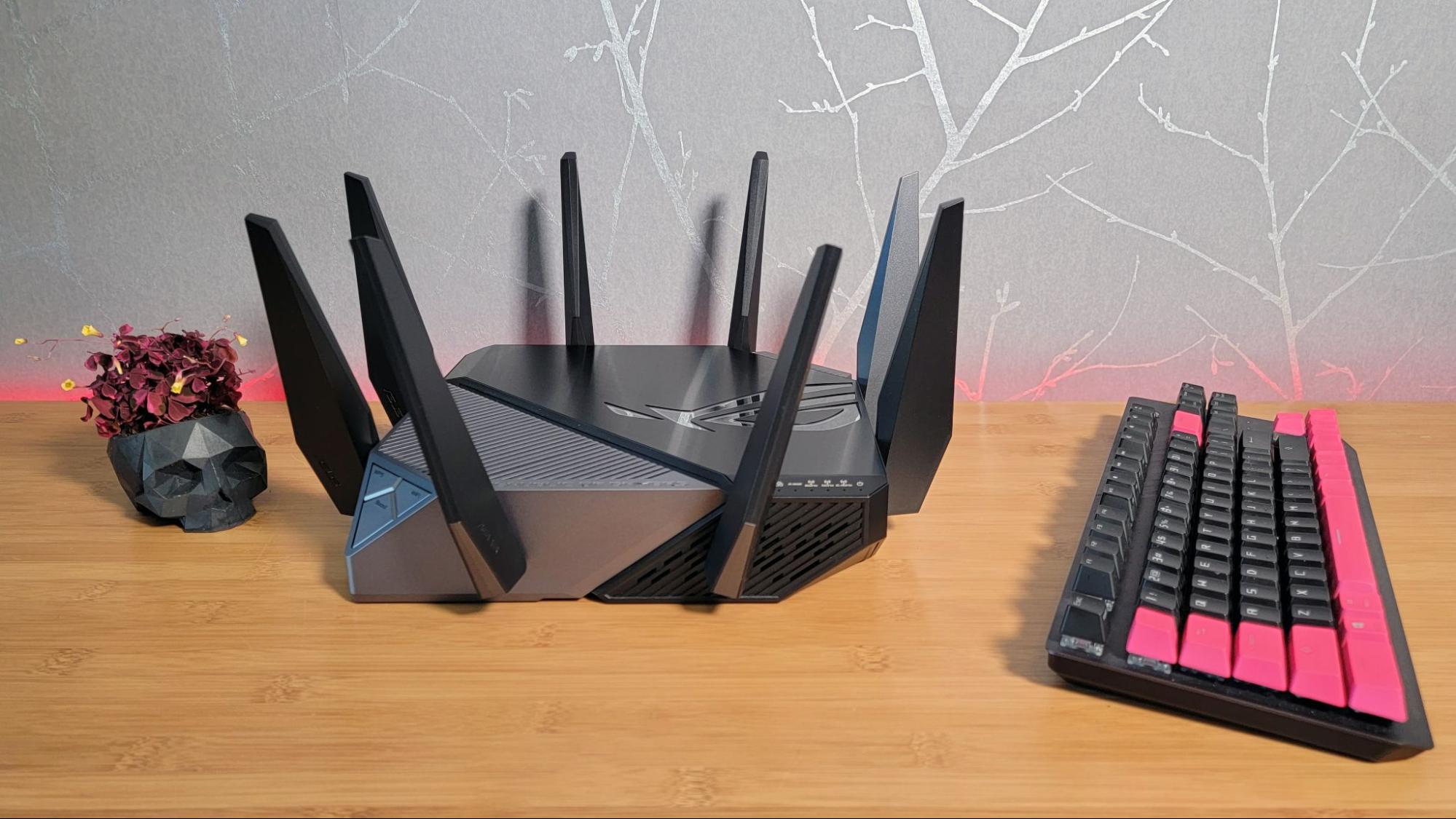
Here are some basic router settings for gaming, these settings should improve connections' in online games, reduce latency / ping, and help with packet loss.... Published
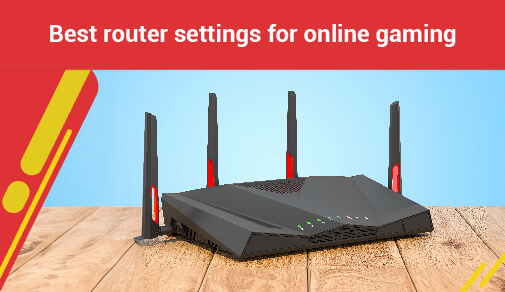
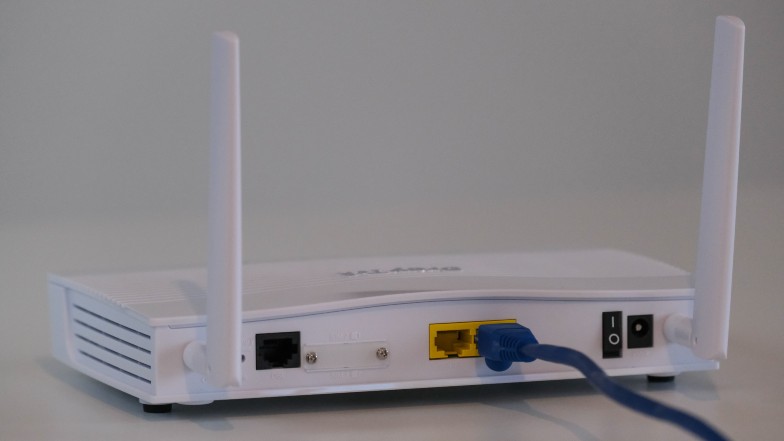
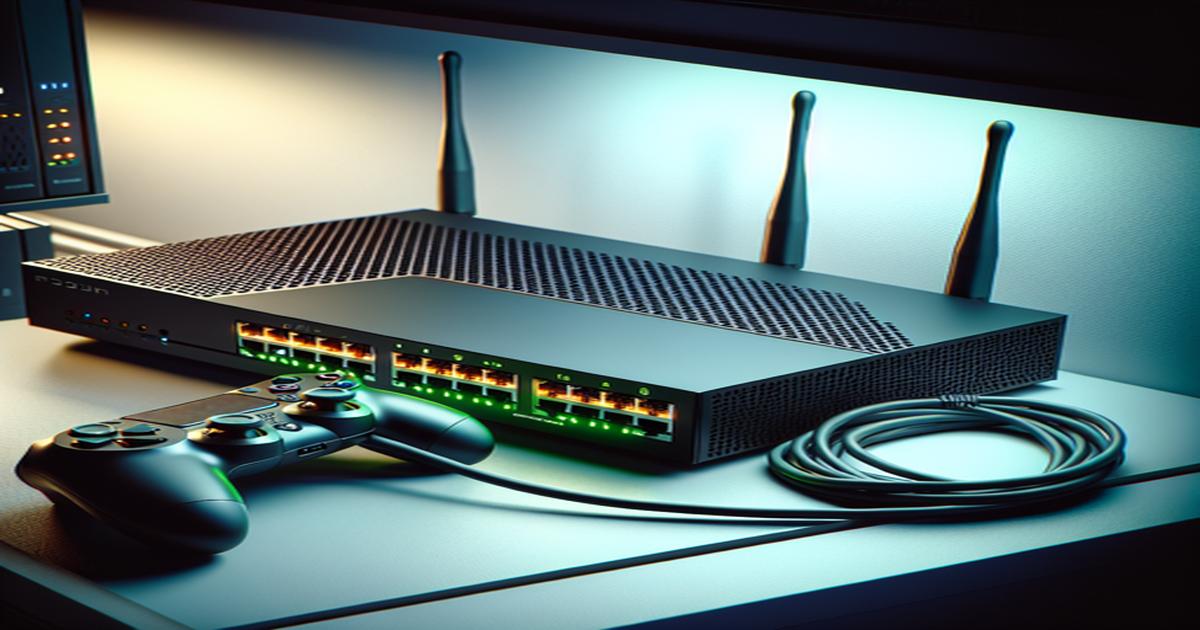
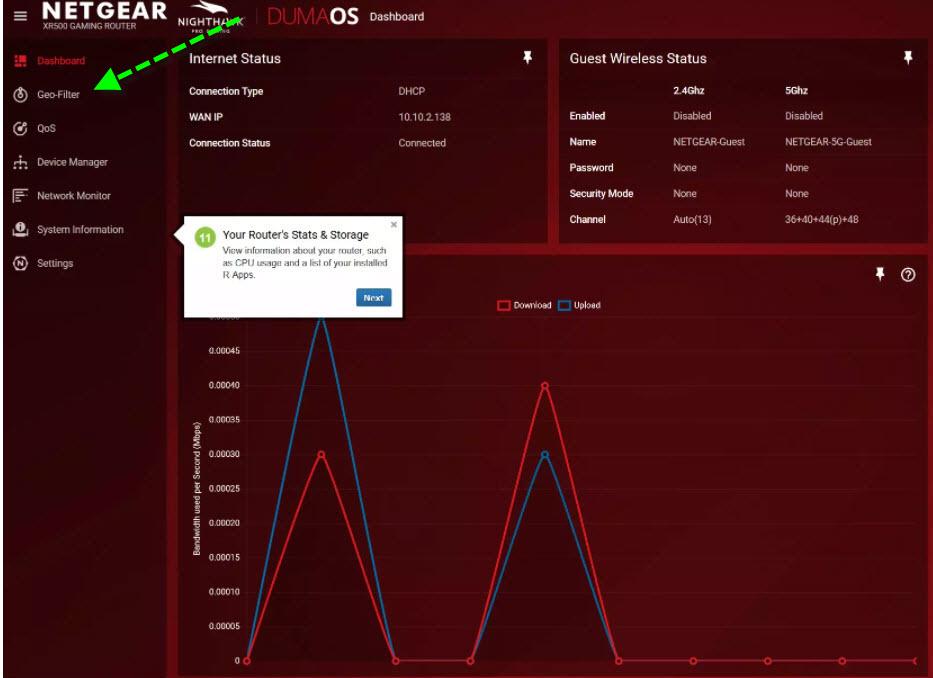
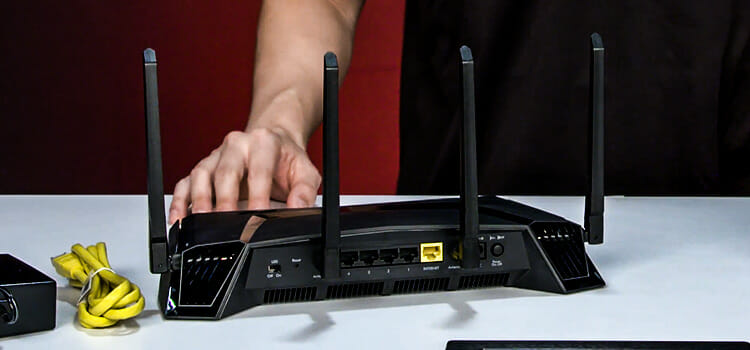
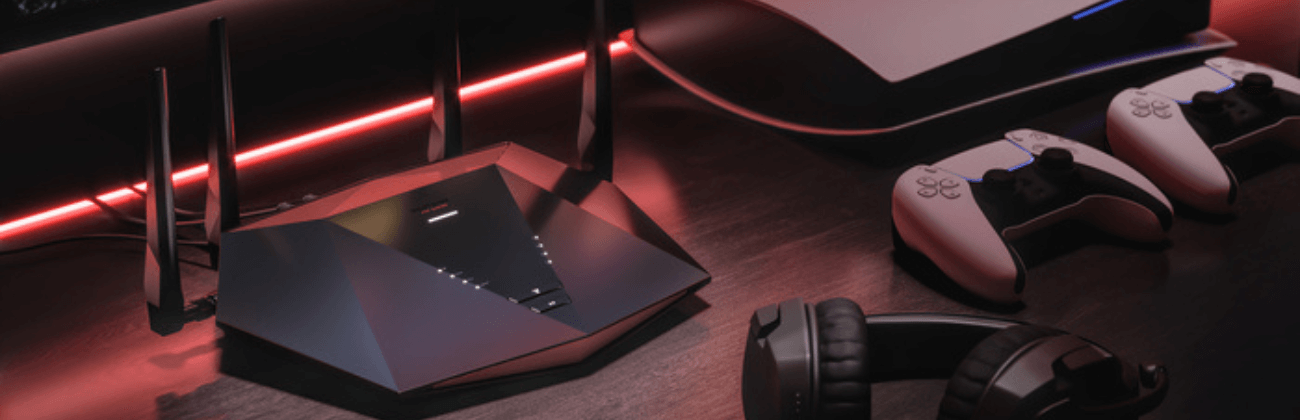
- Ranging from gaming dedicated routers to generic wireless routers, the list includes instructions for QoS Prioritization, using gaming VPNs, enabling plug and play, using static IP, and port forwarding to your advantage. Most routers, including entry-level sub $100 routers, feature the ability to prioritize the internet for a particular type of content or a specific device. A few gaming routers have a dedicated gaming port to plug in your gaming console.
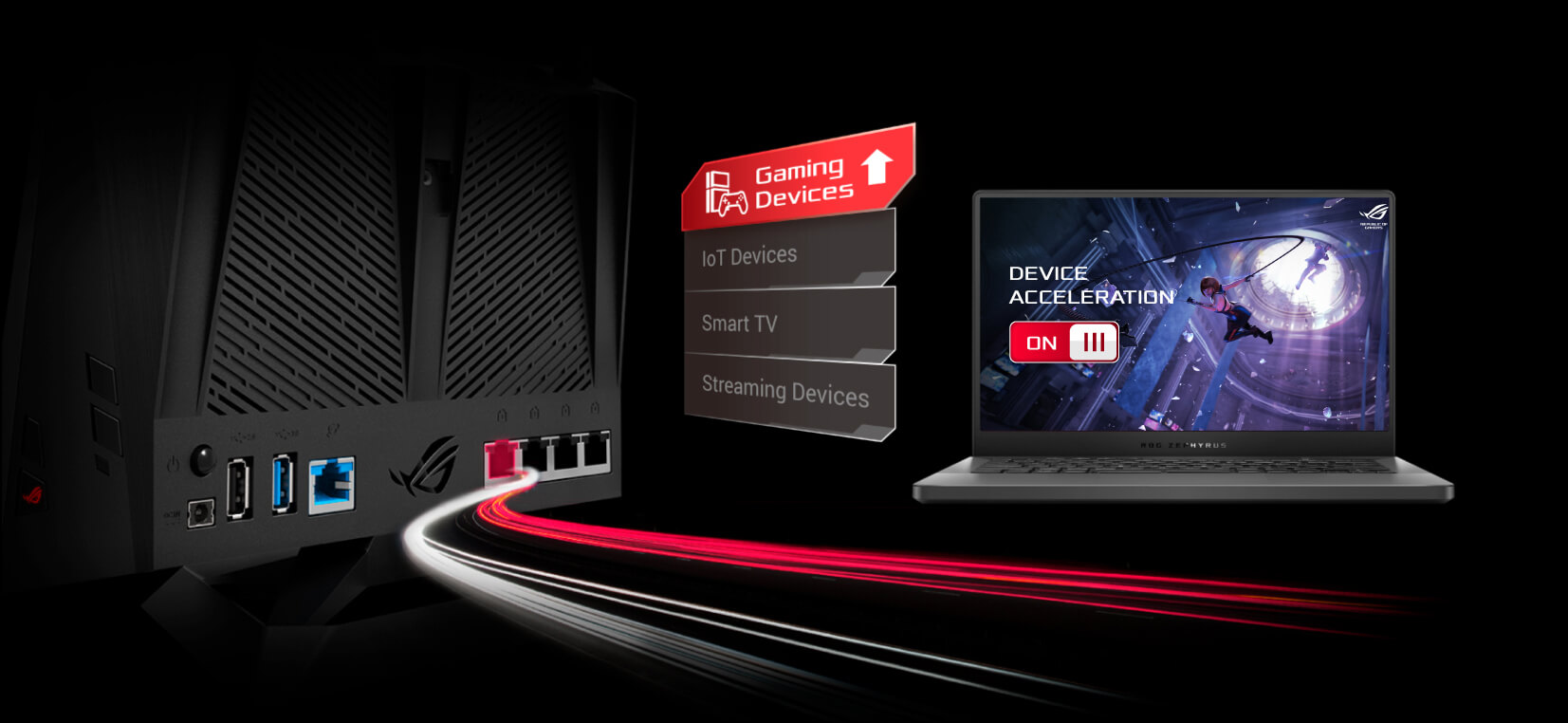
Moving forward, it's essential to keep these visual contexts in mind when discussing Wireless Router Settings For Gaming Console.
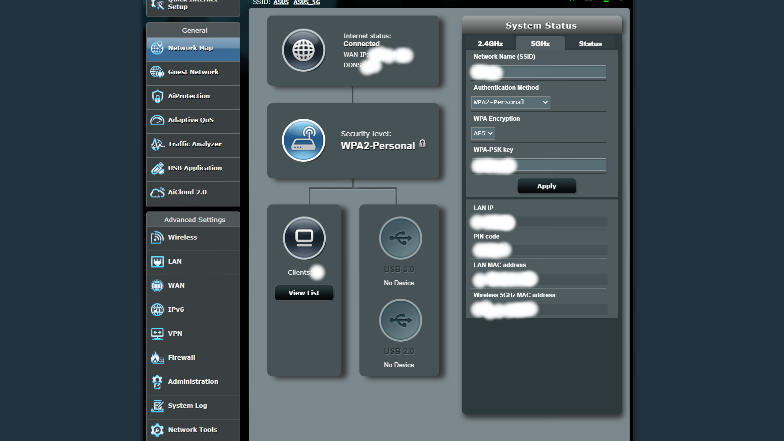
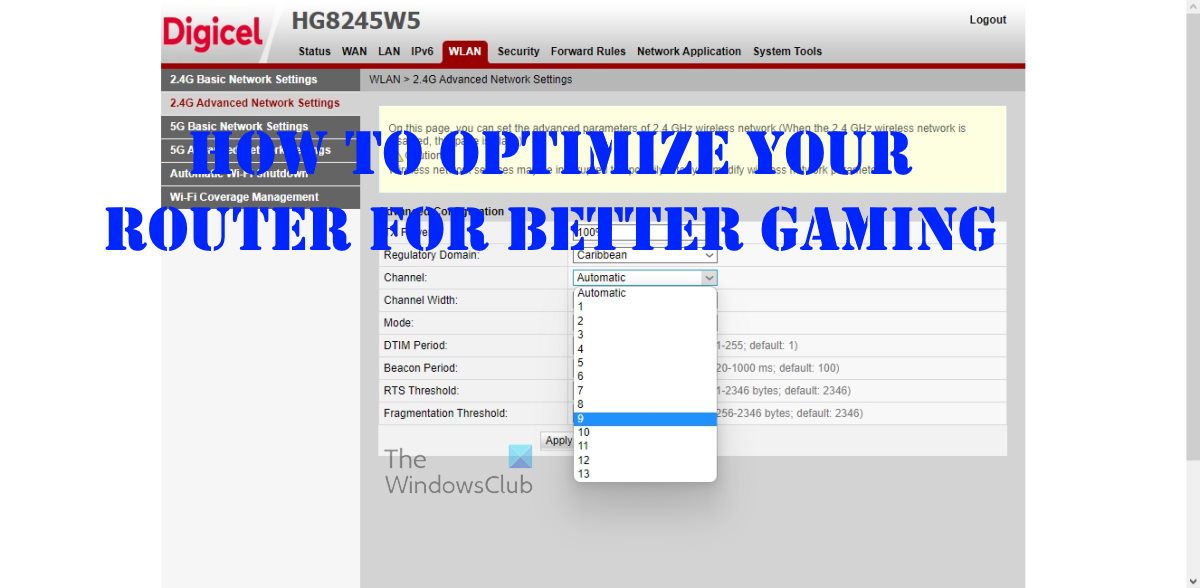
Go into your router settings, under Wireless Settings -> 5GHz, and manually set the channel to the empty one you found. Changing your DNS server can speed up matchmaking, game downloads, and web browsing.